Create: Disc Jockey
- By
IN BETA! Adds a Blaze DJ that plays music disc playlists, accepts player song requests, and integrates with Create logistics and optional Numismatics payments
Screenshot 2026-10-13 201524.png
Screenshot 2026-10-13 201546.png
Screenshot 2026-10-13 201528.png
Screenshot 2026-10-13 201532.png
Screenshot 2026-10-13 201538.png
Description
Create: Disc Jockey puts a captured Blaze behind the decks. Build a music venue with reusable playlists, public song requests, and physical record deliveries through Create’s logistics network.
Set up background music for your factory, run a record store listening station, or let patrons choose the next track at your tavern.
Currently in beta - 0.1.0-beta. Core features are implemented and tested, with further polish and playtesting underway.
Features
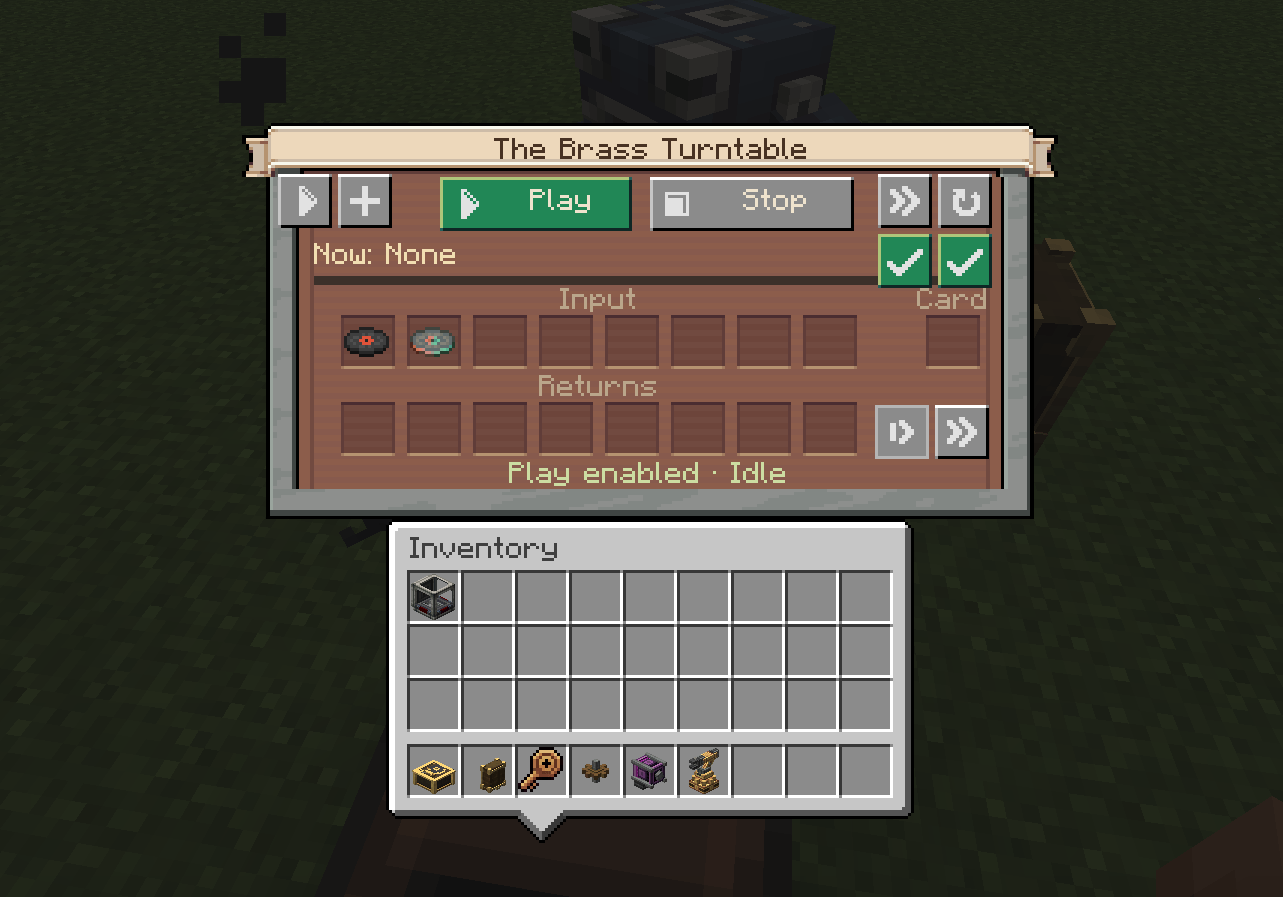
- Blaze-operated DJ Console with an animated DJ and a visible, spinning record
- Reusable Playlist Cards holding up to 64 songs, with editing, ordering, repeat, and shuffle controls
- Five playback modes: Playlist, Shuffle, Radio, Request, and Manual
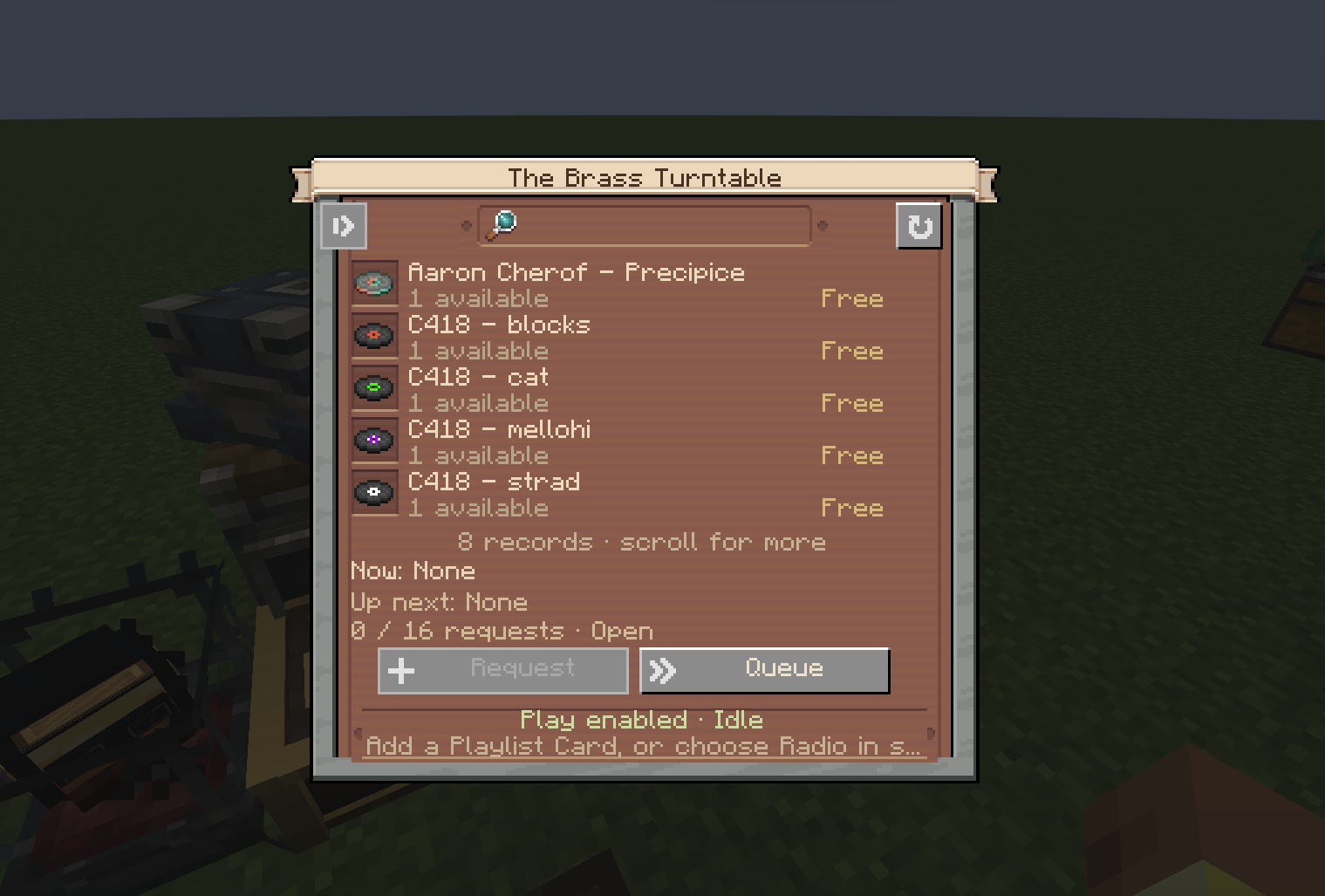
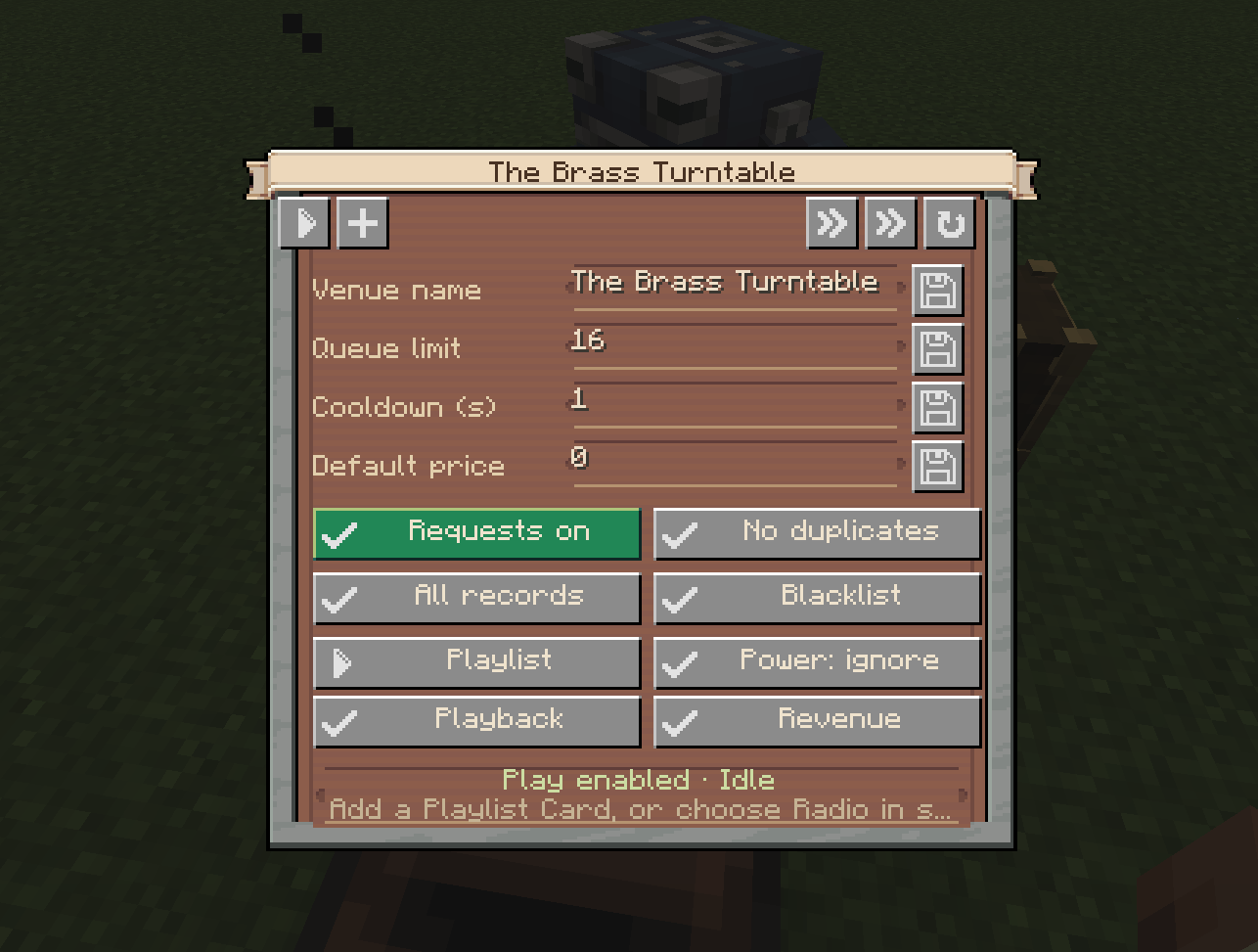
- Music Request Terminals with a searchable catalog and upcoming song queue. Link multiple terminals to one DJVenue controls for request cooldowns, queue limits, duplicate requests, allowed songs, and individual song prices
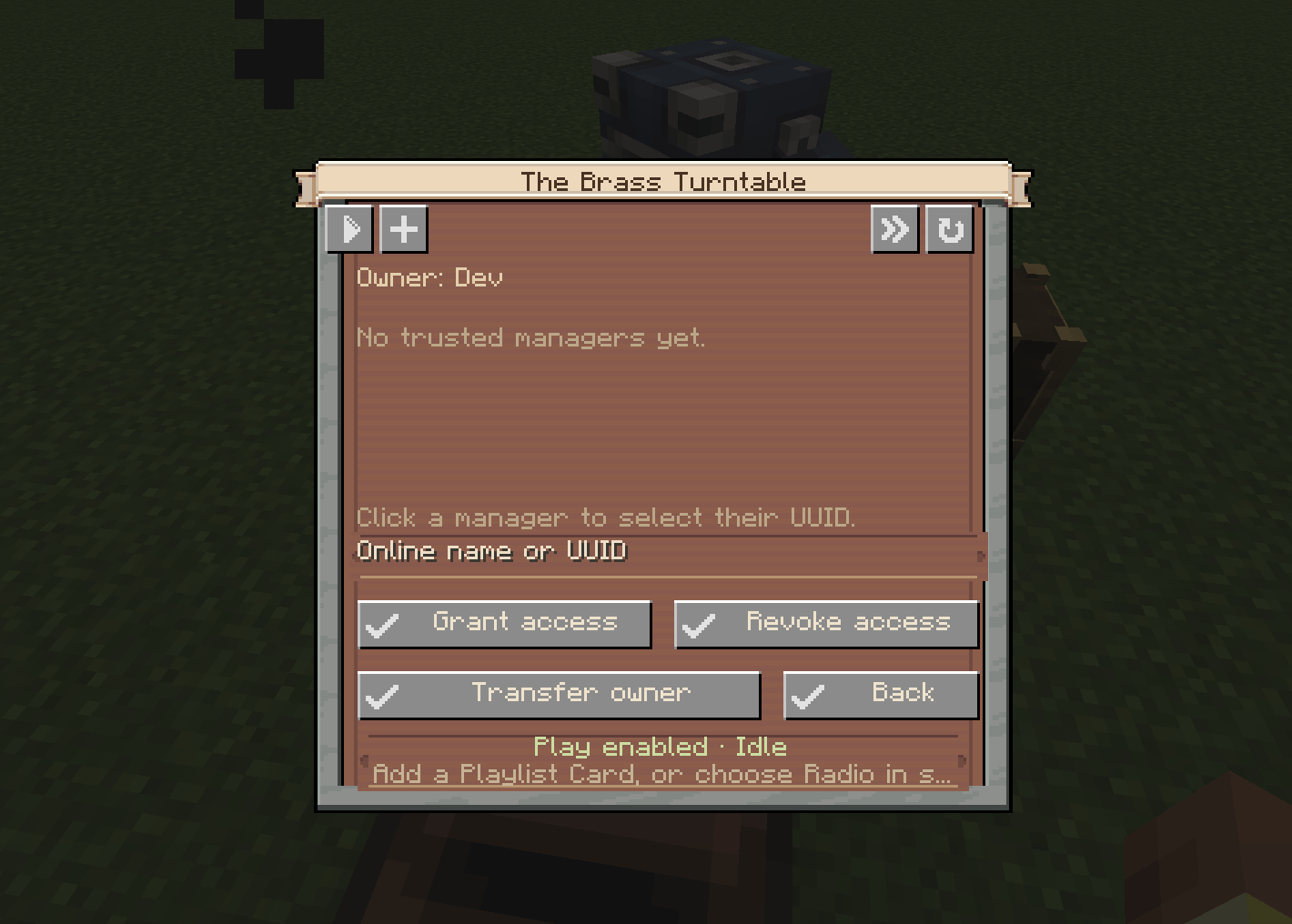
- Shared venue management with trusted managers and ownership transfer
- Song skipping: venue managers can skip tracks, and patrons can skip their own currently playing request
- Create logistics integration: order real discs from connected storage, receive them through Packagers, and package played records for return
- Display Storage Controller supporting up to 64 linked Create Placards, with physical pickup and return to the original display slot
- Display Retriever for native gantries and minecart contraptions, alongside Mechanical Arm pickup and restoration
- Engineer’s Goggles and Display Link support for current and upcoming songs, queue size, venue status, and remaining time
- Automation support for funnels, hoppers, Mechanical Arms, redstone, and comparator output
- Missing-record policies: wait, skip after a timeout, or play a locally stocked fallback
- Optional Numismatics payments using coins or bank cards, with refunds for canceled, unplayed requests
Expand your in-game music library with Overworld Records :)
Build a record wall
Display your real discs on Create Placards behind glass, then link them to a Display Storage Controller.
Use Mechanical Arms or a moving Display Retriever to collect requested records and feed them into your package route. After playback, your return machinery brings each disc back to its assigned display slot.
Create supplies the movement, storage, and transportation—you build the machinery around your venue.
Getting started
Place a DJ Console with a captured Blaze Burner directly behind it, at the same height, and an empty vanilla jukebox within three blocks. The Blaze does not need fuel.
Add real discs to the console, insert a populated Playlist Card, and press Play. Playlist entries remember your selections without consuming discs.
For public requests, right-click the console with a Station Link, then right-click each Music Request Terminal to pair it.
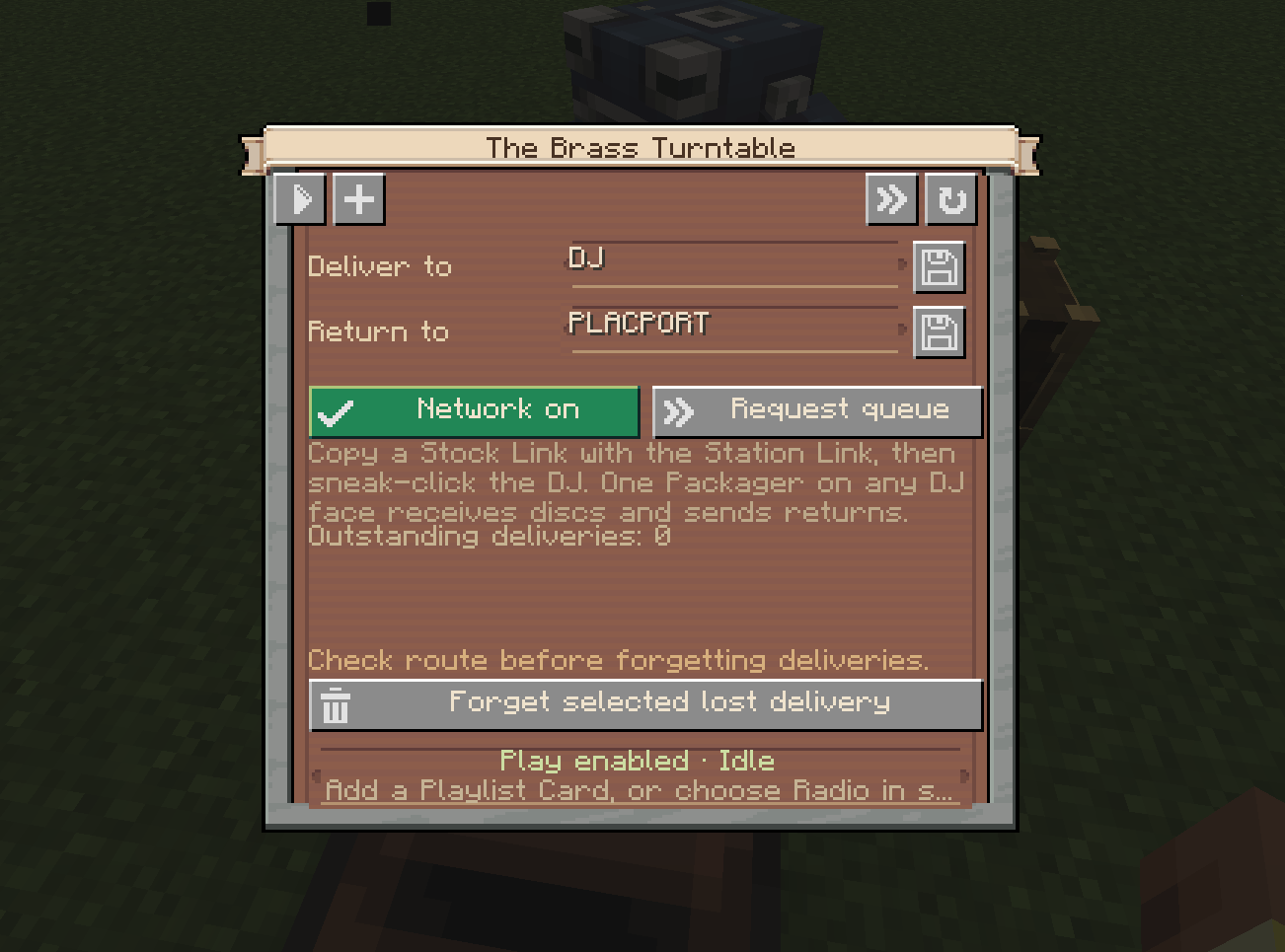
For network deliveries, use the Station Link to copy an existing Stock Link’s network, then sneak-right-click the DJ Console and any Display Storage Controller you want on that network.
One Packager on any free console face can handle incoming discs and outgoing returns. Point its inventory interface into the console, build the package route, and use distinct delivery and return addresses.
Compatibility
Supports vanilla records and modded records using Minecraft’s standard jukebox song system, with optionalintegrations for Etched and Music Disc Maker custom records.
Create: Numismatics is optional. Without it, public requests are free.
Create: Disc Jockey Team

Owner