Tired because your typing skill is so slow? because commands too long? or because your keyboard crashed? This is what you need.
Features:
- Create your own custom commands with simple text and speed up your time
- Bind many commands to one key word, unlimited commands, config is super easy to use
- Set the required permission level for each command (normally 4 = op), or use a LuckPerms permission node
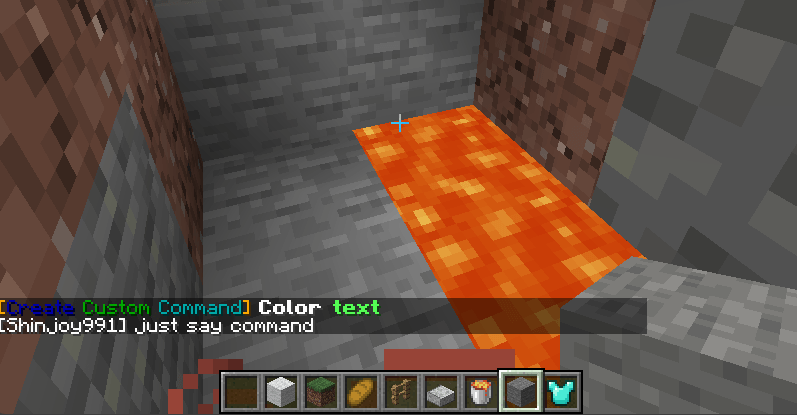
- Toggle each command's feedback, or customize it with colored text (& color codes), players receive your message instead of the vanilla one
- Cooldown per command and per player (for example a /feed command for a VIP rank)
- Clickable link command: players type a command and get a clickable URL, only they see it
- Works from player chat, console, command blocks and functions, and keeps /execute context (position, dimension)
- Normal players can run powerful commands safely, for example teleport to a set location, without being op
- /reload applies config changes, no restart needed
- Server-side only, players do not need the mod installed
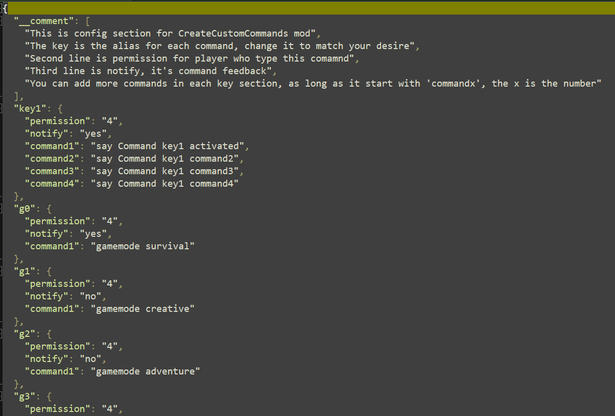
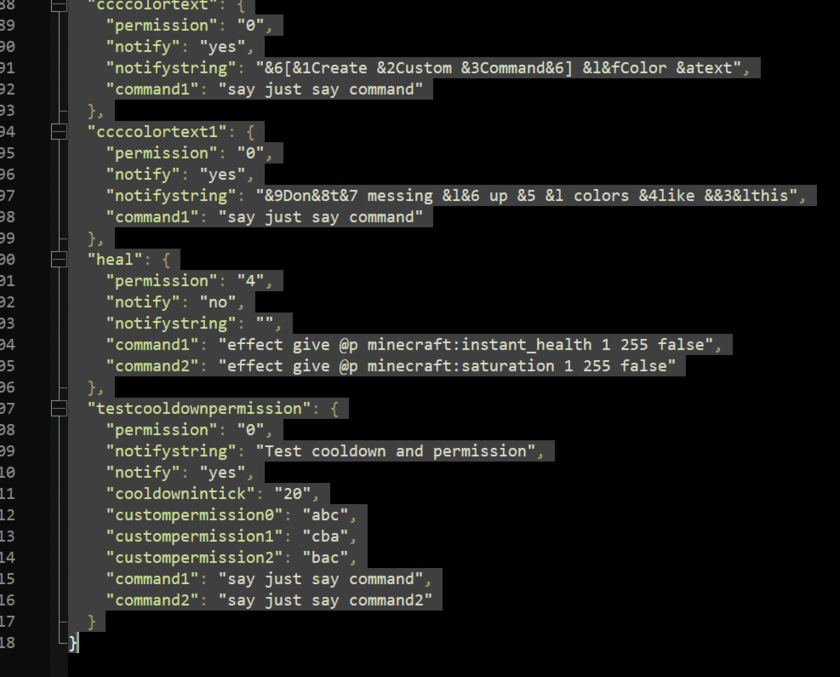
Config file: config/createcustomcommands/createcustomcommands_config.json
Keys of each command:
- permission: a level 0-4 (default 4), or a LuckPerms permission node
- permissionlevel: fallback level used with a custom node (default 4)
- notify: yes or no, command feedback
- notifystring: your own feedback message, & color codes supported
- cooldown: seconds per player (default 0)
- cooldownmessage: message while on cooldown, {time} shows the time left
- url, urltext: clickable link (http or https only) and its text
- command1, command2, ...: the commands to run, @s is the player who typed it
Example:
"feed": {
"permission": "vip.feed",
"permissionlevel": "4",
"notifystring": "&aYou have been fed!",
"cooldown": "300",
"cooldownmessage": "&cYou can use /feed again in {time}.",
"command1": "effect give @s minecraft:saturation 1 19 true"
},
"discord": {
"permission": "0",
"url": "https://discord.gg/yourcode",
"urltext": "&b&l[Click here to join our Discord]"
},
"spawn": {
"permission": "0",
"cooldown": "60",
"command1": "execute in minecraft:overworld run tp @s 0 100 0"
}
LuckPerms (optional):
- Every command has the node create_custom_command.command.<key>, for example /lp group vip permission set create_custom_command.command.feed true
- Or write your own node in "permission", for example "vip.feed", then /lp group vip permission set vip.feed true. Several commands can share one node
- A node that is not set falls back to the permission level. Without LuckPerms only the level is used
- A new node name added while the server is running works with LuckPerms after a restart, until then the level is used
Notes:
- Cooldowns are not saved when the server restarts
- Existing configs from older versions keep working
Some pre-definition:
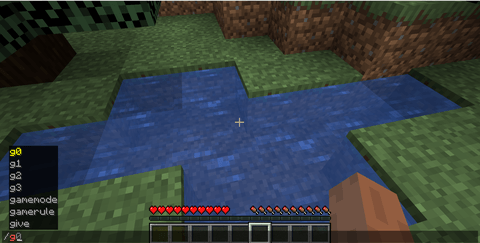
- /g0 : gamemode survival
- /g1 : gamemode creative
- /g2 /g3
- /d0 : difficulty peacefull
- /d1 : difficulty easy
- /d2 : difficulty normal
- /d3 : difficulty hard
- /d : time set day
- /n : time set night
- /k : kill all entity EXCEPT players
- /ki : kill all items
- /km : kill all mobs
- /wea : clear sky
- /heal: full heath and sarturation
Config:
In game:
Create Custom Commands Team

Owner