
Create: Blueprint Visualizer(机械动力:阅炮神器)
- By
Create: Blueprint Visualizer
A Create mod addon that visualizes material requirements for the Blueprint Cannon — builder-friendly and tool-oriented.
Features
-
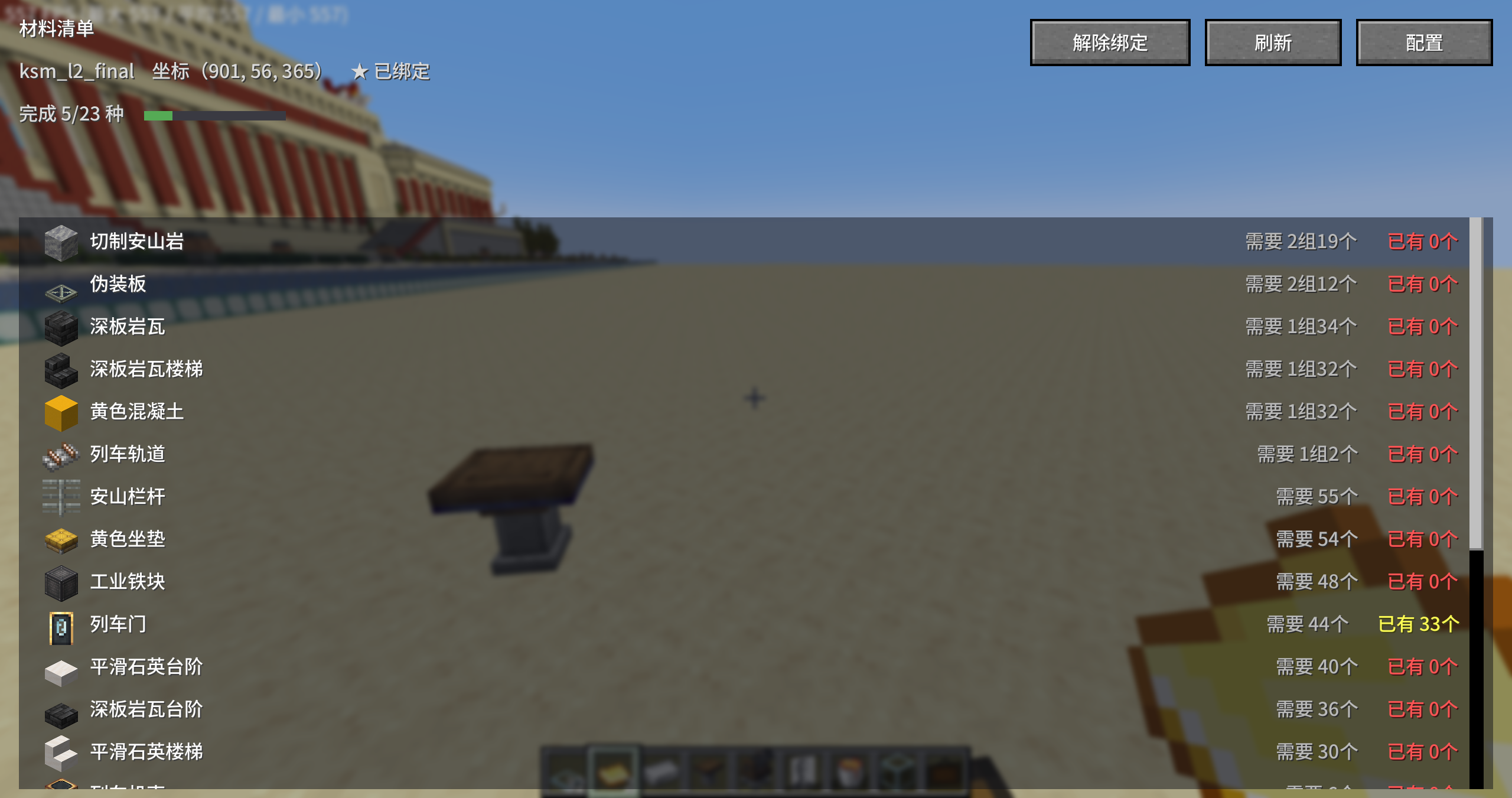
Material Panel (Keybind) – Press G to open the material list interface (ESC to close) — scrollable list with item icons, required/available quantities (color-coded green/yellow/red), and a total progress bar. Includes "Refresh", "Bind / Unbind This Cannon", and "Config" buttons.
-
Real-time HUD (Optional) – When enabled in config, the material panel stays on screen as a HUD (toggle with H key; disabled by default). PageUp/PageDown to flip pages (keybinds customizable), with rows per page adjustable in config.
-
Bind to a Blueprint Cannon – A "Bind This Cannon" button is added to Create's native Blueprint Cannon GUI (can also be bound from the material panel). Once bound, the HUD/panel always displays that cannon (no distance limit), showing its coordinates and blueprint file name (e.g.,
114514). Auto-unbinds when printing finishes. -
Real-time Updates – Syncs from the server every second (using the same logic as Create's built-in "Material List Book"). Adding/removing materials refreshes within 1 second, and remaining requirements decrease during printing. The panel's scroll position won't be reset to the top by each refresh.
-
Auto-detects All Adjacent Containers – Includes chests, barrels, shulker boxes, item vaults, and other mod containers/backpacks placed directly adjacent to any of the cannon's 6 sides.
-
Flexible Quantity Formatting – Choose between Box · Group · Piece / Group · Piece (default) / Raw numbers. Automatically converts based on stack size (e.g., banners are 16/stack; non-stackable items display as individual counts).
-
Sorting & Filtering – Sort by quantity descending (default), ascending, or alphabetically. Sufficient materials are automatically pushed to the bottom, with an option to hide sufficient materials entirely (hidden by default).
-
In-Game Config Screen – Access via "Mod List → Create: Blueprint Visualizer → Config" (or directly via the "Config" button in the top-right corner of the panel).
-
12 Languages – Simplified Chinese, Traditional Chinese, Classical Chinese (lzh), English, Japanese, Korean, Russian, French, German, Spanish, Portuguese, and Arabic.
机械动力:阅炮神器(Create: Blueprint Visualizer)
机械动力(Create)附属模组 —— 把蓝图大炮的材料需求可视化显示,建筑党/材料工具人友好。
功能
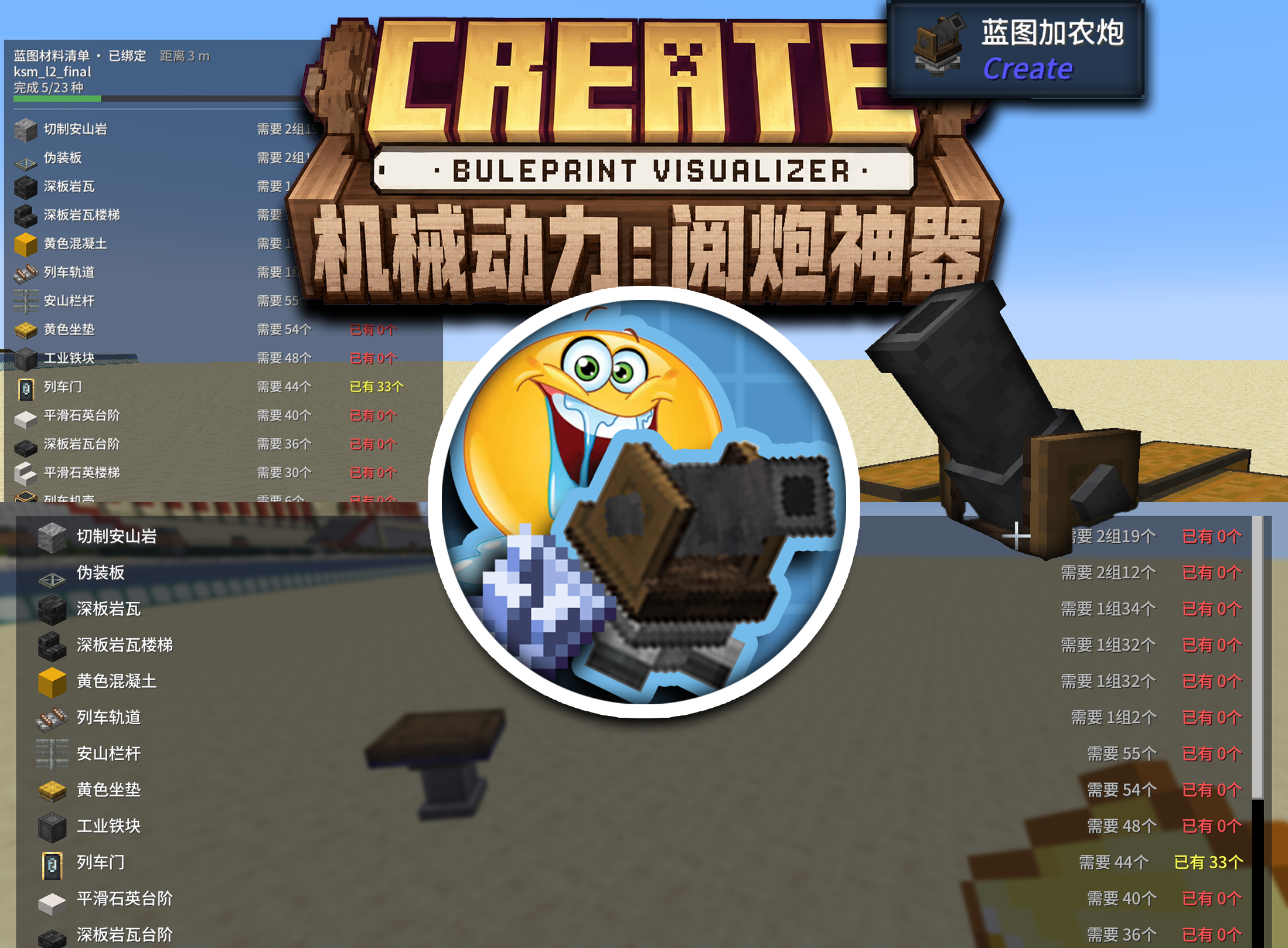
- 按键材料面板:按 G 打开材料清单界面(ESC 关闭)——可滚动列表、物品图标、需要/已有数量(绿/黄/红着色)、总进度条,附「刷新」「绑定此大炮 / 解除绑定」「配置」按钮
- 实时 HUD(可选):配置中开启「实时 HUD 显示」后,材料面板以 HUD 形式常驻屏幕(H 键开关);默认关闭;PageUp/PageDown 翻页(键位可改),每页行数在配置中调
- 绑定蓝图炮:在 Create 蓝图大炮的原生 GUI 中新增「绑定此大炮」按钮(也可在材料面板中绑定)。绑定后 HUD/面板始终显示该大炮(不受距离限制),并显示其坐标与蓝图文件名(如
114514);打印结束自动解绑 - 实时更新:服务端每秒同步(与 Create 自带「材料清单书」同源逻辑),放/取材料 1 秒内刷新,打印过程中剩余需求随之减少;面板滚动位置不会被每秒刷新拽回顶部
- 自动统计一切相邻容器:大炮 6 个方向紧邻的箱子、木桶、潜影盒、物品保险库、以及其它模组的容器/背包
- 数量格式可选:盒·组·个 / 组·个(默认)/ 纯数字;按物品堆叠上限自动换算(旗帜 16/组、不可堆叠物品直接显示个数)
- 排序与过滤:数量降序(默认)/ 升序 / 首字母;已足够的材料自动排最后,且可配置「隐藏已足够的材料」(默认隐藏)
- 内置配置界面:游戏内「模组列表 → 机械动力:阅炮神器 → 配置」(或面板右上角「配置」按钮直通)
- 12 种语言:简中、繁中、文言(lzh)、英、日、韩、俄、法、德、西、葡、阿拉伯