
Create: Avionics — ComputerCraft for Aeronautics
- By
116a4aeb206a7dd8623ed9fb4d0b012fc49a6784.jpg
Description
Create: Avionics
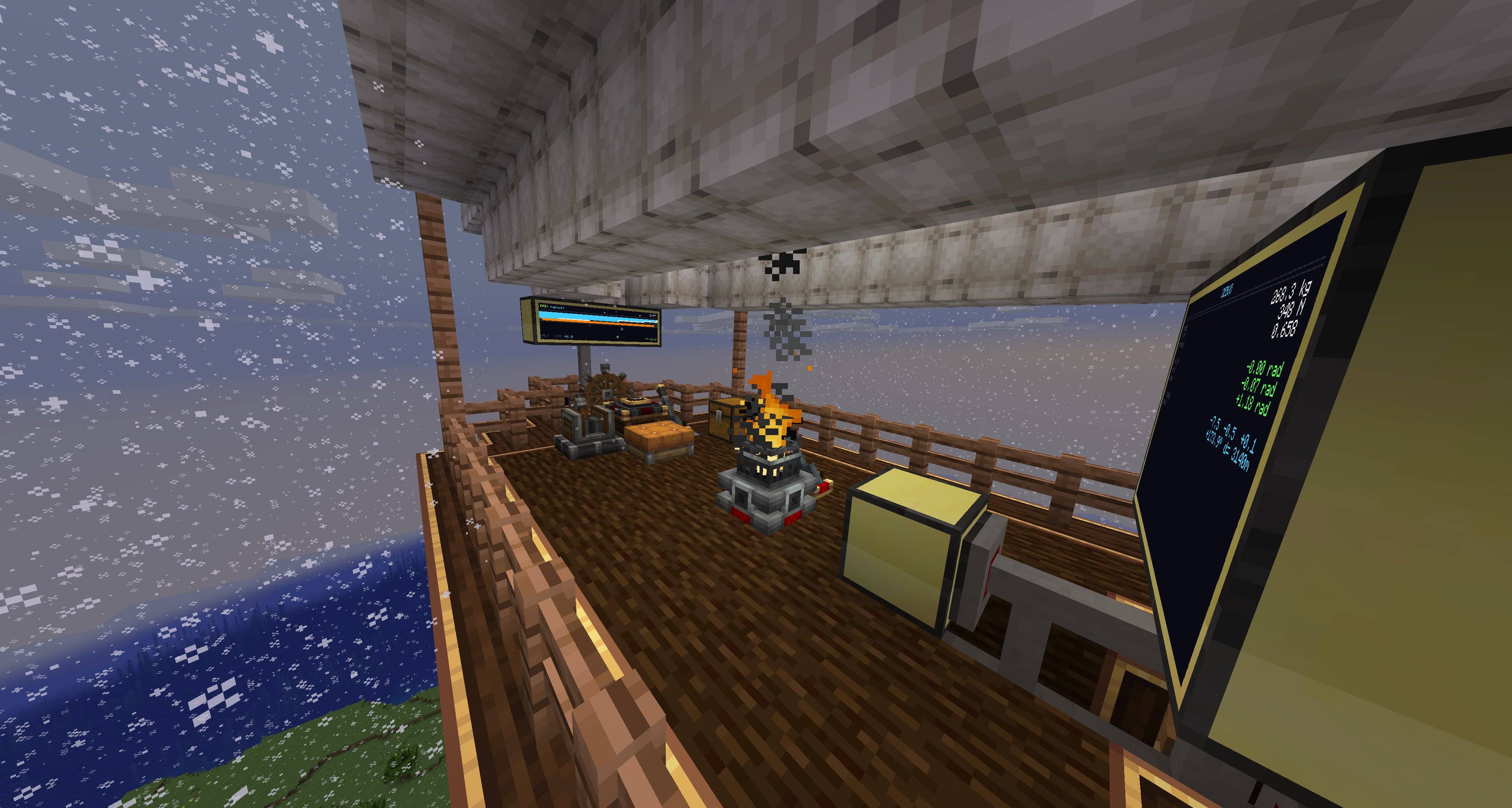
Make your airship fly itself.
CC: Tweaked peripherals for every instrumentable block in Create: Aeronautics. Read attitude, altitude, velocity, bearing. Drive throttle, propellers, balloon gas. Write your autopilot in Lua (that's a bad pitch, but still!)
Build
- Altitude-hold for hot-air balloons
- Heading-and-pitch autopilots for propeller aircraft
- Cruise control bound to a steering wheel
- Tracked turrets for mounted potato cannons
- Whatever else you can write a control loop for
Start
Heading hold on a twin-engine ship:
local nav        = peripheral.find("navigation_table")
local port, stbd = peripheral.find("analog_transmission")
local target     = nav.getHeadingRad()

while true do
    local err = (target - nav.getHeadingRad() + math.pi) % (2*math.pi) - math.pi
    local diff = math.max(-5, math.min(5, err * 4))
    port.setSignal(7 - diff); stbd.setSignal(7 + diff)
    sleep(0.05)
end
Three peripherals, one P-controller, the ship locks heading. Every Aeronautics (and nearly every Create) block is a peripheral — read sensors, set actuators, write the loop you want.
Full API docs — units, body-frame conventions, every method.
Read the parallel guide. 5 Hz and 20 Hz feel different.
Install
Needs: MC 1.21.1 · NeoForge 21.1.219+ · Create 6.0.10+ · Simulated 1.2.1+ · Sable 1.1.0+ · CC: Tweaked 1.115+ Optional: Aeronautics 1.2.1+ (for propulsion and balloons)
Source · Issues
github.com/SolAstrius/CreateAvionics
MIT. Built on RyanHCode's CC peripheral foundation in Simulated — NOTICE.
The Create: Avionics — ComputerCraft for Aeronautics Team
