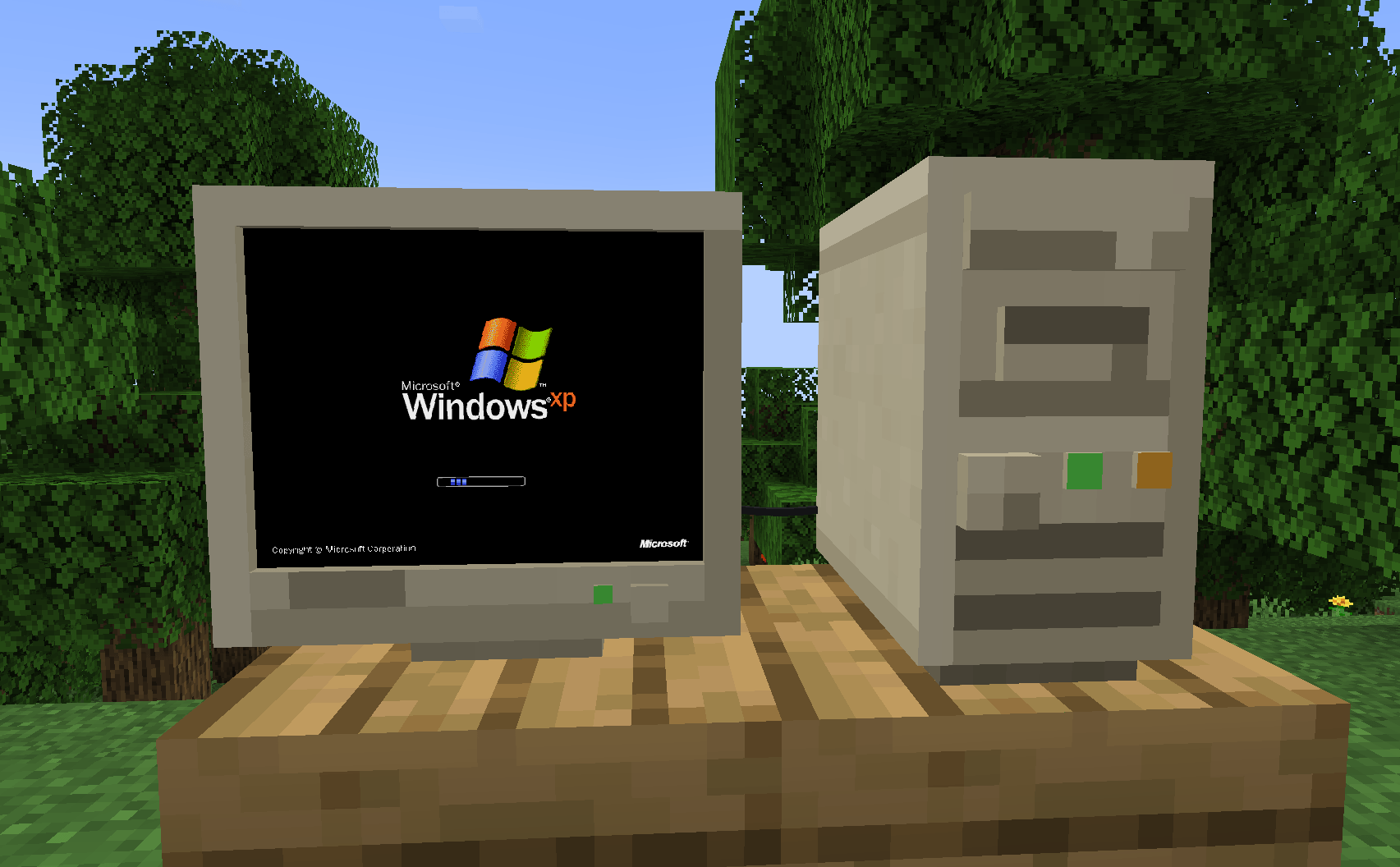
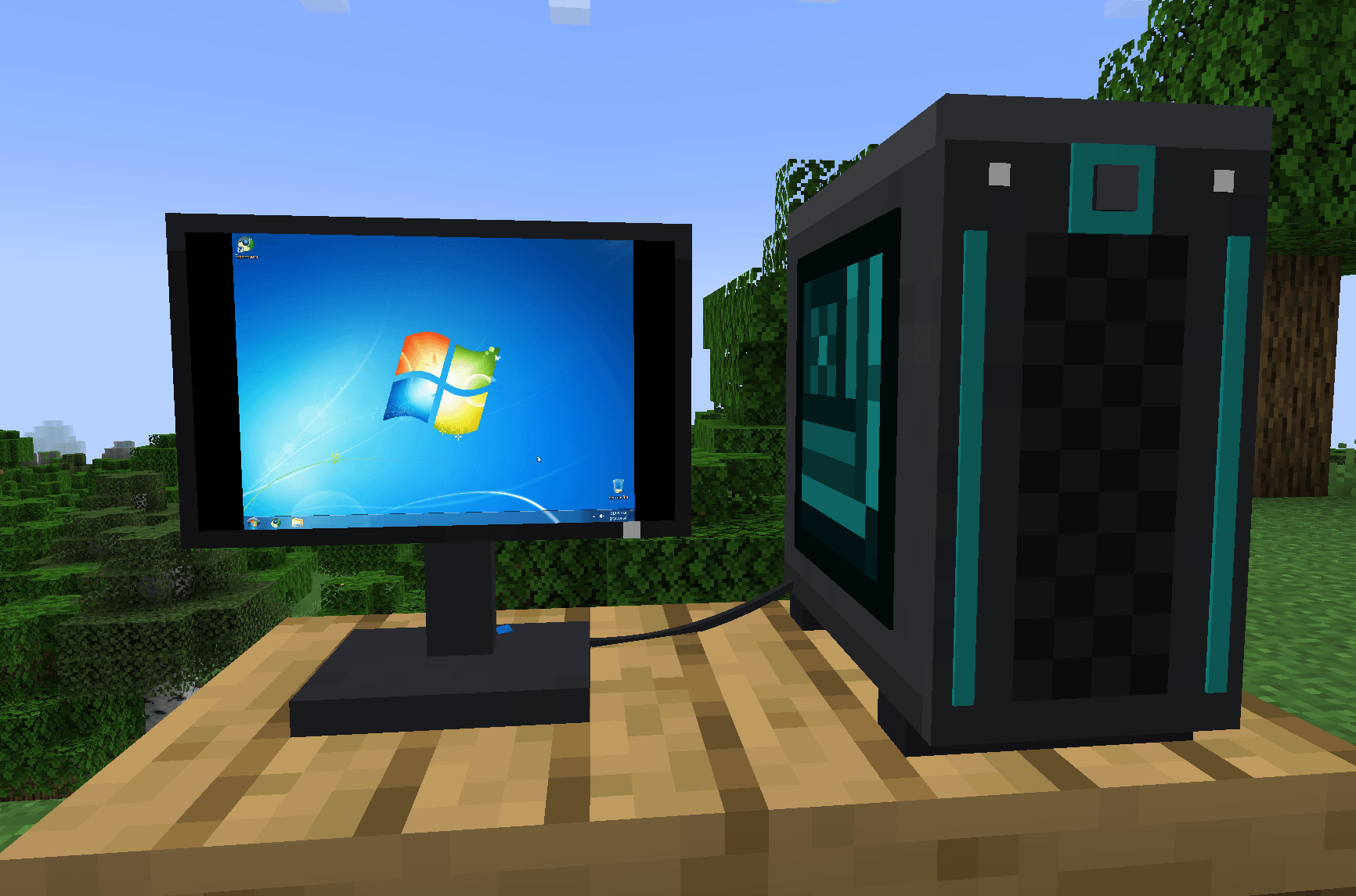
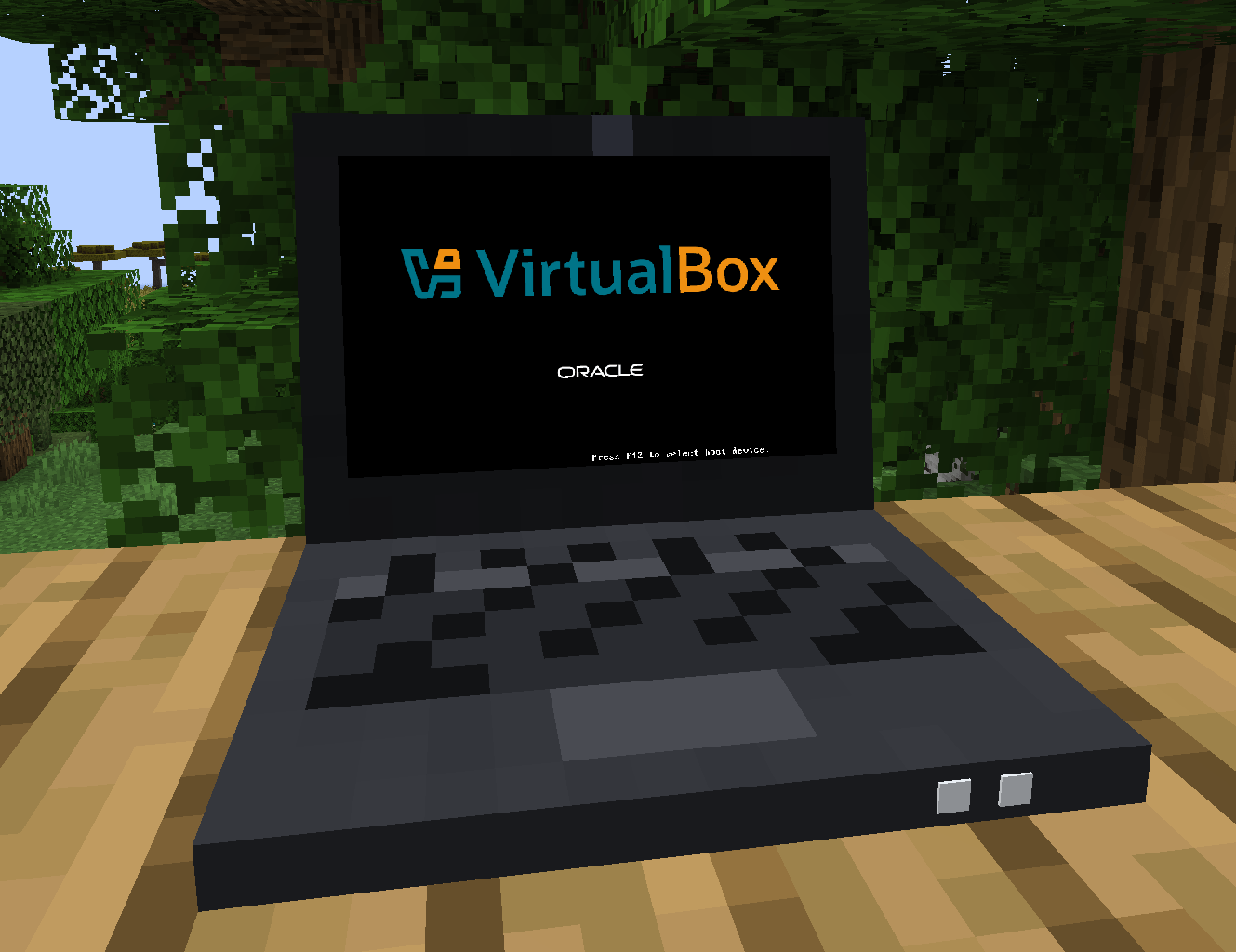
CraftVM puts real computers into Minecraft. Place a computer, run a Display Cable to a monitor, and boot one of your own VirtualBox virtual machines on it: Windows, Linux, anything VirtualBox runs. Click the screen to use it with your keyboard and mouse; everyone nearby sees the screen and hears the sound, live.
CraftVM needs VirtualBox 7.2 on your PC and runs VMs on Windows x64 and Linux x64 only (not macOS). It comes with no operating systems: you bring your own ISOs and VMs. Your VMs stay on your own PC; other players only see a stream of the screen.
The first time you use a computer, CraftVM downloads its small helper program (craftvm-host, under 150 KB) from
its GitHub repository. It checks the file
against a SHA-256 hash built into the mod and runs nothing else. Nothing is uploaded.

Computers and screens
- Retro and Modern Computer Cases (dye the modern one), a Retro All-in-One and a Laptop whose lid opens and closes.
- A CRT Monitor that warms up and collapses to a dot, a Flat Panel, a Widescreen Monitor, a Wall TV (on the wall or on its stand) and Screen Wall Panels that join into one big screen up to 8 × 6.
- Screens light up the room while the computer runs. One computer feeds up to four screens through Display Cables.
Your VMs
- Make a new VM in game (OS type with VirtualBox's recommended settings, RAM, CPUs, disk, an ISO) or import one you already have. Change settings, insert discs, delete: all from the computer's screen.
- Use mode: right-click a screen and your keyboard and mouse go to the VM; Right Ctrl lets go, Right Ctrl + F goes fullscreen, Right Ctrl + D changes the disc. On Windows, the Windows key and Alt+Tab go to the VM too.
- With VirtualBox's Guest Additions in the guest: a shared clipboard, a shared folder per VM, and the guest resizes to the screen's shape. Attach USB devices from your PC, unplug the network cable, swap discs while it runs.
- Walk away and the VM saves its state; come back and it resumes.
Multiplayer
- Everyone within 32 blocks sees the screen and hears the sound, from the screen's position.
- Add friends to your trust list and they can use your running computer with their own keyboard and mouse.
- Running and reserved computers are protected from other players breaking them (server setting).
- Server settings cap stream bandwidth and size; players can turn other players' streams off.
Survival-friendly
Every block is craftable from vanilla materials around diamond tier, through a Circuit Board. Recipes unlock in the recipe book as you go.