Craft From Storage
- By
Screenshot 2026-08-27 225458.png
Screenshot 2026-08-28 212946.png
Screenshot 2026-08-27 232733.png
Description
📦 Craft From Storage
Craft with materials from nearby storage without having to open chests and cluttering your inventory first!
Have you ever started a craft only to realize half the materials were in a chest right next to you and had to close the crafting table to reach them?
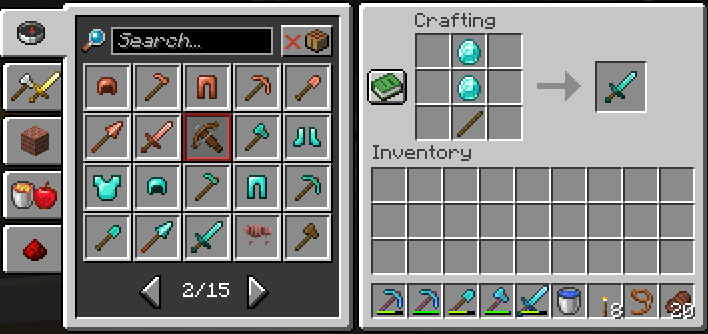
Craft From Storage allows the vanilla recipe book to use ingredients from storage!
With a few simple additions, you can craft recipes without having to move materials into your inventory first!
Just open a crafting table, open your recipe book, and select a recipe to craft from storage!
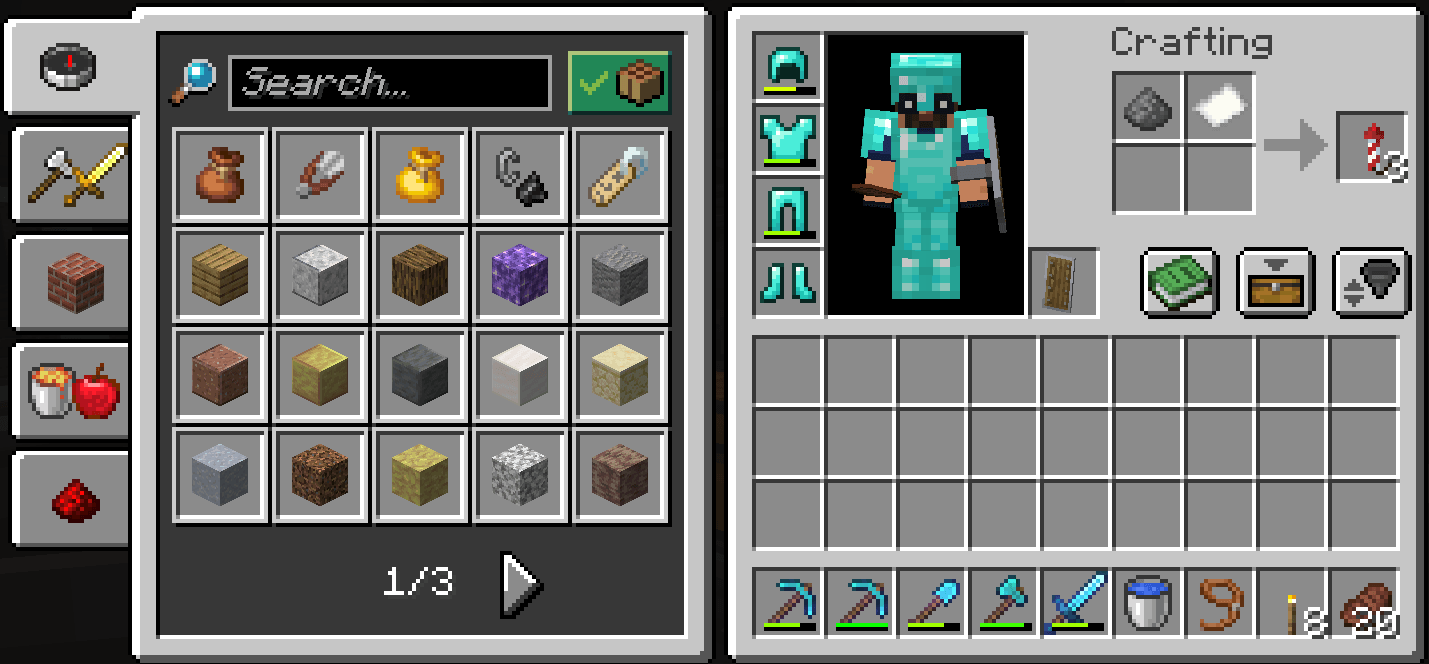
Craft From Storage even supports your vanilla 2x2 crafting grid!
✅ Features
Use nearby storage
- Craft from crafting tables
- Craft from 2x2 inventory crafting grid
- Storage materials factor into recipe-book craftability
- Use materials from inventory first
- Automatically get whatever else is needed from nearby storage
- Materials can be split up among multiple storage blocks
- Tracks which materials are taken from storage
- Returns materials from storage to storage if recipe is changed/discarded when possible
- Does not return materials from storage that were used if the recipe is changed
- Vanilla crafting remains unchanged
- Storage range is configurable
- Modded storage is supported
- Each type of storage can be toggled in the config
🧰 How It Works
With Craft From Storage, inventory materials are combined with nearby storage to allow crafting recipes.
Example
For example, say you want to craft a bucket.
You have:
- 2 iron ingots in your inventory
- 20 iron ingots in a nearby chest
The craft requires 3 total, so you need 1 more.
Craft From Storage will use your 2 inventory iron ingots and the 1 iron in the nearby chest to craft the bucket, with no need to remove the 20 iron ingots from the chest in your inventory.
Materials can also be split up among multiple containers!
⚠️ A Note About Recipe Books
Recipe-book crafting from storage is how the recipe book is designed to work.
Craft From Storage works with the vanilla recipe-book/autofill system.
You are encouraged to use the recipe book to choose what you want to craft.
If you attempt to manually place ingredients in the crafting grid, the mod will not attempt to find materials in storage.
✔ This Works
- Open a crafting table
- Open the recipe book
- Select a recipe
- Craft normally
✘ This Doesn't
Manually placing ingredients in the crafting grid with the expectation that the mod will find the rest.
📏 Storage Range
By default, storage is searched up to:
8 blocks away for a crafting table, and around the player for the inventory crafting grid.
Operators can configure the range from 0 to 50 with:
/craftstorage range <0-50>The default of 8 blocks should be sufficient for most storage rooms.
🛠️ Commands
The commands for Craft From Storage are intentionally limited.
Commands require Game Master permissions, typically only available to an appropriately permissioned server operator.
Enable Craft From Storage
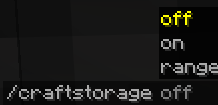
/craftstorage onDisable Craft From Storage
/craftstorage offChange the Storage Range
/craftstorage range <0-50>This will change the storage range for both the crafting table and inventory crafting grid to the specified range.
Command changes are saved automatically.
⚙️ Configuration
Craft From Storage will automatically generate:
config/craft_from_storage.jsonon first run.
Default Settings
| Setting | Default |
|---|---|
| Crafting Table Storage | Enabled |
| 2x2 Inventory Storage | Enabled |
| Crafting Table Range | 8 Blocks |
| Inventory Crafting Range | 8 Blocks |
| Compatible Containers | Enabled |
More advanced users can edit the config file to configure the crafting table and inventory crafting grid storage systems individually.
The config file also allows for toggling individual storage types with:
containerOverridesChanges made to the config file manually will take effect on the next game launch/restart.
📦 Modded Storage Compatibility
Craft From Storage searches block entities that implement Minecraft's standard Container inventory system.
As such, any modded storage blocks that implement the standard inventory system should work without additional configuration.
Some storage systems implement their own unique inventory systems and may require additional configuration to work with the mod.
🌐 Multiplayer
| Play Mode | Supported |
|---|---|
| Single Player | ✔ Yes |
| LAN | ✔ Yes |
| Dedicated Fabric Server | ✔ Yes |
| Server-Only Installation | ✘ No |
| Client-Only Installation | ✘ No |
Dedicated Servers
Craft From Storage needs to be installed on:
- 🖥️ The server
- 🎮 Every client that joins the server
Because nearby storage access and inventory management are handled by the server, and recipe-book interactions are handled by the client, both need the mod to function.
LAN worlds also require the mod to be installed on the host and any clients joining the world.
📥 Requirements
| Requirement | Version |
|---|---|
| Minecraft | 26.2 |
| Fabric Loader | 0.19.3+ |
| Fabric API | 0.157.0+26.2 or later |
| Java | 25+ |
No Recipe Book Access, YACL, or Mod Menu installation is needed.
🚀 Installation
Single Player
- Install Fabric Loader for Minecraft 26.2
- Install Fabric API
- Install the mod by putting it in your
modsfolder - Launch Minecraft and open or create a world
Dedicated Server
- Install Craft From Storage and Fabric API on the dedicated server
- Install the mod on every client that joins the server
LAN
- Install the mod on the host
- Install the mod on every client joining the world
⚡ Performance
Craft From Storage searches for compatible storage in all three directions around the player or crafting table.
For performance reasons, it is recommended to keep the storage range at the default of 8 blocks.
While ranges can go up to 50 blocks, very large ranges can cause performance issues, especially in areas with lots of storage.
💡 The Idea
Crafting should not require opening up 5 different chests to get materials that are already in storage right next to you.
Keep your materials organized. Use the recipe book. Choose what you want to craft. Then, craft.
That's it.
Craft From Storage Team