
Coordinate Display Customizable
- By
A mod that displays your coordinates in Minecraft and is customizable - especially easy with Mod Menu installed.
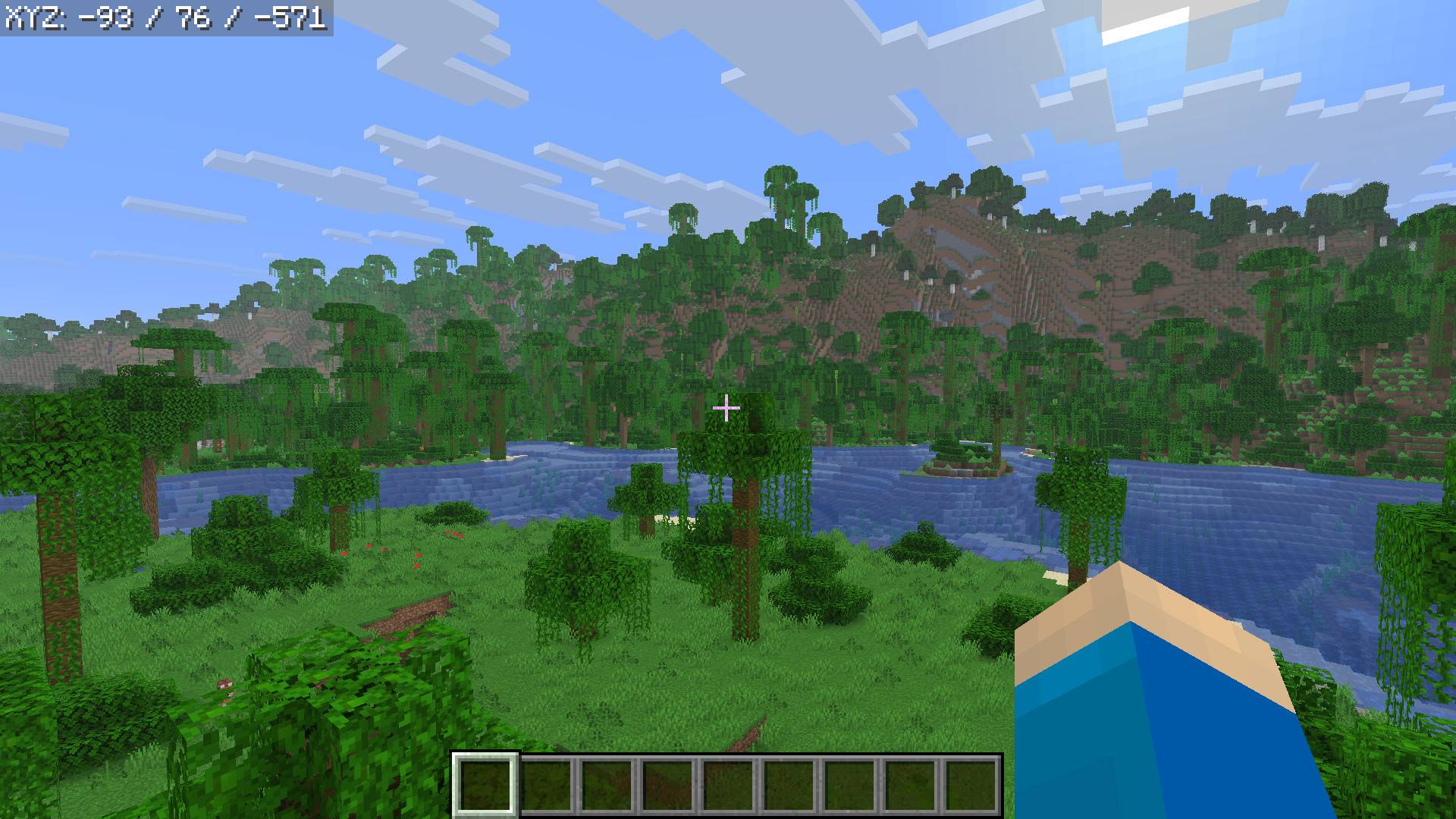
default.jpg
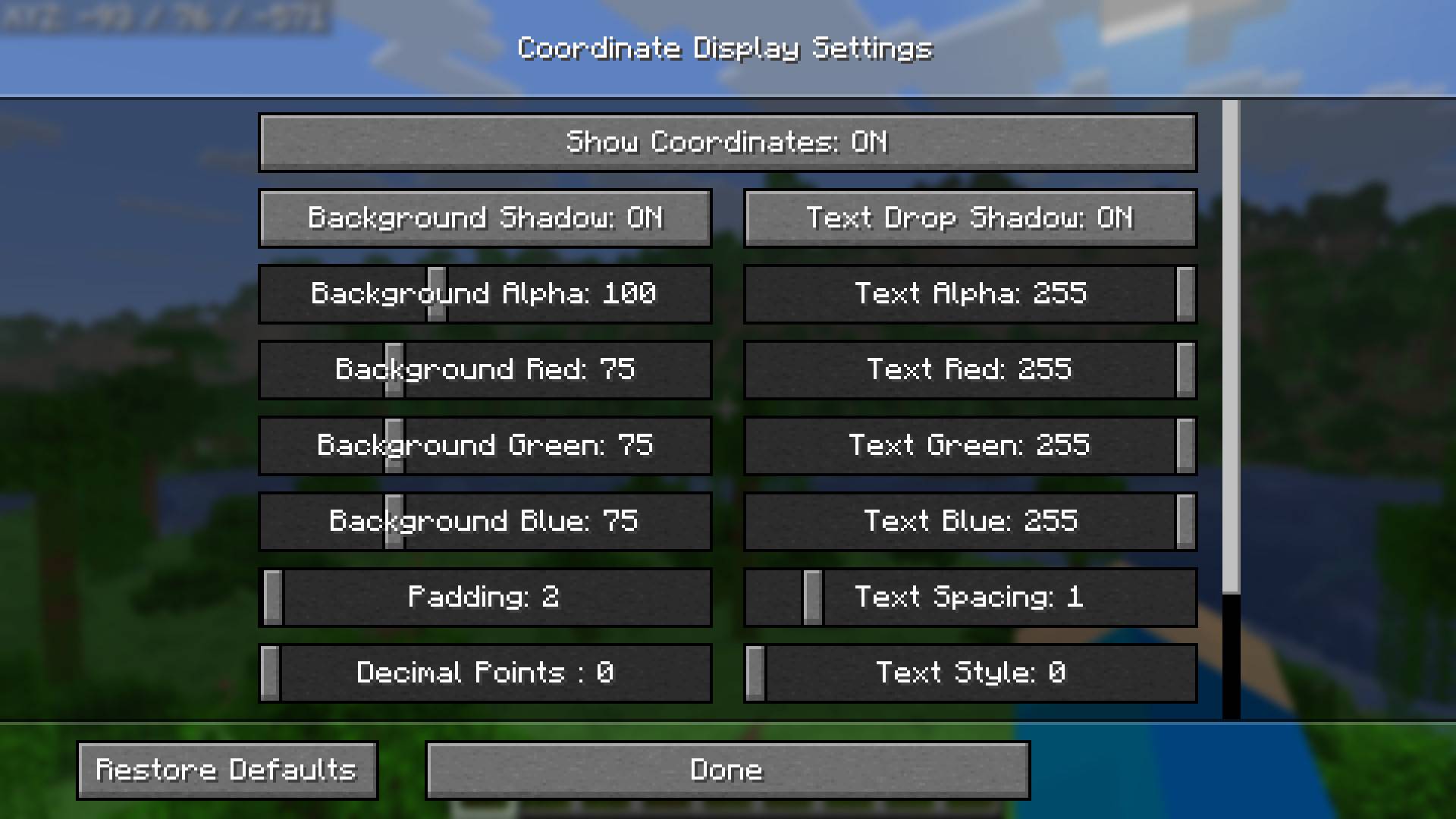
SettingsOne.jpg
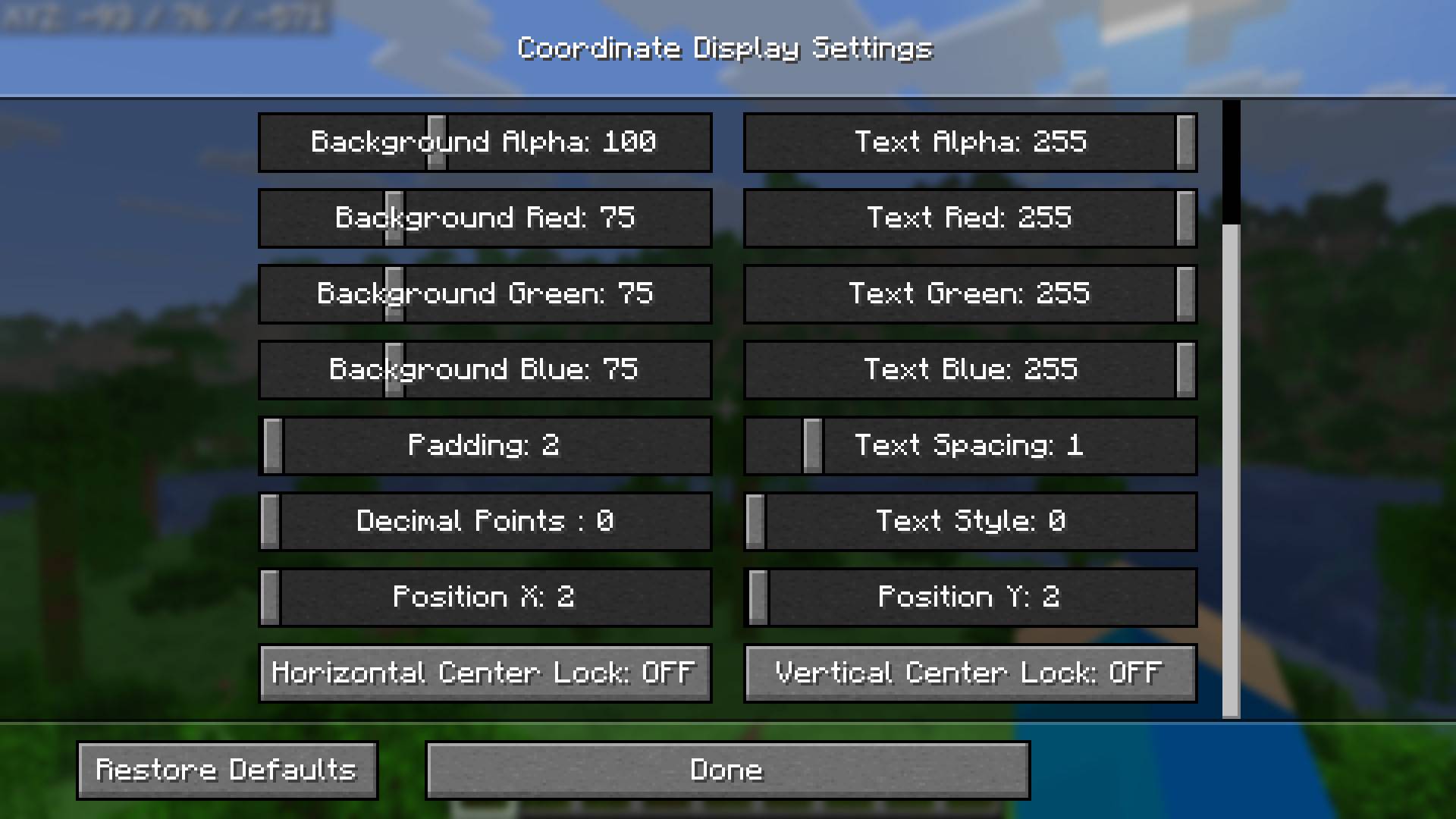
SettingsTwo.jpg
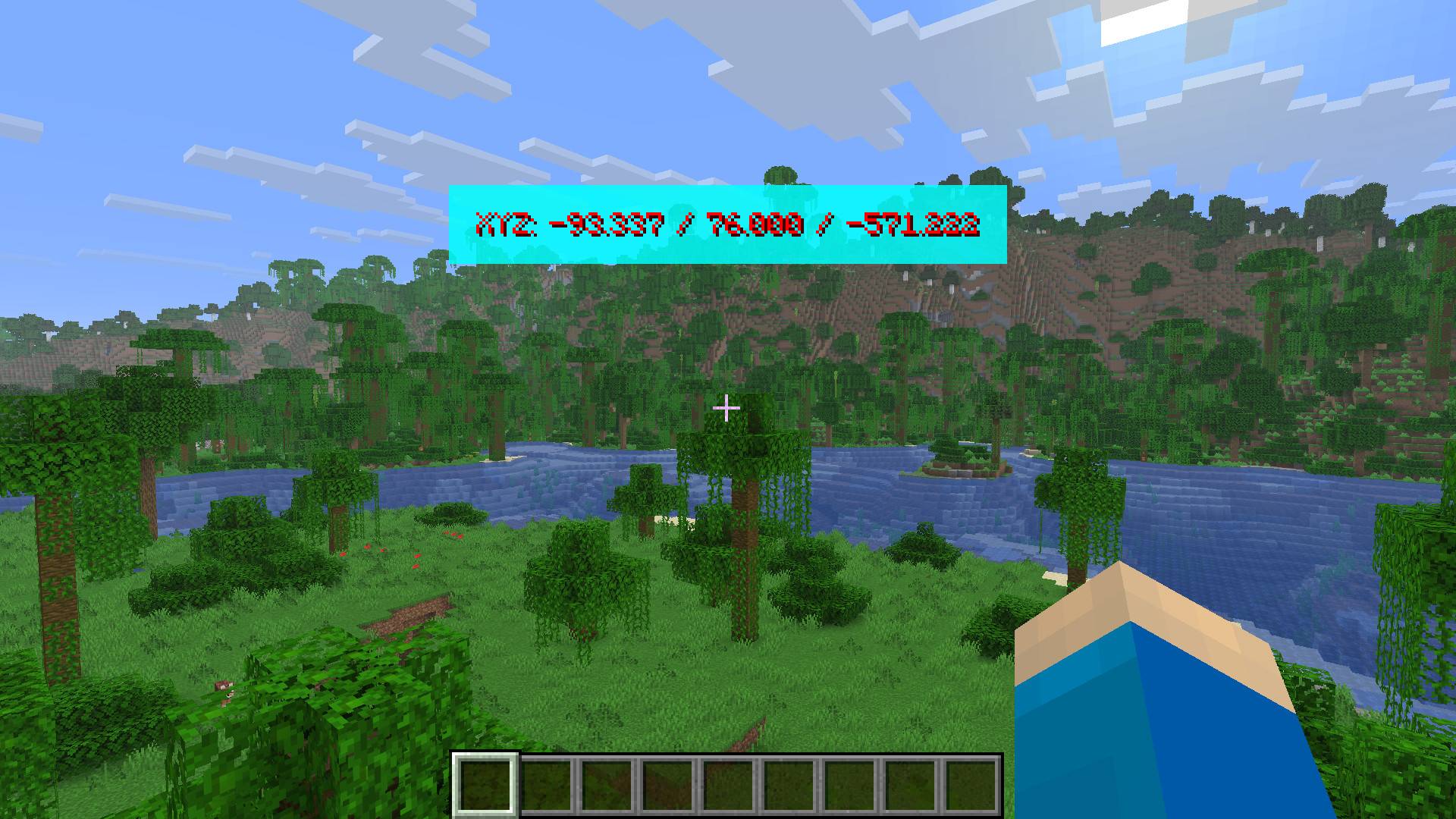
ExampleOne.jpg
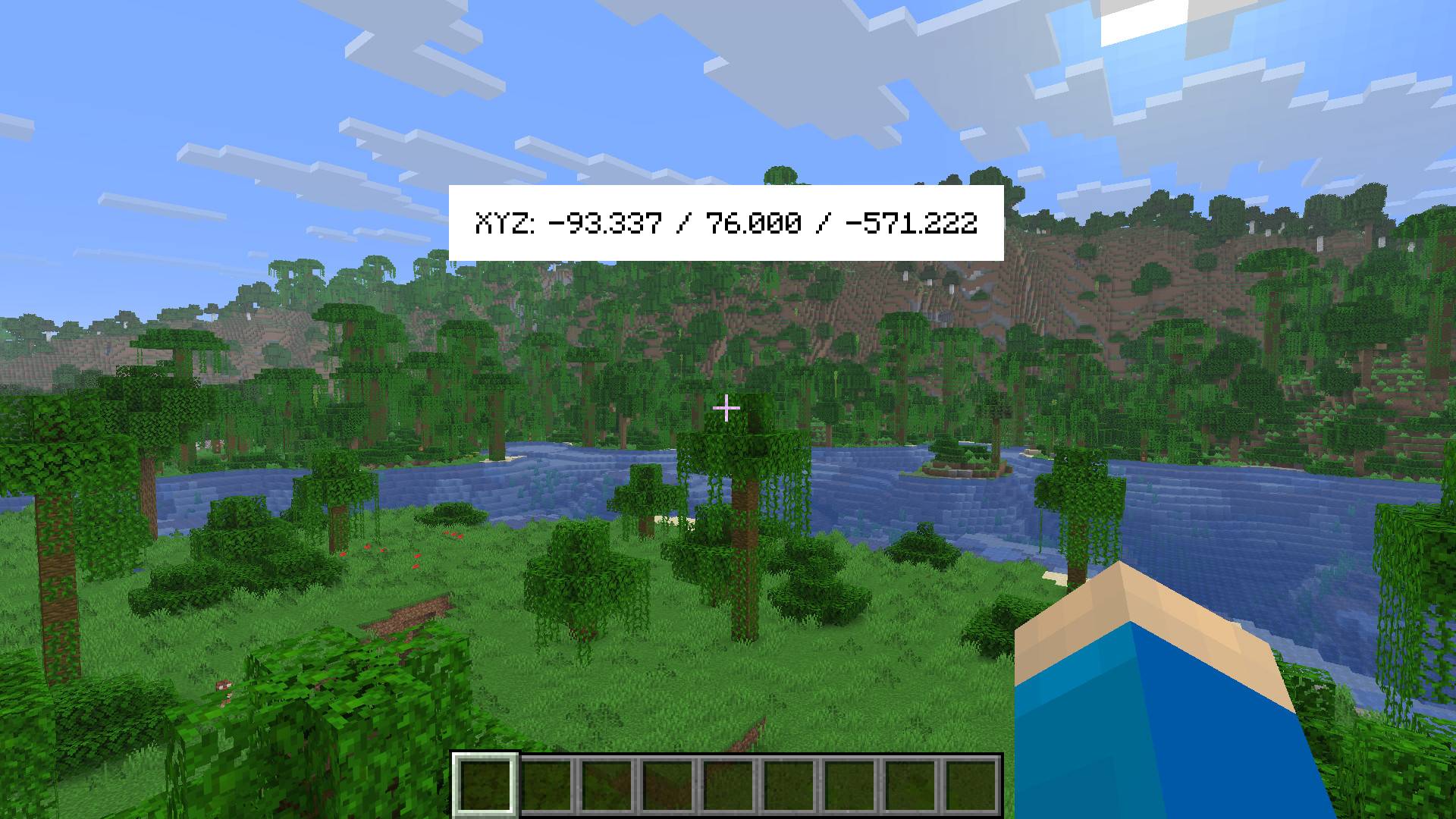
ExampleTwo.jpg
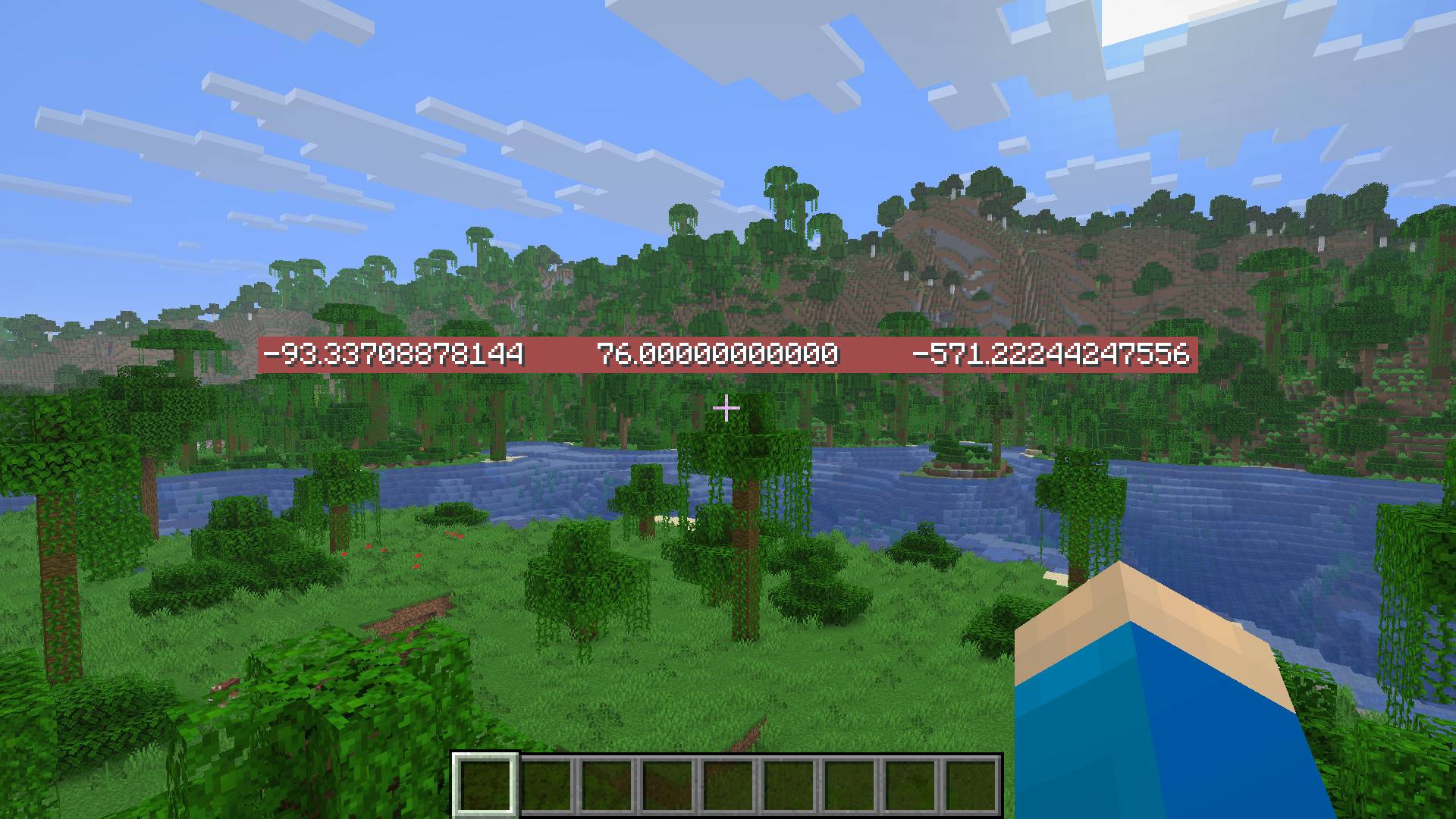
Example 9.jpg
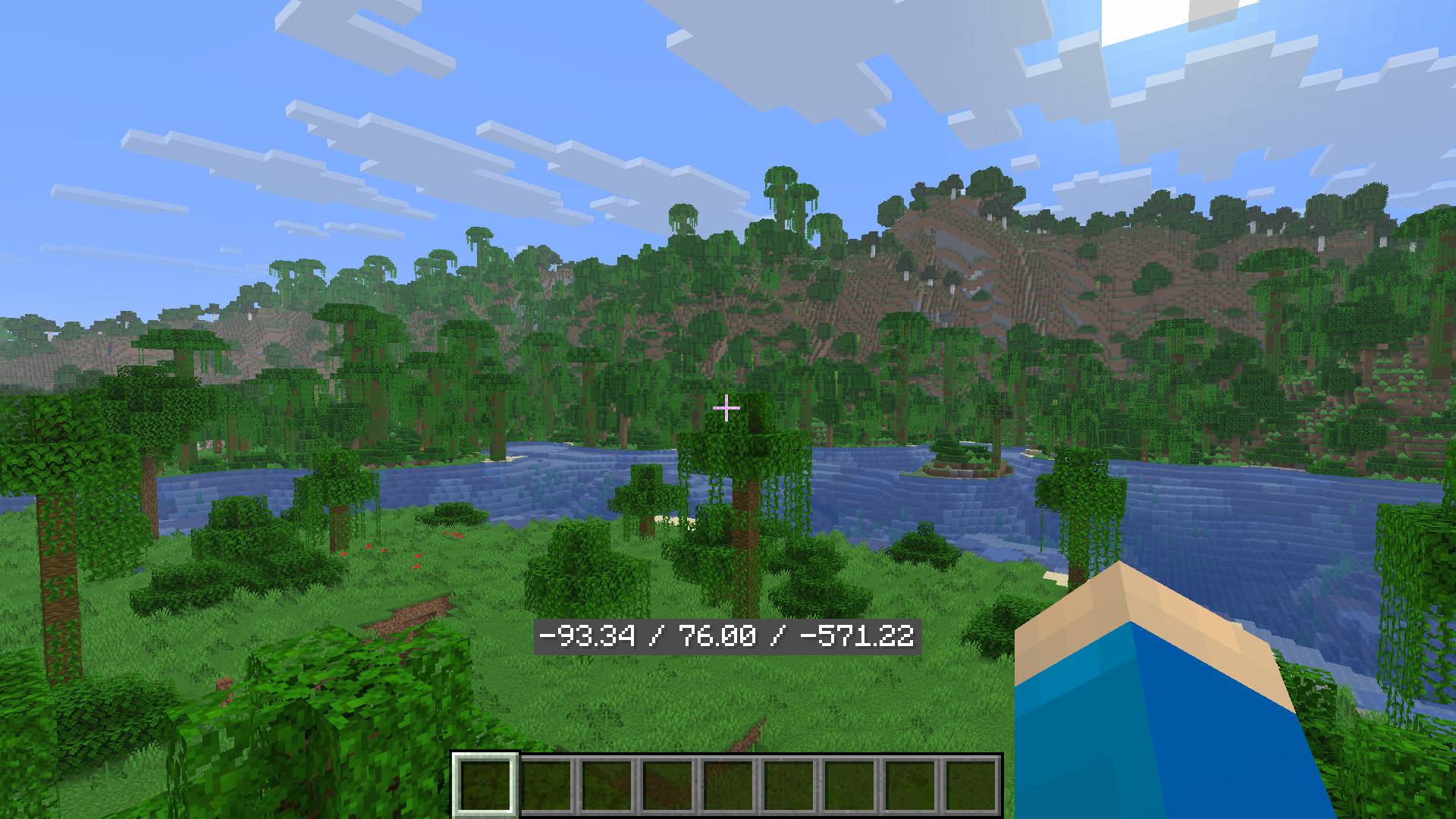
Example 4.jpg
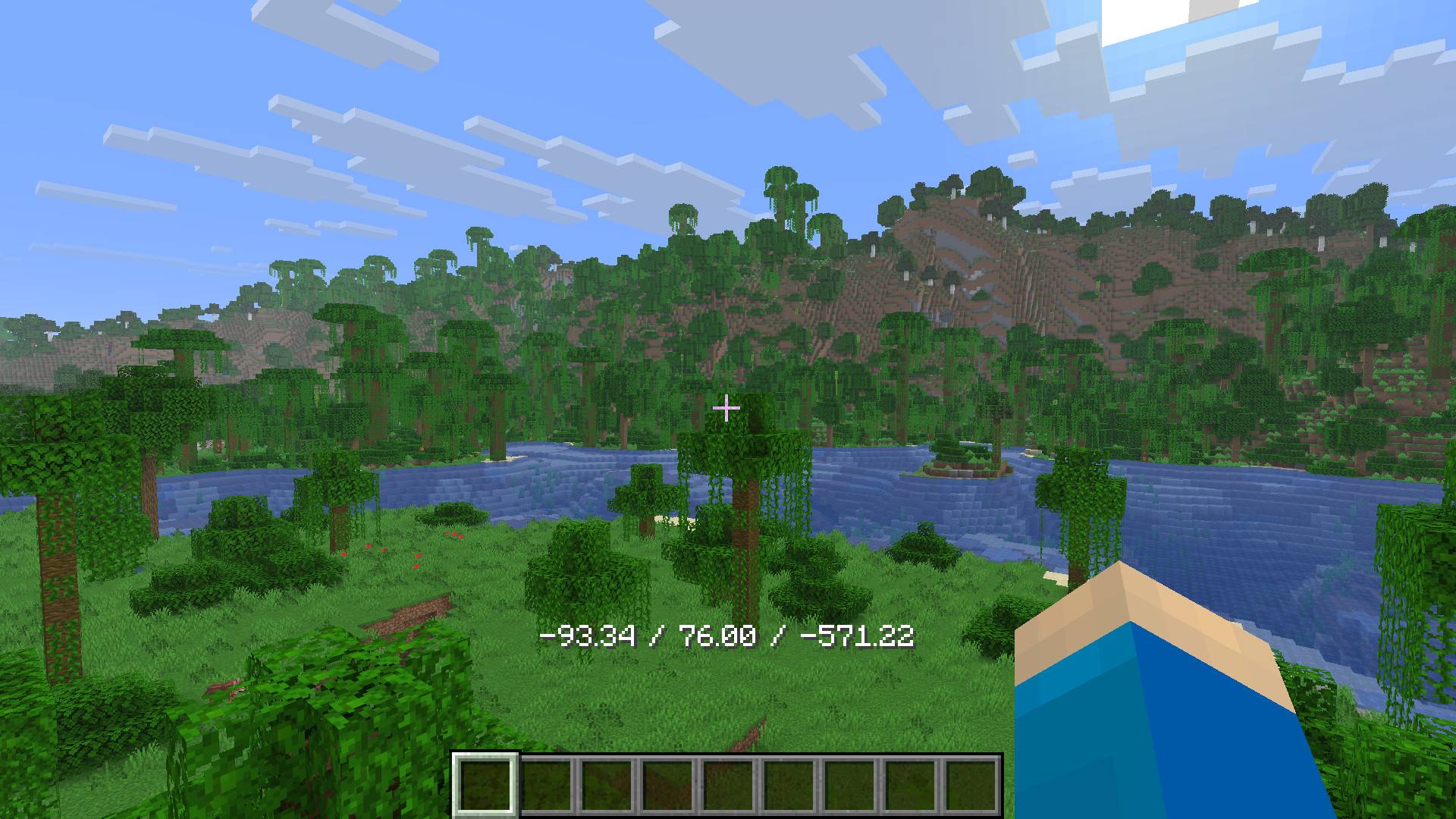
Example 5.jpg
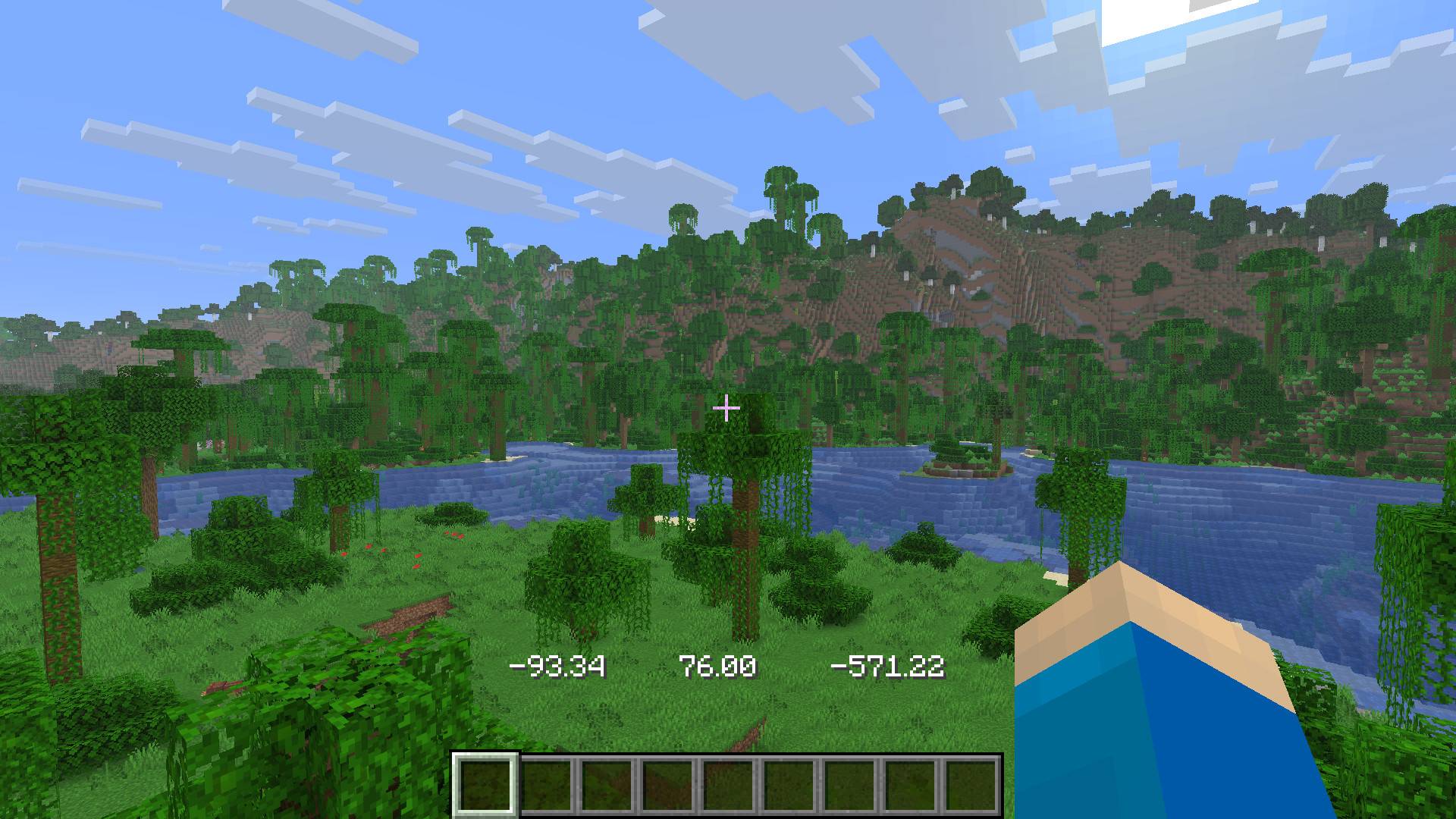
Example 6.jpg
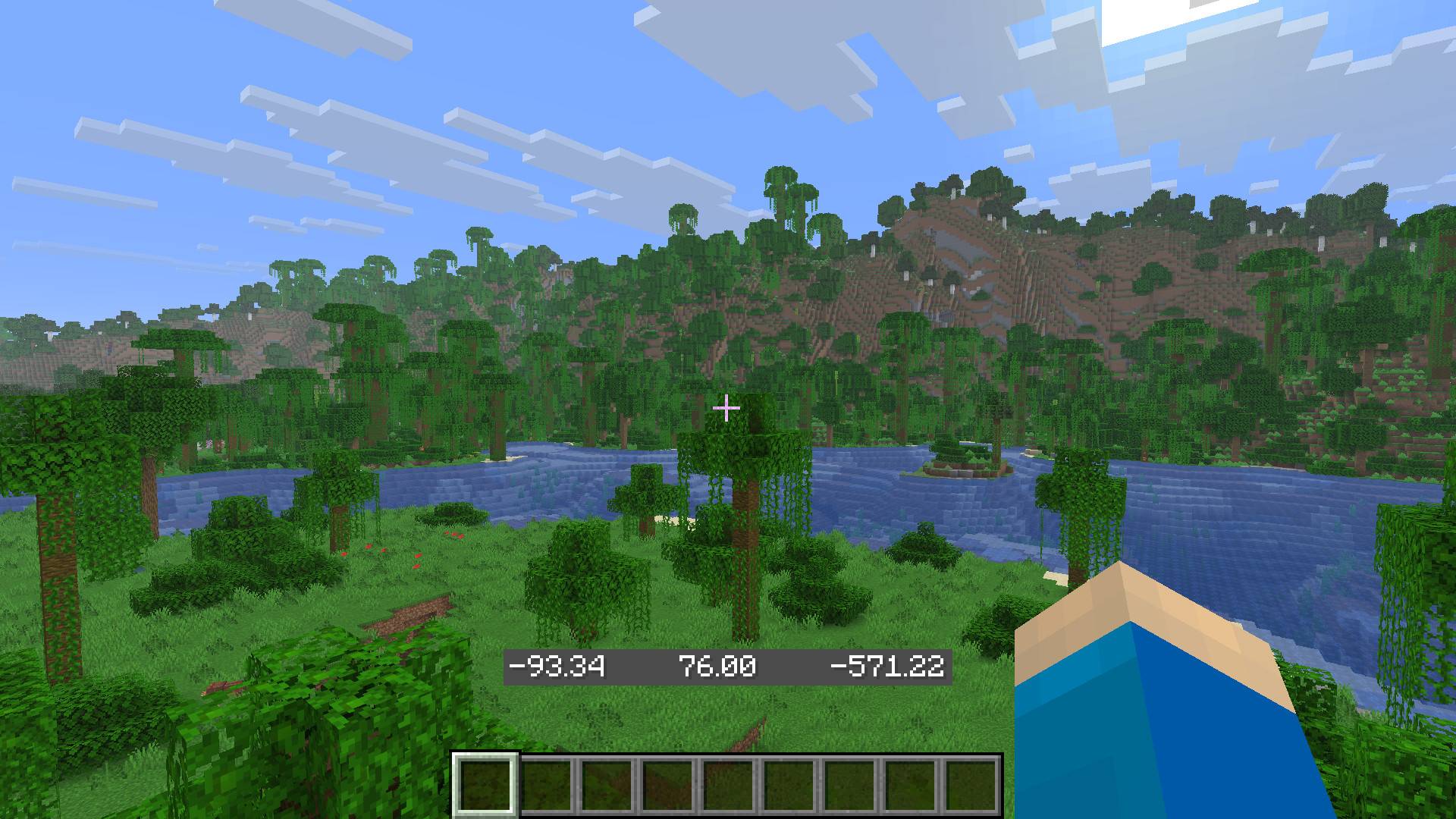
Example 7.jpg
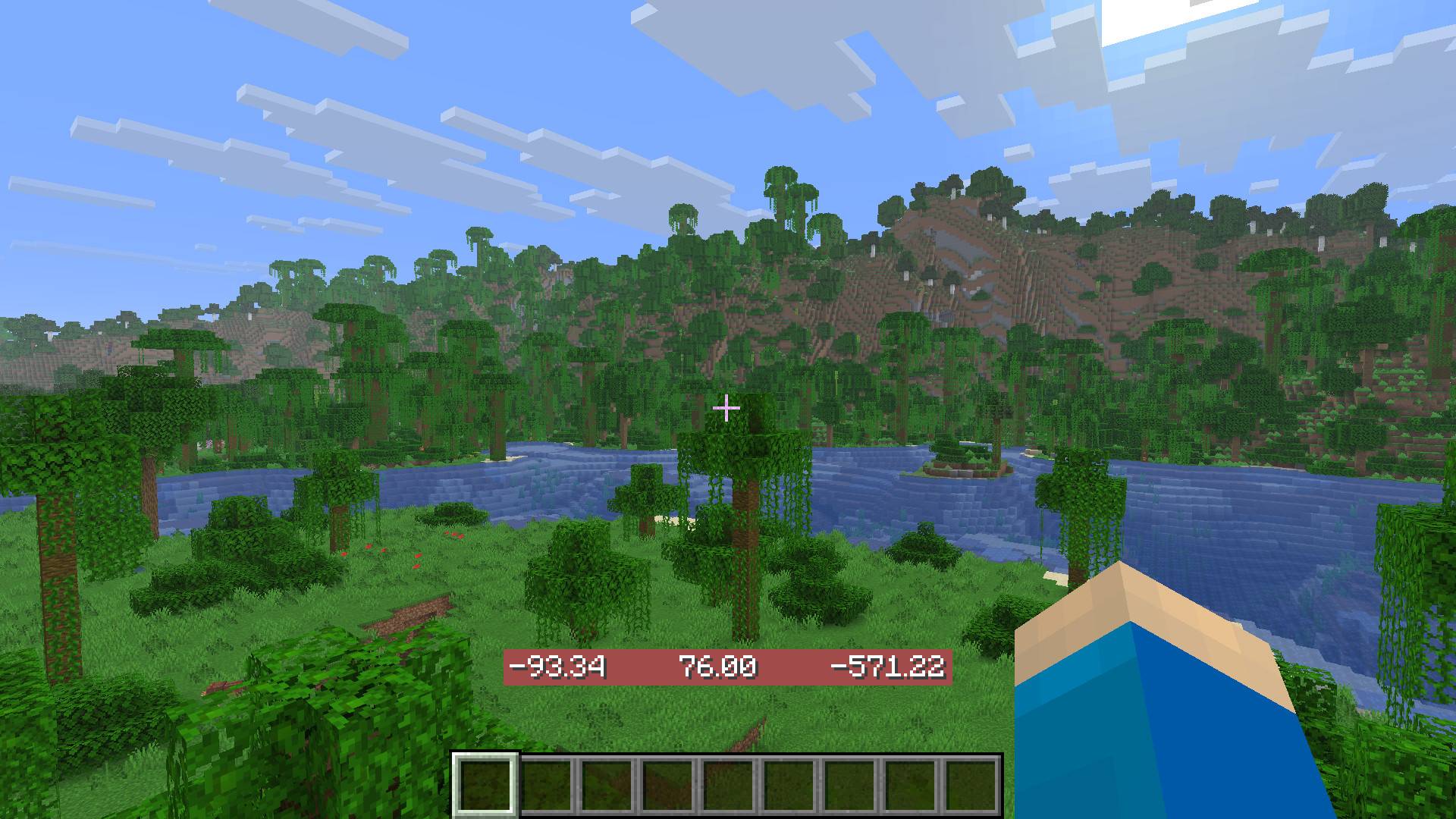
Example 8.jpg
Description
Coordinate Display
This mod displays your coordinates in a customizable way, which is easy to do using Mod Menu. Alternatively, you can change the "hestr8177_coordinate_display_config.json" file found under the "config" folder. This folder may not appear until you have launched the game with the mod installed first.
The settings you can change include:
- Show Coordinates: ON/OFF
- Text Alpha (transparency)
- Text RGB
- Text Shadow: ON/OFF
- Amount of decimals
- Text Style
- Text Spacing
- Background Shadow: ON/OFF
- Background Alpha (transparency)
- Background RGB
- Background Padding (size)
- Position of the coordinate display
- Central locking of position hortizontally and/or vertically
(Image: Default Settings)
(Image: Settings Sreen Part 1)
(Image: Settings Sreen Part 2)
(Images Below: Examples)
Coordinate Display Customizable Team
