Companion Codex
Description
A companion-management add-on for The Vault (Vault Hunters 3rd Edition + Remastered). Companion Codex allows you to build a companion party of multiple companions at once.
Features
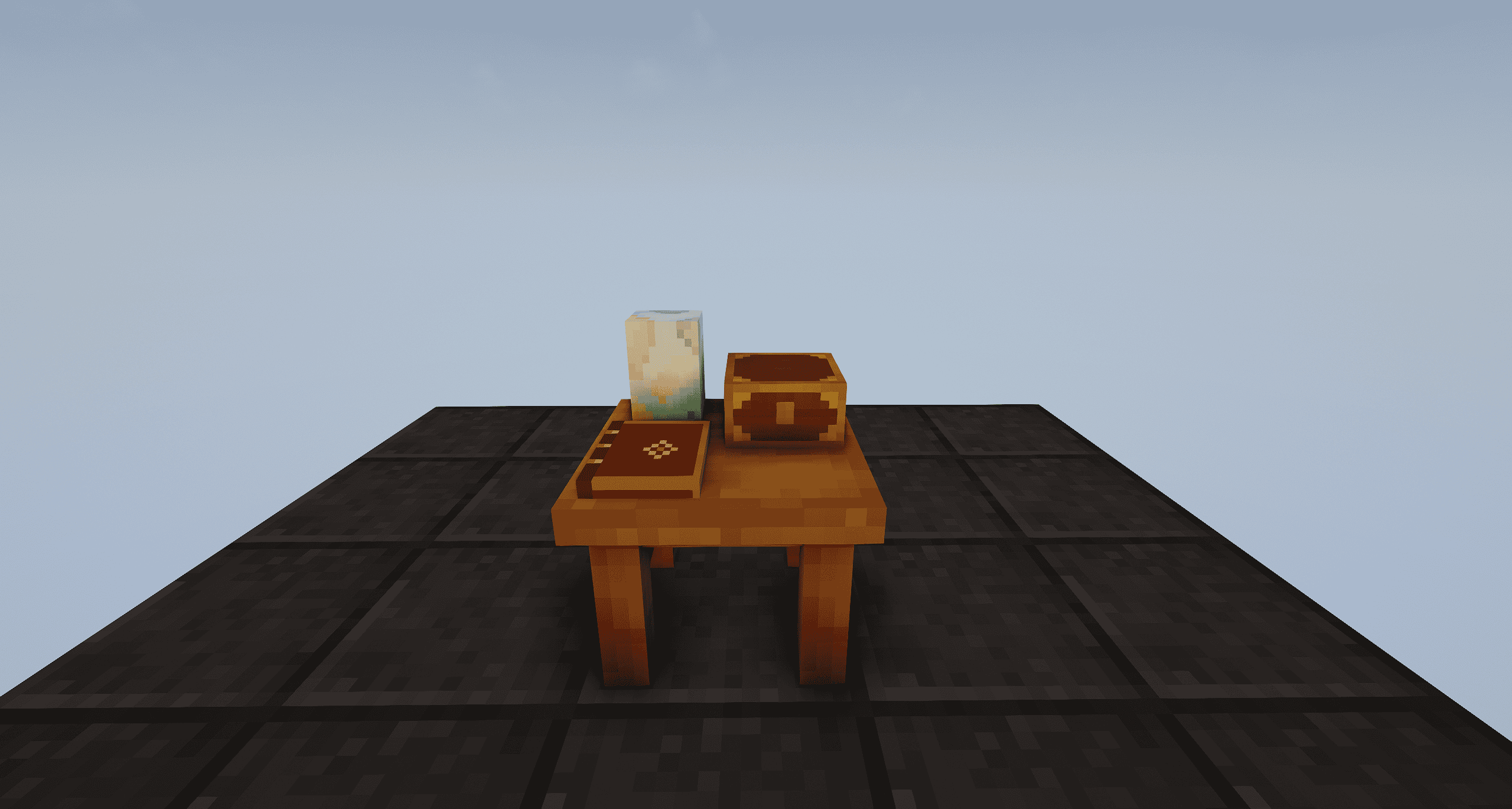
- Companion Codex block: A physical station where all companions can be stored by shift right clicking. You can then access this to build your party.
- Build a party: Assemble your party by choosing which companions you want to bring. Strategically combine companion temporal modifiers and relics to build the perfect party for each vault.
- Companion Crest: This item can be obtained in the codex block. It is bound to your player and equipped in your curios head slot. This contains your companion party and can be toggled on/off to let your companions be visible/invisible.
- Radial temporal wheel: Set a keybind for companion activation (can be equipped to the same as the defaultcast), this will open a cast wheel of all your companion temporals allowing you to choose whichever one you want.
- Party HUD: A toggleable HUD option that displays all your temporals. This can be turned on/off in the VH HUD settings.
- Companion detail view: Ctrl + left-click to open the companion in a window-view mode. This provides you with all information about the companion including age, vaults ran, temporal modifier, relics and trails.
- Favourites & filter tabs: Open the tab bars on the left to filter through your companions. You can add your most frequently used companions to your ‘Favourites’. You can filter through tabs to view your favourites, series, and temporals.
- Search: A regex-capable search function used to filter search your companions based on different properties, for example: #favourite, #overpower, #gilded.
- Saved parties: Save a staged party in the drawer using a named preset. This will save the selected companions in a companion crest to be used an a later point.
- Party modifiers at a glance: The Codex screen displays all information about your selected party including relics, temporals, companions and curses! How curses are earned depends on the curse mode your server runs:
shared_modifiers(default, was1before 1.2.1) - every relic modifier carried by two or more companions in your party adds one curse.shared_temporals(new in 1.2.1) - relics are free, but every temporal carried by two or more companions adds one curse.shared_modifiers_and_temporals(new in 1.2.1) - both of the above at once, added together.challenge_stacks(was2before 1.2.1) - curses come from companion challenge instead: every 10 challenge stacks entering the vault adds one curse.none(was0before 1.2.1) - no curses at all. Up to 1.2.0 these modes were plain numbers; from 1.2.1 they are named, and existing configs are renamed automatically on the first start. The Codex, the crest tooltip and the built-in guide always show the mode your world is actually using, so you never have to guess which one is active.
- Open from anywhere: Once you have created your companion codex, it can be accessed wirelessly anywhere in your world.
- Built-in guide: An in-game guide that fully displays all information about the codex which automatically adapts and displays the right information dpepending on the configuarations of your world/server.
- Configurable: Decide the base party size, level-based size tiers, curses, challenge stack rules, non-leader temporal caps, vault cooldown dependencies, companion rendering and more through an accessible config file.
Recipe
The Companion Codex is a shaped crafting recipe:
| Cosmic Dust |Pog |Cosmic Dust | | Companion Relic Fragment |Black Chromatic Steel Block |Companion Relic Fragment | | Driftwood Planks |Pog |Driftwood Planks |
The Companion Crest is not crafted but obtained through the codex by selecting 'Get companion crest'
Getting started
- Craft and place your companion codex.
- Add companions to the codex by shift-clicking them from your inventory while the screen is open, or by shift-clicking the block while holding the companion. To remove a companion shift right click it while the GUI is open.
- Add companions to your party from the pool on the left side. Left click a companion to make it the party leader, right click to de-select the companion.
- Take a Companion Crest from the Codex, equip it in your head Curios slot, and your party will appear and follow you in the overworld and the vault!
- Bind Companion Party Temporal in Options → Controls → Companion Codex. This can be bound to the same keybind as the default cast key. Hold it down inside the vault to open the cast wheel.
- Open the guide book in the Codex any time you want the details or more information.
For mod developers
Companion Codex has a public API for extra party slots. Any mod can add bonus slots to a player's party size, for example from skills, perks or ranks:
PartySizeBonusRegistry.register("yourmod:party_bonus", player -> {
    return 1; // extra slots for this player
});- Class:
hu.xabbes.companioncodex.companion.party.PartySizeBonusRegistry - Register once during common setup. The id is used for logging, and registering the same id again replaces the previous contributor.
unregister(id)removes it. - Called on the server with a
ServerPlayer, whenever the party size is needed (opening the Codex, assembling a party, entering a vault). The client receives the result from the server. - Bonuses from all contributors are added together. A negative value counts as 0, and a contributor that throws is skipped, so a broken addon cannot break or shrink the party size.
- Final party size = base size (or the highest matching level tier) + all bonuses, capped at 50.
Requirements
- Minecraft 1.18.2 (Forge)
- The Vault (Vault Hunters 3rd Edition) - compatible with both the original Vault Hunters Third Edition and Vault Hunters Third Edition - Remastered
- Curios API
Credits
A huge thank-you to PawsomeKat for the textures.
If you find any bugs, encounter any issues or have any questions you can message us through discord: xabbes or TheFrozenFish2!
Companion Codex - Vault Hunters Addon Team