Command Master Stick
- By
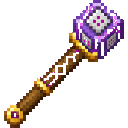
A stick with very useful features within your Minecraft world.
command_master_stick-4fubgFPTpM6VKykxFEwsZL0yOJ0P4W.png
Screenshot 2026-07-22 224835.png
Screenshot 2026-07-22 223943.png
Screenshot 2026-07-22 231733.png
Screenshot 2026-07-22 231914.png
Screenshot 2026-07-22 232122.png
Screenshot 2026-07-22 232047.png
Screenshot 2026-07-22 232004.png
Description
A really interesting command stick that will appear in your inventory as soon as you create your Minecraft world.
--Properties--
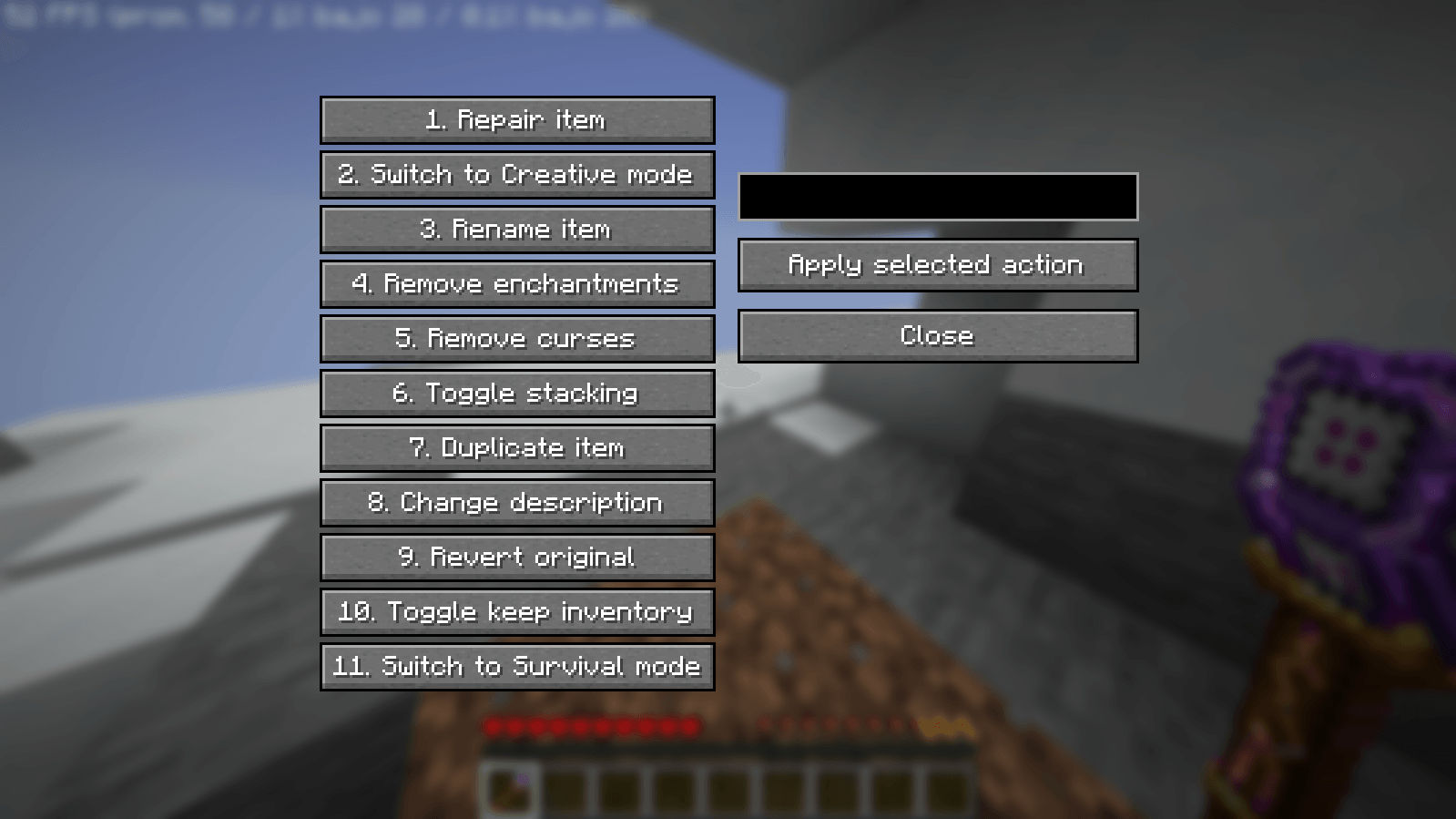
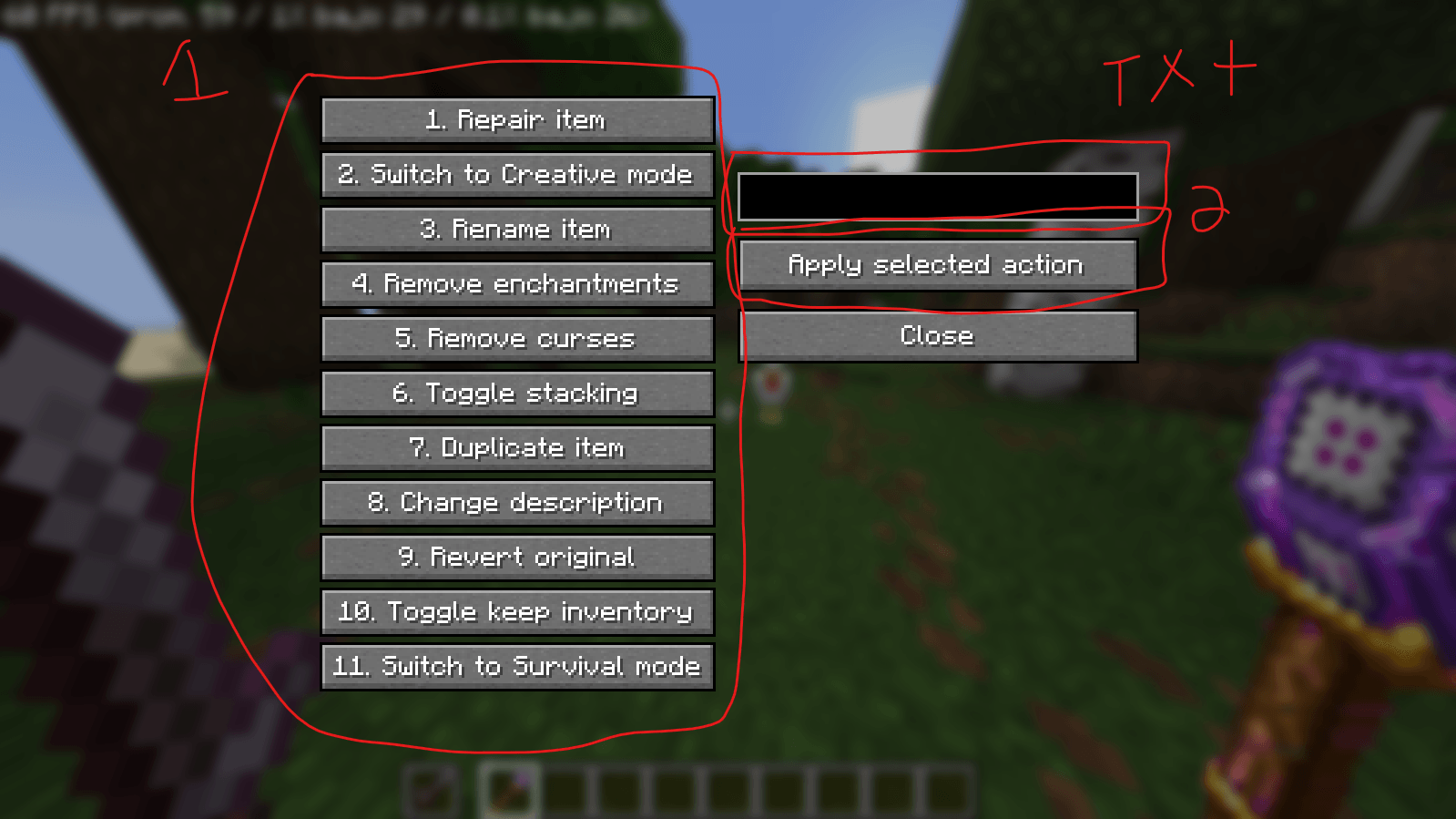
This stick has 11 functions.
- Repair Items (tools, weapons...)
- Switch to Creative Mode
- Rename Items (all items)
- Remove Enchantments
- Remove Curses
- Toggle Stacking (all items)
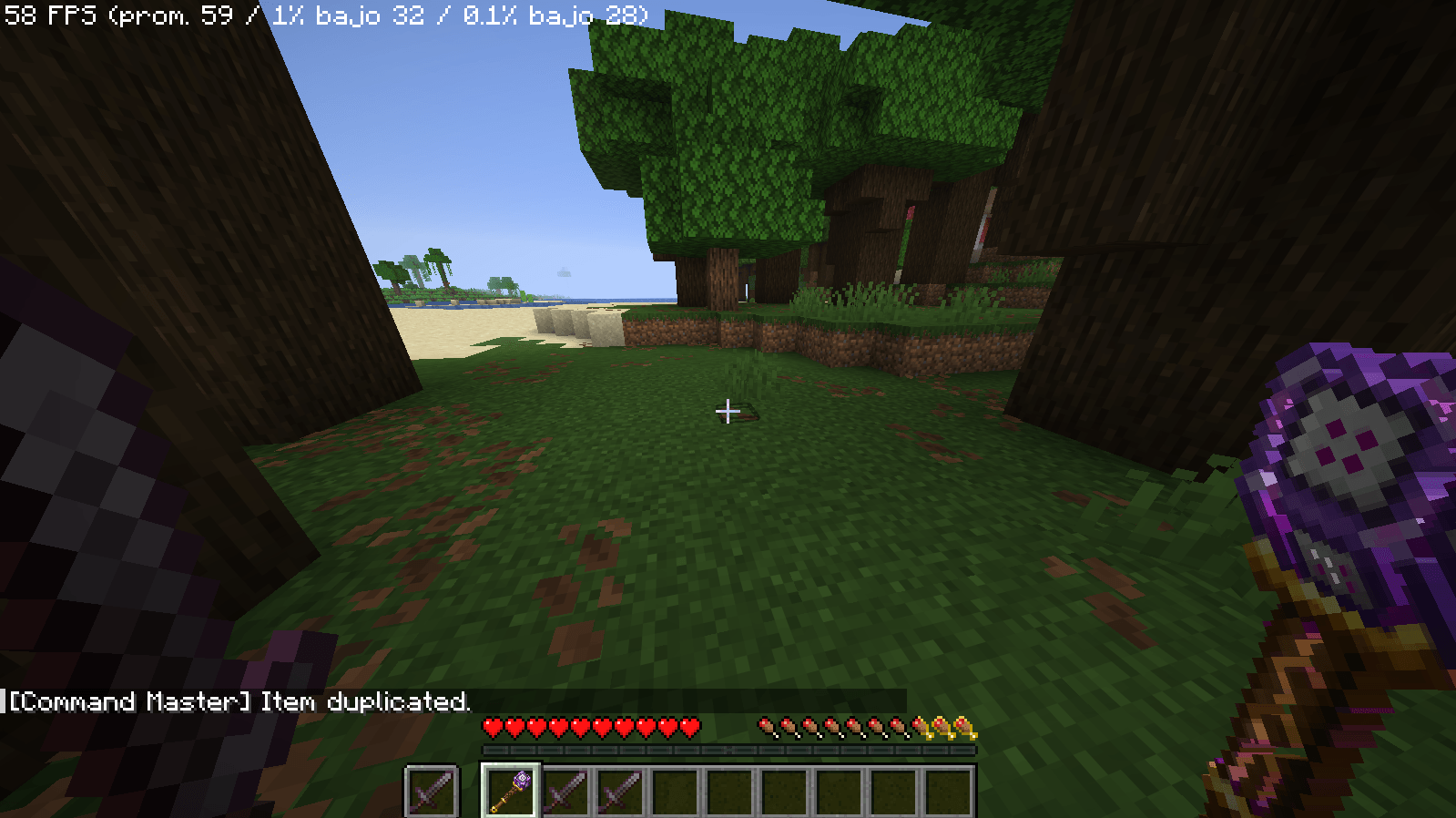
- Duplicate Item (all items)
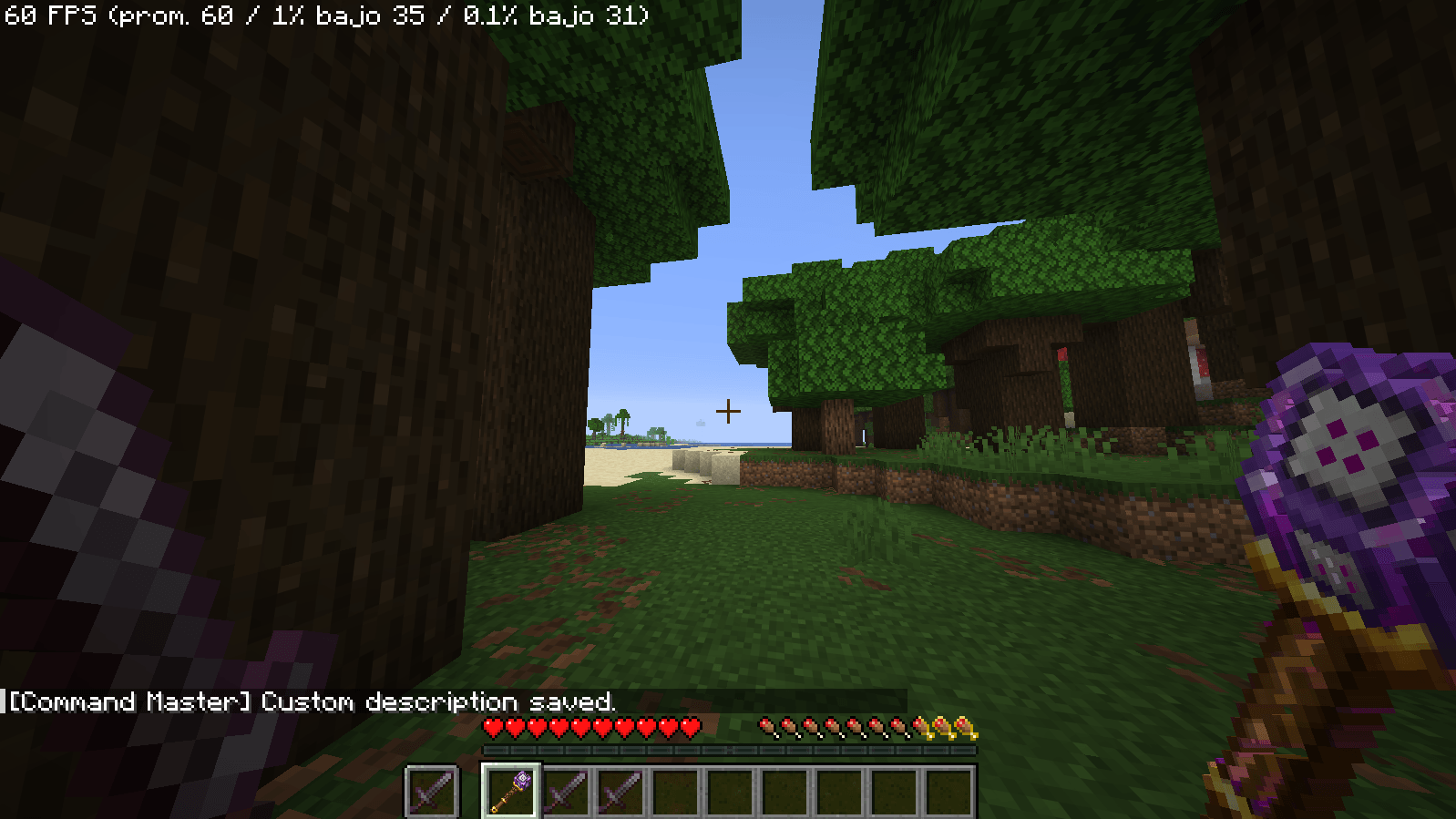
- Change Description (all items)
- Revert Original (revert any change)
- Toggle keep Inventory
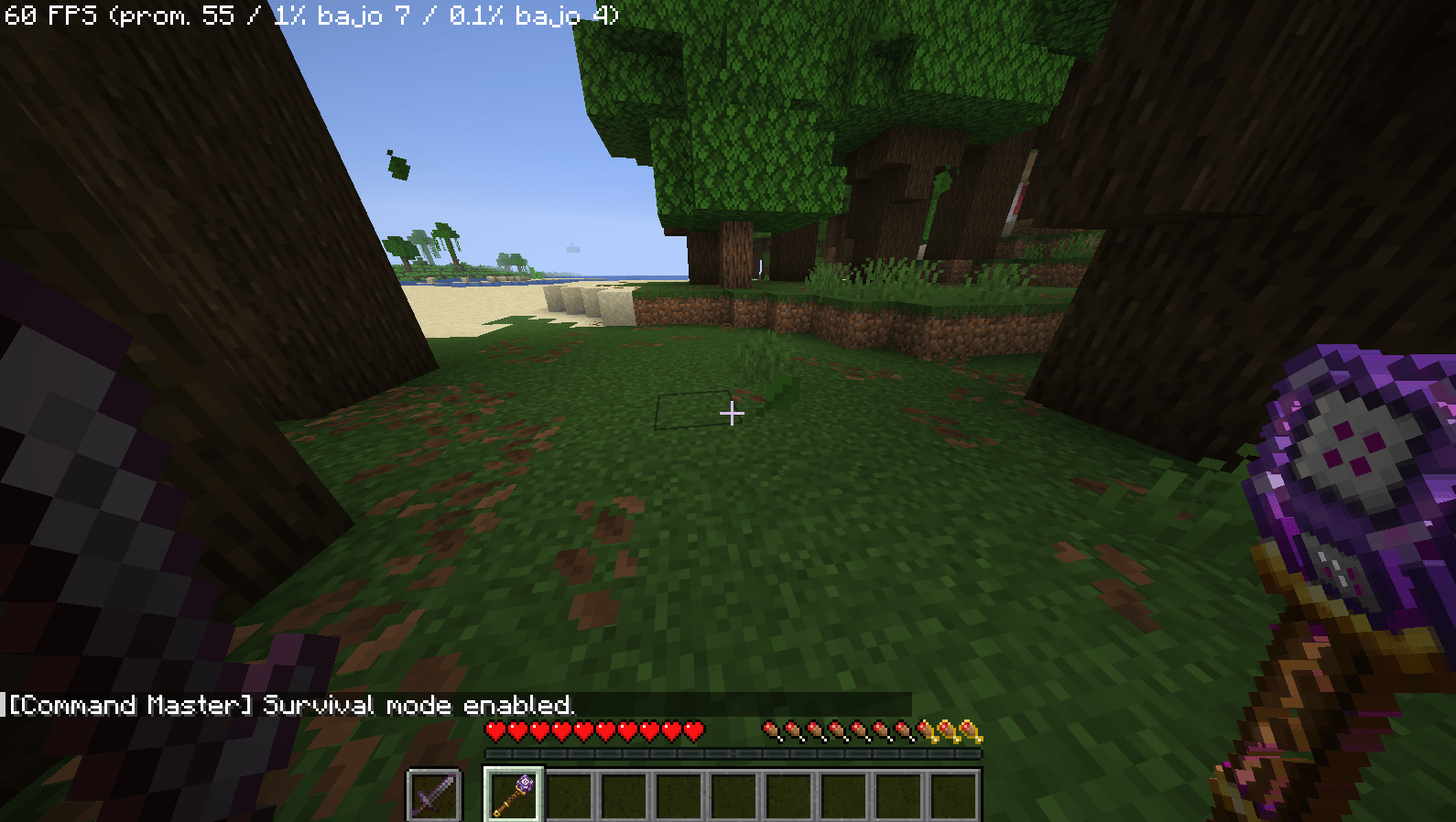
- Switch to Survival Mode
--How to use it--
1. Create your normal Minecraft world.
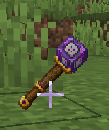
2. The stick will automatically appear in your hand when you create your world.
3. Right-click on the stick, and the menu with the 11 tabs will appear.
4. Pay close attention; otherwise, you won't get the result you expect. Once you access the menu, you will see several submenus. If the options refer to direct objects—such as tabs 1, 3, and 4—you must hold the object you wish to modify with your LEFT hand and the special stick with your right hand.
5. Have fun!! (the most important step)
-After having it in the correct order you are going to select what you want first and then the option to "apply the selection changes"
-If you choose the duplication option, select it and enter the desired number of objects in the text box; then, select the option " apply the selection changes" . The same applies to all tabs where you want to edit text.
Support: Please keep in mind that Spanish is my native language, so responding might be a bit more difficult for me; however, I will be reading and replying to any comments you leave.
Command Master Stick Team