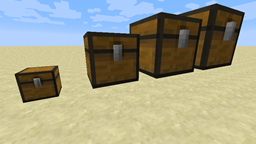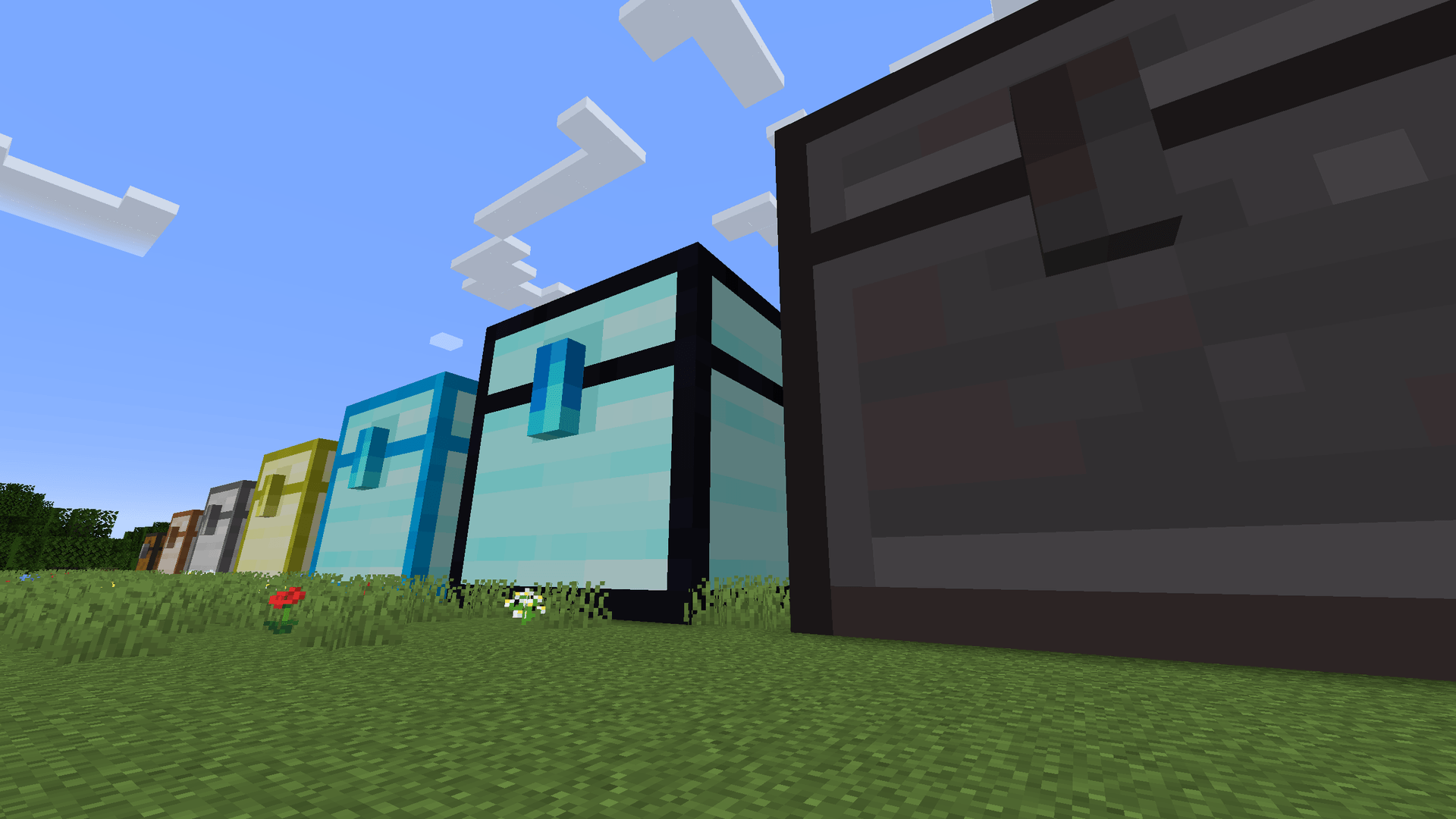
Chests in action
Description
This mod requires the Cyclops Core library!
Come talk to us in #colossalchests on the Cyclops Discord server!
Sometimes, regular chests are just too small, this mod allows you to create large multiblock chests.
This mod is the successor of Colossal Chests 1, and has been rebuilt from the ground up with high performance, server-friendliness, and upgradability in mind.
Compared to Colossal Chests 1, version 2 does not focus on a large numbers of slots, but instead, it allows larger item stack sizes per slot.
It can be used standalone within Vanilla worlds, but it can also be easily combined with digital storage mods such as Integrated Terminals, Refined Storage, and Applied Energistics.
Colossal Chests 2 and Colossal Chests 1 have different mod id's so they can be used together in the same world.
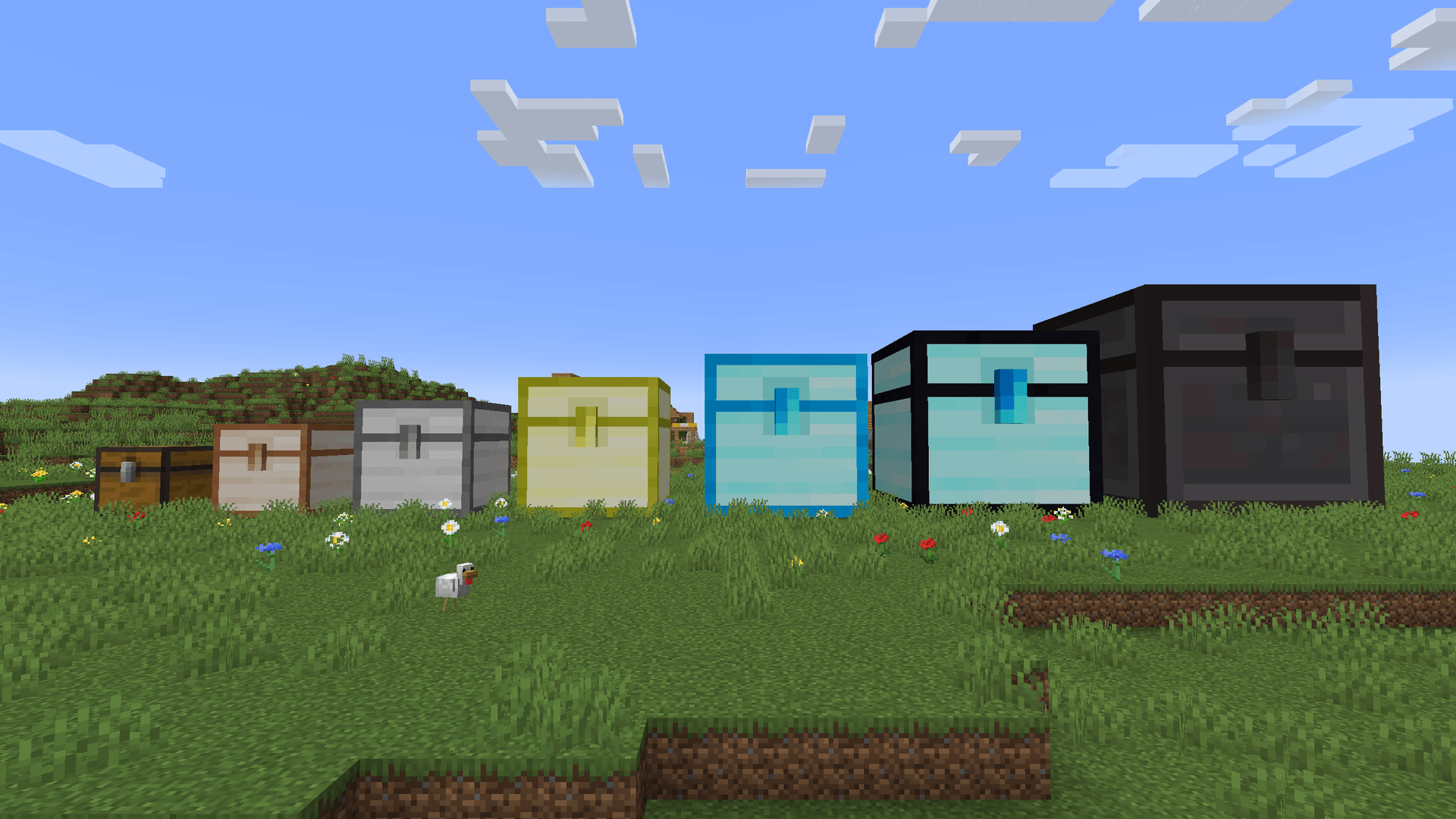
Chests come in seven materials: wood, copper, iron, gold, diamond, obsidian and netherite.
Better materials allow bigger chests, from 3x3x3 for wood up to 10x10x10 for netherite, and have more upgrade slots.
Obsidian and netherite chests can not explode.
Materials are defined in datapacks, so modpacks can tweak or reorder them.
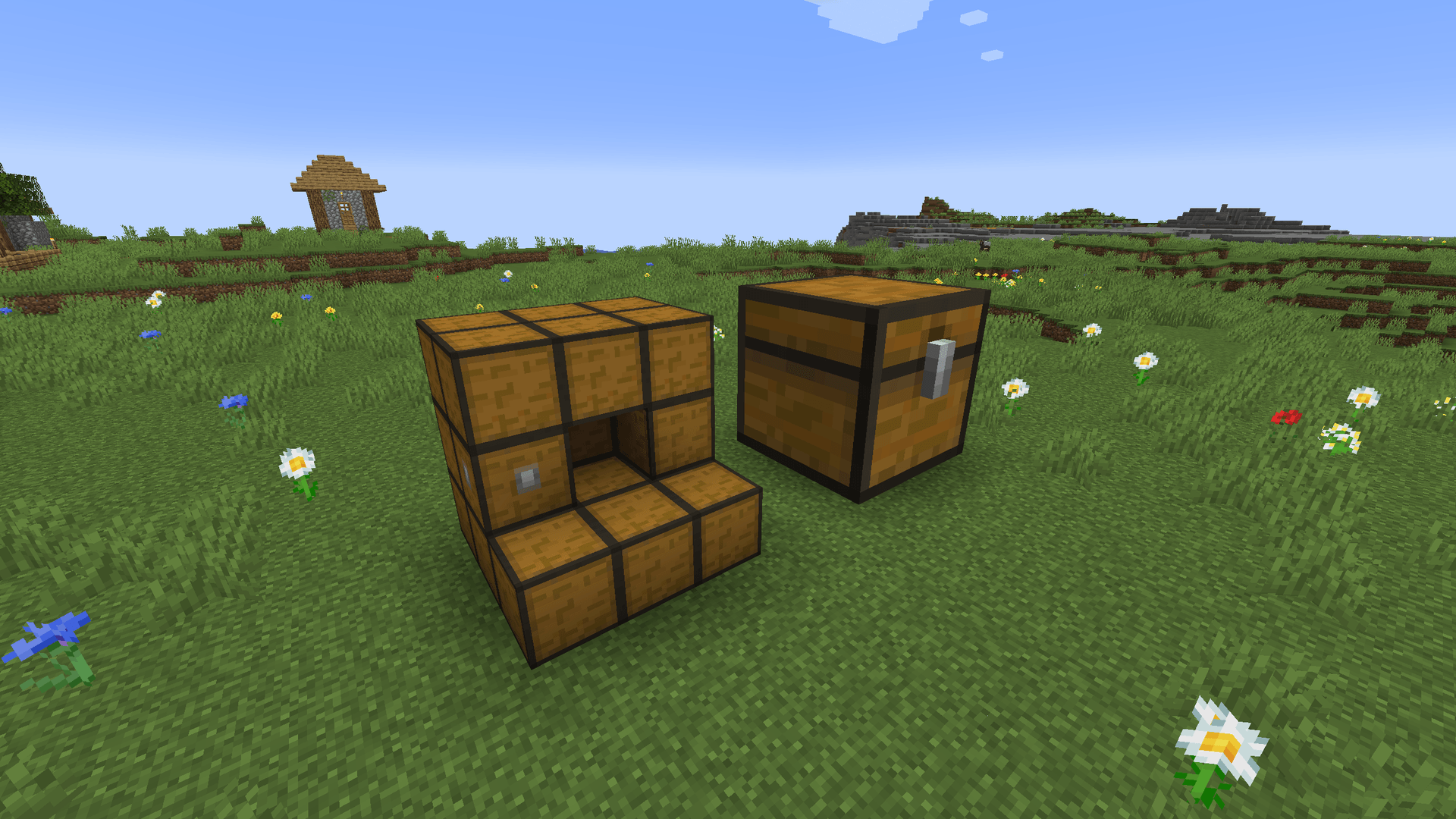
To build these chests, you will need multiple Chest Wall blocks and exactly one Chest Core block of the same material.
Your structure must be cubic, each side must have an equal length, and the minimum size is two blocks.
You must only build the actual walls of the structure, and the inside must be hollow.
Once your structure is valid, it will form into one giant chest.
Optionally, wall blocks can be replaced by specialized upgrade blocks, such as Interface Walls, Display Walls, and more (see below).
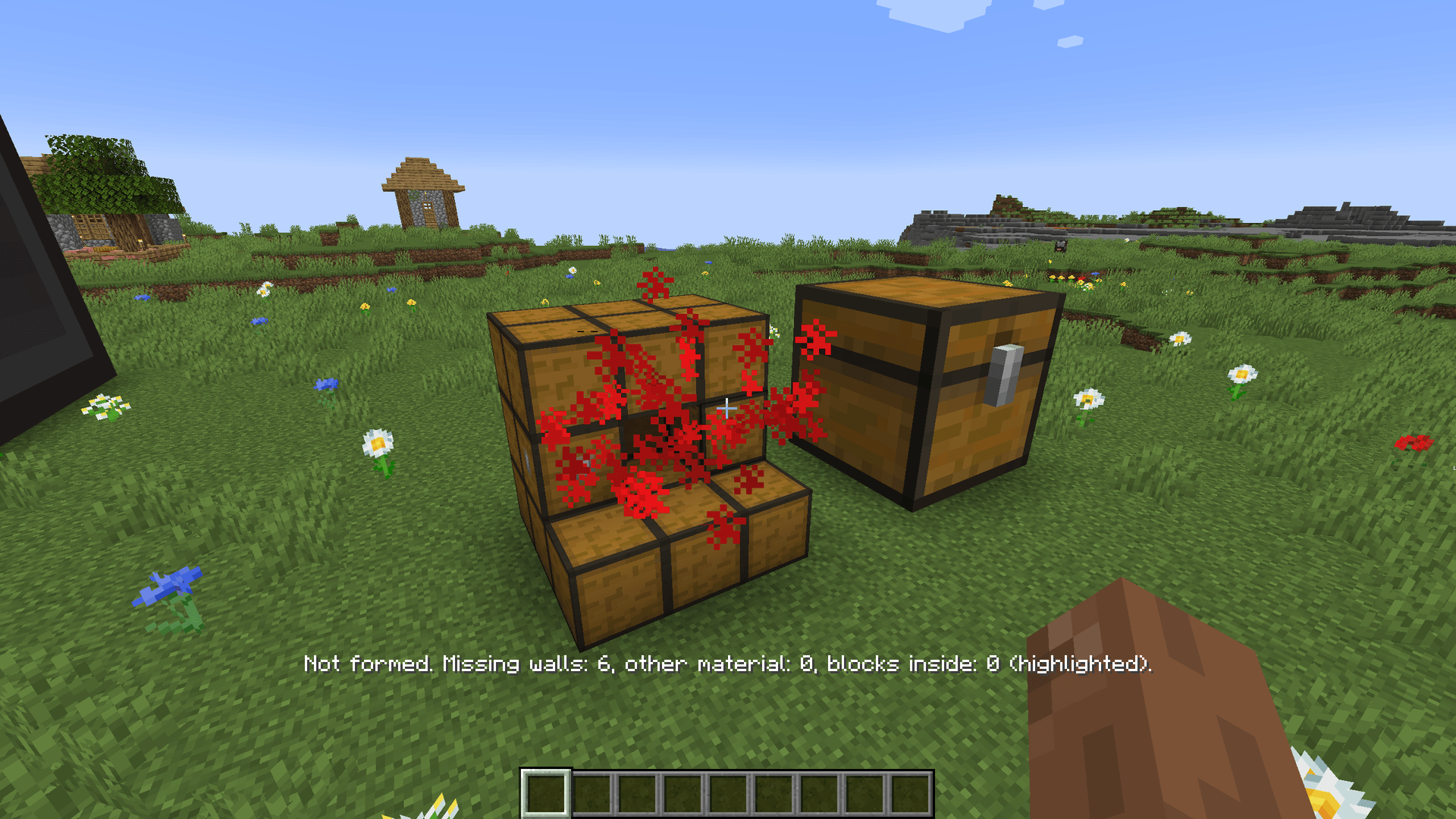
If you are having trouble with your chest not forming, right-click the incomplete structure with an empty hand to see why it won't form.
Missing walls, walls of another material and blocks inside the chest are highlighted.
Just like a regular chest, the lid opens when someone looks inside.
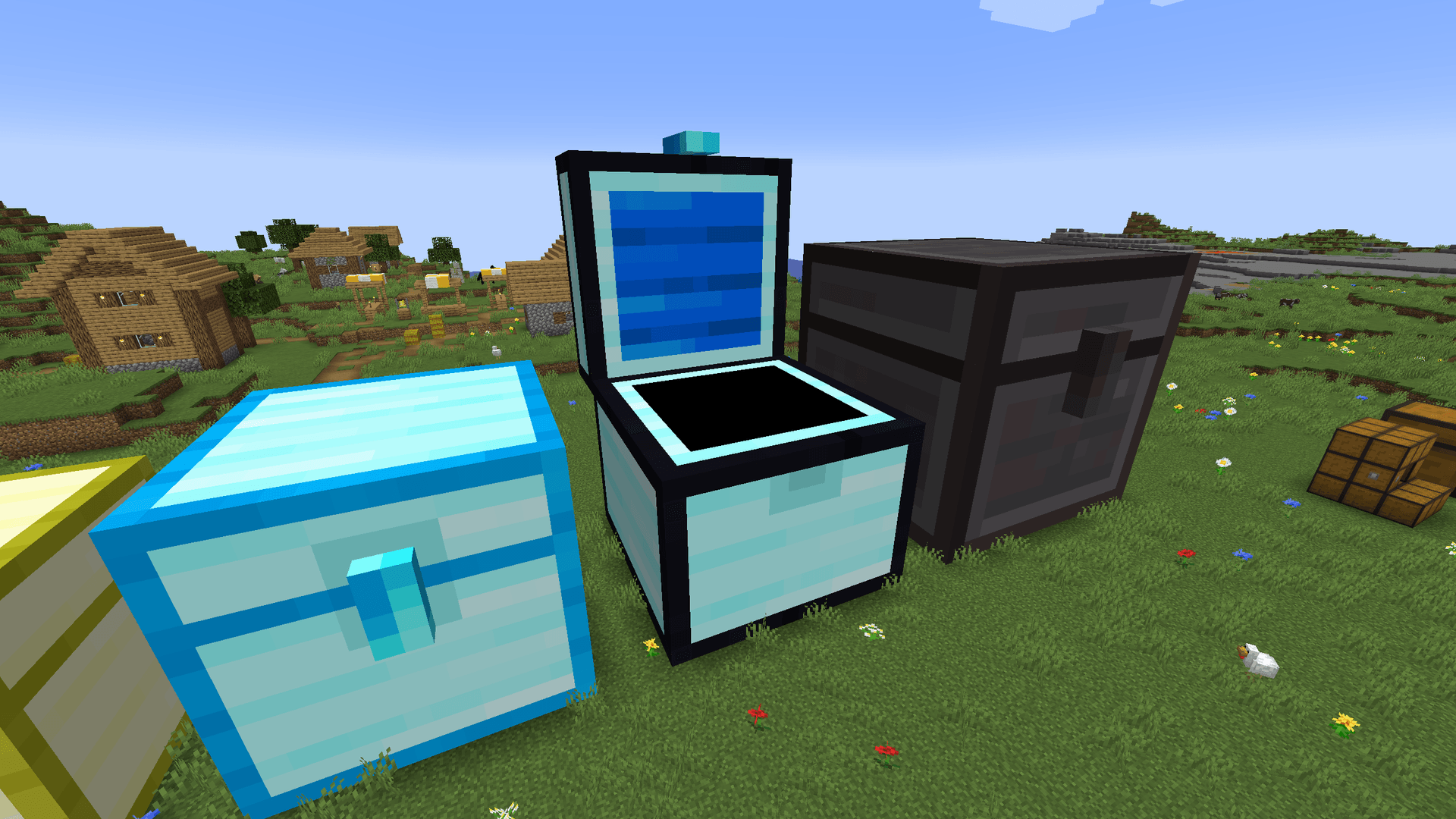
Obviously, you can also open a GUI to manage the contents of the chest yourself.
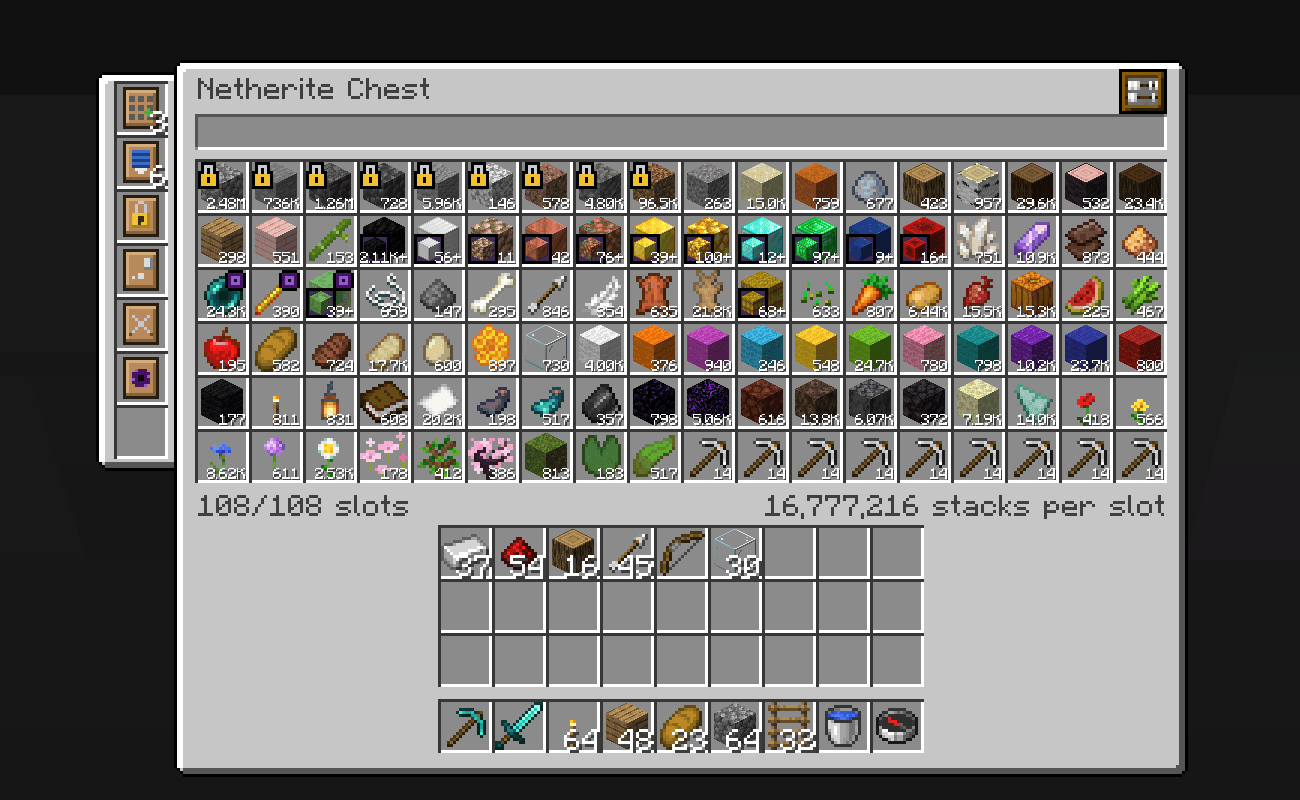
Every chest starts with 27 slots, but each slot holds many stacks: 4 stacks for a 2x2x2 chest, up to 262,144 stacks for a 10x10x10 chest.
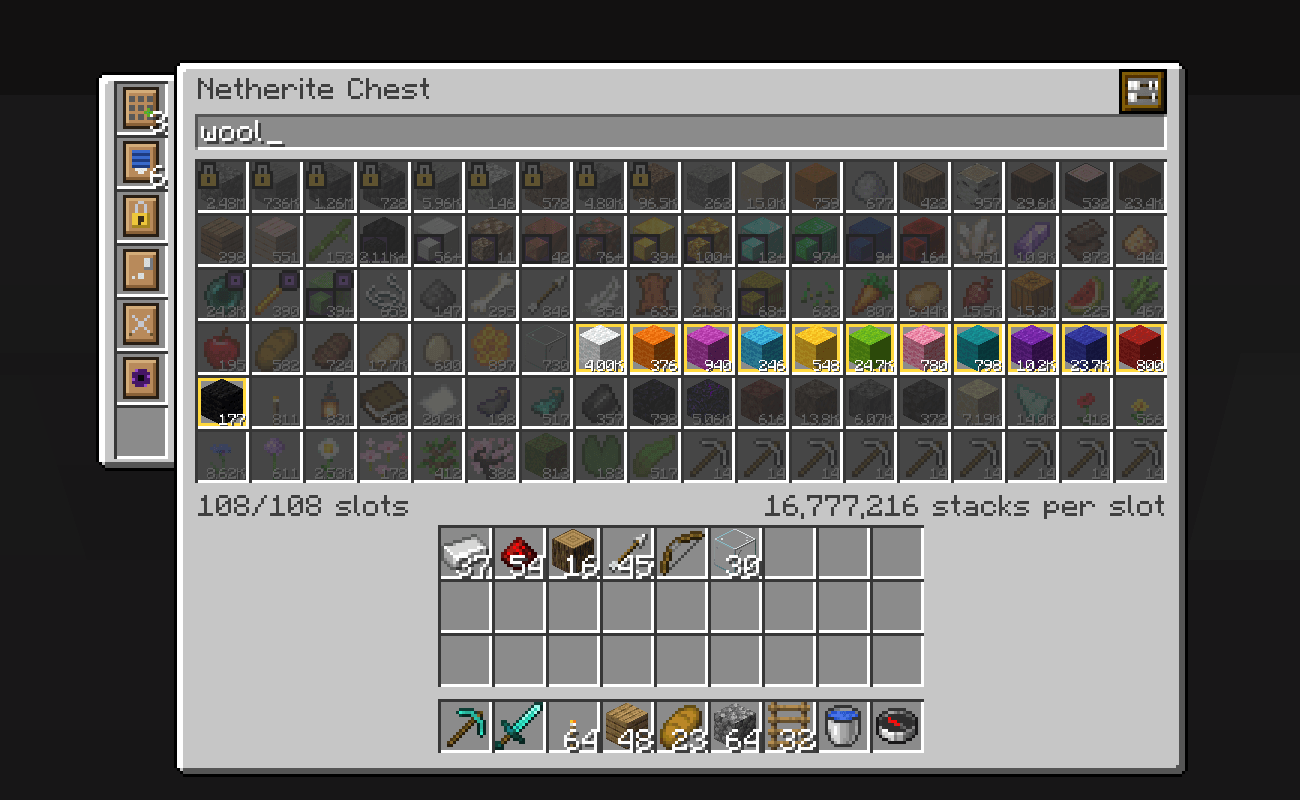
And if that is not enough, additional upgrades can be installed in the column on the left:
- Slot Expansion: adds 27 slots, up to 108.
- Depth: doubles the stacks per slot. The material determines how many you can install.
- Lock: lock slots to an item type, shown with a padlock.
- Void: mark slots as voiding, so automation destroys overflowing items instead of getting stuck.
- Bundling: lets slots hold more unstackable items, such as tools.
- Compression: combine different forms on an items (nuggets, ingots, blocks, ...).
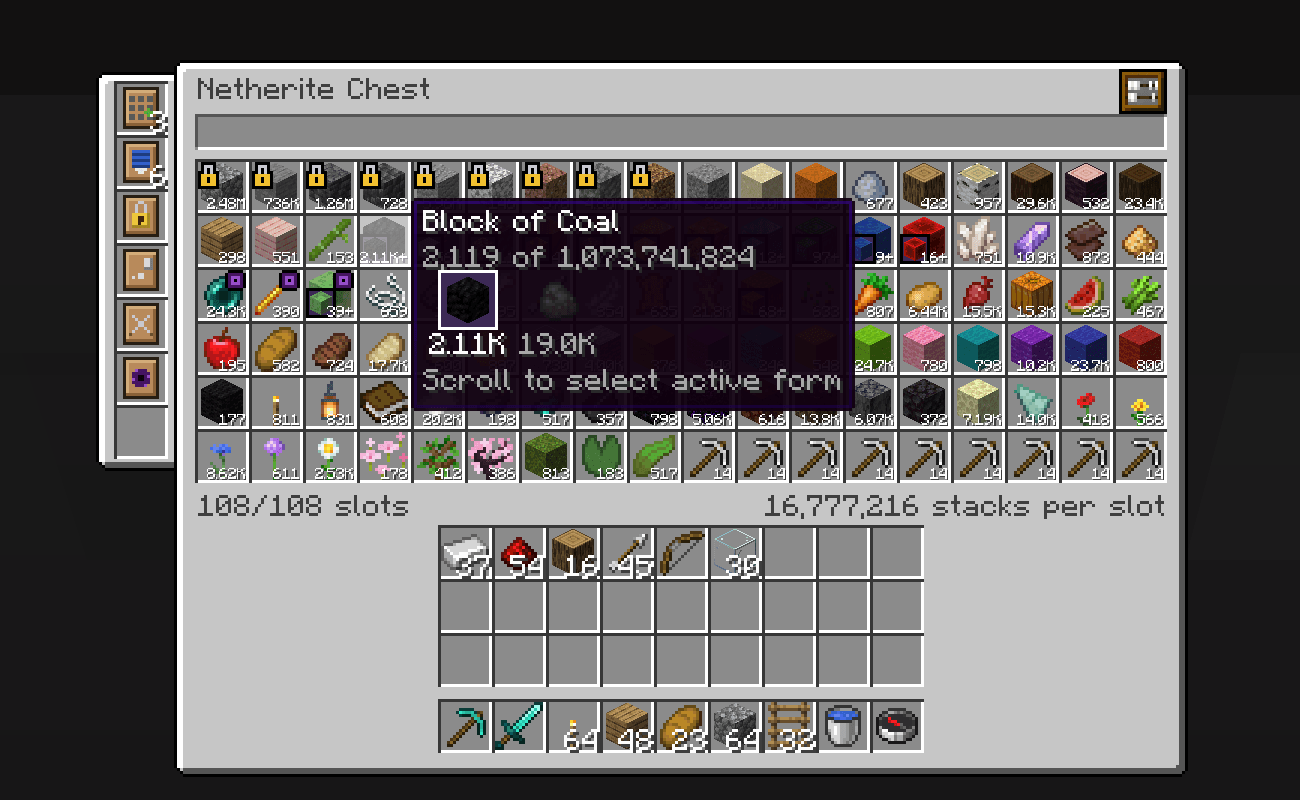
The Compression Upgrade combines the forms of an item, such as nuggets, ingots and blocks, into a single slot.
You can scroll on a slot to pick the form you want to take out.
Did you loose something in your colossal chest? You can easily search through its contents!
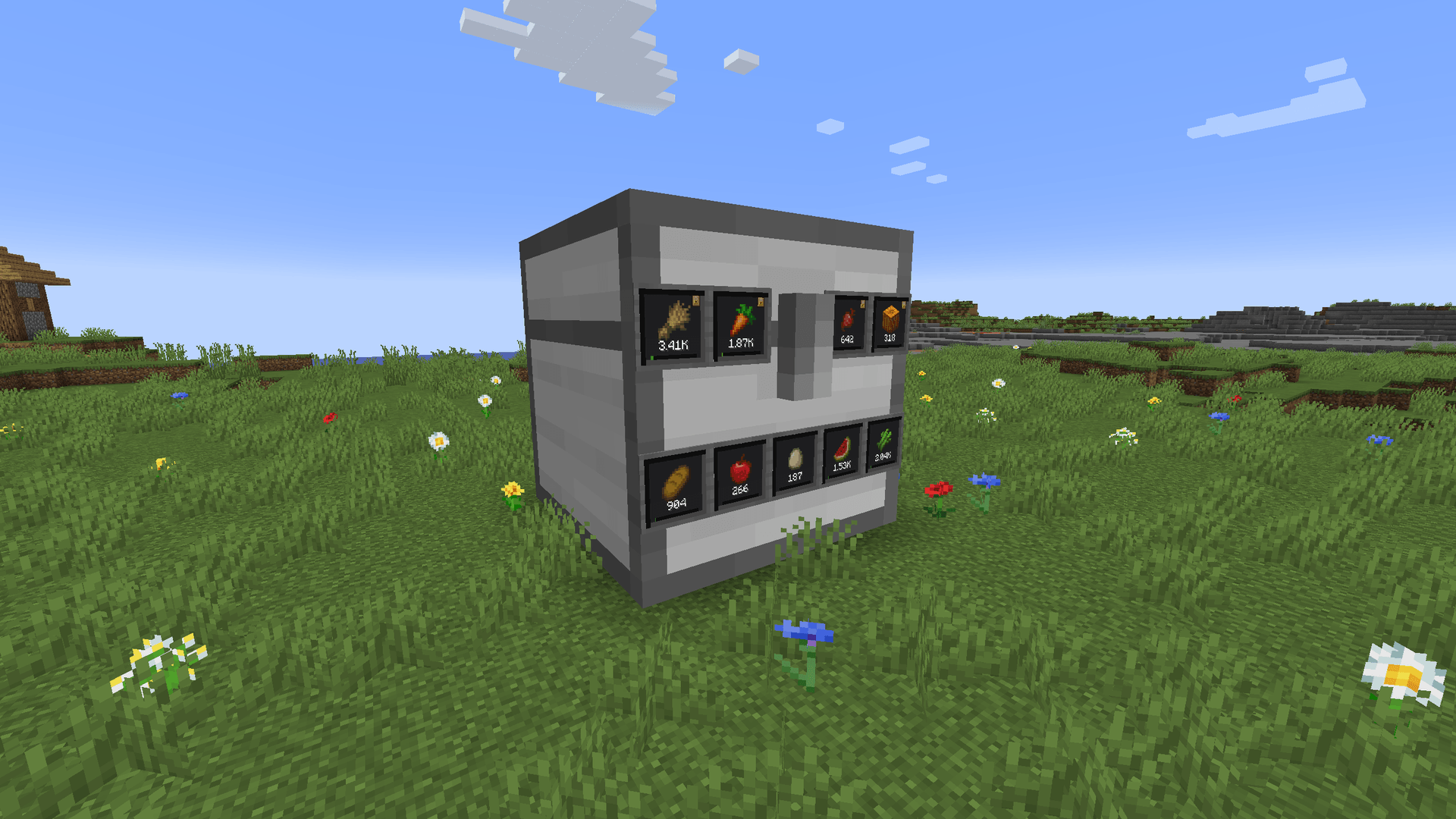
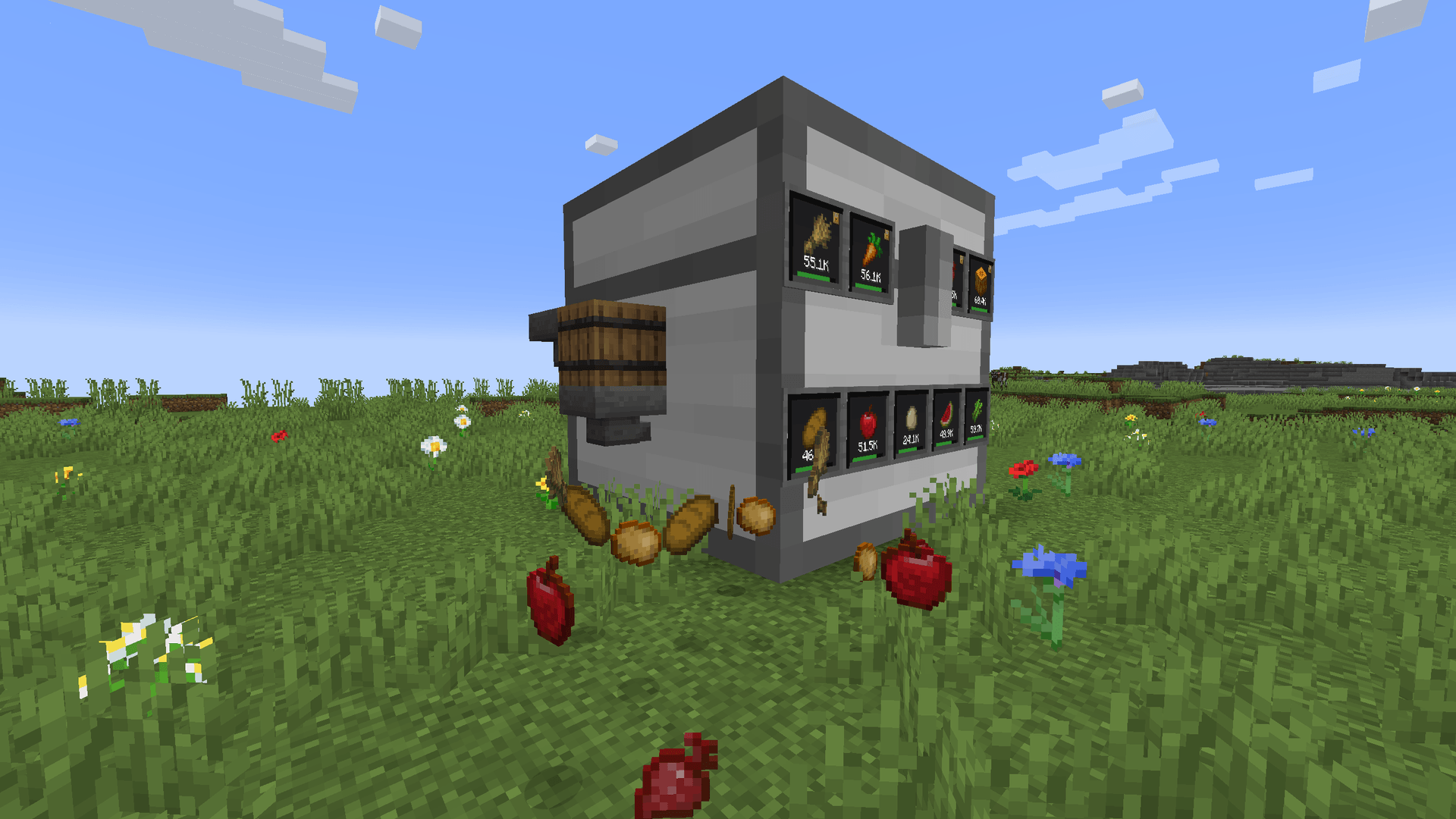
Chest Display walls can show an item that is contained in the chest, together with its count and how full it is.
Without having to open the chest, you can take items out by (sneak-)left-clicking them, and insert items by (double) right-clicking them.
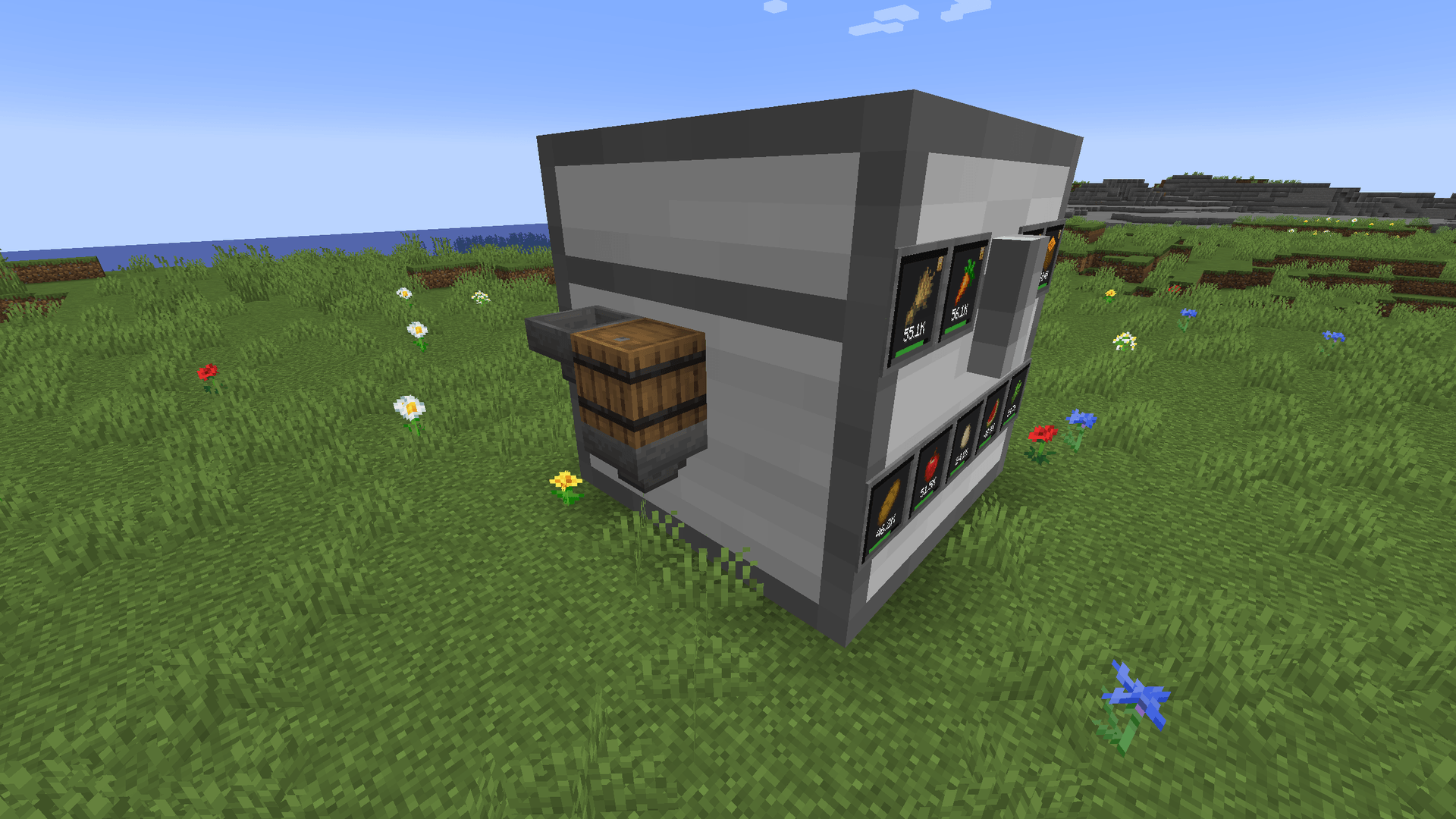
You can add any number of Chest Interface blocks to your structure to make those blocks accessible for hoppers, pipes and other automation.
Optionally, filters can be set by sneak-right-clicking an Interface with an empty hand.
Void Chest Interfaces are a special type that destroy items which don't fit anymore.
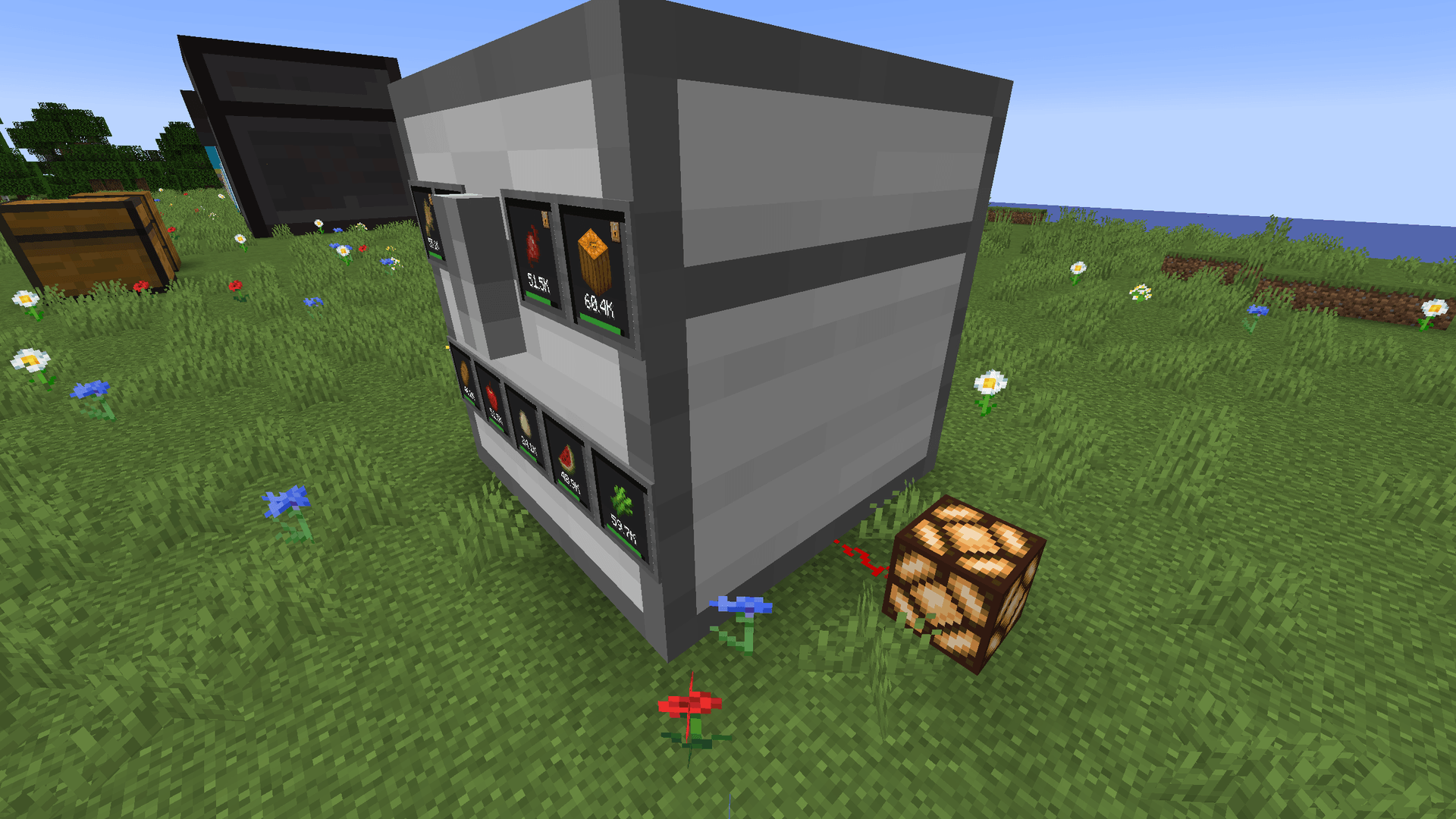
Redstone Chest Walls can emit a redstone signal based on how full the chest is.
Magnet Chest Walls will pull items from the world around them into the chest.
Sneak-right-click a Magnet wall with an empty hand to set its radius.
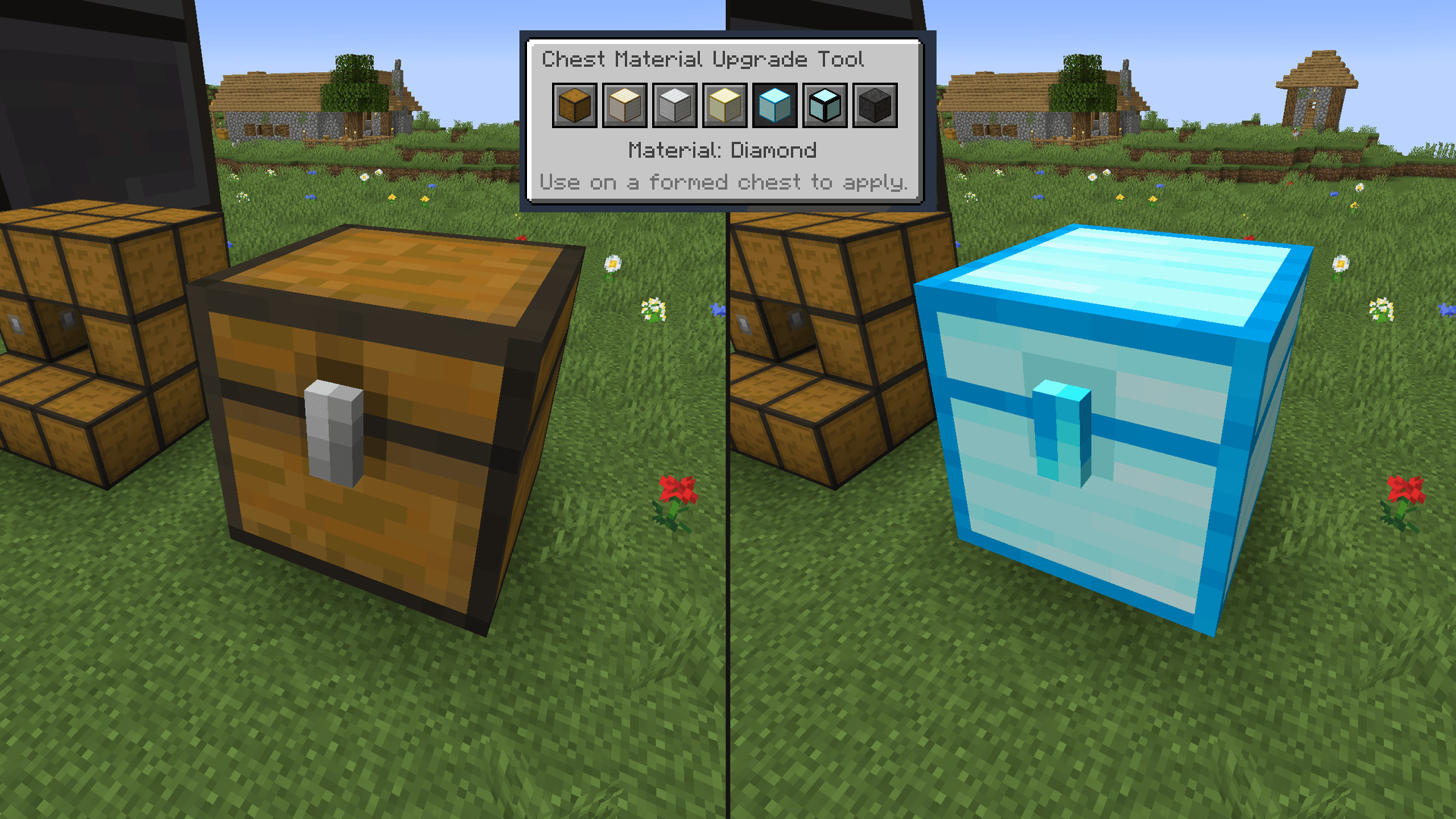
The Chest Material Upgrade Tool can be used to change a chest to another material without having to break and replace all blocks.
Right-click in the air to pick a material, and right-click a formed chest to apply it.
This requires the walls of the new material in your inventory, and keeps the contents of the chest.
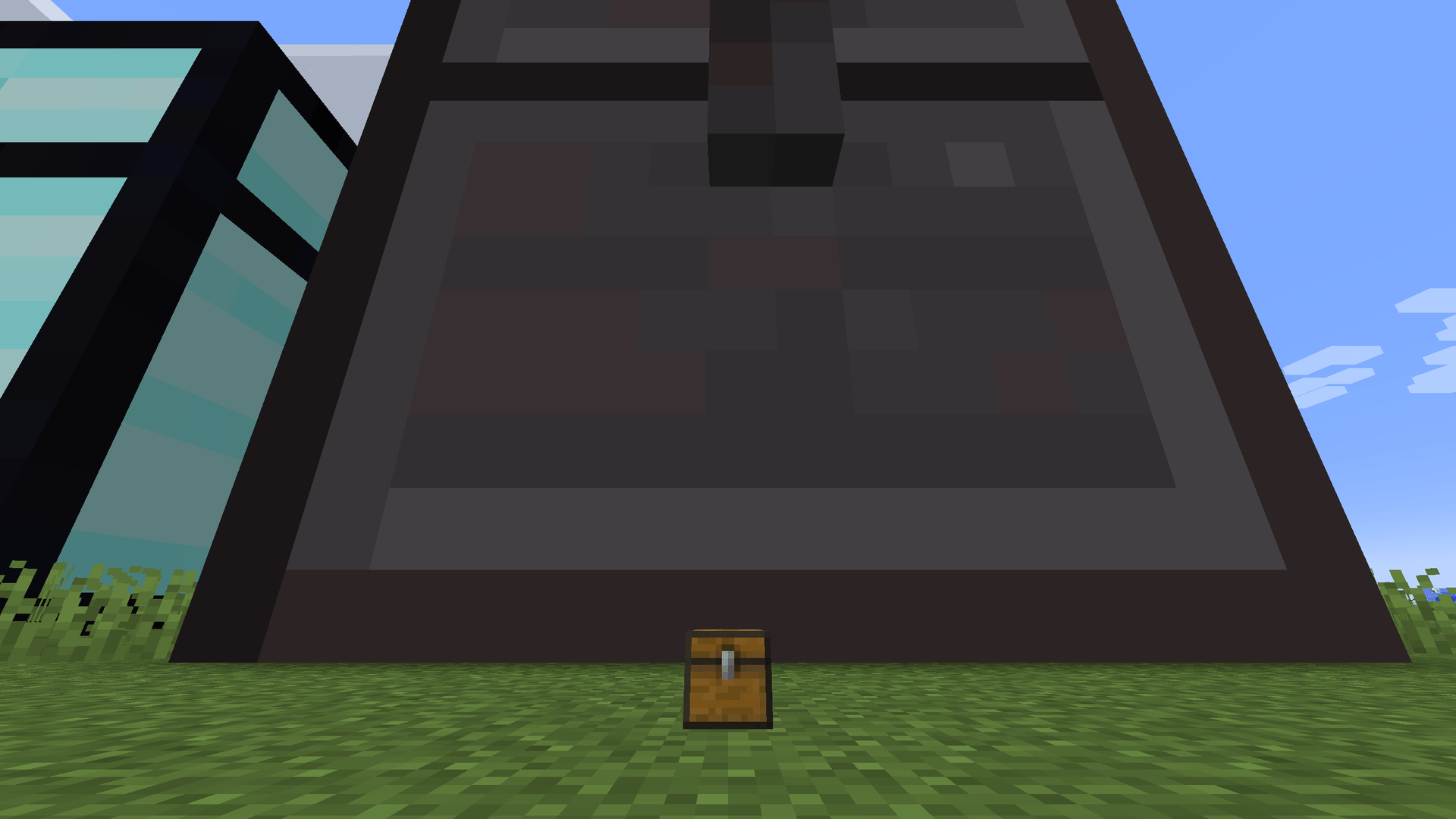
And finally, the Uncolossal Chest, the most colossal of 'em all!

Support us via the referral code cyclops when renting a server at Bisect Hosting, and get 25% off your first month!

If you like this mod, consider supporting me on Patreon!
Colossal Chests 2 Team

Owner