


ColorBiome
- By
ColorBiome lets you customize vegetation and water colors in selected Minecraft areas using palettes from any biome, including modded ones.
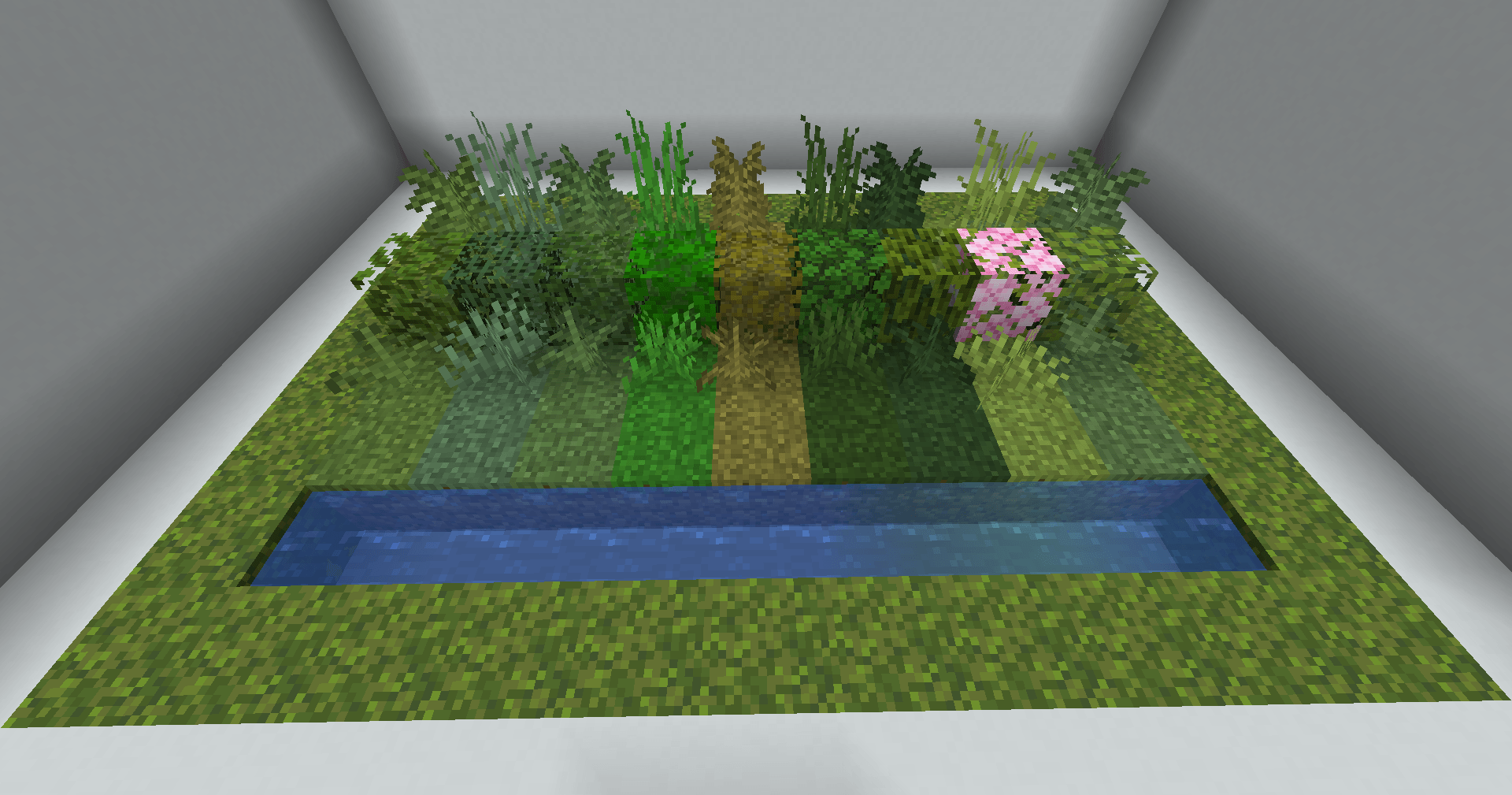
The same vegetation and water can take on different biome palettes, letting you match the colors of your build without moving it to another biome.
Description
ColorBiome gives you control over the visual atmosphere of your builds without changing the actual biome underneath them.
With the Palette Brush, you can select an area and apply the vegetation and water colors of any available biome. Build on a Mushroom Fields island while using the deep greens of a Dark Forest, create a warmer oasis in a cold landscape, or give separate levels of a large build their own atmosphere.
Features
- Apply biome color palettes to selected areas.
- Choose vegetation and water palettes separately.
- Use palettes from vanilla biomes and installed biome mods.
- Search the complete biome list by name or ID.
- Control the vertical range of each area.
- Extend an area to the world ceiling or world floor when needed.
- Keep the original biome, terrain, structures, mob spawning, and generation unchanged: only the visual colors are affected.
How It Works
- Use the Palette Brush to select an area.
- Open the brush menu.
- Choose a biome palette for vegetation and water.
- Set how far the effect should extend above and below the selected area.
- Confirm your choices.
The ColorBiome Team
