Cobblemon Occupied Pokeballs REFORGED
NeoForge Port of Cobblemon Occupied Pokeballs by m3till
2026-04-09_17-27-39-png.png
2026-04-09_00-20-34-png.png
2026-04-09_00-21-13-png.png
Description
This is a NeoForge port of Cobblemon Occupied Pokeballs by m3till, all credit to the original author for the project!!
A Cobblemon mod for Minecraft 1.21.1 (NeoForge).
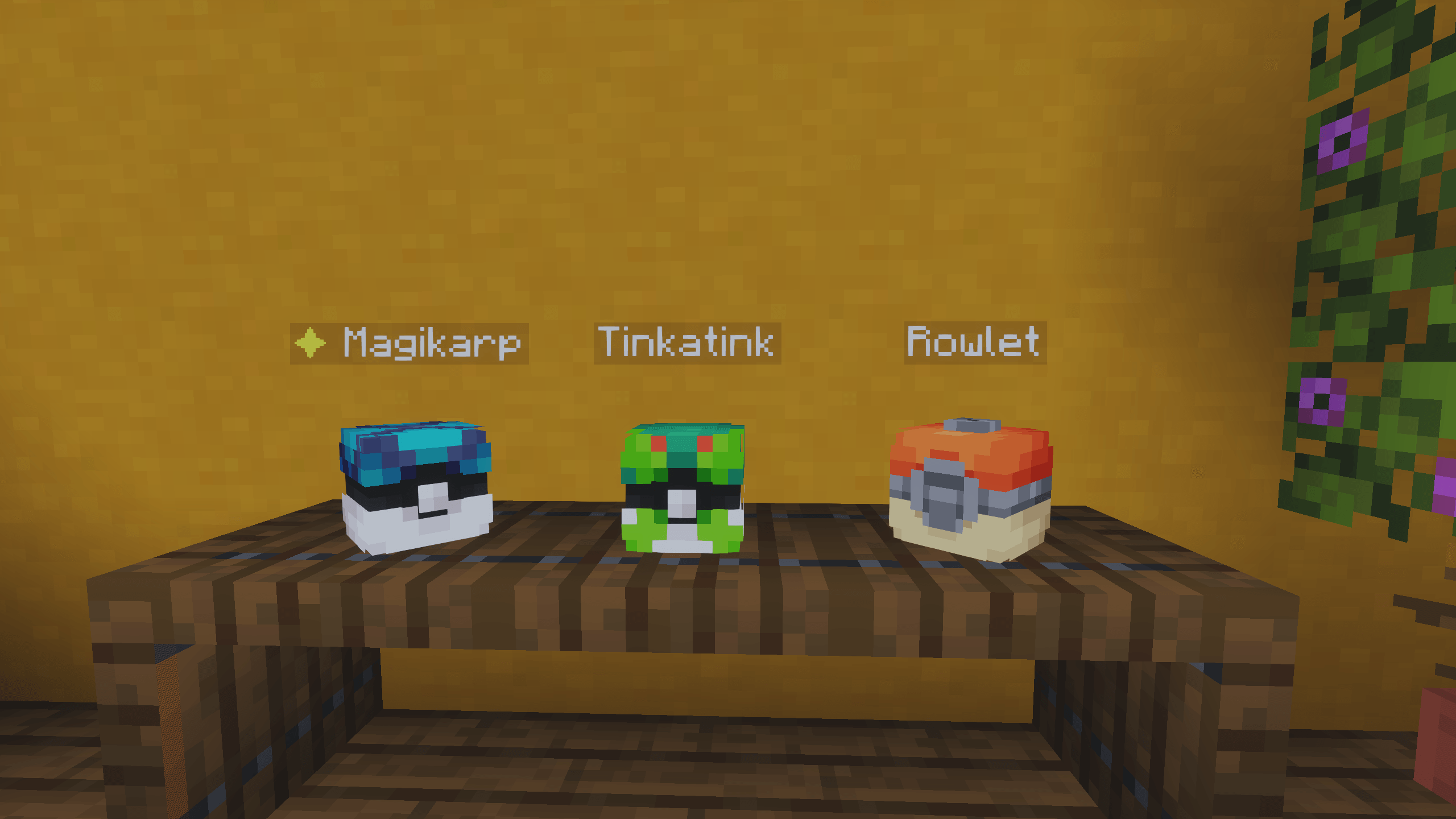
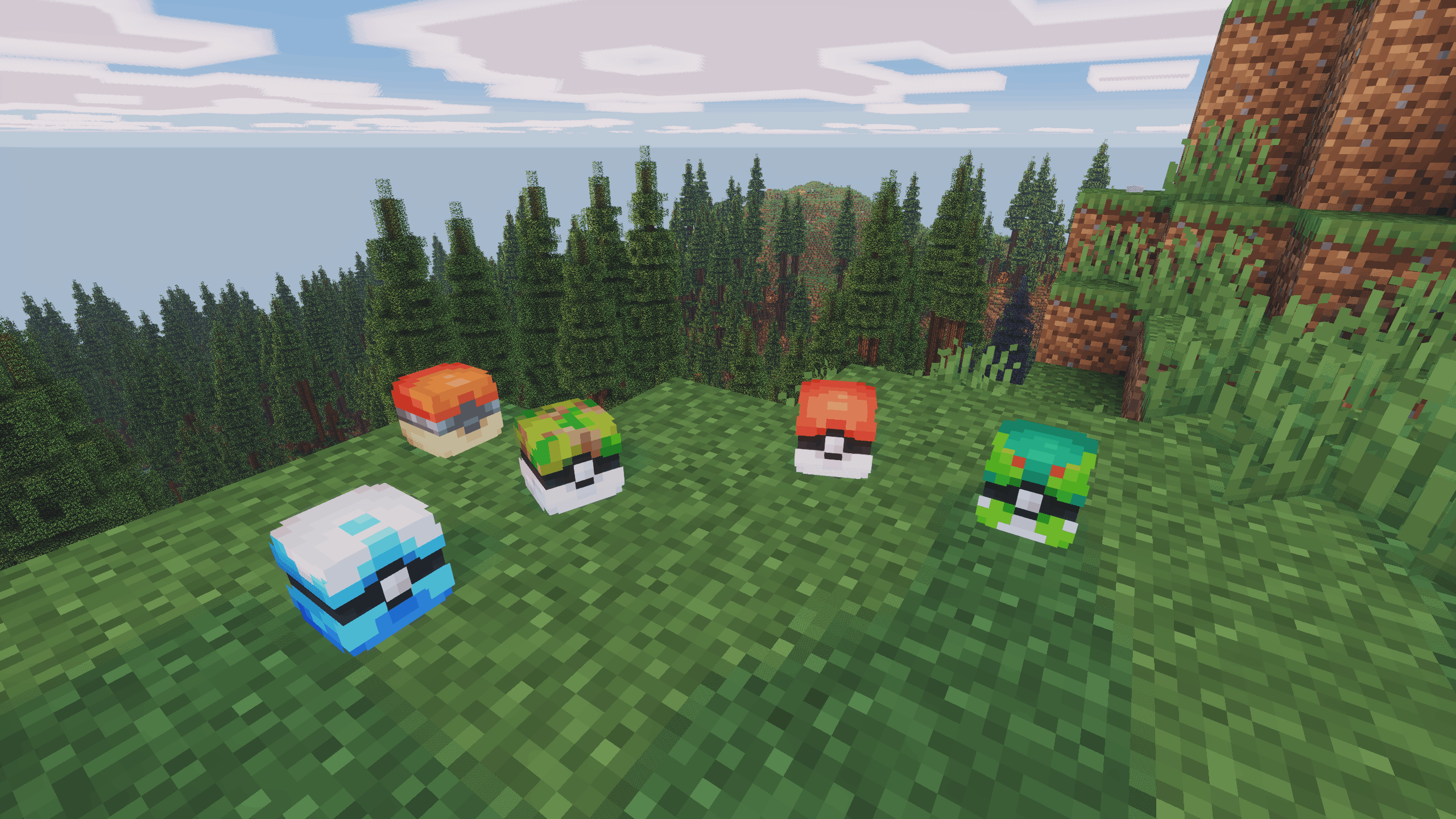
Eject any party Pokémon as its physical Poké Ball item, hand it to a friend, stash it in a chest, place it on a shelf, or send it straight out into the world.
Features
- Eject — press T to eject your currently selected party Pokémon as its caught ball
- Reclaim — hold the ball and press T to add it back to your party (or PC if full)
- Send out from hand — hold the ball and press Shift+T to add it to your party and immediately send it out with the full throw animation (only works if your party has space)
- Pokéball Display — right-click the top face of any solid block while holding an occupied ball to place it as a 3D display; reclaim by breaking it
- Floating name label — placed displays show the Pokémon's name (and ✦ if shiny) as a floating label; toggleable in config
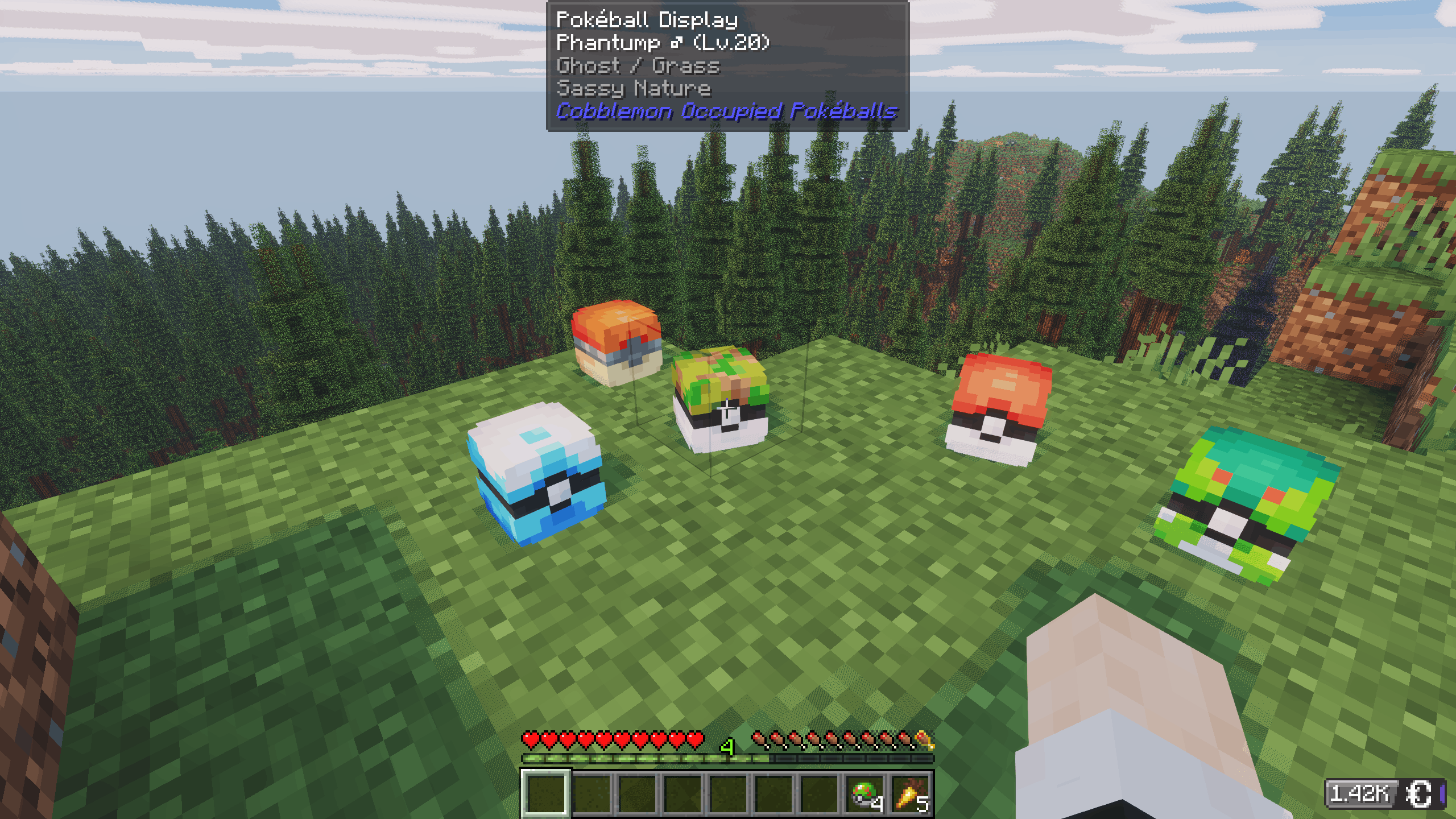
- Jade tooltip — when looking at a placed ball, Jade shows the Pokémon's name, level, type(s), nature, and shiny status
- Ball throwing blocked — occupied balls cannot be thrown; they work only as carriers
- Item tooltip — the ball shows the Pokémon's name, level, gender, type(s), nature, and a ✦ Shiny marker when applicable
- Original ball preserved — a Pokémon caught in a Master Ball drops as a Master Ball, etc.
- Full data preserved — IVs, EVs, moves, ability, nature, held item, nickname, marks
- Drop on death (optional, off by default) — configure via ModMenu to drop party balls as items on death; respects the
keepInventorygamerule
All keybinds are rebindable under Options → Controls → Cobblemon Occupied Pokéballs.
Requirements
| Dependency | Version |
|---|---|
| Minecraft | 1.21.1 |
| Cobblemon (NeoForge) | ≥ 1.7.3+1.21.1 |
Optional:
- Jade — tooltip when looking at a placed Pokéball Display
Installation
- Install NeoForge Modloader for 1.21.1
- Drop these into your
mods/folder:cobblemon-occupied-pokeballs-<version>.jar- Cobblemon
- Launch with the NeoForge profile
For servers: the mod must be installed on both the server and every client.
Configuration
The config file is created automatically at config/cobblemon_occupied_pokeballs.json on first launch:
{
  "showFloatingName": true,
  "dropPartyOnDeath": false
}| Option | Default | Description |
|---|---|---|
showFloatingName |
true |
Show the Pokémon's name (and ✦ if shiny) as a floating label above placed Pokéball Displays. |
dropPartyOnDeath |
false |
Drop all party Pokémon as ball items on death. Skipped if keepInventory is on. |
Building from source
.\gradlew.bat buildThe first run downloads Minecraft, mappings, Fabric, and Cobblemon — this takes a few minutes. On success the jar is at:
build/libs/cobblemon-occupied-pokeballs-<version>.jarThe Cobblemon Occupied Pokeballs REFORGED Team