CC-Crates
- By
Add unique Pokemon crates into your Cobblemon Server! (works with luckperms and votifier)
cc-crates
Screenshot 2026-09-23 040529.png
Screenshot 2026-09-23 040551.png
Screenshot 2026-09-23 040611.png
Description
CC-Crates
Custom Pokemon style crates for Fabric 1.21.1 and Cobblemon 1.8.1
Features
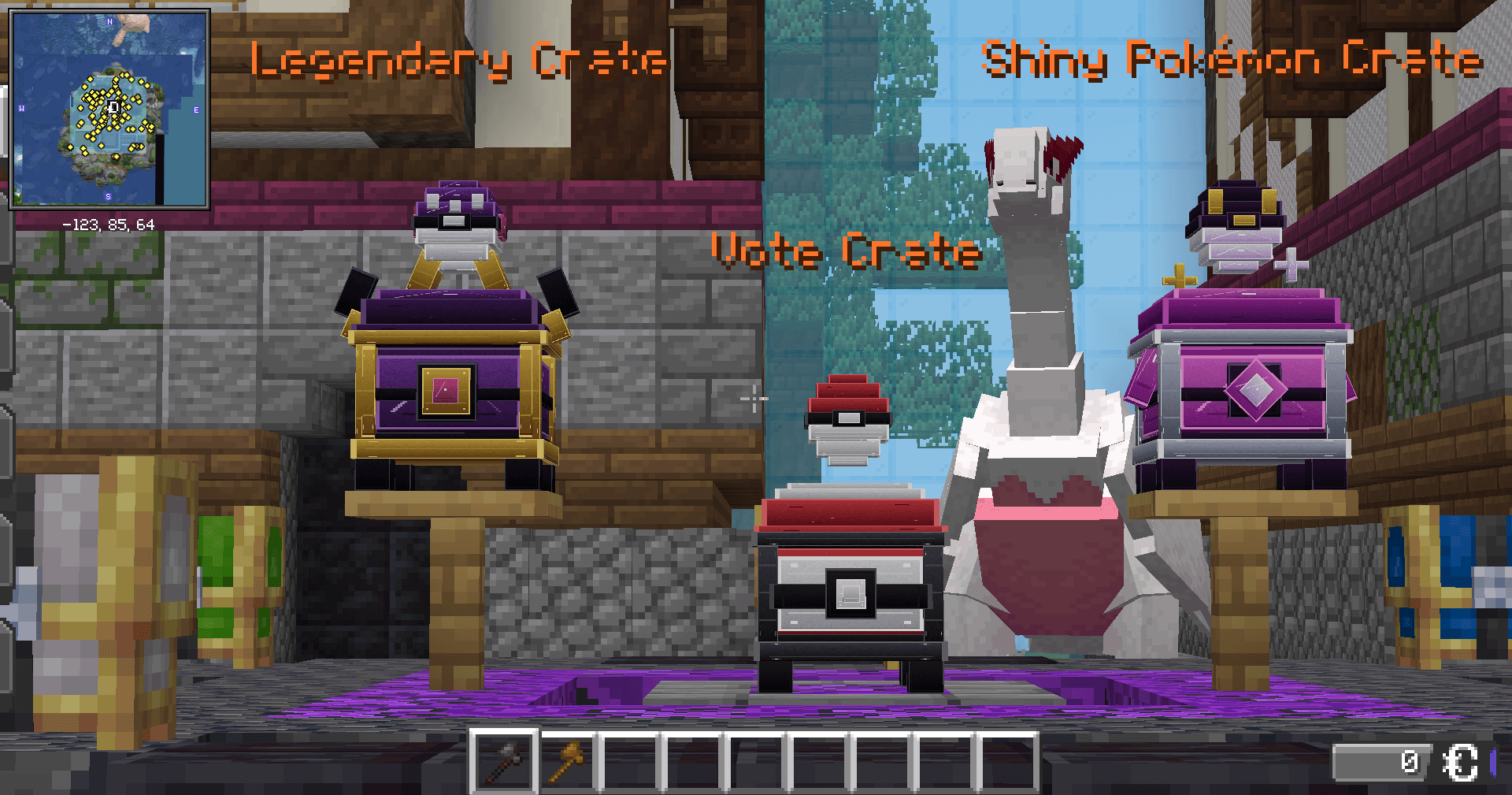
- Four different premium material sets: Legendary, Shiny, Vote, and Basic
- Floating Master Ball, Ultra Ball, and Poké Ball voxel displays on the crates
- Transparent, full-bright floating names that remain readable from any angle
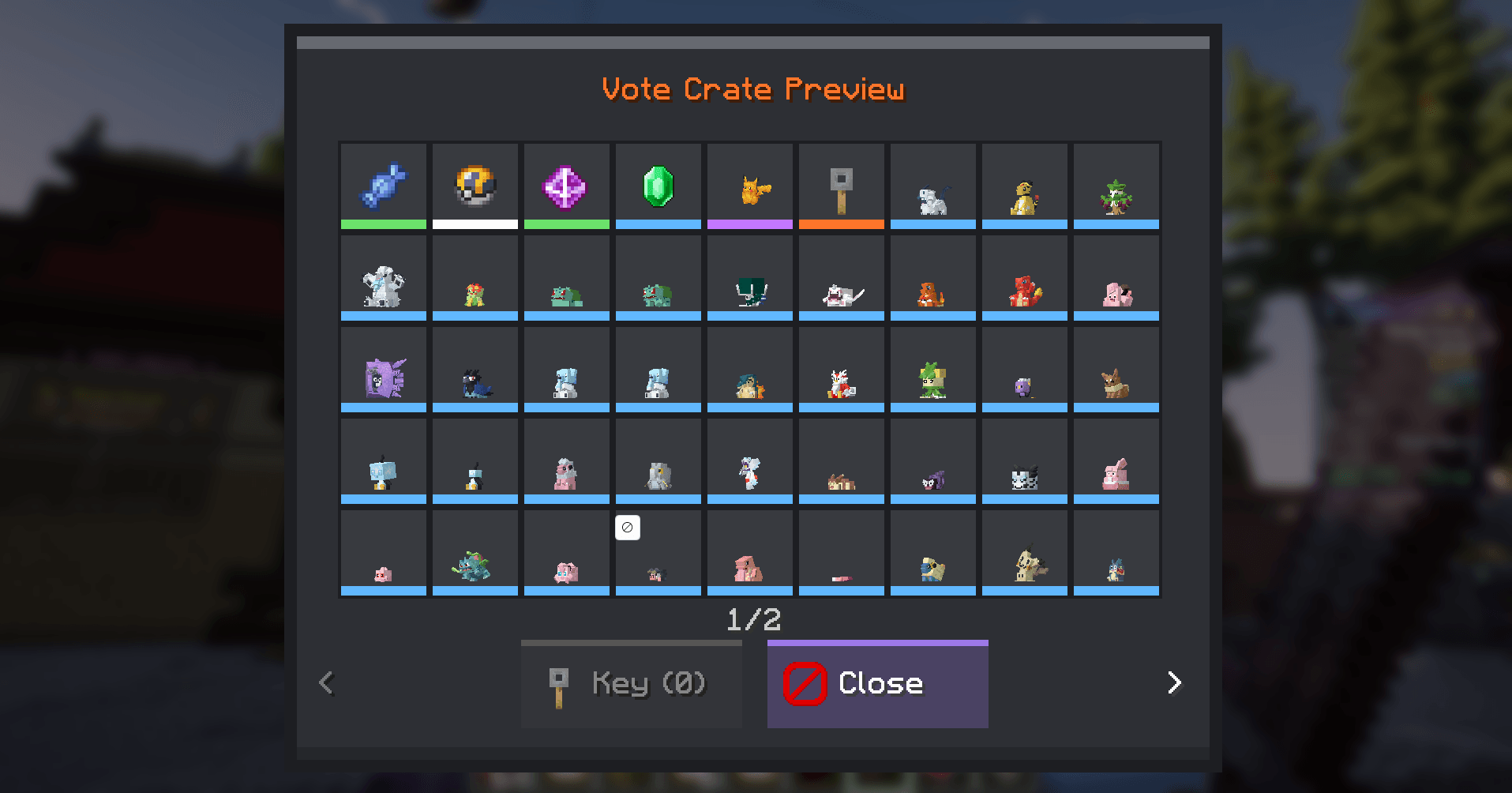
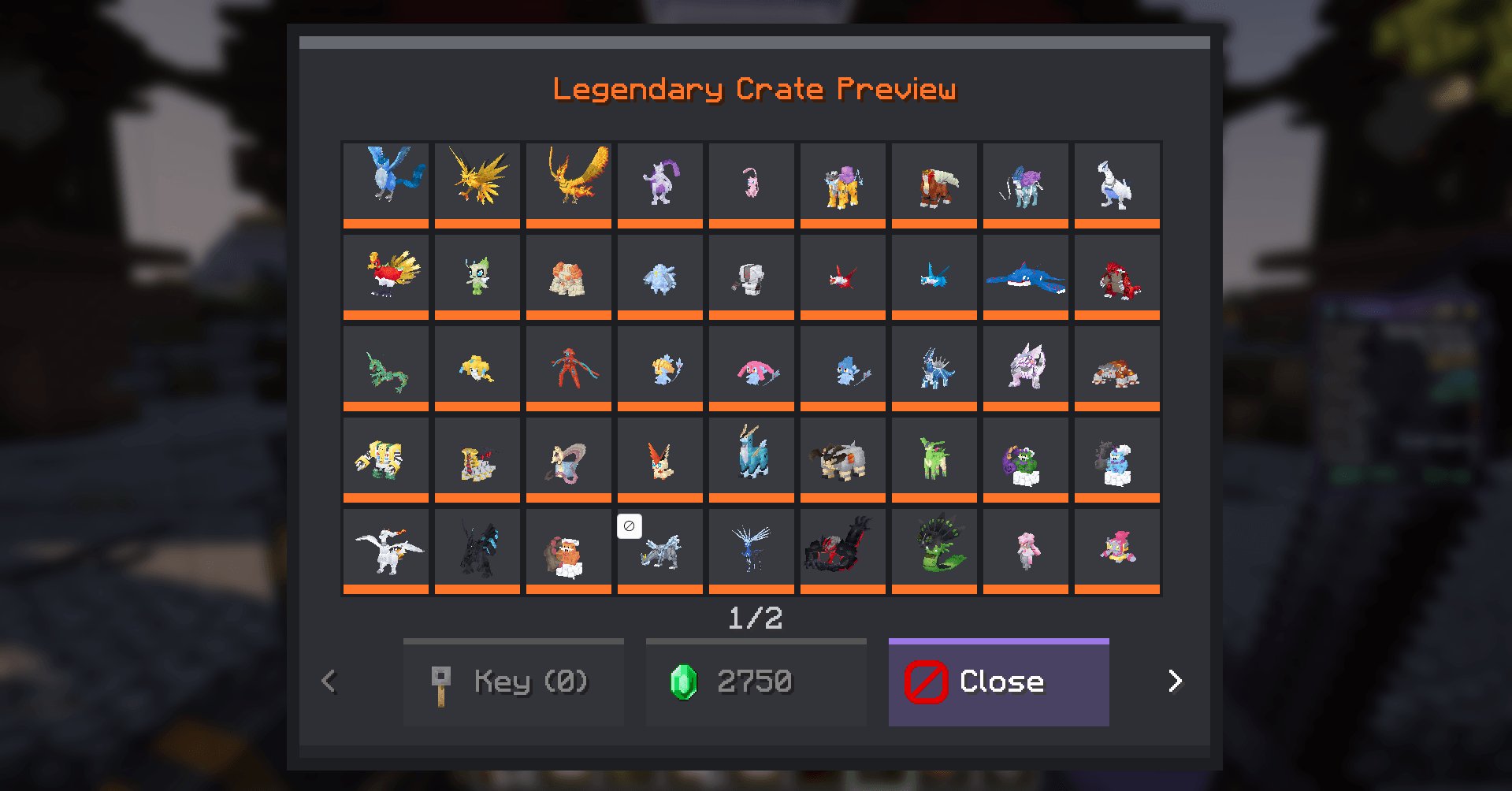
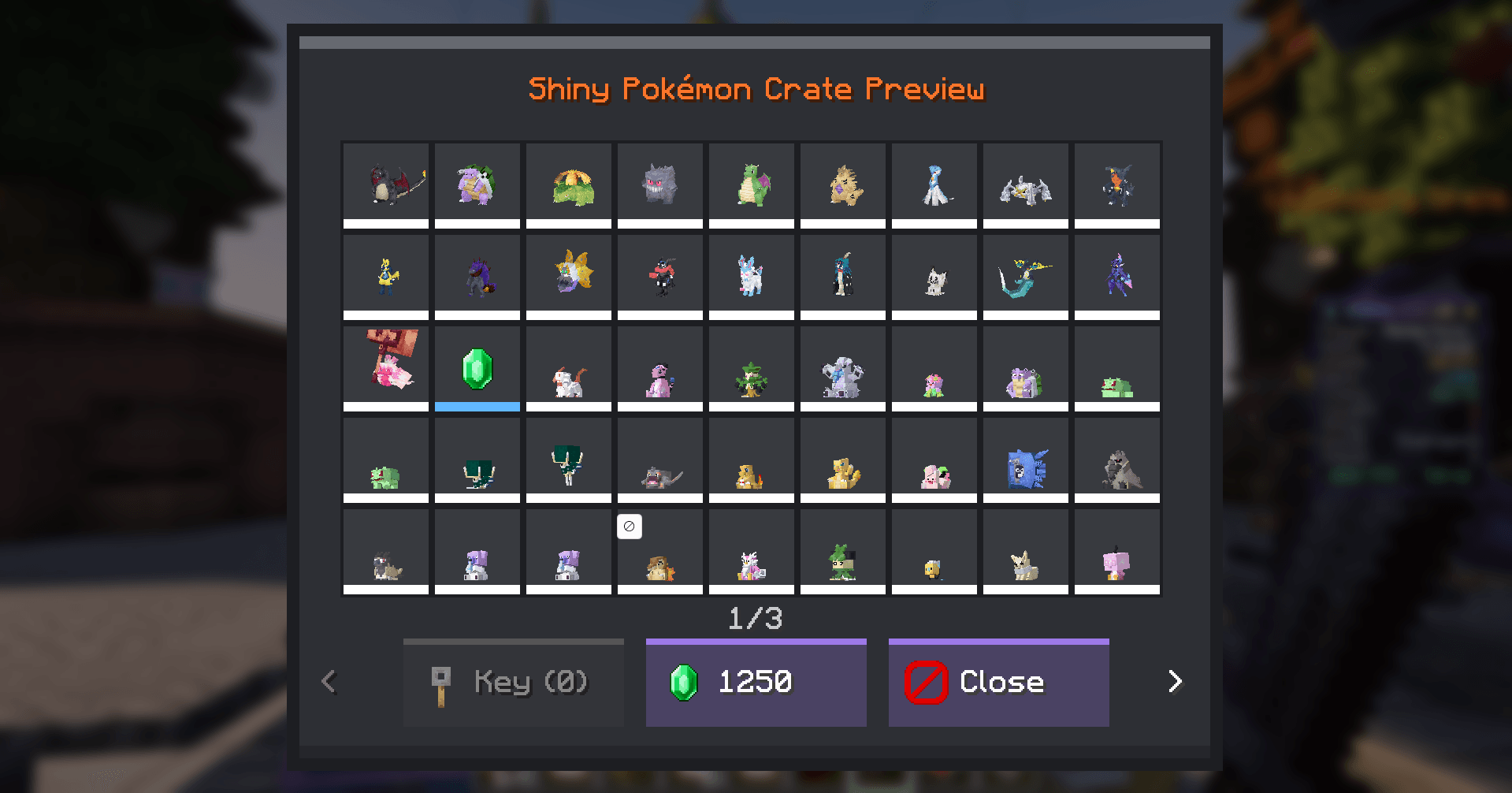
- 9 x 5 reward preview with real animatedd Cobblemon models
- Animated reward roll followed by a winner screen displaying the prize
- Unlimited JSON-configured crates and weighted rewards
- Pokémon, item, command, Gem, and virtual-key rewards
- Open using a virtual key or a configurable Gem price
- Server-authoritative balances, rewards, cooldowns, and JSON persistence
- Console-friendly commands for Tebex/CraftingStore delivery
- Optional automatic Pokeblocks integretion for normal, shiny, and legendary Pokédolls
Required on client and server
- Fabric Loader 0.17.2+
- Fabric API
- Fabric Language Kotlin
- Cobblemon 1.8.0
- Java 21
Place cobbleclub-crates-2.1.1-cobblemon1.8.jar in both locations:
- The server's
modsfolder. - Every player's client modpack
modsfolder.
The same cliant and server must already have Cobblemon, Fabric API, and the Fabric Language Kotlin. Start your server up atleast once to generate the default Legendary, Shiny, and Vote crate files at: config/cobbleclub-crates/crates/.
First setup
Run these as an operator, replacing [YourName] with your Minecraft name:
/ccrates place legendary legendary
/ccrates key give YourName legendary_key 10
/ccrates gems give YourName 10000
For the placement command, look directly at the floor at the block where you want the crate to be. Right-click the new crate to open up its preview. You can also use /crates anywhere.
Player commands
/crates- browse every enabled crate/crates <id>- preview a crate directly/keys- view virtual keys/gems- view Gem balance
Admin Commands
/ccrates reload/ccrates place <crate> <basic|vote|shiny|legendary>while looking at a block/ccrates removewhile looking at a crate/ccrates preview <crate> [player]/ccrates gems give|take|set <player> <amount>/ccrates key give|take|set <player> <configured_key_id> <amount>
Key commands only accept key IDs belonging to loaded crate definitions. Tab completion lists every allowed value; arbitrary key names are rejected.
The give commands are safe to execute from a webstore console.
Config Stuff
Every file in config/cobbleclub-crates/crates/ defines one crate. Reward types are POKEMON, ITEM, COMMAND, GEMS, and KEY. Use normal Cobblemon properties for Pokémon, for example mewtwo level=70 or rayquaza level=70 shiny=true.
weight controls the relative chance. A reward with weight 10 is ten times as likely as one with weight 1. After changing a file, run /ccrates reload.
Player balances are stored in the active world's data/cobbleclub-crates-players.json file.
Pokeblocks integration!
Install Pokeblocks 1.5.0 or newer and its required GeckoLib version on both the server and every client. The integration detects registered Pokeblocks items at startup and adds normal Pokédolls to Vote, shiny Pokédolls to Shiny, and legendary-rarity Pokédolls to Legendary. Existing crate JSON files are supported automatically.
The integration is optional: CobbleClub Crates still loads normally when Pokeblocks is not installed but its way better to have them!
The CC-Crates Team