Description
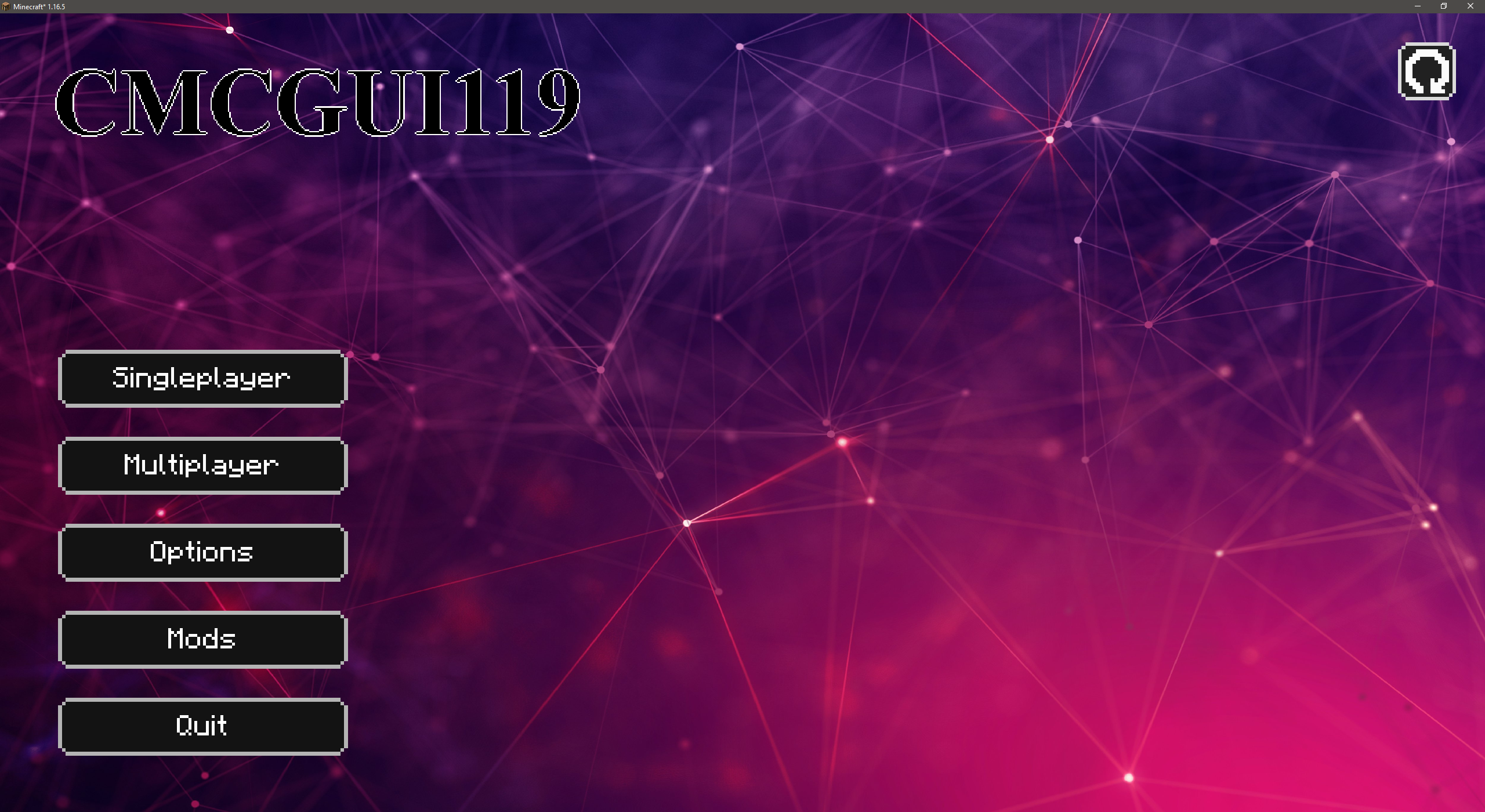
Custom Minecraft GUI. This mod will allow you to change the interface of the game not only in the main menu, but also in others.
Current features:
- Changing the background;
- Creating buttons in any part of the screen;
- Creating images in any part of the screen;
- Creating text in any part of the screen;
- Selecting the color of the button text and individual text;
- Binding component positions to specific points.
What will happen in the future:
- Changing other Vanilla menus;
- Create new menus.
How to use it?
- Open the mod file with the archiver, put your textures on the path assets/cmcgui119/textures , save the mod.
- Now configure the menu configuration by going to the games folder and following the path cmcgui119/screens
This description will be changed and supplemented in the future.
CMCGUI119 Team

Owner