
Chest Search
- By
2026-01-07_15.24.38.png
Description
Chest Search
About
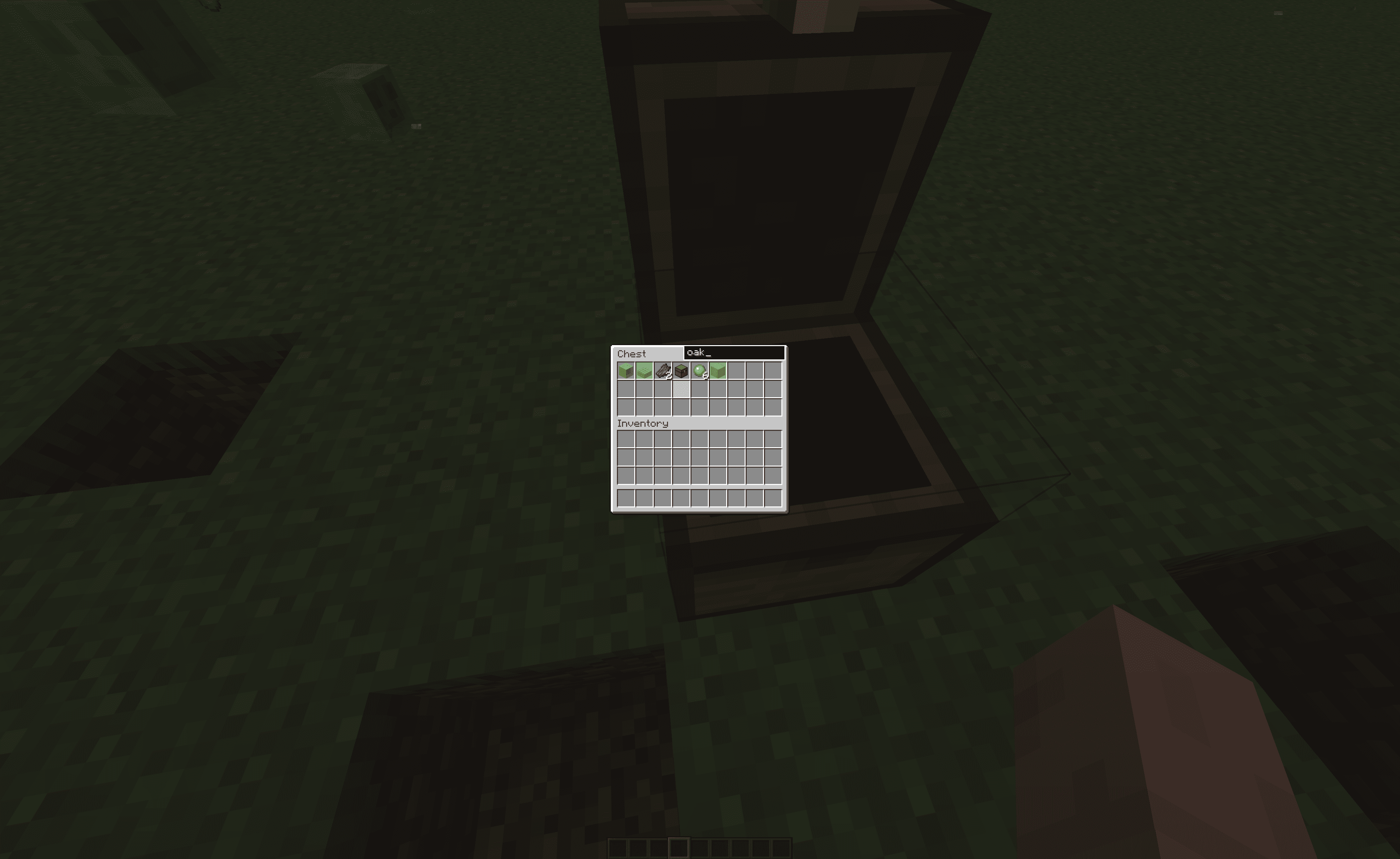
This mod adds a search bar to let you search through chest and shulker boxes. It will then highlight with a chosen color in Mod Menu the items that match what you type.

Installation
To install it on Fabric first you must install the Fabric installer.
Fabric (for one version)
After having an instance of fabric installed, you must navigate to the mods folder.
Fabric
Windows
On Windows press WIN + R and in the box that shows up type appdata then hit enter. From there you should see a folder called .minecraft. Once inside there, you should see a folder called mods. In there put the mod .jar for the correct version.
Mac
Open Finder Window. In the top bar, select Go → Go to folder. Type in "~/Library/Application Support/minecraft". In there put the mod .jar for the correct version.
Linux (On Ubuntu could vary from distro)
Open Files and navigate to home. From there, press CTR + H to show hidden folders. From there, navigate to .minecraft. Then go to the mods folder and place the mod .jar for the correct version.
Chest Search Team
