Chest Guard
- By
ChestGuard is a Forge mod for multiplayer servers that adds secure chest locking, permissions, real-time activity tracking, explosion protection, and controlled item transfers — turning basic storage into a monitored, owner-controlled system.
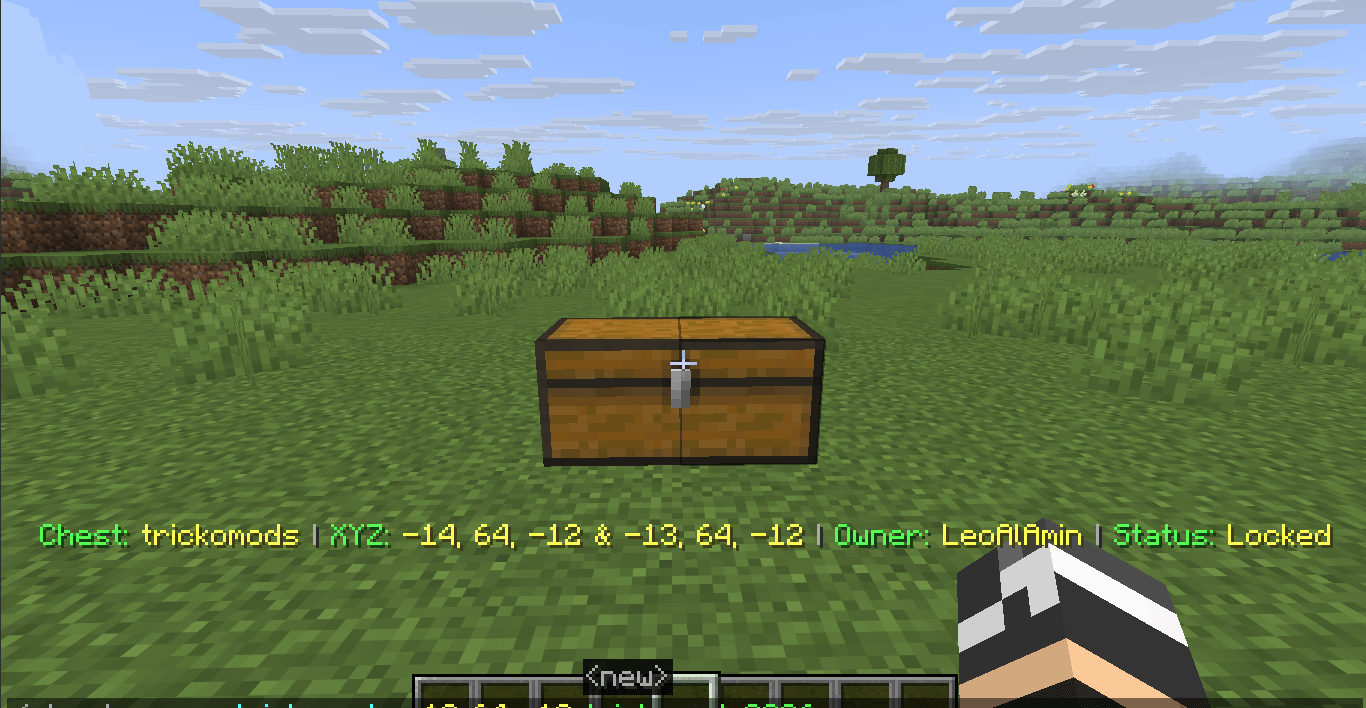
Image 1.png
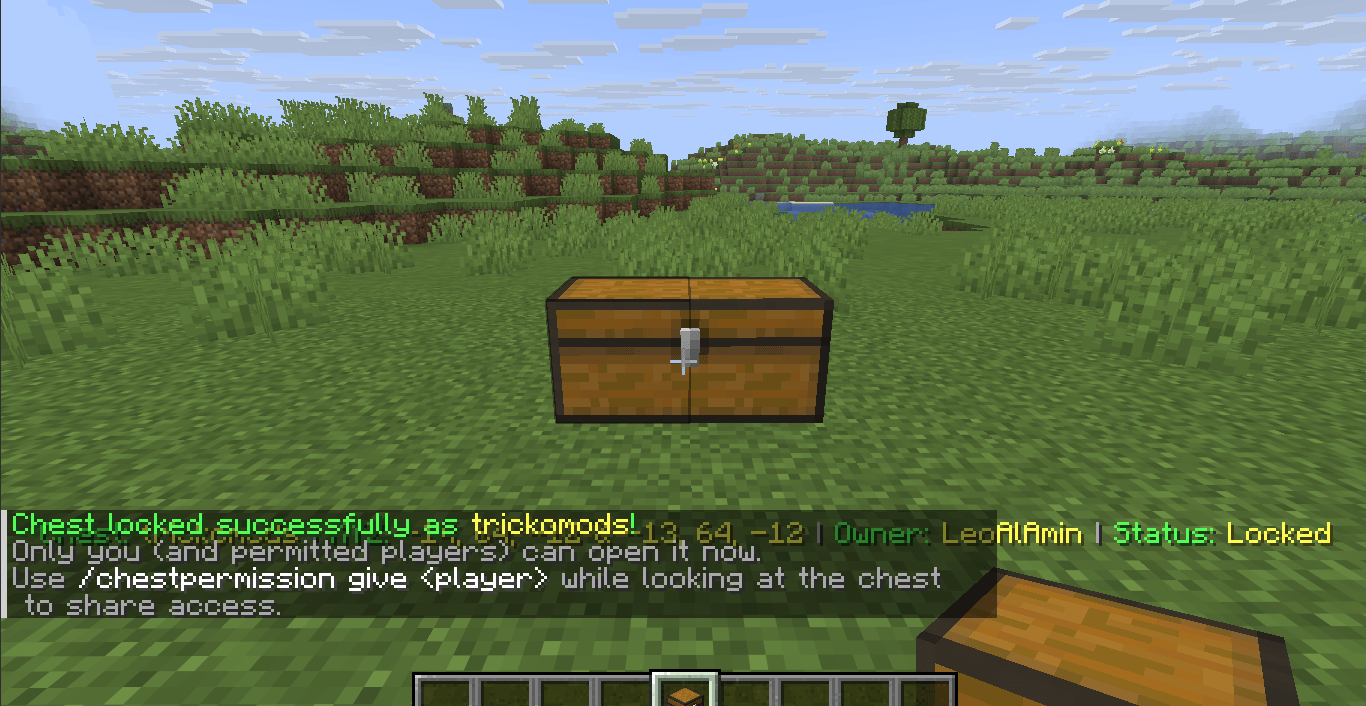
Image 2.png
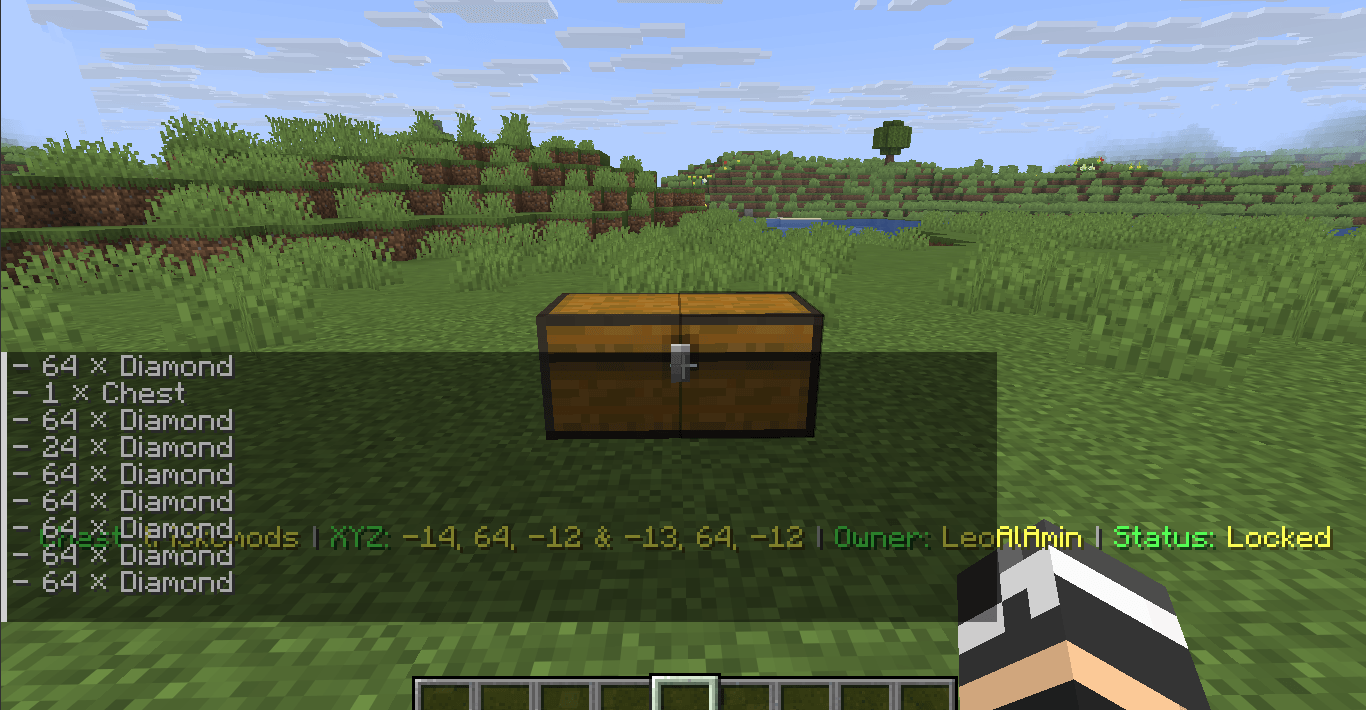
Image 3.png
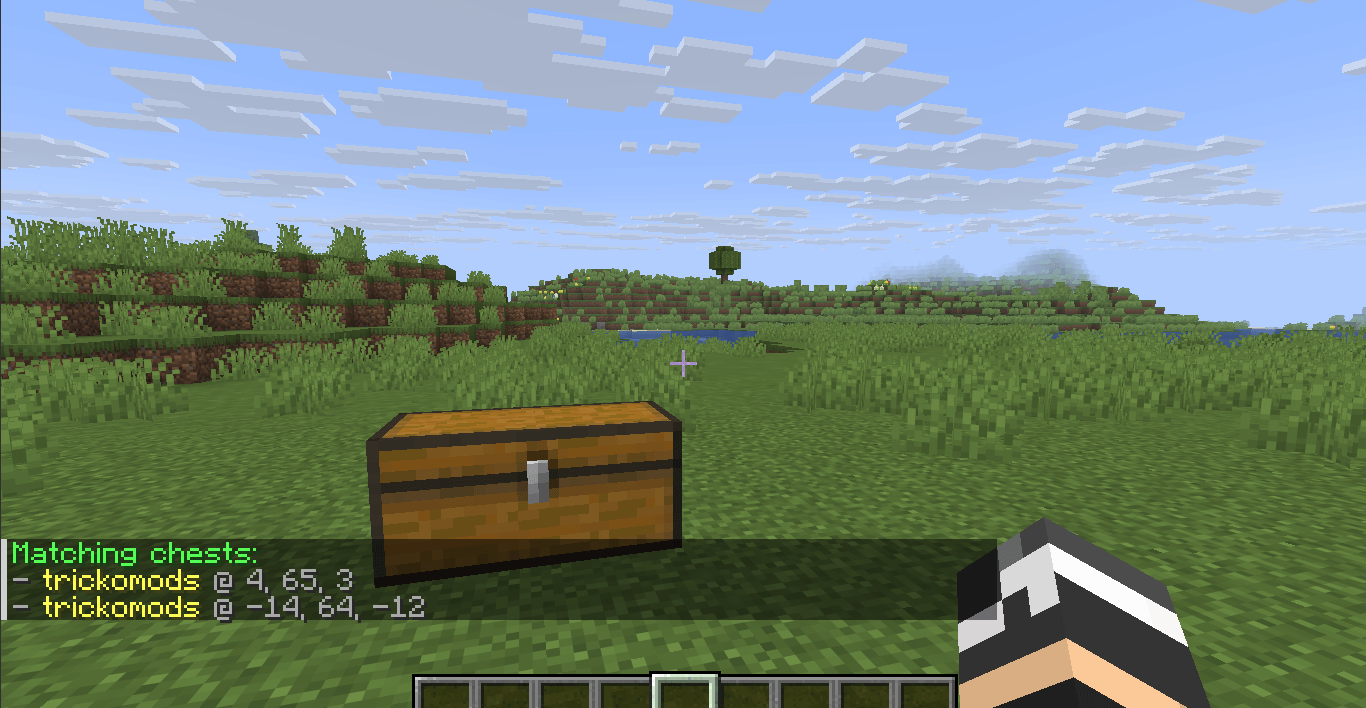
Image 4.png
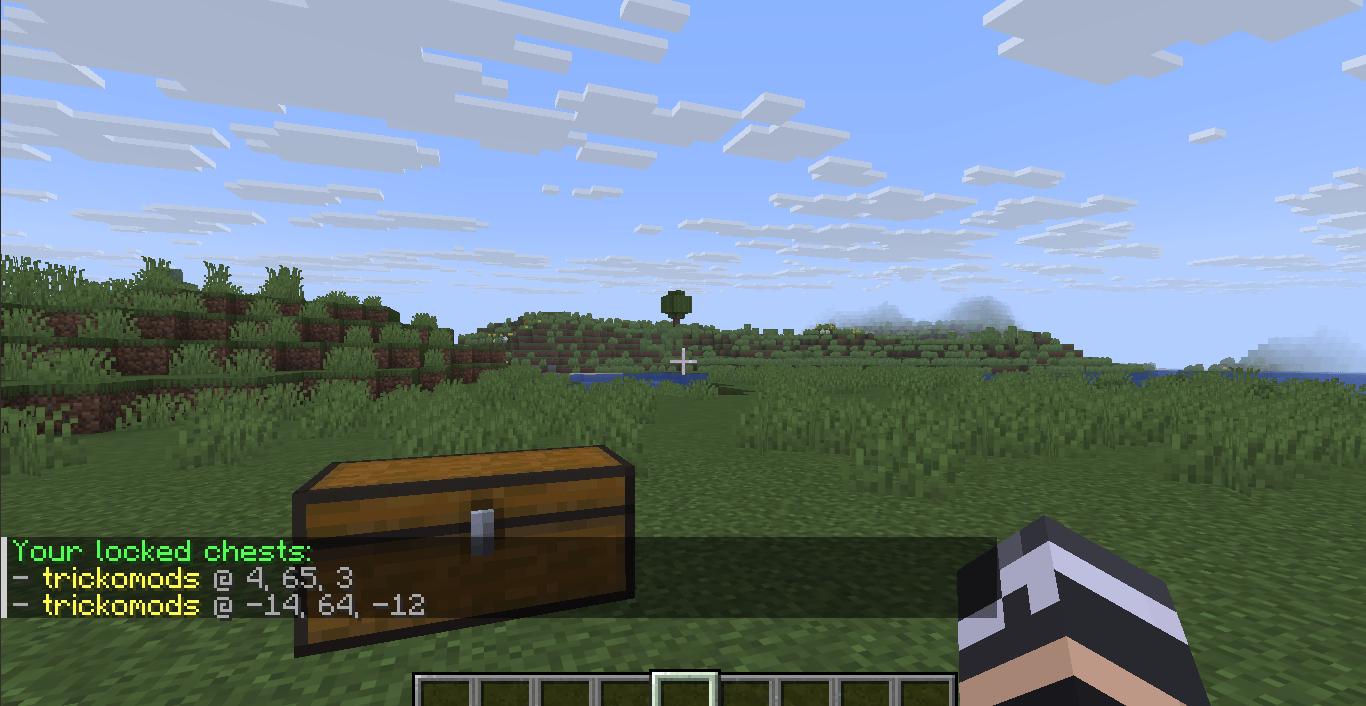
Image 5.png
Description
❤️ Support Our Development
Your support helps us keep our projects alive and improving.
🚀 Help us reach 1,000 subscribers!
https://www.youtube.com/@TrickoCraft
🌐 TrickoMods • ▶️ TrickoCraft • ❤️ Patreon
ChestGuard
ChestGuard is an advanced chest protection and management plugin for PaperMC servers. It provides chest ownership, permissions, secure item transfers, activity tracking, real-time alerts, and protection against unauthorized interaction and destruction.
Core Features
🔐 Chest Protection
- Lock and name single or double chests with
/chestlock <name> - Unlock protected chests with
/chestunlock [name] - Rename locked chests with
/chestrename <old name> <new name> - View detailed chest information with
/chestdetails [name] - Display live chest information through an action bar while looking at a chest
- Shows chest name, owner, coordinates, and lock status
💥 Unbreakable & Explosion Protection
Locked chests are protected from unauthorized destruction in Creative, Survival, Adventure, and Spectator modes.
Protection includes:
- TNT explosions
- Creeper explosions
- Wither destruction
- Ender Dragon destruction
- Unauthorized hopper and minecart access
- Unauthorized adjacent chest placement
👥 Permission & Trust System
/chesttrustlist <chestname>— View trusted users/chestpermission give <player> <chestname>— Grant access/chestpermission remove <player> <chestname>— Revoke access/chestlists— List your owned chests/chestsearch <name>— Find an owned chest/lastchestplaced— Locate your last interacted chest
Permissions are designed to allow controlled access to protected storage without giving away ownership.
📦 Activity Monitoring
ChestGuard tracks inventory activity on protected chests.
/chestitems [name]— View chest contents/chestactivity— View interaction history- Real-time notifications when trusted users access a chest
- Tracks items removed or deposited
- Shows player, item, quantity, chest name, and coordinates
🔄 Secure Item Transfer
ChestGuard includes a controlled item transfer system for moving items between chests.
Select Items
/itemtake [x y z] [all|item amount]
Select items from a source chest by looking at it or using coordinates.
Examples:
/itemtake all/itemtake emerald all/itemtake diamond 10
Transfer Items
/itemtransfer [x y z]
Transfers the selected items into a target chest.
Items automatically merge with existing stacks and are inserted starting from slot 0.
When another player's locked chest is involved, the chest owner receives a private approval request with a 30-second approval window.
Transfer Approval
/transfer confirm— Approve the transfer/transfer deny— Reject the transfer
📋 Command Reference
| Command | Description | Access |
|---|---|---|
/chestlock <name> |
Lock and name a chest | Player |
/chestunlock [name] |
Unlock a chest | Owner |
/chestrename <old> <new> |
Rename a locked chest | Owner |
/chestdetails [name] |
View chest information | Owner / Trusted |
/chesttrustlist <chest> |
View trusted users | Owner |
/chestpermission give/remove <player> <chest> |
Manage permissions | Owner |
/chestlists |
List owned chests | Owner |
/chestsearch <name> |
Find a chest by name | Owner |
/lastchestplaced |
Locate last interacted chest | Player |
/chestitems [name] |
View chest contents | Owner / Trusted |
/chestactivity |
View activity history | Owner |
/itemtake [x y z] [all|item amount] |
Select items | Owner / Trusted |
/itemtransfer [x y z] |
Transfer selected items | Owner / Trusted |
/transfer confirm/deny |
Manage transfer requests | Chest Owner |
/chestguardhelp [page] |
View in-game help | Player |
⚙️ Technical Highlights
- UUID-based ownership
- Persistent world-level JSON storage
- Client-side block resynchronization
- Explosion-resistant protected storage
- Hopper and minecart protection
- Real-time inventory tracking
- Automatic item stack merging
- Top-row inventory insertion
- Tab completion filtering
- Multiplayer-friendly permission management
- Lightweight server-side processing
⚠️ Important
ChestGuard is designed for PaperMC multiplayer servers. Extremely large-scale protected-storage setups may still increase server workload depending on the server environment.
Chest Guard Team