a23cd21a6fdfa3b75e903492646a9f7546aa0ffa.png
Screenshot 2026-04-11 015524.png
2026-04-11_02.11.50.png
2026-04-11_02.10.03.png
Description
Chest Deposit
A Fabric mod that allows you to seamlessly deposit and withdraw items from storage blocks without opening a GUI.
Description
Improve your storage management with Chest Deposit. Instead of opening chests, clicking, dragging, and manually sorting through MASSIVE amounts of resources, this mod lets you transfer items between your inventory and storage blocks simply by interacting with them using hotkeys!
Plugin support: Plugin paper
Features & Mechanics
Chest Deposit uses a customizable modifier key (Default: Left Alt) and shift key to give you total control over your items!!
Visual HUD
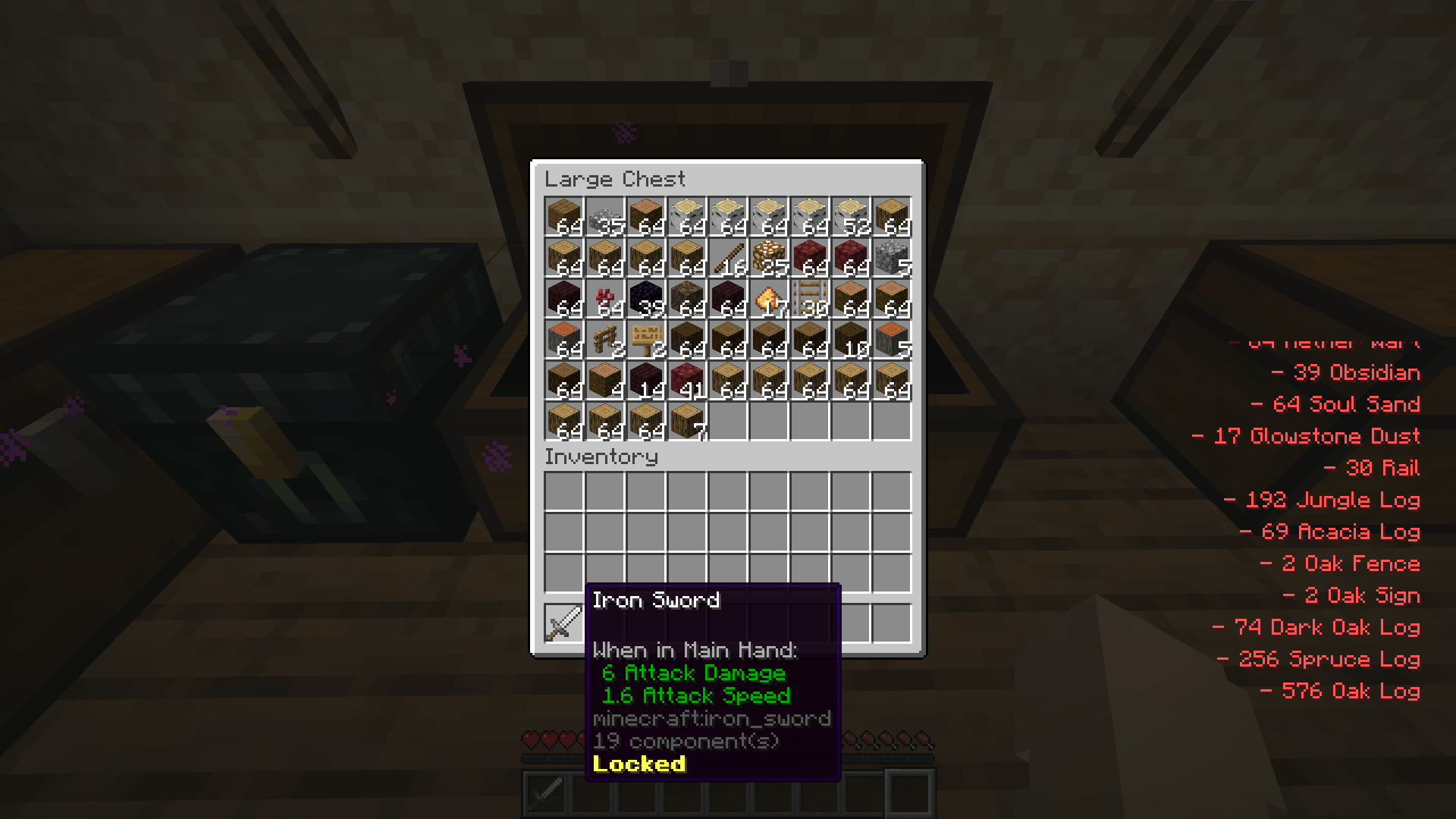
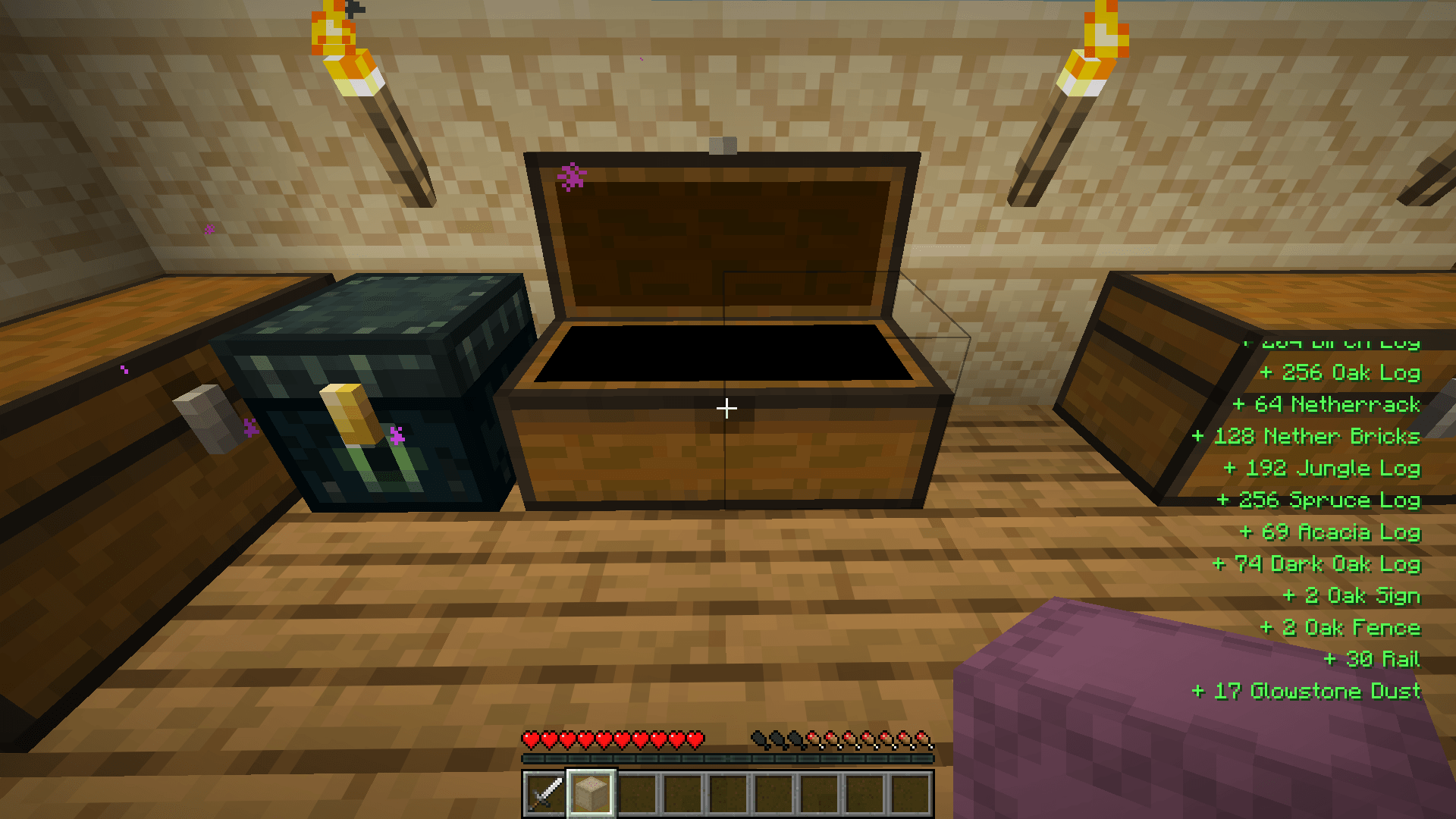
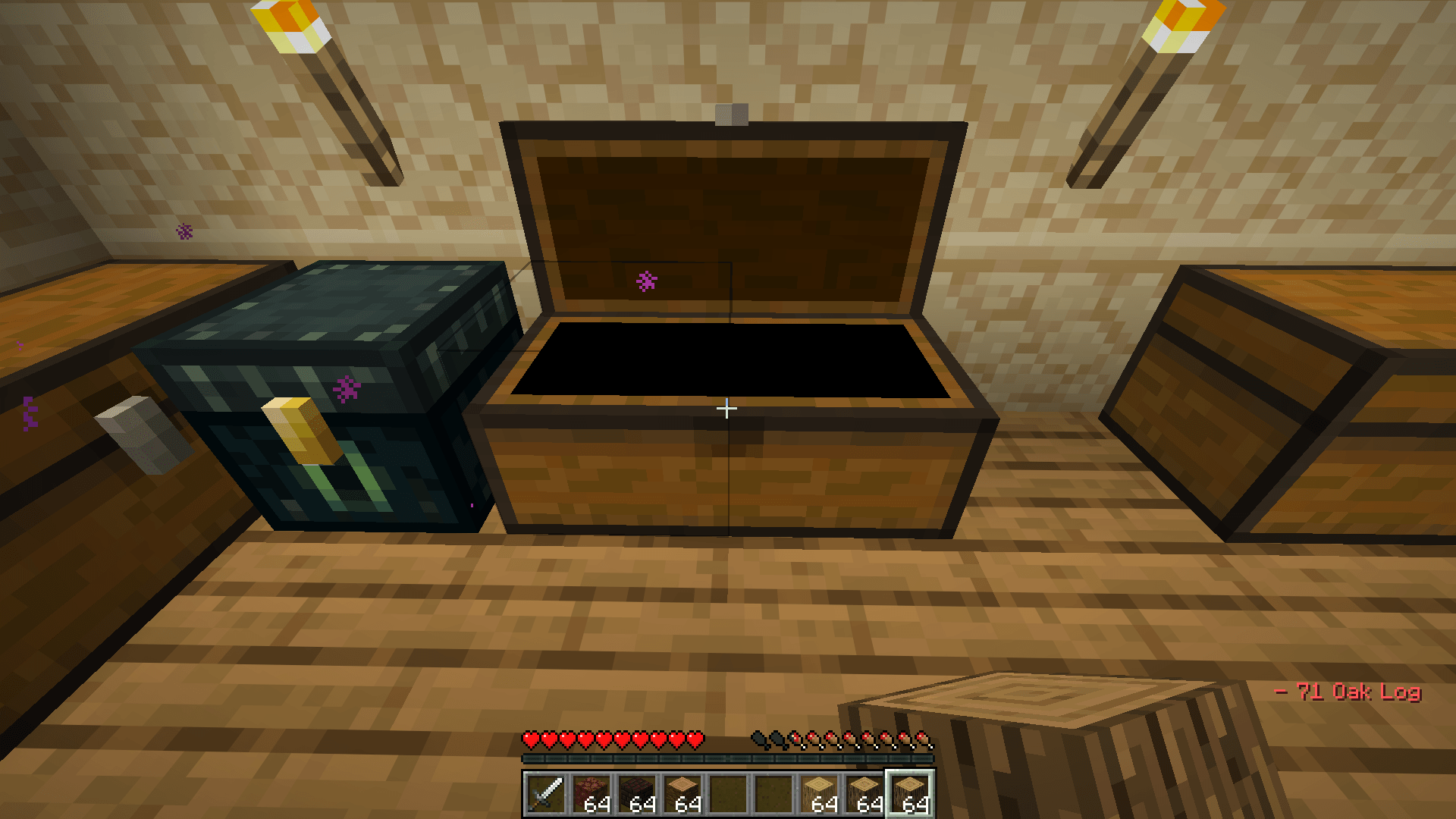
- Hotkey Tips and item logs (You can absolutely disable them in the settings)
Single deposit/withdraw
- Simply hold the item you want to deposit or take out, hold your
Left Altkey thenLeft Clickfor deposit ORRight Clickfor withdraw!
Bulk Mode
- Does the same as single deposit! But this time hold your
shiftkey. This will deposit/withdraw everything!
Key Combinations
- Alt + Left Click: Deposit held item and matching inventory items.
- Alt + Right Click: Withdraw matching items from the container.
- Alt + Shift + Left Click: Bulk Deposit all the matching items.
- Alt + Shift + Right Click: Bulk Withdraw all the matching items.
Holding a Shulker Box:
- Alt + Left Click: Deposit all items from the shulker that are already inside the chest.
- Alt + Right Click: Think of it like a search bar, put the items that you ONLY want the shulker to withdraw, it will pull matching items from the chest directly into your shulker box.
- Alt + Shift + Left Click: Deposit ALL items from the shulker into the chest without filters.
- Alt + Shift + Right Click: Withdraw everthing from the chest til its full.
Utility:
- Middle click a slot in the inventory or a chest to lock an item, preventing deposit or withdraw the item
(Note: The "Alt" modifier can be rebound to any key, such as "L" or "Caps Lock", in the standard Minecraft Controls menu.)
Configurability
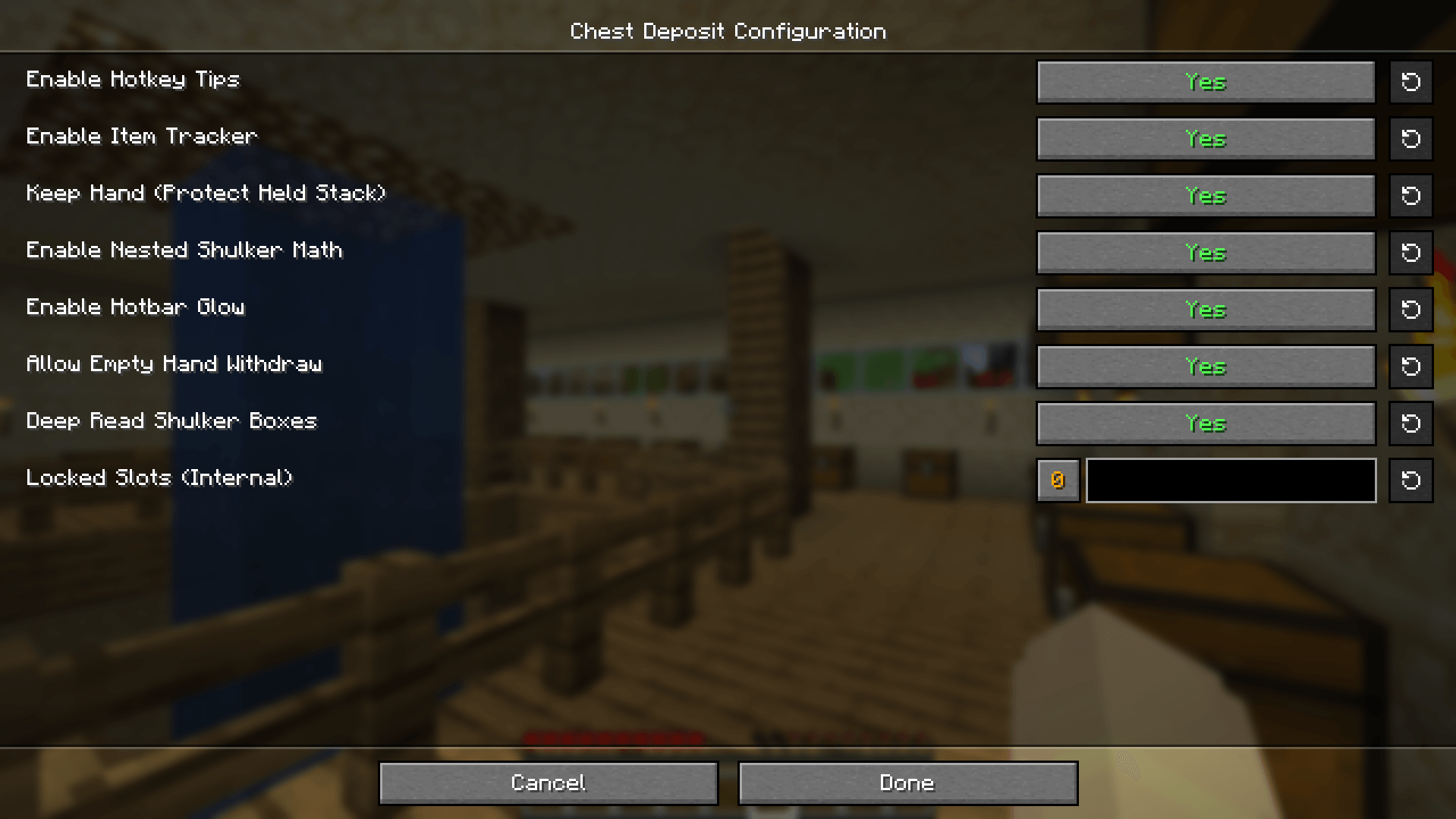
Customize your experience through the Mod Menu (requires Cloth Config/MidnightConfig):
- Toggle Tips: Turn the on-screen hotkey guides on or off.
- Toggle Item Tracker: Enable or disable the AMAZING DIGITAL items log.
- Shulker Support: Enable or disable the ability to interact with items inside Shulker Boxes.
- Keep Hand: Toggle whether the mod should protect the item stack currently in your hand during deposits.
Technical Details
- Interaction Safe: The mod prevent accidental block placement while you are transferring items.
- Server-Side Logic: All math is handled on the server to prevent "ghost items" and ensure inventory desync never happens.
- Optimized: Batched packet processing ensures that moving thousands of items at once causes zero server lag.
- Requirements: Requires Fabric API. Must be installed on both Client and Server.
Chest Deposit Team