
Create: Tea textures
Replaces the textures of some items from the Create mod with textures similar to tea!
- 50
- April 25, 2026

Create: Tea textures
Replaces the textures of some items from the Create mod with textures similar to tea!
- 50
- April 25, 2026

2026-07-20_00.57.48.png
2026-07-20_00.55.08.png
2026-07-20_00.55.48.png
2026-07-20_00.56.02.png
2026-07-20_00.57.37.png
ChatVote is a Minecraft mod that adds a full-featured polling and voting system. Create polls, gather player feedback, and make your server lively and interactive.




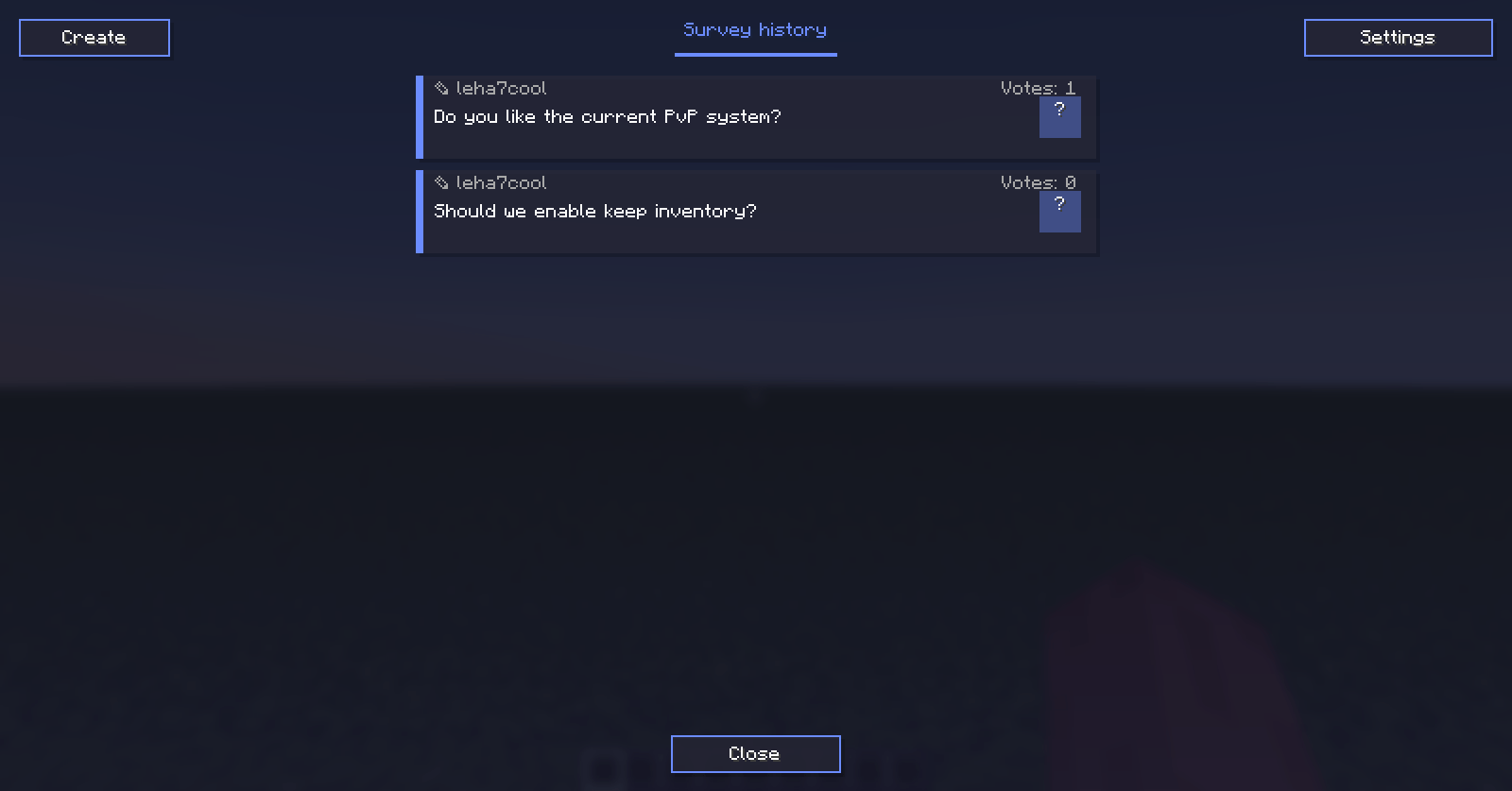
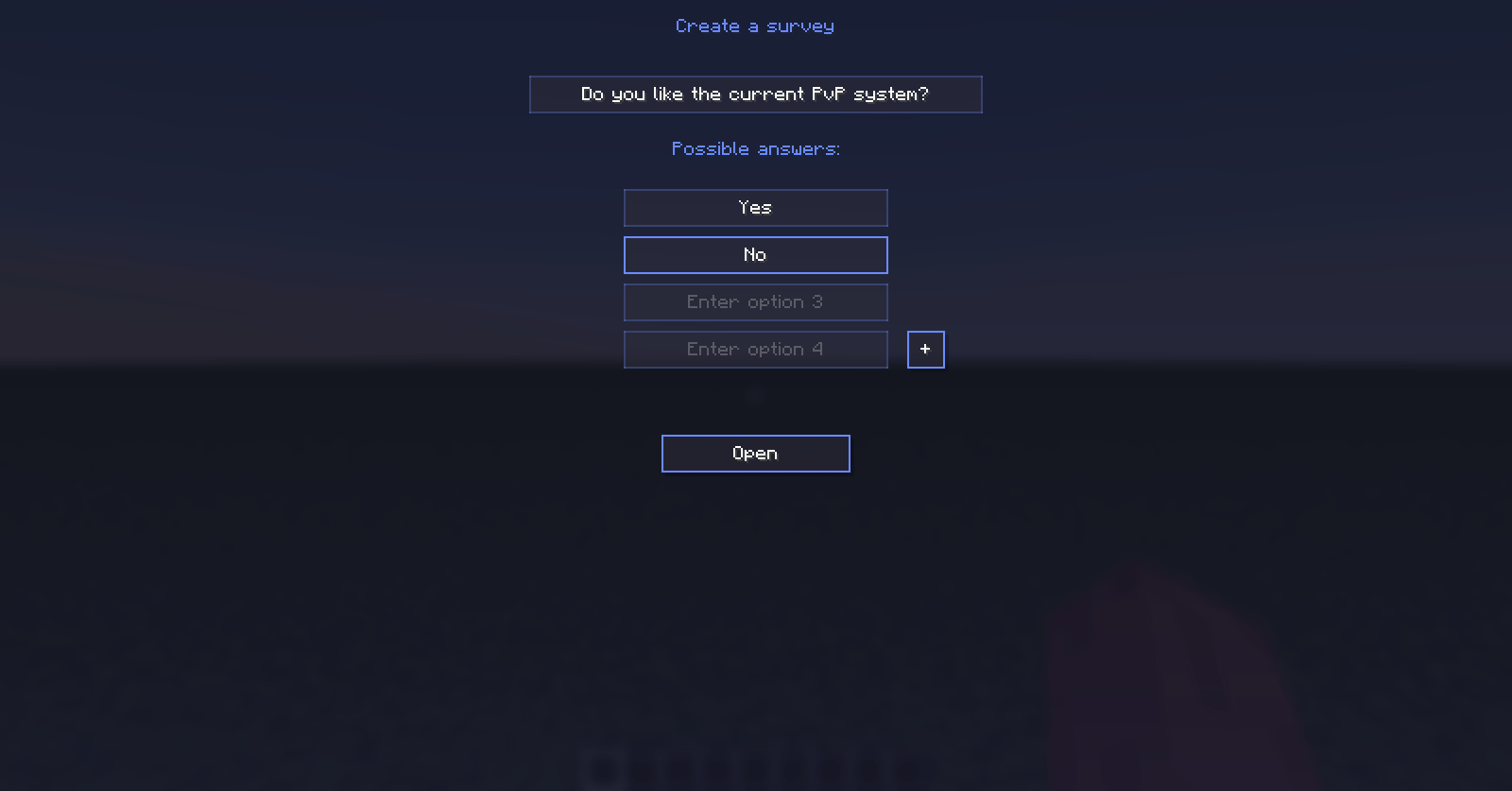
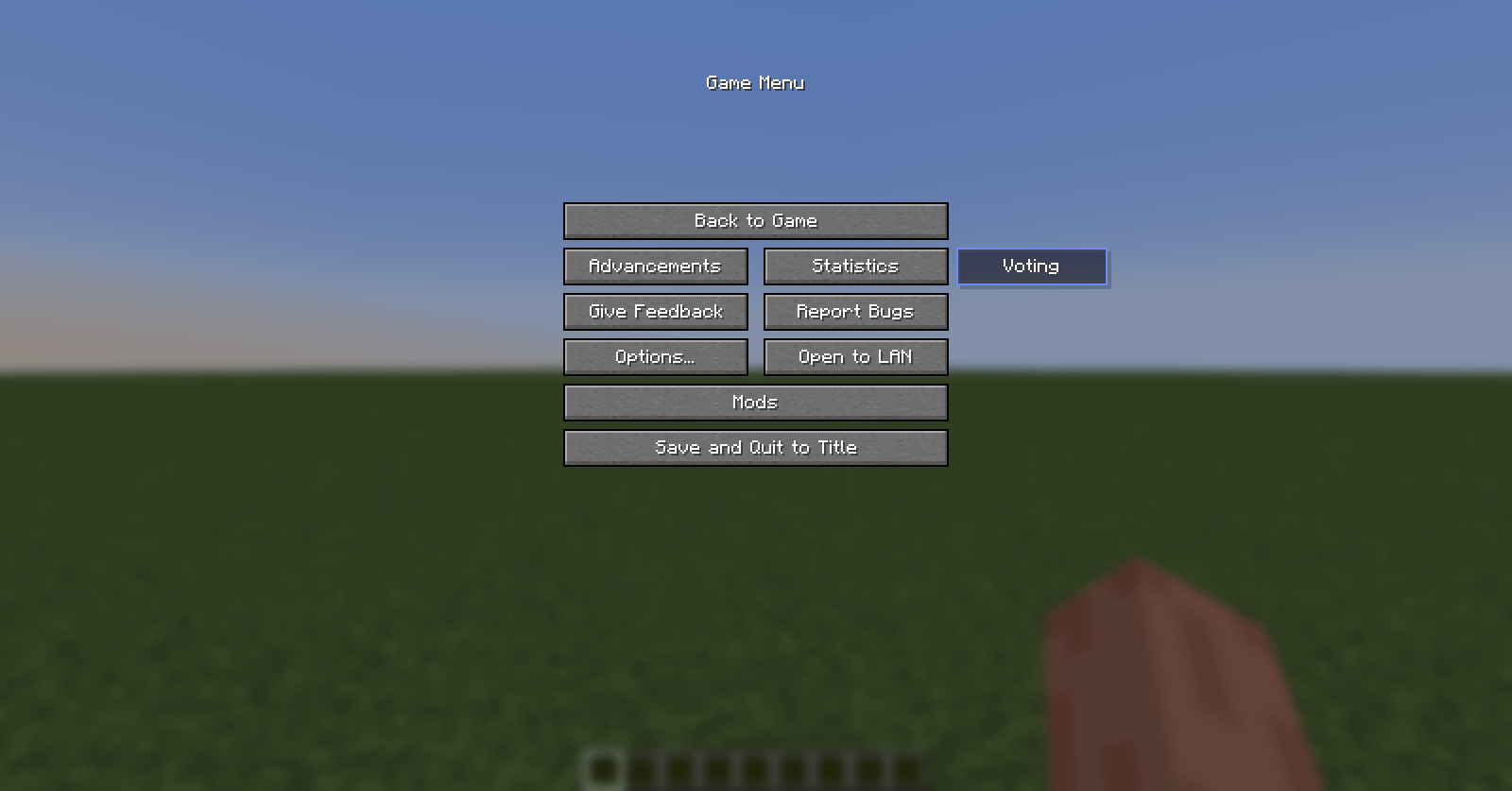
/vote command or the “Voting” button in the pause menu (Esc)./vote create command or the “Create” button in the mod's main menu.You can also view results using the /vote results command.
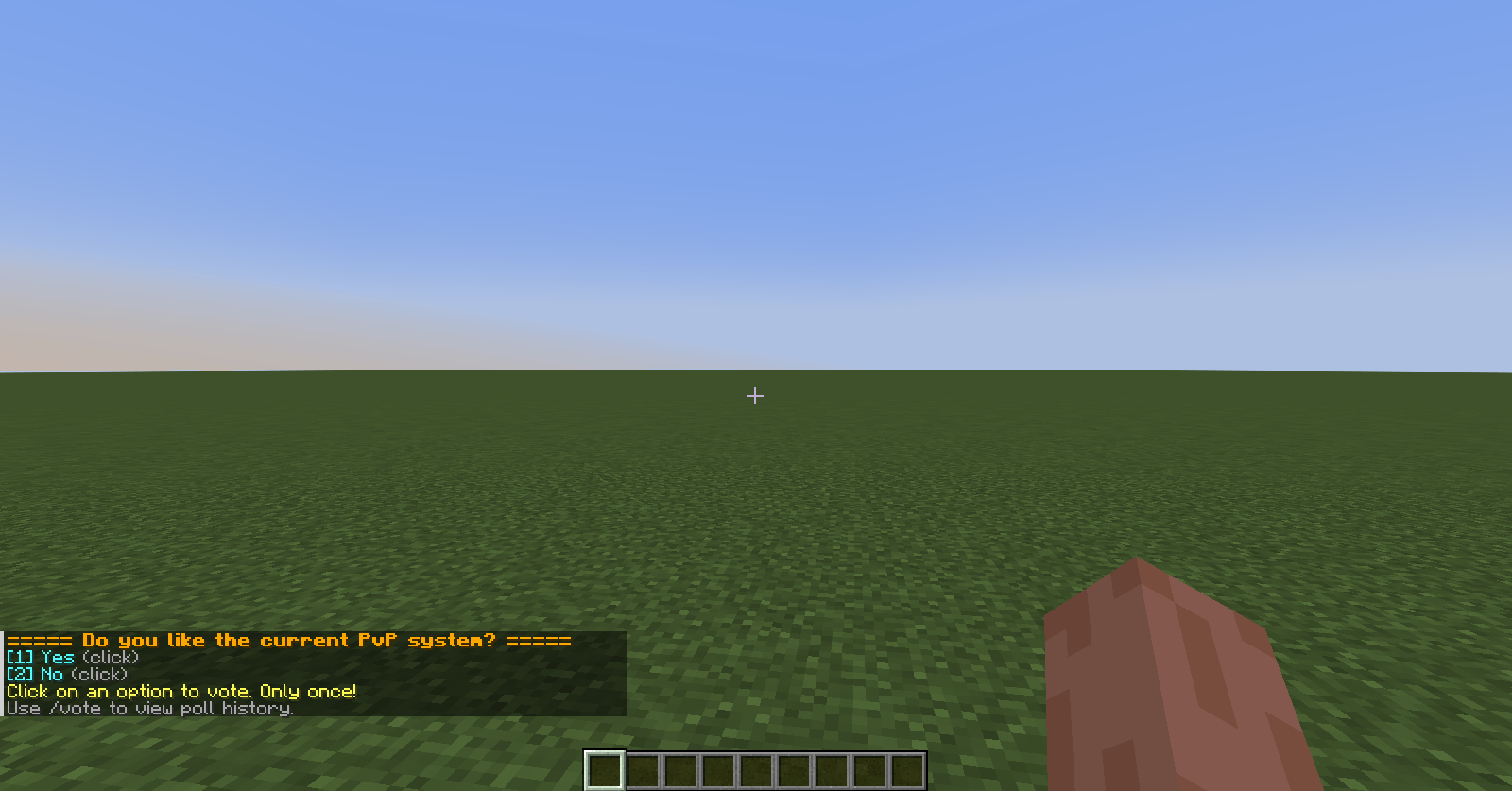
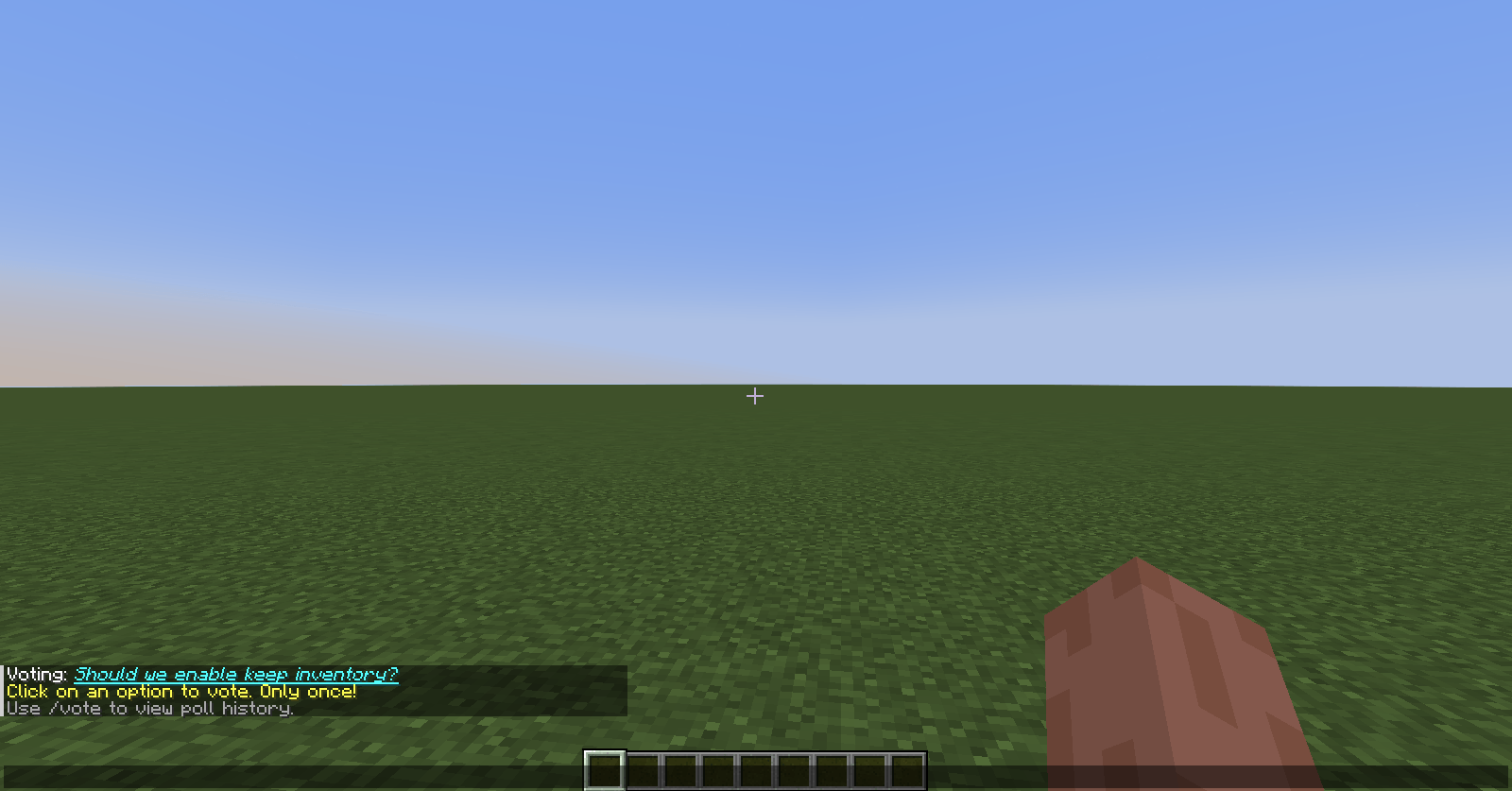
If you type url/short-ID (e.g., url/123a-1) in chat, it automatically turns into the poll's title. It becomes underlined, blue, and clickable. Click it to open poll details. If the poll doesn't exist, the text stays unchanged.
Upon joining the server, you'll see a list of polls you haven't voted in yet. This helps you not miss important votes.
Enable compact mode in settings, and instead of bulky announcements, only a single link to the poll will appear in chat.
When a poll is created or a poll link is mentioned in chat, a selected sound plays. You can change it in settings (e.g., block.note_block.pling).
A “Voting” button appears in the pause menu (Esc) that opens the poll list.
Open any poll via the GUI – you'll see the question, author, ID, and vote counts per option. Hover over the vote counter to see the names of players who voted for that option.
| Command | Description |
|---|---|
/vote |
Open the poll list in GUI |
/vote create |
Open the poll creation window |
/vote results [id] |
Show results of the active or a specific poll (only to you) |
/vote delete <id> |
Delete a poll (requires permissions) |
/vote details <id> |
Open poll details by short ID |
If you'd like to share your feedback or help us come up with new ideas for improving the mod, we'd love to hear from you at leha7cool.error@gmail.com!
Replaces the textures of some items from the Create mod with textures similar to tea!
Replaces the textures of some items from the Create mod with textures similar to tea!