ChatFuel
- By
Generates energy (RF and EU) from things said in chat (ingame and IRC). Fully configurable.
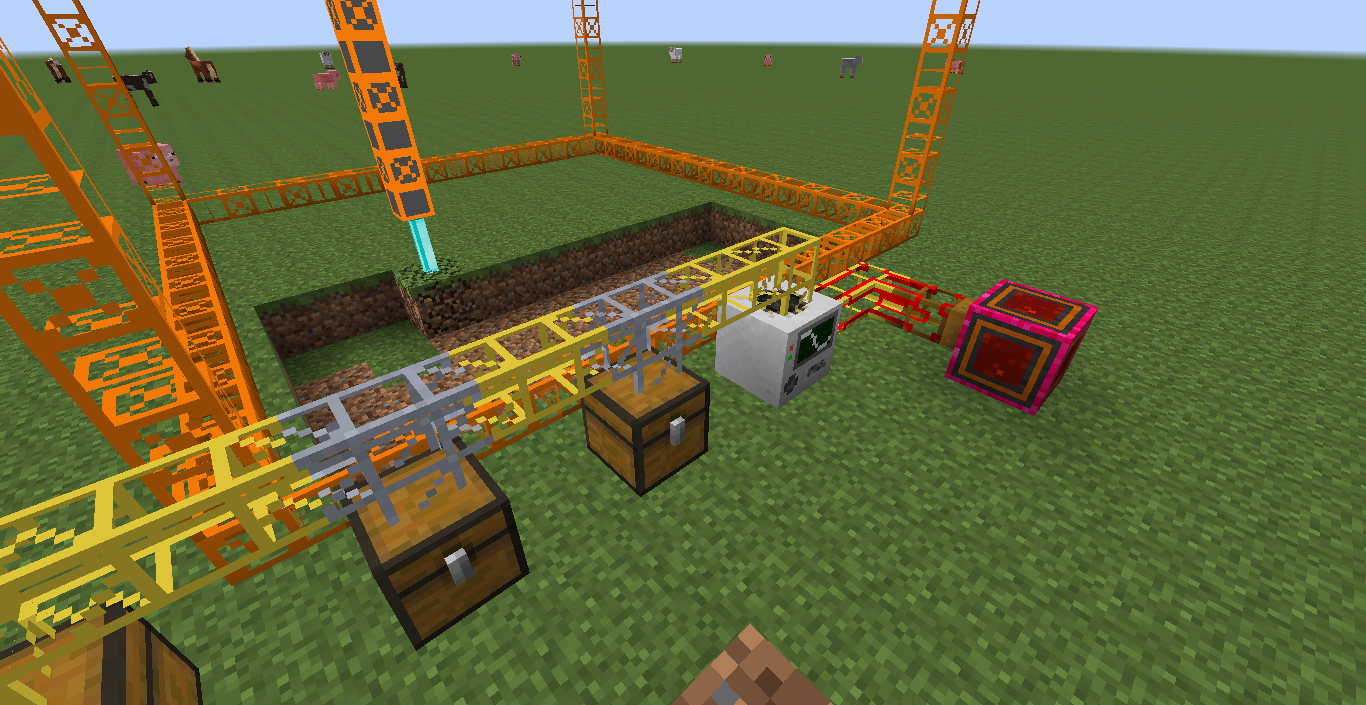
I'll just let chat quarry for me. (Since my testworld is superflat, there was no need for quarrying. I did it anyway.)
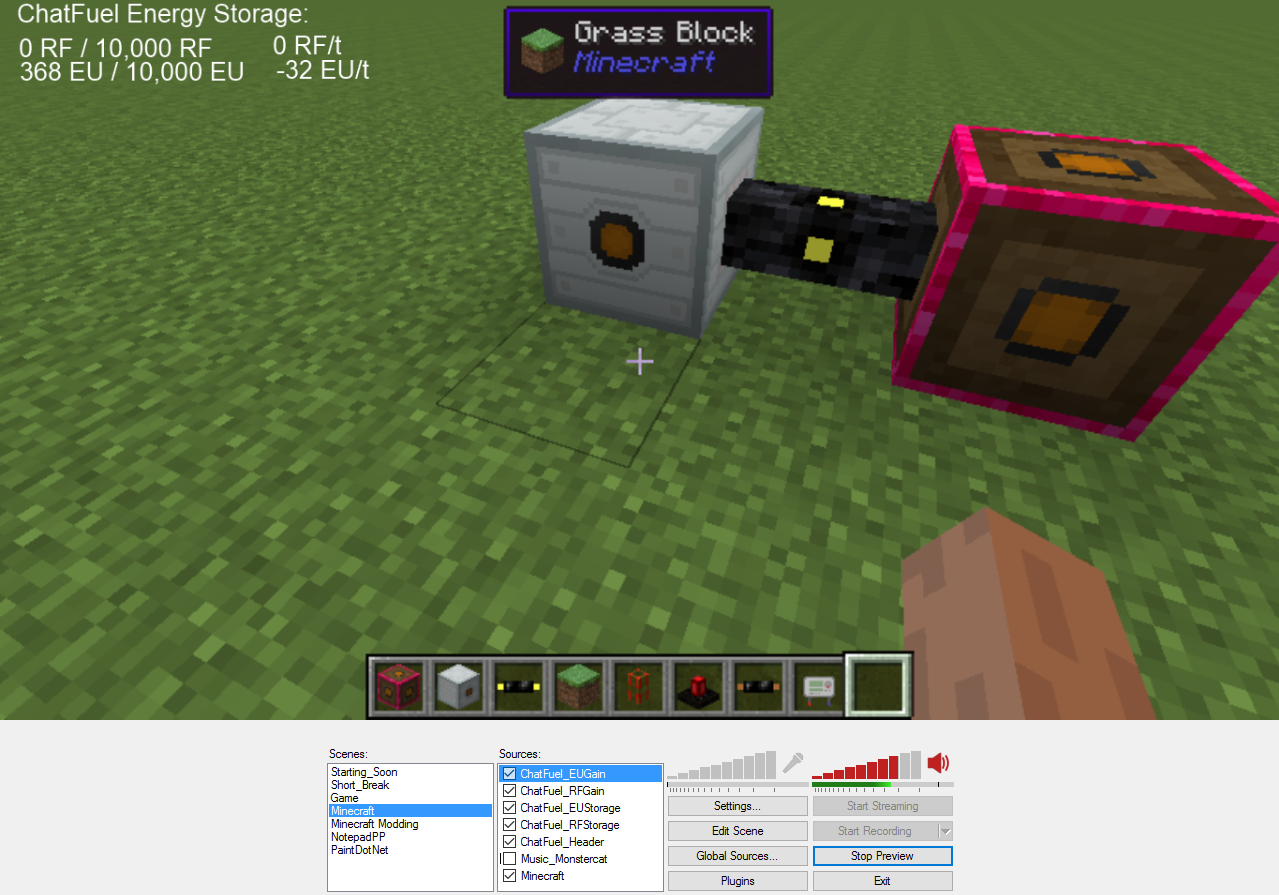
Let your chatters know exactly what they're achieving. The text ChatFuel_Header is just a text and doesn't come from a file.
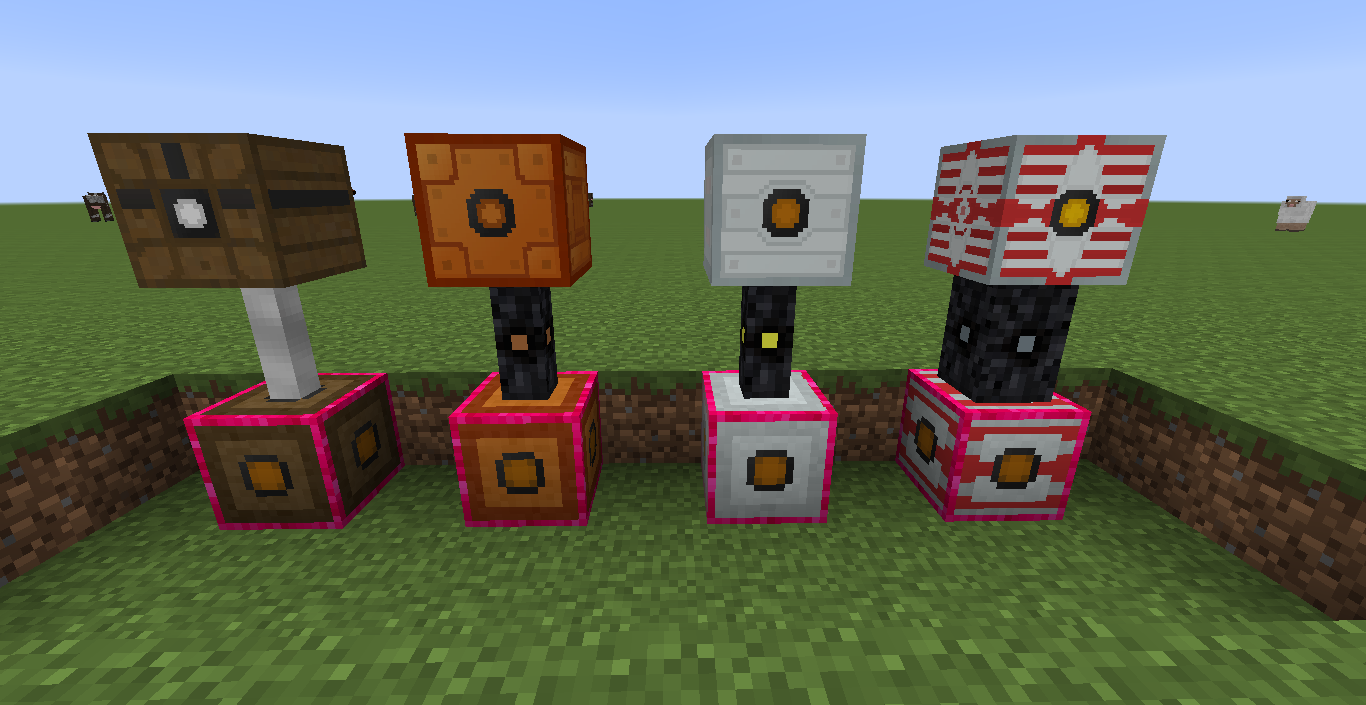
The available tiers of EU boxes. You can only have one tier in the world at a time since you set the tier in the config file. This image was cleverly edited.
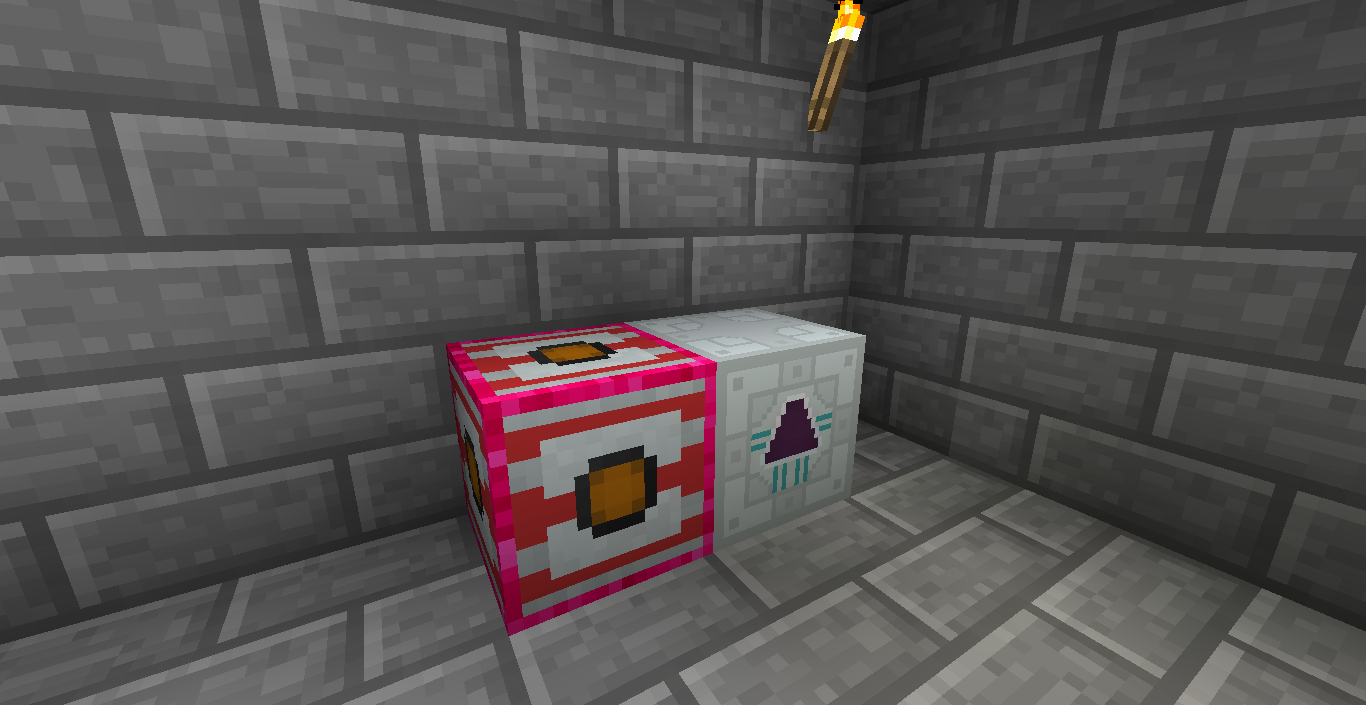
All the UU matter! (Disclaimer: No UU matter was created in the making of this screenshot)
Description
Generates energy (RF and EU) from things said in chat (ingame and IRC). Fully configurable.
Installation
This mod requires Minecraft Forge. Put ChatFuel in the mods folder in your .minecraft folder.
You'll also want Buildcraft, Thermal Expansion or Industrial Craft 2.
ChatFuel will most likely not conflict with other IRC mods although, since ChatFuel uses its own IRC connection you will probably need different IRC accounts for the mods you're using.
Getting started
First start Minecraft and let ChatFuel generate it's configuration file. Then close Minecraft and open up ChatFuel.cfg in your favorite text editor. You'll want to look at the category "patterns" and setup your patterns.
If you want to connect ChatFuel to IRC, then set "enabledIRC" in the "general" category to true and fill in the connection details in the "irc" category.
Load up the game again and get yourself either the RF Box or the EU Box and try out your patterns. You can right-click the Box and it'll tell you how much energy is stored in it. The amount of energy is shared over all boxes of the same type and even across dimensions.
Troubleshooting
In the initialization phase of mod loading ChatFuel loads the patterns. You can check the logs for "Successfully compiled x patterns". In the same place errors are logged if there are any.
The IRC connection gets established once you join a world and ChatFuel quits IRC once you return to the main menu. Or start/stop your server.
Patterns
A pattern describes what expression ChatFuel should listen to and what amount of energy is created when somebody says that expression in chat. The format of patterns is explained in the configuration file. In short: <identifier>;<amount>;<username>;<regex> where <identifier> is either "rf" or "eu" (without the quotes), <amount> is the amount of power, <username> is the case-insensitive username (use * for everybody) and <regex> is the regular expression ChatFuel listens to.
File Output
If you enable "fileOutput" in the configuration file, ChatFuel will create text files in .minecraft/ChatFuel:
- euGain.txt
- euStorage.txt
- rfGain.txt
- rfStorage.txt
These files contain the values the filenames suggest. The files get created when Minecraft loads. If you are not in a world, the files are empty.
Example: The Kappa Generator
In this example I want to get 1000 RF everytime somebody says Kappa in my twitch chat.
- I set the config value "enabledIRC" to true.
- In the category "irc" I set the following:
ircServer=irc.twitch.tv
ircNickname=abecderic
ircPassword=<the twitch oauth token>
ircChannel=#abecderic
- Finally I set the pattern:
rf;1000;*;Kappa
Other ideas you might want to try
- Generate energy when your emotes are used.
- Make ChatFuel listen to your loyalty bot. Your bot might say something along the lines of "abecderic used !energy to give 1000 RF" when somebody uses their points, so just listen for that.
Feel free to let me know in the comments or on twitter @abecderic what you're using ChatFuel for. :-)
Modpack Policy
You can use ChatFuel in your modpack, but monetization is not allowed.
ChatFuel Team


Owner