# Camera Lock
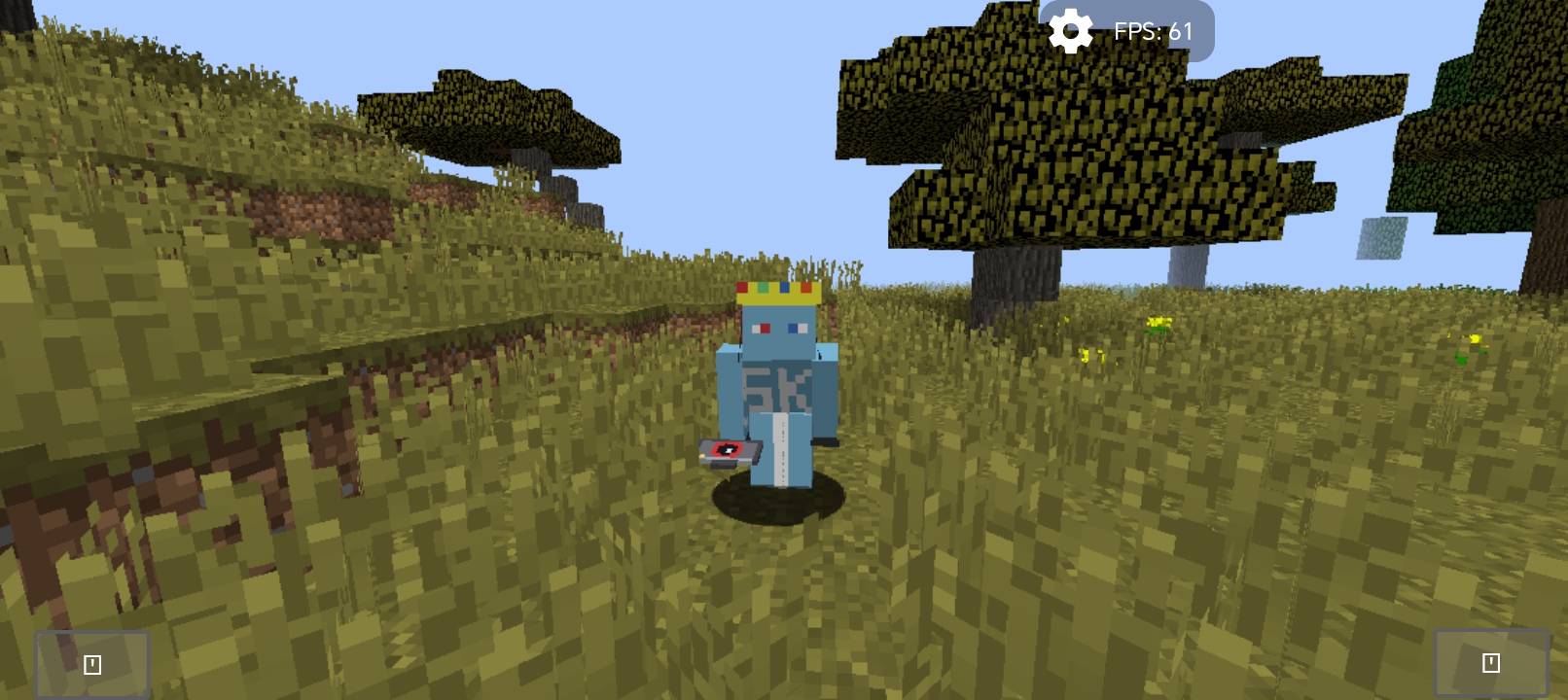
Camera Lock adds two simple items that turn your game into a film set. Place a fixed camera anywhere, then walk away and appear in front of it like a separate person — no recording or rendering needed.
## Features
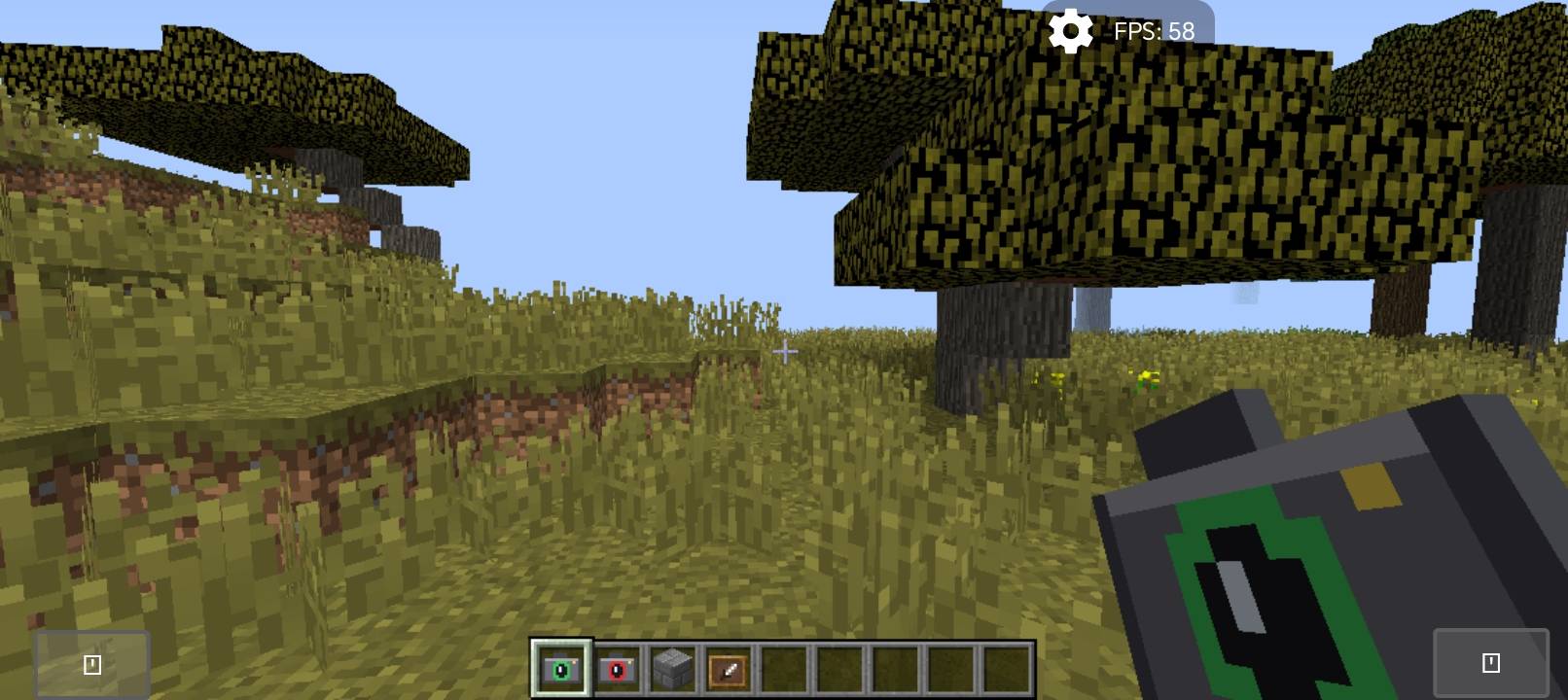
- Camera Lock item: right-click to freeze the camera at your exact position and view direction (even looking straight down).
- Camera Unlock item: right-click to return the camera to your character.
- Your player stays fully controllable: walk, run, turn and face the camera to talk.
- Use the Lock item again from another spot to move the camera there.
- Your hand is hidden while locked so you see your full body.
- Works in singleplayer and on servers (client-side only).
## Perfect for
YouTube videos, intros, talking to the camera, trailers and showcases.
## Crafting
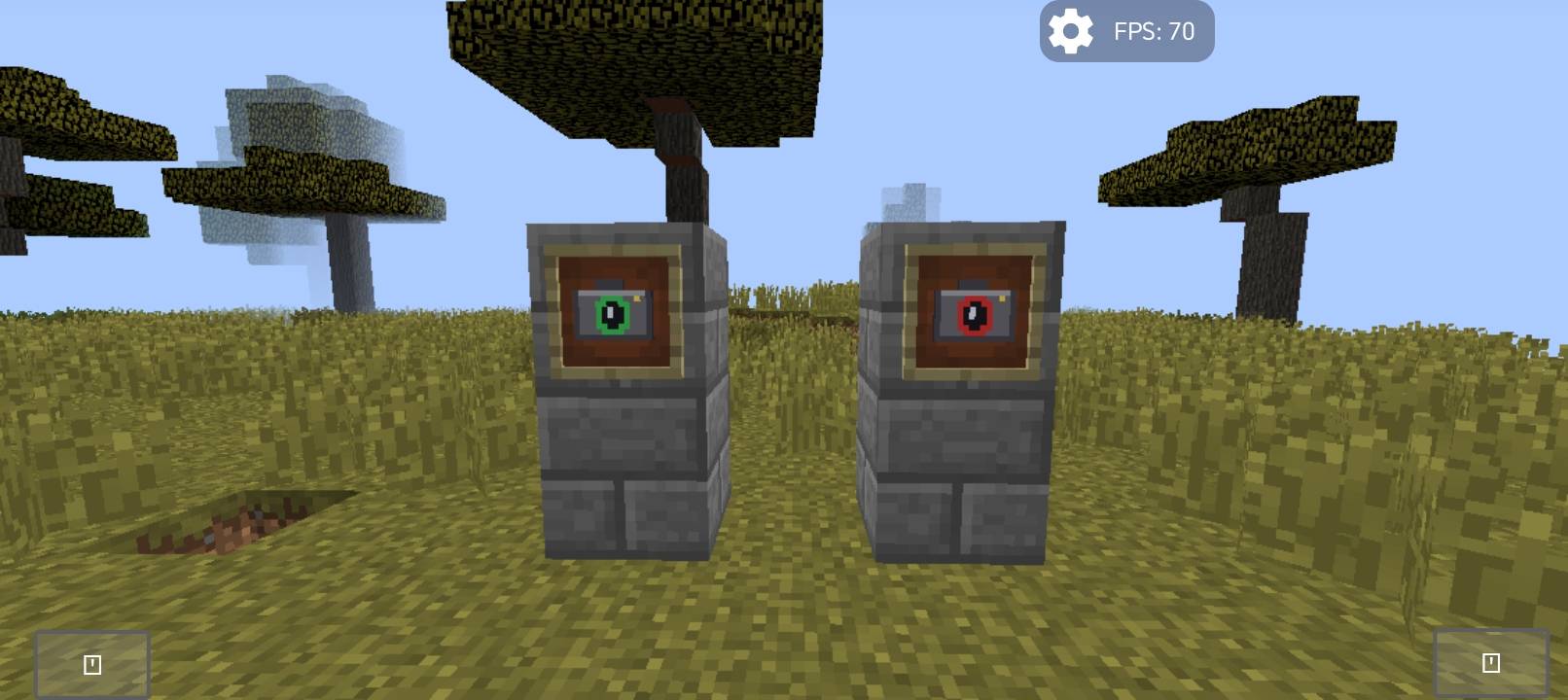
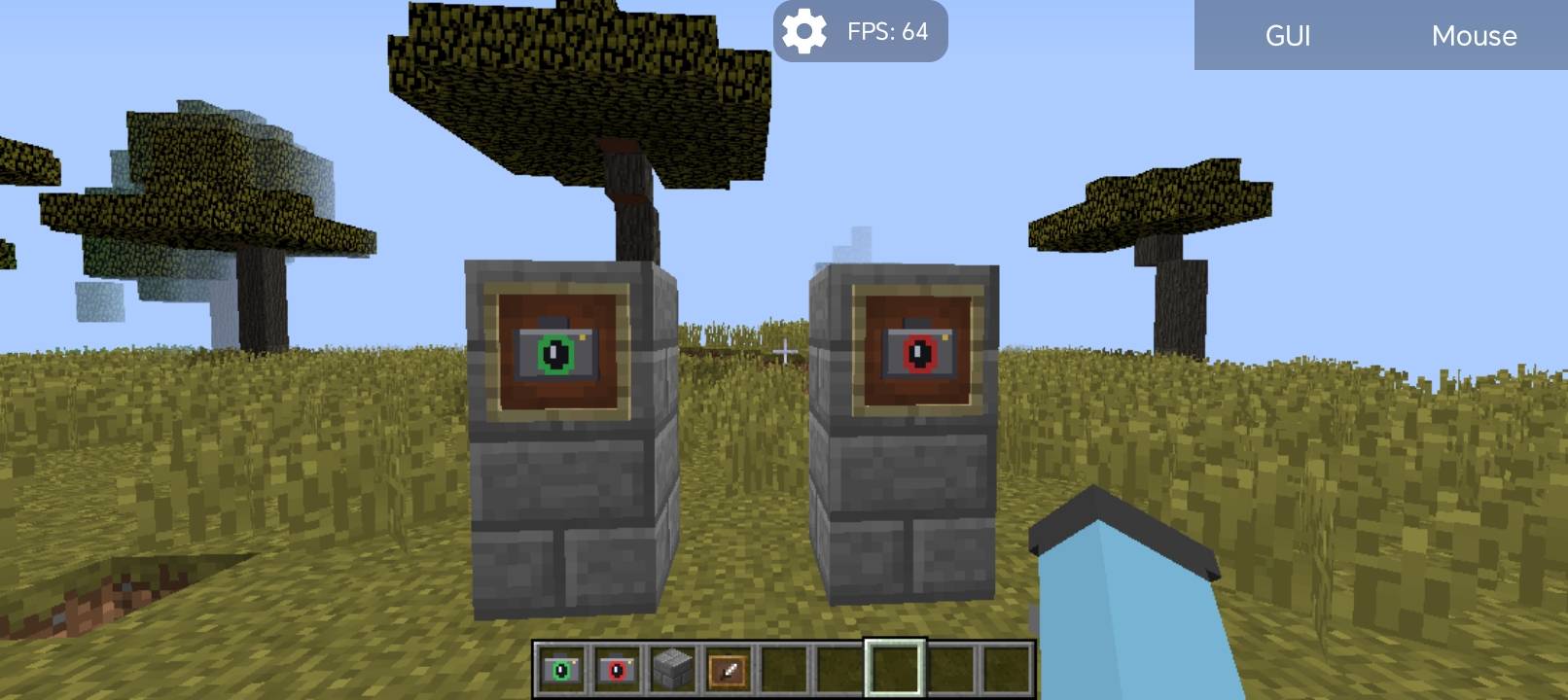
- Camera Lock: Eye of Ender + Iron Ingot
- Camera Unlock: Eye of Ender + Redstone
(also found in the Tools creative tab)
## Notes
- Minecraft 1.12.2 with Forge only.
- Third person view (F5) is disabled while the camera is locked.
- Attacking and placing blocks follow your character's direction, not the screen centre.
===========================================================
# Camera Lock — تثبيت الكاميرا
يضيف المود ايتمين بسيطين يحوّلان لعبتك إلى موقع تصوير. ثبّت الكاميرا في أي مكان، ثم ابتعد وستظهر شخصيتك أمامها كأنها شخص مستقل، بدون تسجيل ولا رندر.
## المميزات
- ايتم تثبيت الكاميرا: كليك يمين لتثبيت الكاميرا في مكانك واتجاه نظرك بالضبط (حتى لو كنت تنظر للأسفل).
- ايتم إلغاء التثبيت: كليك يمين لترجع الكاميرا للشخصية.
- تبقى الشخصية تحت تحكمك: امشِ واركض والتفّ نحو الكاميرا وتحدّث.
- استخدم ايتم التثبيت من مكان آخر لنقل الكاميرا إليه.
- تختفي اليد أثناء التثبيت لترى جسمك كاملًا.
- يعمل في العالم الفردي وعلى السيرفرات (من جهة اللاعب فقط).
## مناسب لـ
فيديوهات اليوتيوب، المقدمات، التحدث للكاميرا، والتريلرات.
## الكرافت
- تثبيت الكاميرا: عين الإندر + سبيكة حديد
- إلغاء التثبيت: عين الإندر + ريدستون
(وموجودان أيضًا في تاب Tools بالكريتف)
## ملاحظات
- ماينكرافت 1.12.2 مع Forge فقط.
- منظور F5 معطل أثناء التثبيت.
- الضرب ووضع البلوكات يتبعان اتجاه الشخصية وليس مركز الشاشة.