


Camerapture
- By


Take pictures using a working camera, show them to other players and hang them on your wall in picture frames!
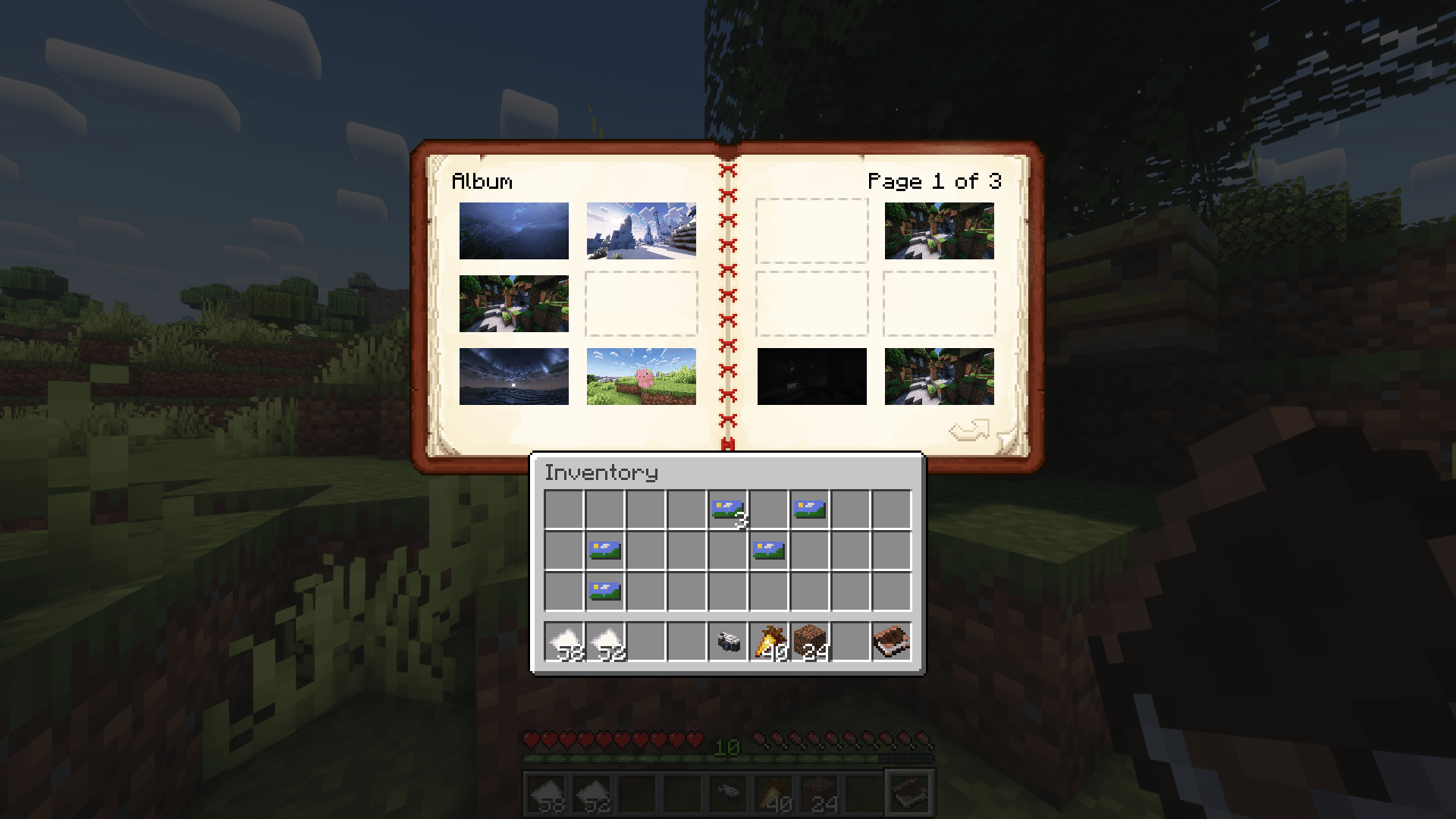
Shift-right clicking an album reveals the pages, where you can reorder, remove and add your pictures!
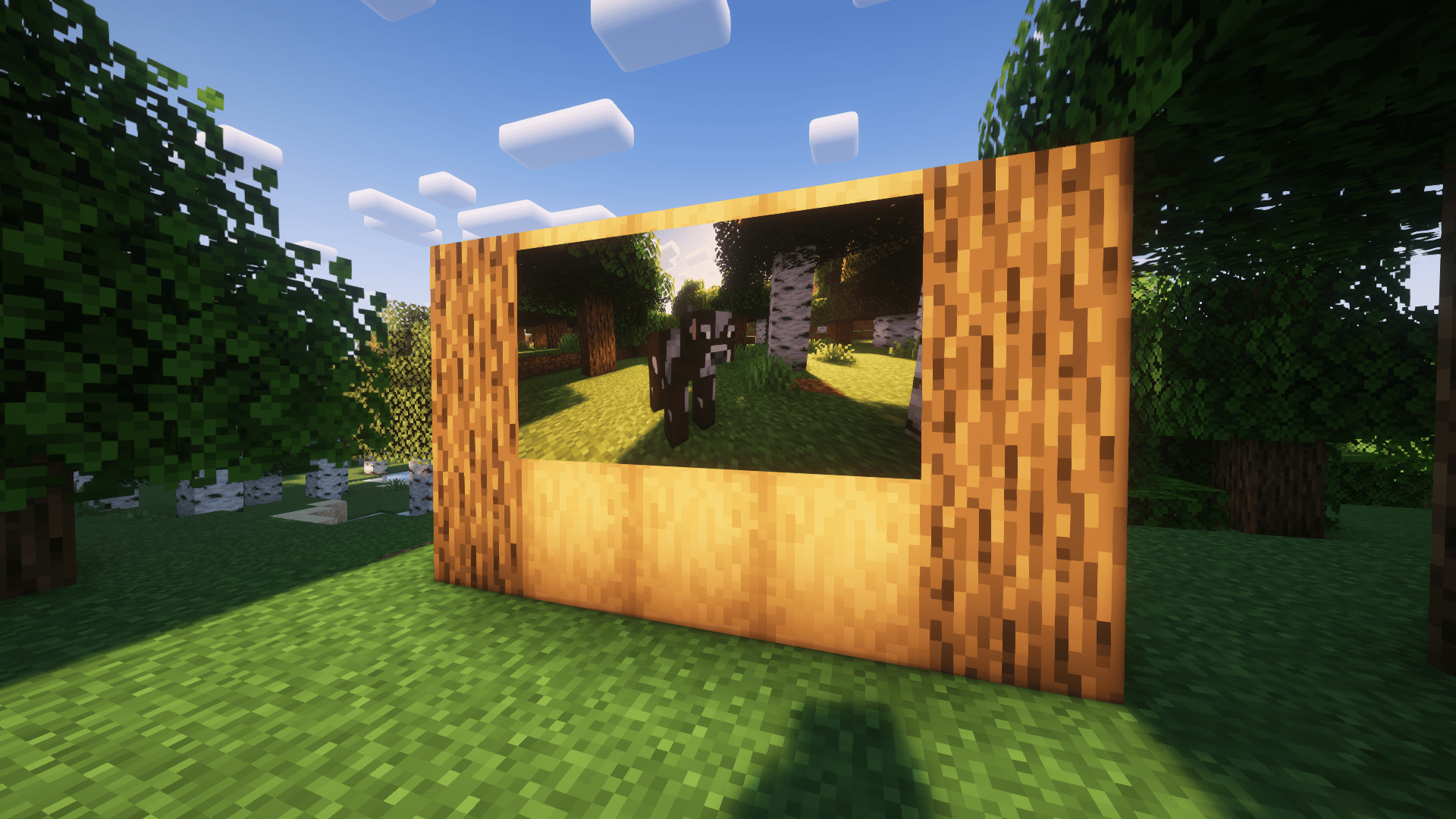
If shift-right-clicked on a block, you can place a picture in the world!
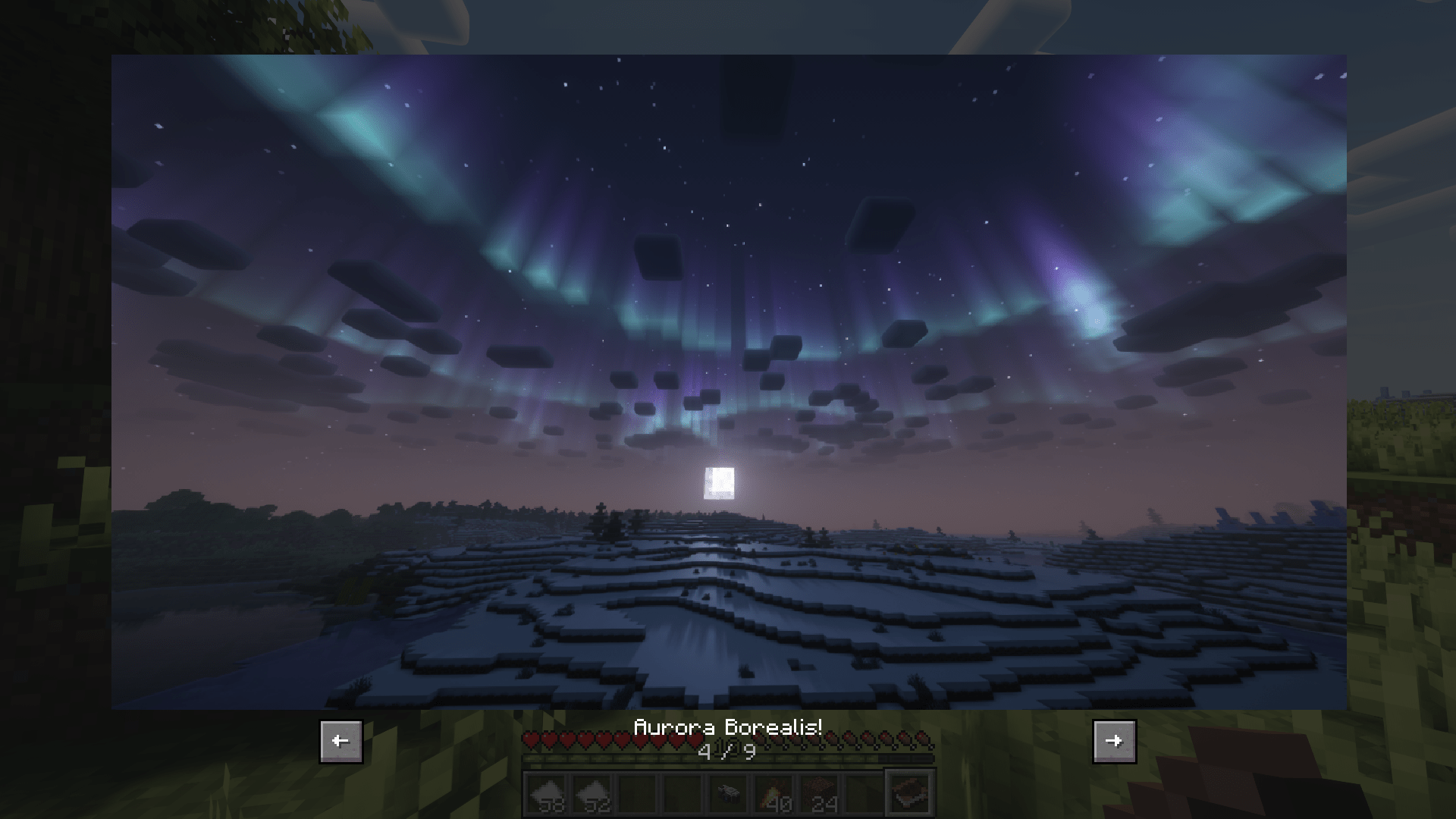
When viewing an album, you get a slideshow of all pictures that are in it!
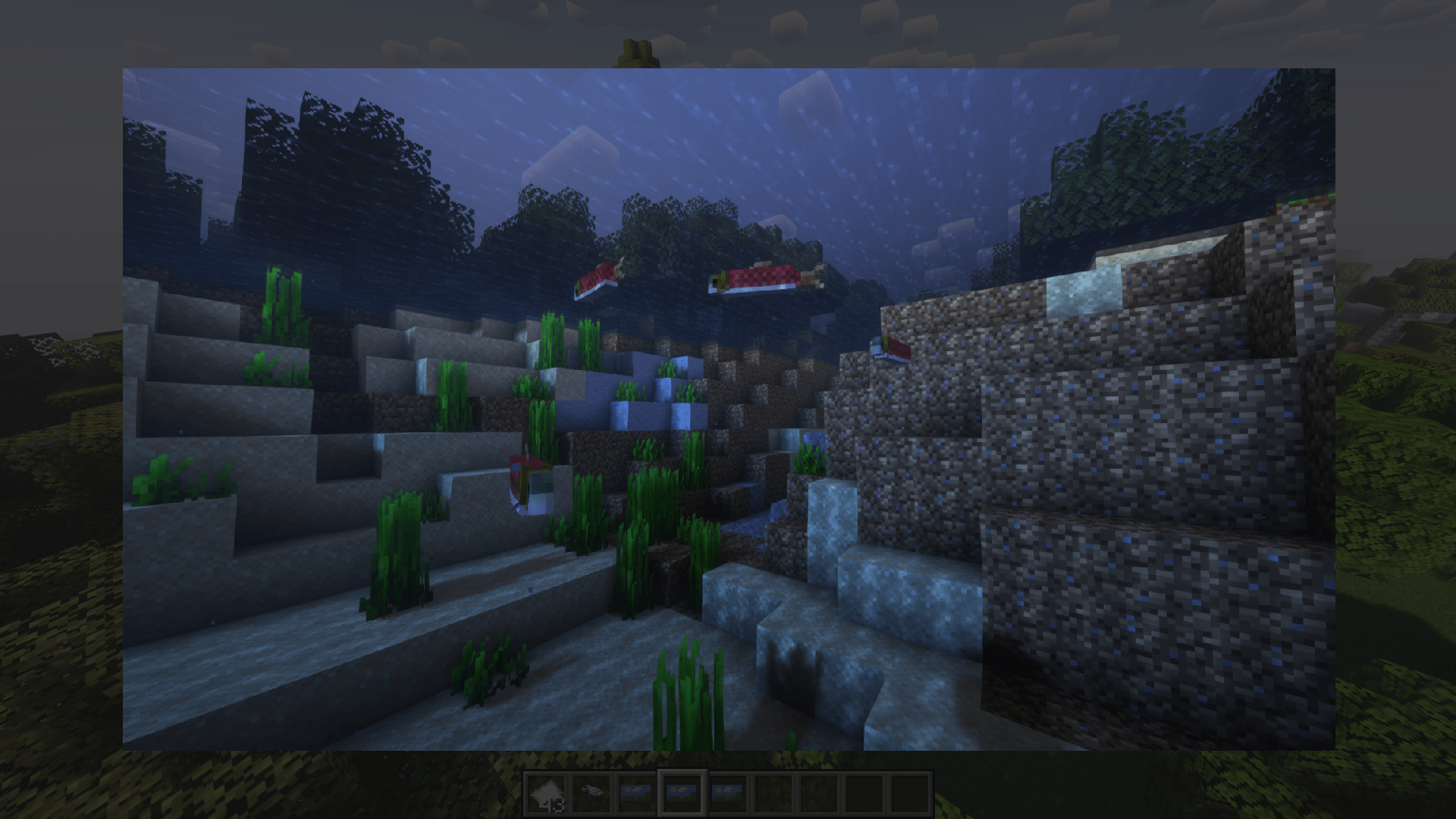
You can also look at a picture by right-clicking it in your hand!
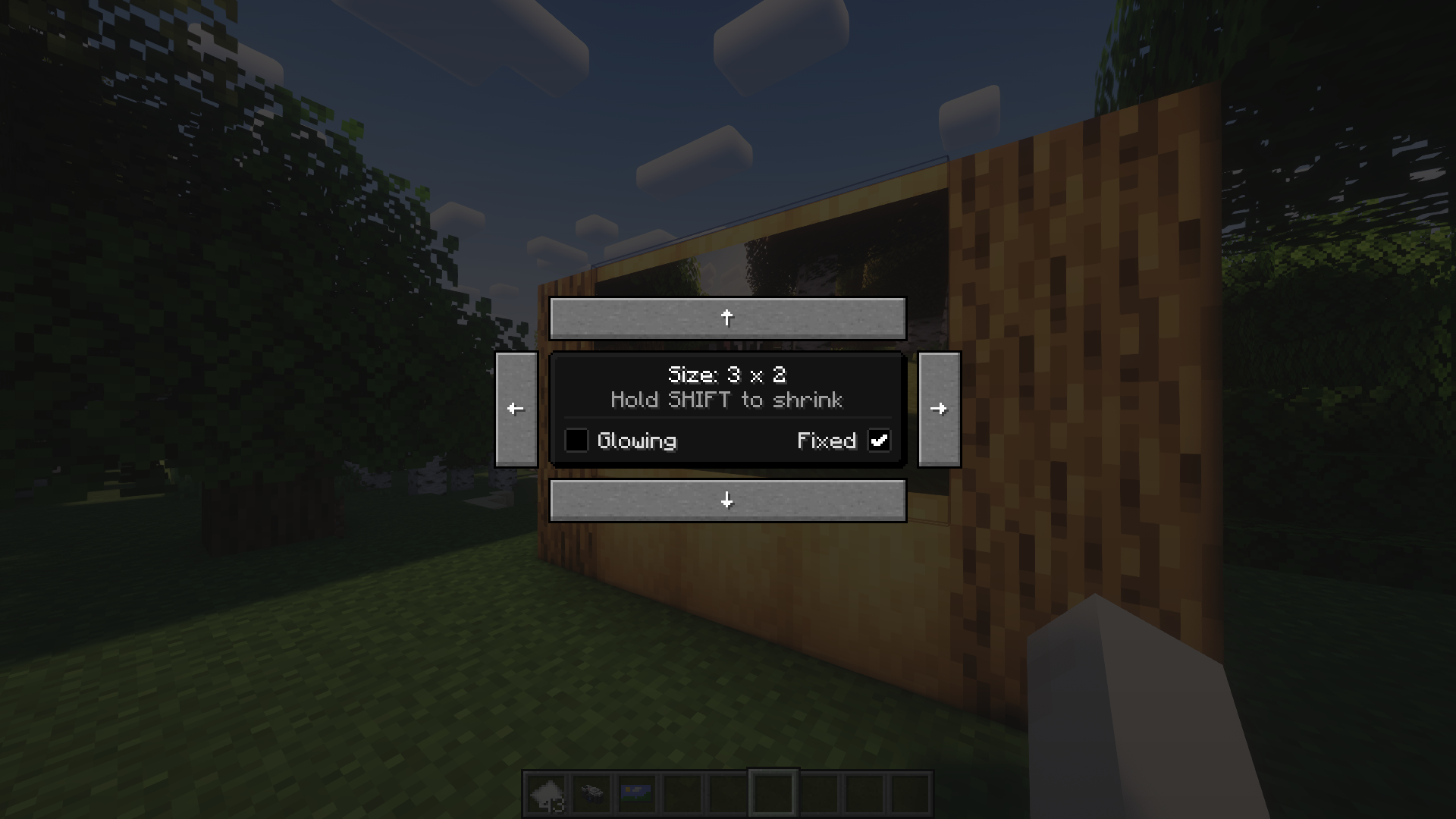
When hung up on the wall, these picture frames can be resized by shift-right-clicking.
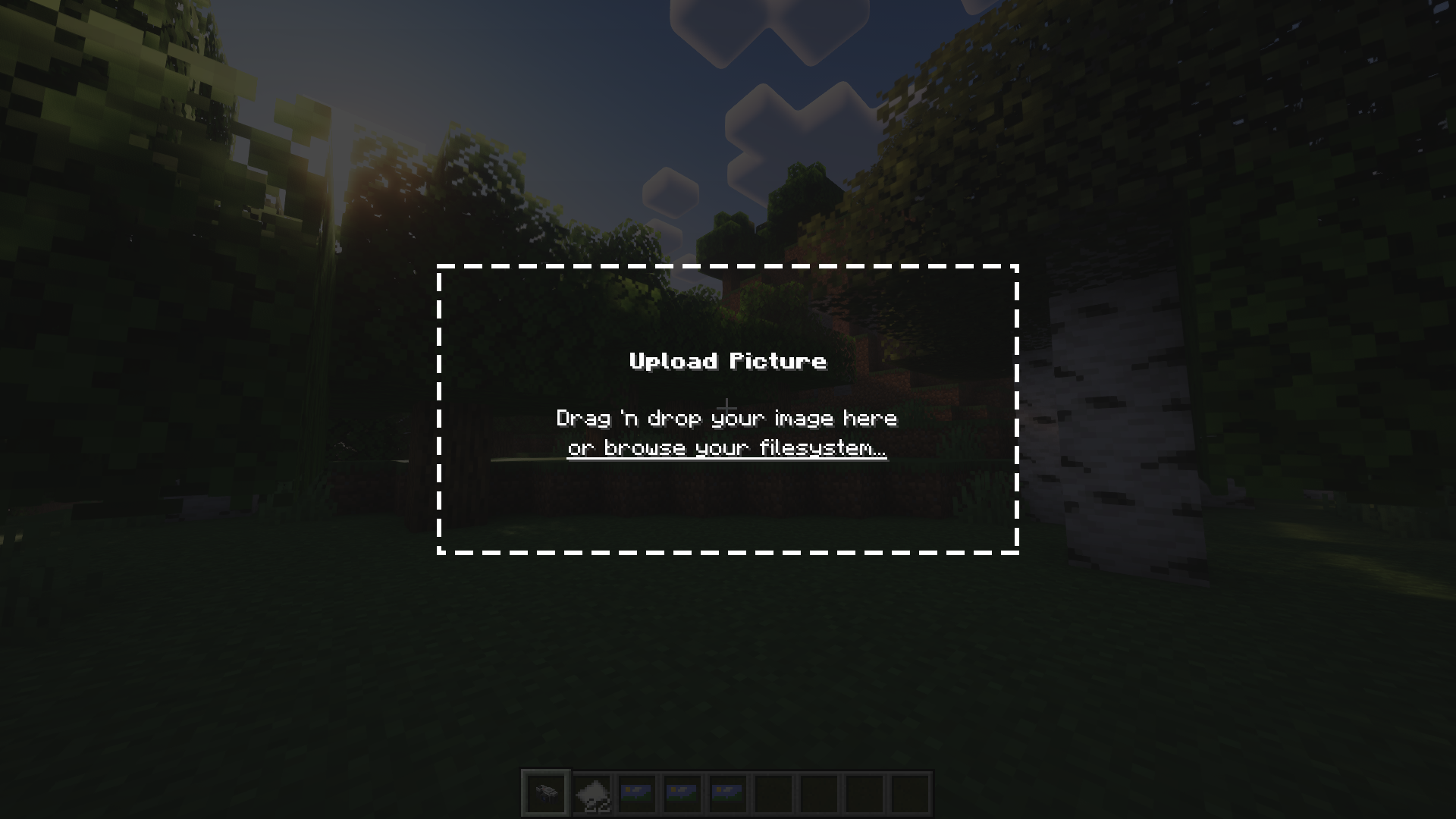
When shift-right-clicking the camera, you can upload your own images from the file system.
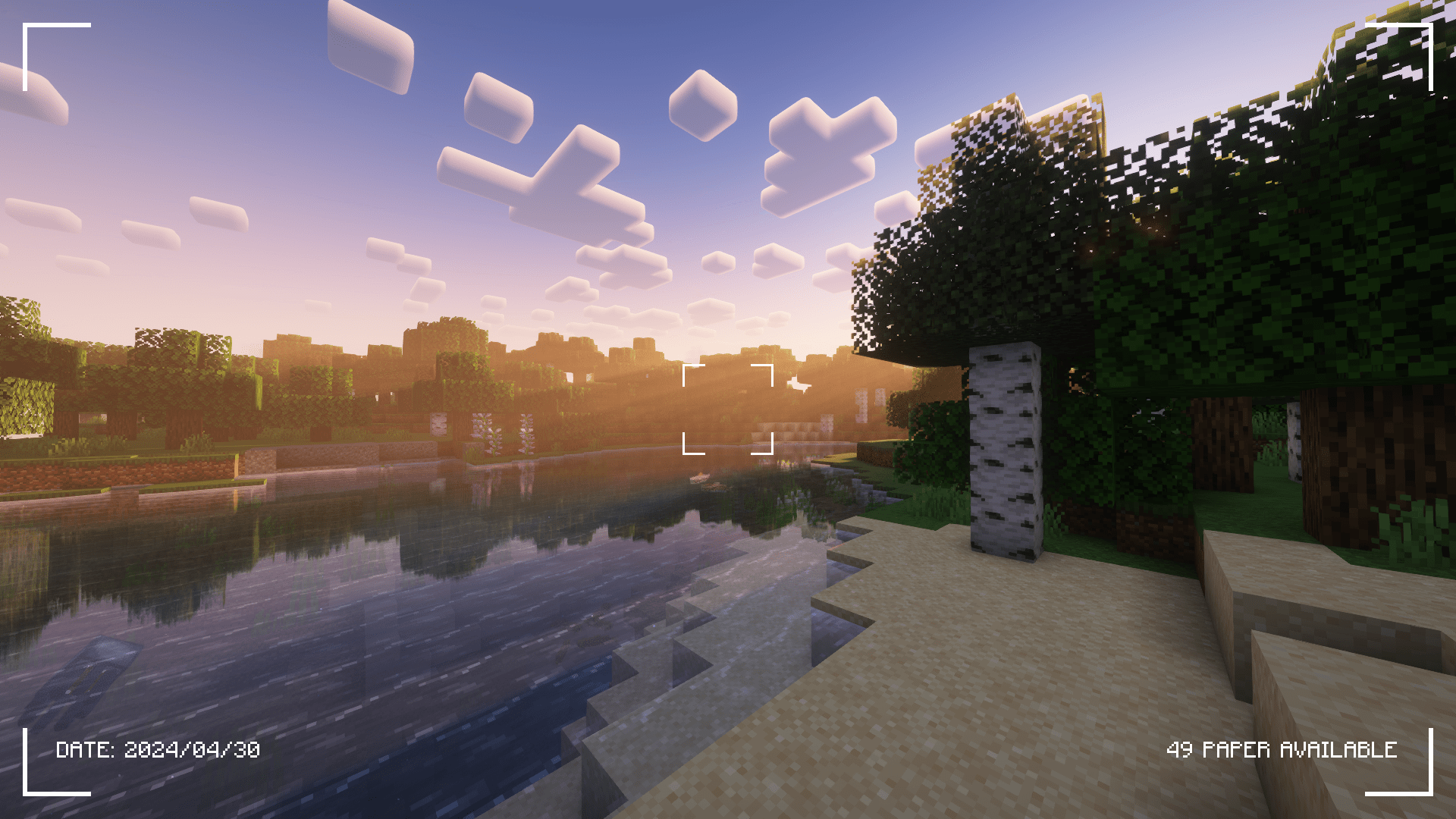
This is the UI that is shown when taking a picture using the camera.