Camera Obscura - Serverside Rendering
- By
Take Photos of your world or server as Map Item, no client-side mods required!
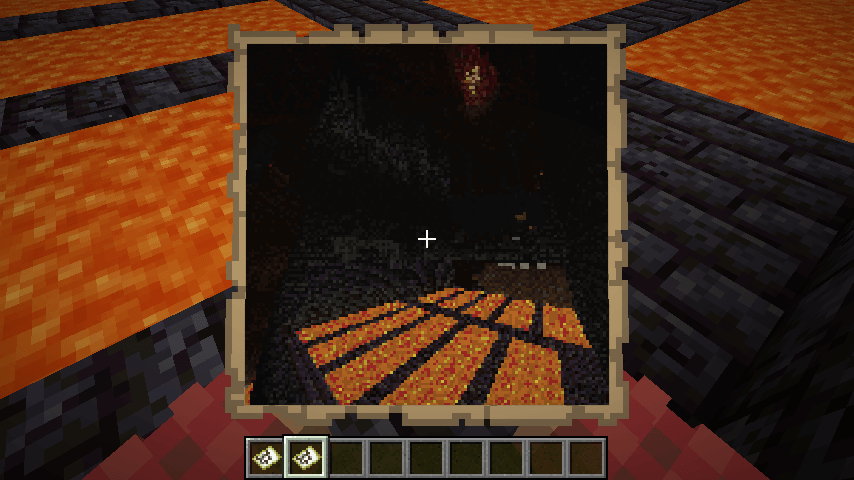
Nether Example
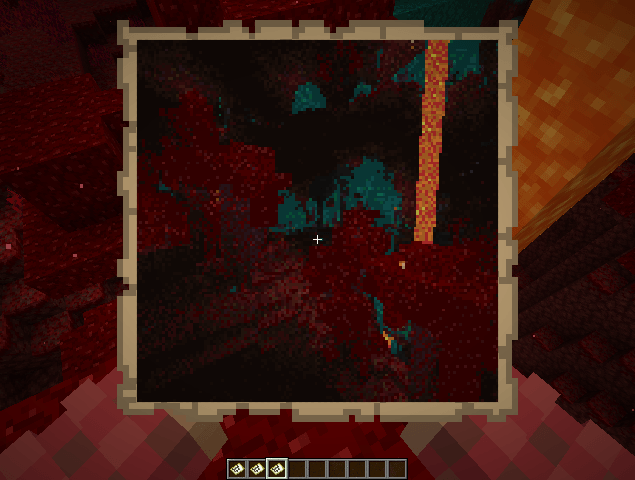
Nether Example 2
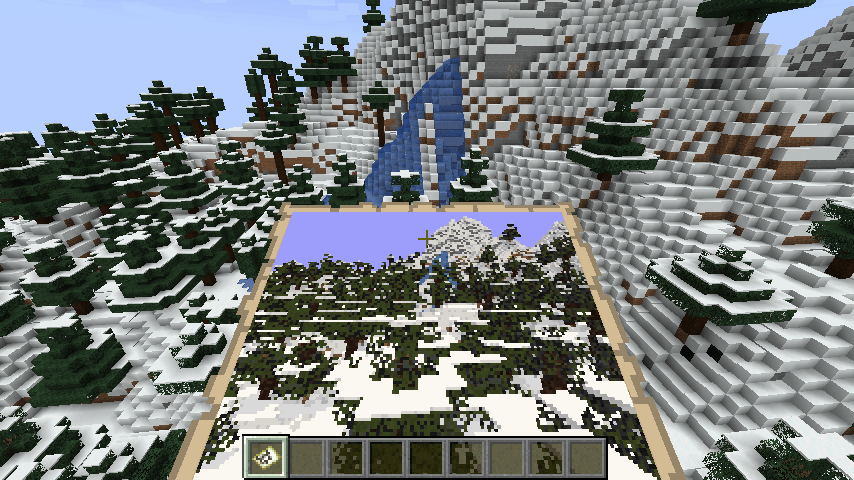
Example
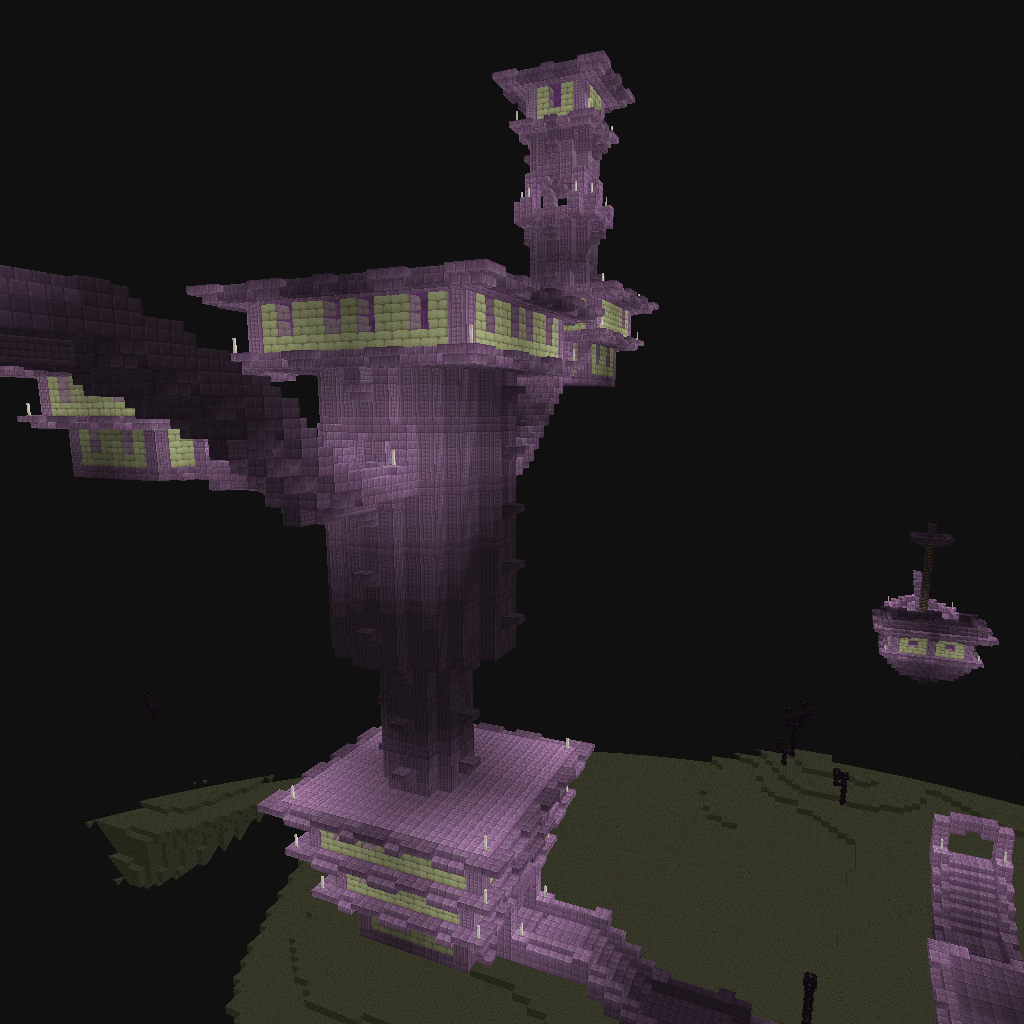
PNG render of End City
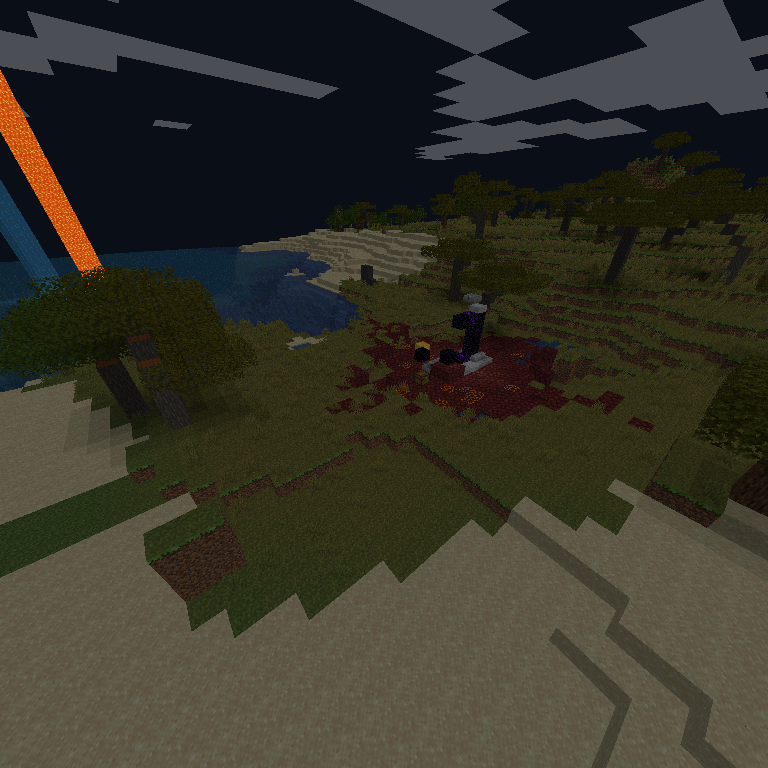
PNG render with biome blend
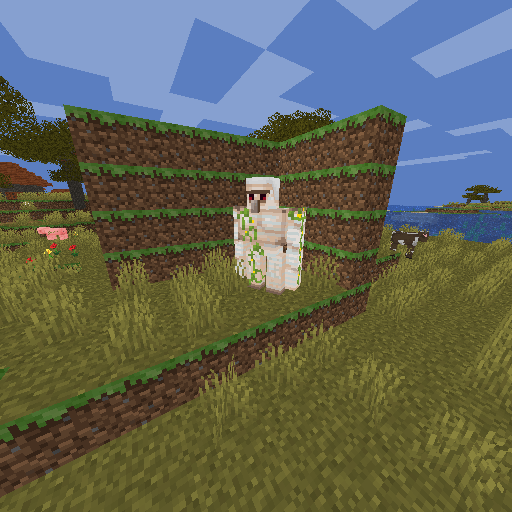
PNG render with experimental entity rendering
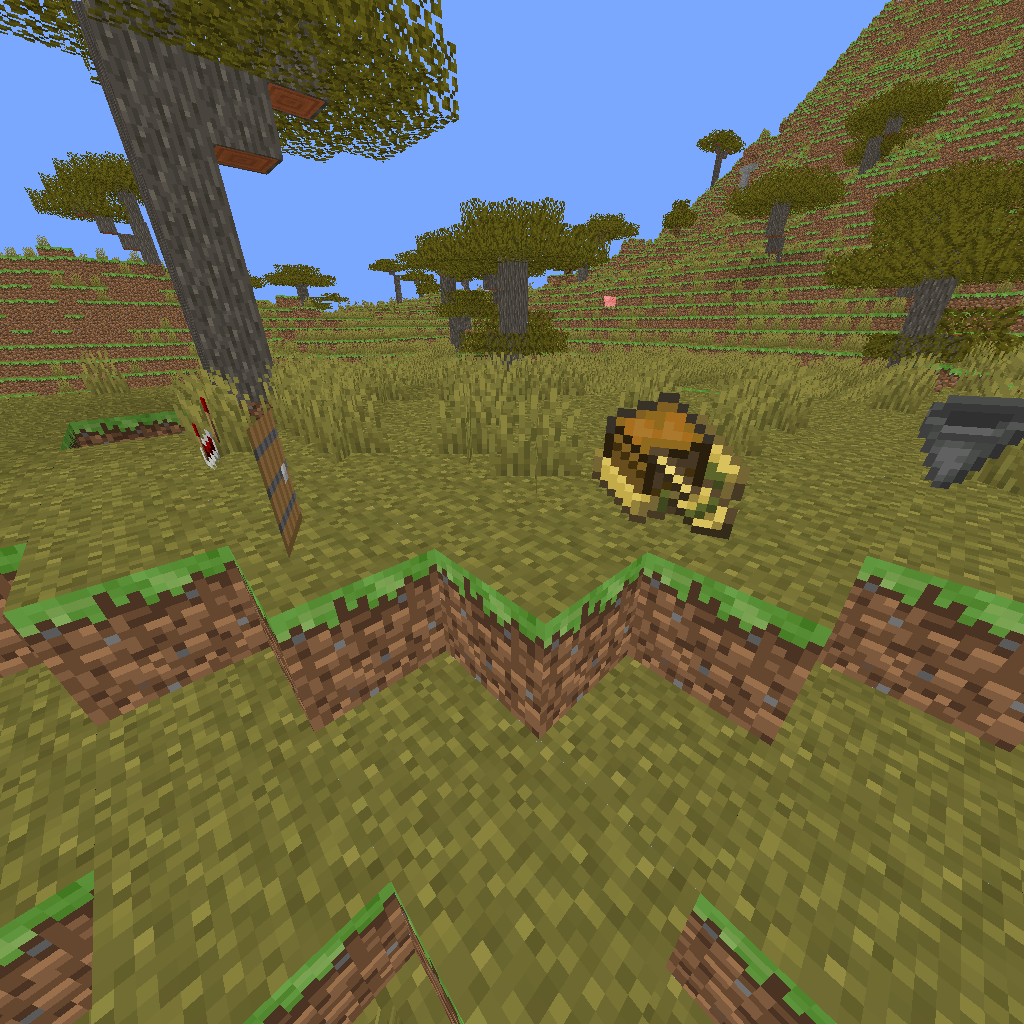
PNG render with item entities
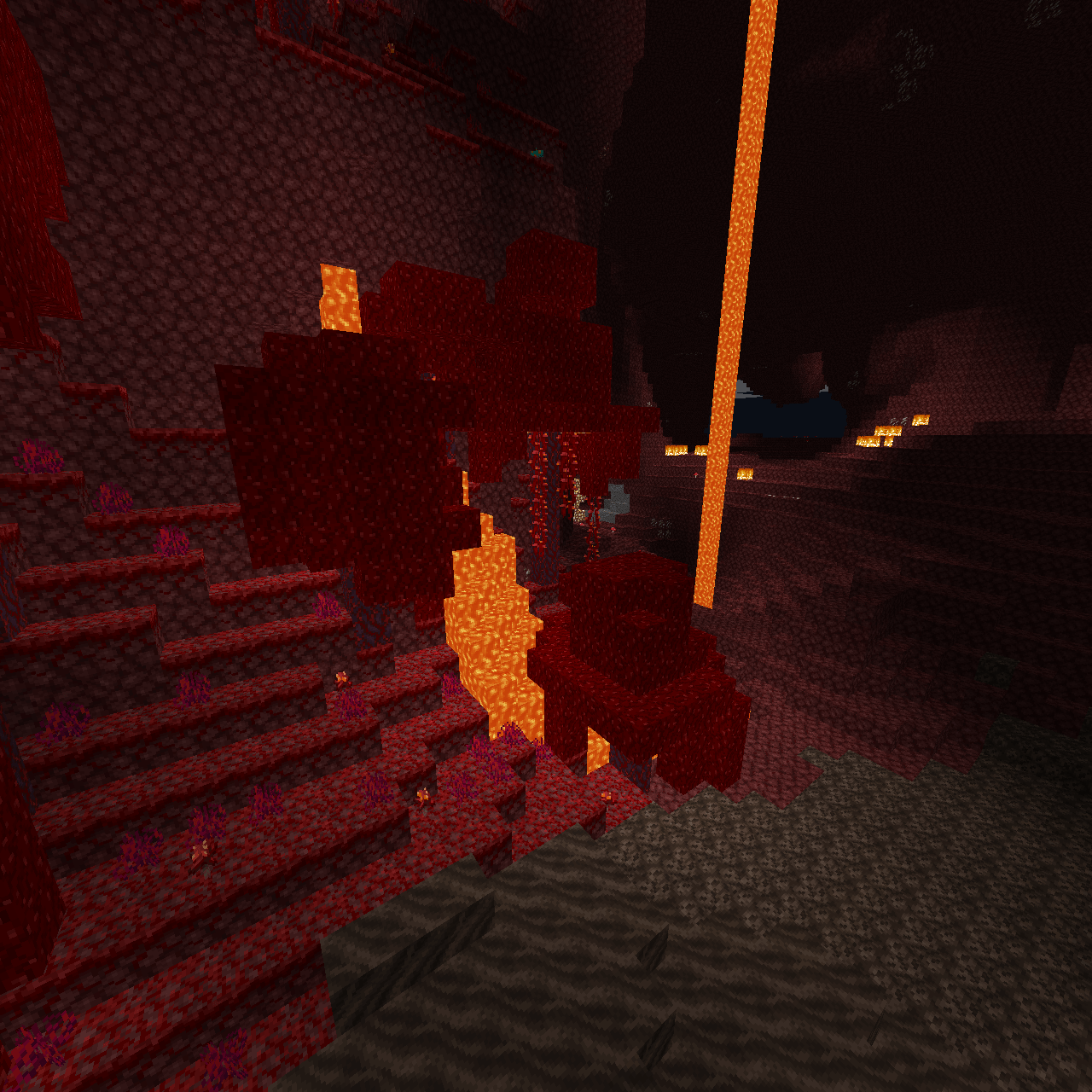
PNG render
tomalbrc | Camera Obscura - Server...
Create your game server with 

Description
Camera Obscura

Take photos of your world / server!
When used on a server: no client side mods required!
Everything is rendered on the server using raycasting.
Requires the Polymer library!

Item:
The mod adds a Camera Item, for clients it looks and functions like a normal spyglass but has a custom name and consumes a map item or other, as specified in the configs.
There is no recipe for the item (yet)
Configs
The config file will be created on first launch and is located in
configs/camera-obscura.json
Example config with default values:
{
  "renderDistance": 128,
  "showSystemMessages": false,
  "renderEntities": false,
  "renderEntitiesAmount": 20,
  "fullbright": false,
  "fov": 70,
  "biomeBlend": 1,
  "cameraItem": "minecraft:spyglass",
  "cameraConsumesItem": true,
  "cameraConsumeItem": "minecraft:map",
  "commandPermissionLevel": 2
}
Explanation:
renderDistance: Render distance in blocksshowSystemMessages: Flag wether system messages should be shown when a photo is being taken when run as command, default isfalserenderEntities: Flag for experimental entity rendering, default isfalserenderEntitiesAmount: Amount of entities to render when entity rendering is enabled, default is20fullbright: Flag wether light levels should be ignored, rendering everything with the highest light level. Default isfalsefov: Field of View, functions the same way the vanilla client FOV works, minimum value is 30, maximum 110 (Quake Pro). Default is70biomeBlend: Biome blend valuecameraItem: Vanilla Item to use as camera item model/texture, default isminecraft:spyglasscameraConsumesItem: Flag if an item should be consumed, default value istruecameraConsumeItem: Item to consume when the camera item is used. No items will be consumed when ran as command, default isminecraft:mapcommandPermissionLevel: Vanilla Permission level, default value is2
Commands:
/camera-obscura
Takes a picture of the player running the command and gives the resulting map item to that player
/camera-obscura <[Entity|Player]> <scale>
Takes a picture as the source entity and gives the player the resulting maps, a scale of up to 3 (3x3 maps) can be specified optionally.
/camera-obscura save
Takes a picture of the player running the command and saves it as png in
renders/<imagename>.png,
where imagename is the current date in the format
yyyy-MM-dd HH:mm:ss.SSS
/camera-obscura save <Entity> <scale>
Takes a picture as the source entity and gives the player the resulting maps, a scale of up to 10 (1280px * 1280px) can be specified optionally.
Default image size is 128px * 128px
/camera-obscura clear-cache
Clears the cache (textures, resourcepack models and blockstate definitions, cached render models)
Permissions:
Default Vanilla permission level is 4, this can be configured with commandPermissionLevel For luckperms, etc. - those should be self-explanatory:
camera-obscura.command
camera-obscura.command.scale
camera-obscura.command.entity
camera-obscura.command.entity.scale
camera-obscura.command.save
camera-obscura.command.save.scale
camera-obscura.command.save.entity
camera-obscura.command.save.entity.scale
camera-obscura.clear-cache
Known Issues:
All of those will be fixed sooner or later
- Entity rendering is slow and doesn't support all entities
- Liquids are "blocky"
- Hard lighting
- End Gateway and end portal blocks are pure black (they use the black concrete texture temporarily)
- Models that are larger than a single block can get cut-off during rendering
- Rendering breaks with coordinates in the millions
How it works:
The game assets are downloaded from mojangs servers and read to render the world using raytracing.
When the render is done, a Map item with the image is created or a png is saved to the renders folder.
Test Sever
Join the test server with a 1.20.5-1.21.1+ client on
mc.tomalbrc.de:25565
to test this mod and my other mods + upcoming, unreleased mods and features!
Camera Obscura - Serverside Rendering Team


Owner