
Cadaver
- By
Leaves a corpse with all your items when you die. Respects Curse of Vanishing, keepInventory and soulbound enchantments, and never blocks your bullets.
Description
Cadaver
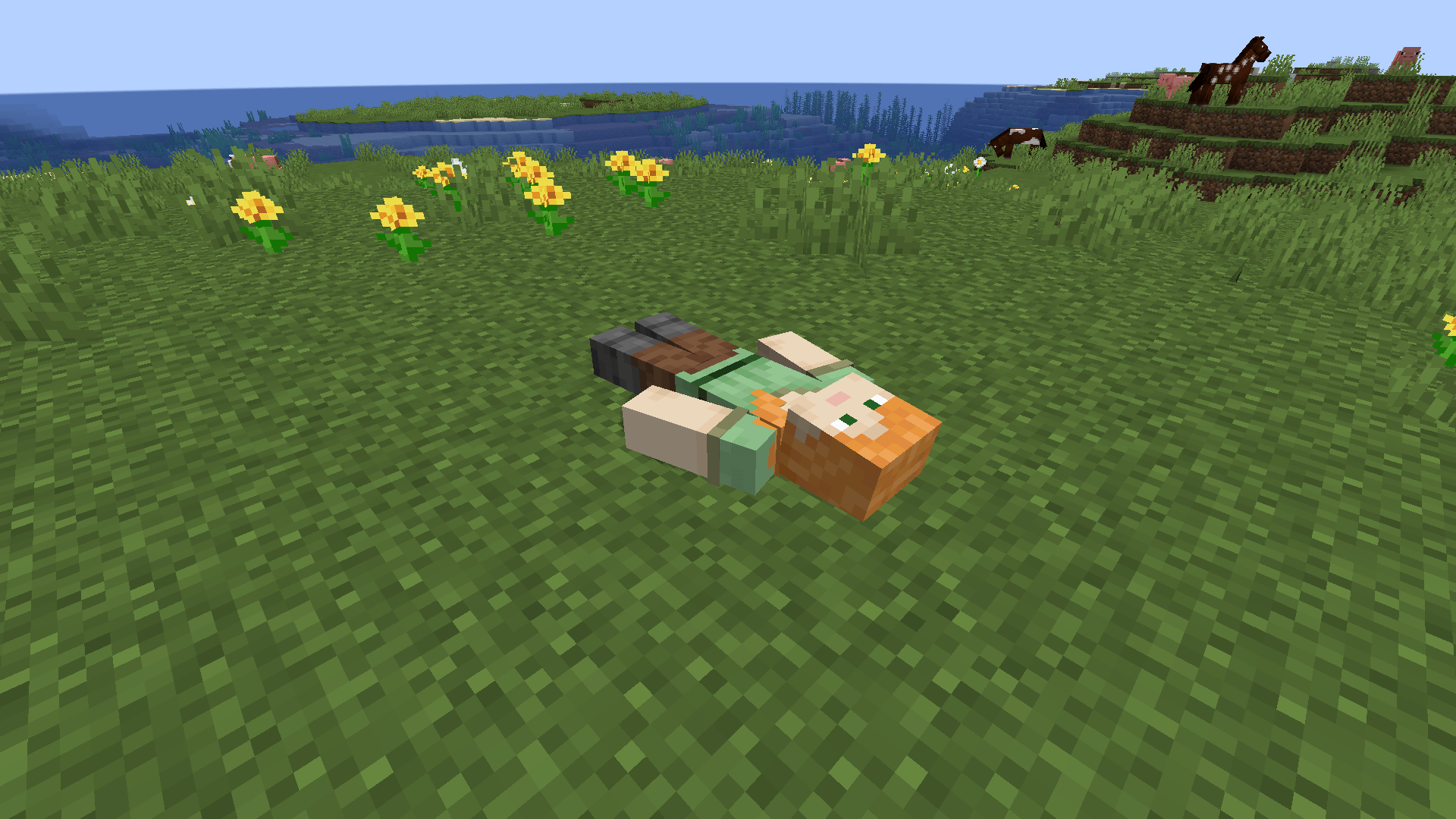
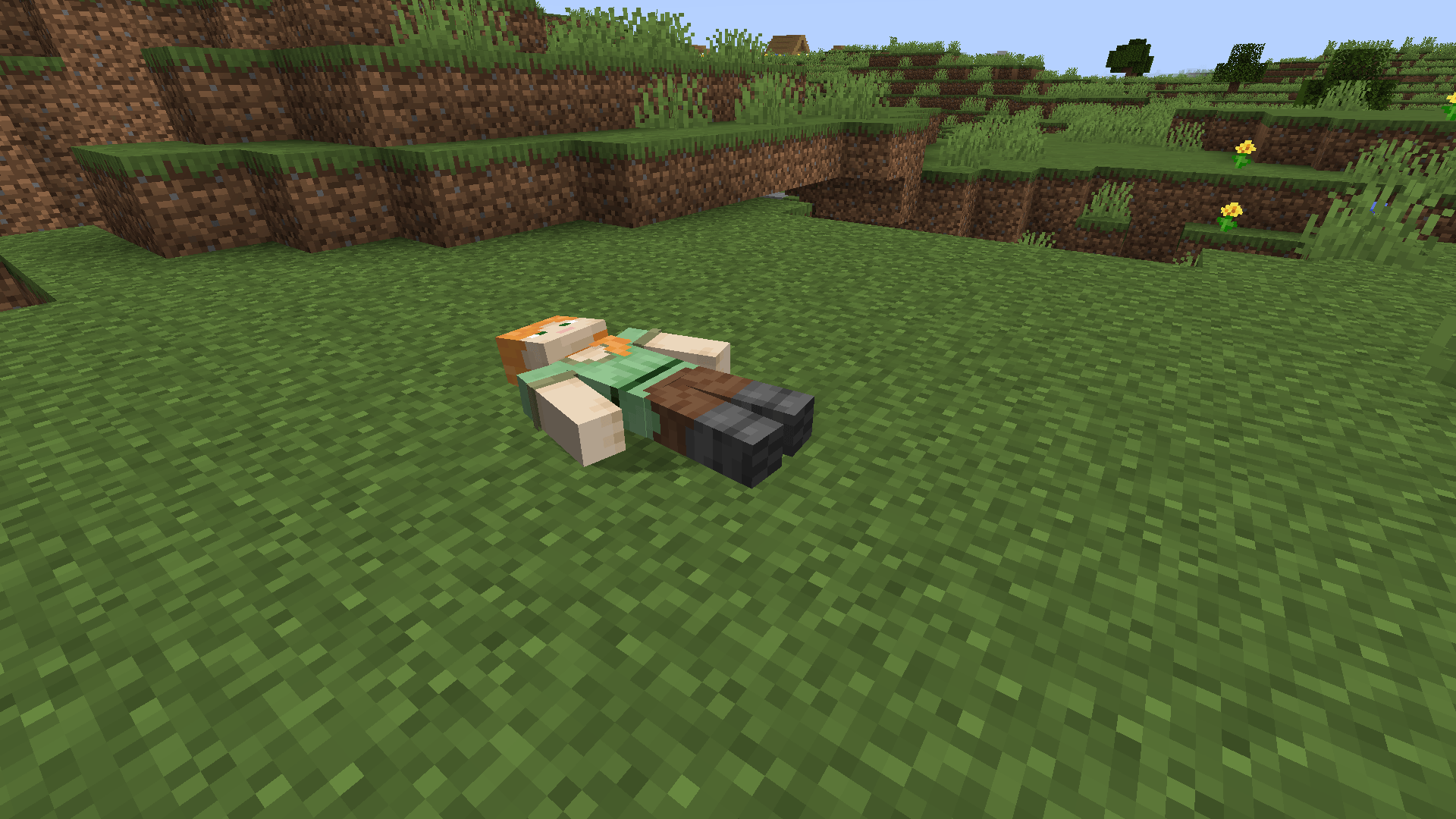
Cadaver leaves a corpse where a player dies, holding the items they would normally drop. The body uses the player's skin, including skins provided by SkinsRestorer.
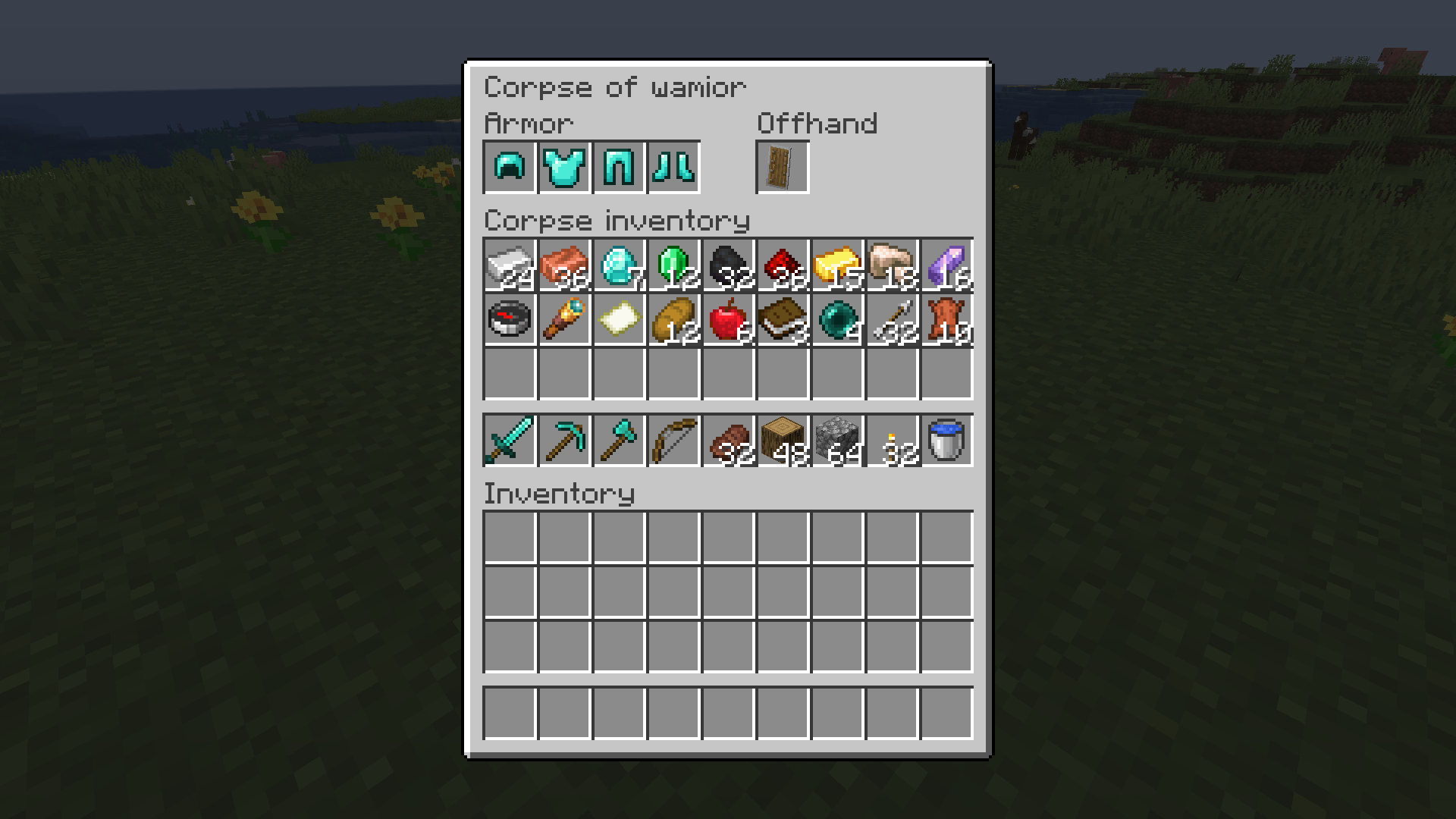
Right-click a corpse to open its inventory. Sneak + right-click takes everything at once. For the owner, items return to their original slots, including armor and offhand equipment.
Armor, offhand, inventory and hotbar have separate sections. Accessories and extra drops from other mods appear in a side panel. You can take items out, but you can't put anything in.
Death drops and compatibility
Cadaver collects the final death drops, after vanilla and other mods have applied their rules:
- Curse of Vanishing items disappear.
keepInventorykeeps your inventory and prevents a corpse from spawning.- Soulbound items stay with the player if their mod prevents them from dropping.
- Curios drop rules are respected.
Corpses don't block attacks, arrows or bullets, including shots from TaCZ. They can't be damaged by players, fire, lava or explosions.
Configuration
You can change the despawn time, protect corpses from other players for a set period, disable corpses in specific dimensions and toggle death coordinates, quick loot and update notices.
The despawn timer starts at death. If a corpse expires while its chunk is unloaded, it is removed when the chunk loads again. Its contents can either drop on the ground or be deleted.
Requirements
Install Cadaver on both the client and server.
- Fabric: requires Fabric API; Trinkets integration is optional.
- Forge / NeoForge: Curios integration is optional.
Modpacks and support
You can include Cadaver in modpacks on CurseForge or Modrinth without asking permission.
Report bugs or suggest changes on GitHub Issues.
Cadaver Team

Owner


