Leave any multiplayer server for your own private creative world, test a build, then come back to the exact spot you left. You stay connected to the server the whole time.

- On a server, type
/butter lab(or set a key for it in Controls → ButterLab). As soon as you are standing on the ground, you are taken to the lab: a creative superflat world saved on your own computer. It is always noon there, with no mobs and no weather. - Type
/butter labagain, or click Back to (server name) in the pause menu, to go back. You return to the same place with the same inventory. Everything that happened on the server while you were away (chat, block changes, time of day) shows up right away. - While you are in the lab, you still see the server's chat. If your character on the server is hit, you are sent back immediately.
- The lab is created the first time you use it and is saved with your worlds as Butter Lab, so your test builds are still there next time.
/butter lab reset confirmdeletes it so you can start fresh.

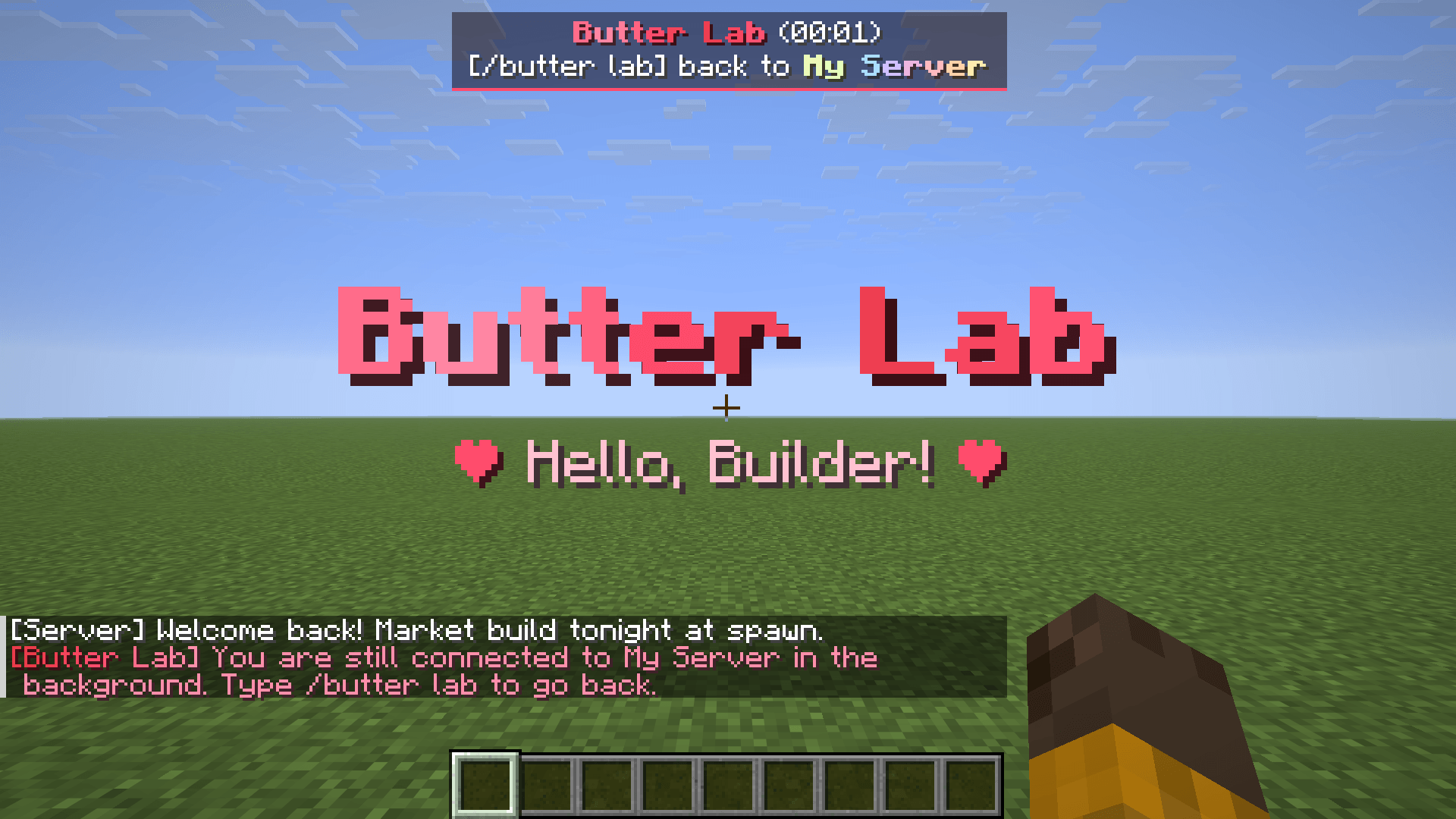
Type /butter lab and you are in your own creative world.
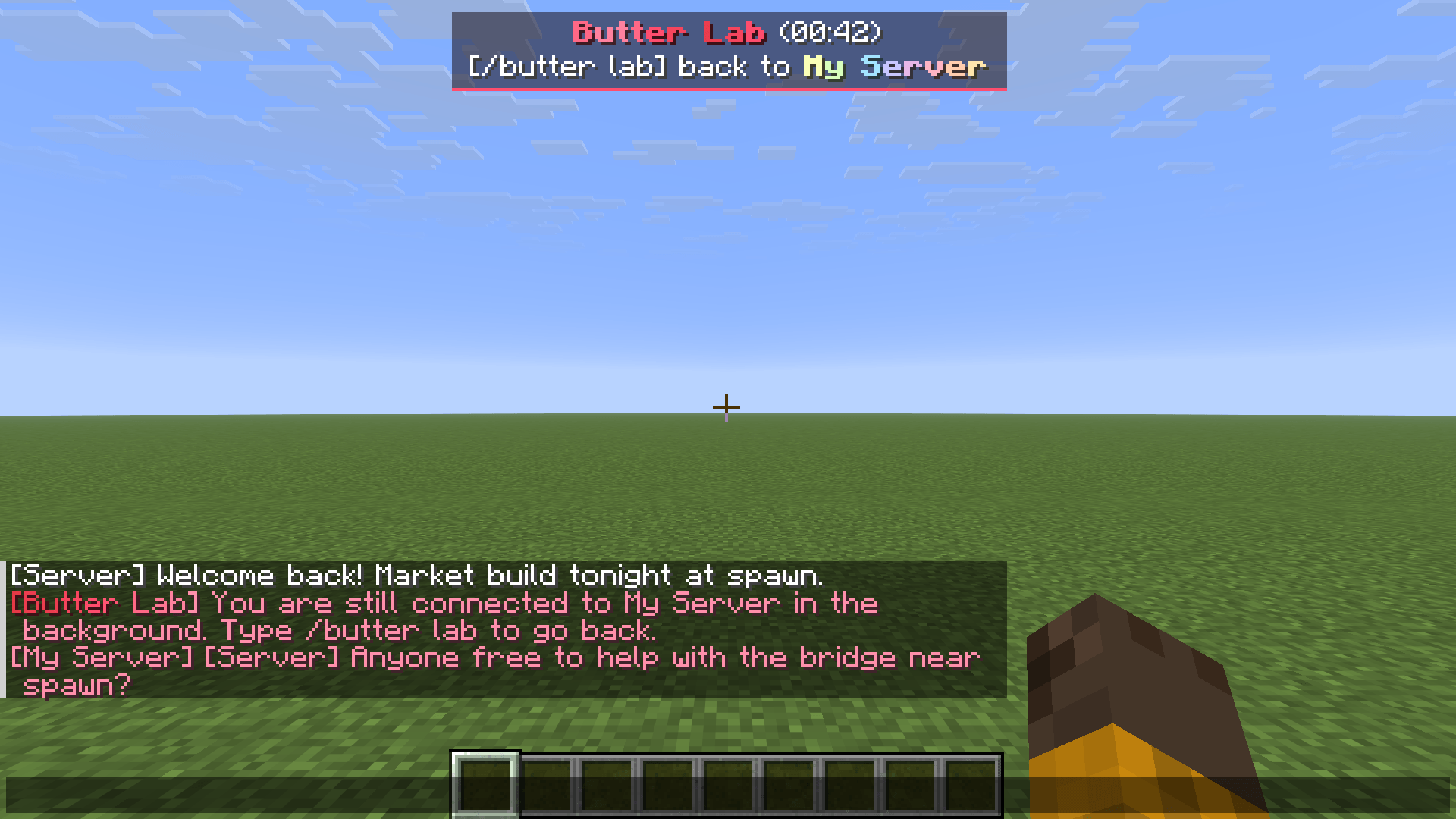
The panel shows how long you have been away, and server chat keeps coming in.
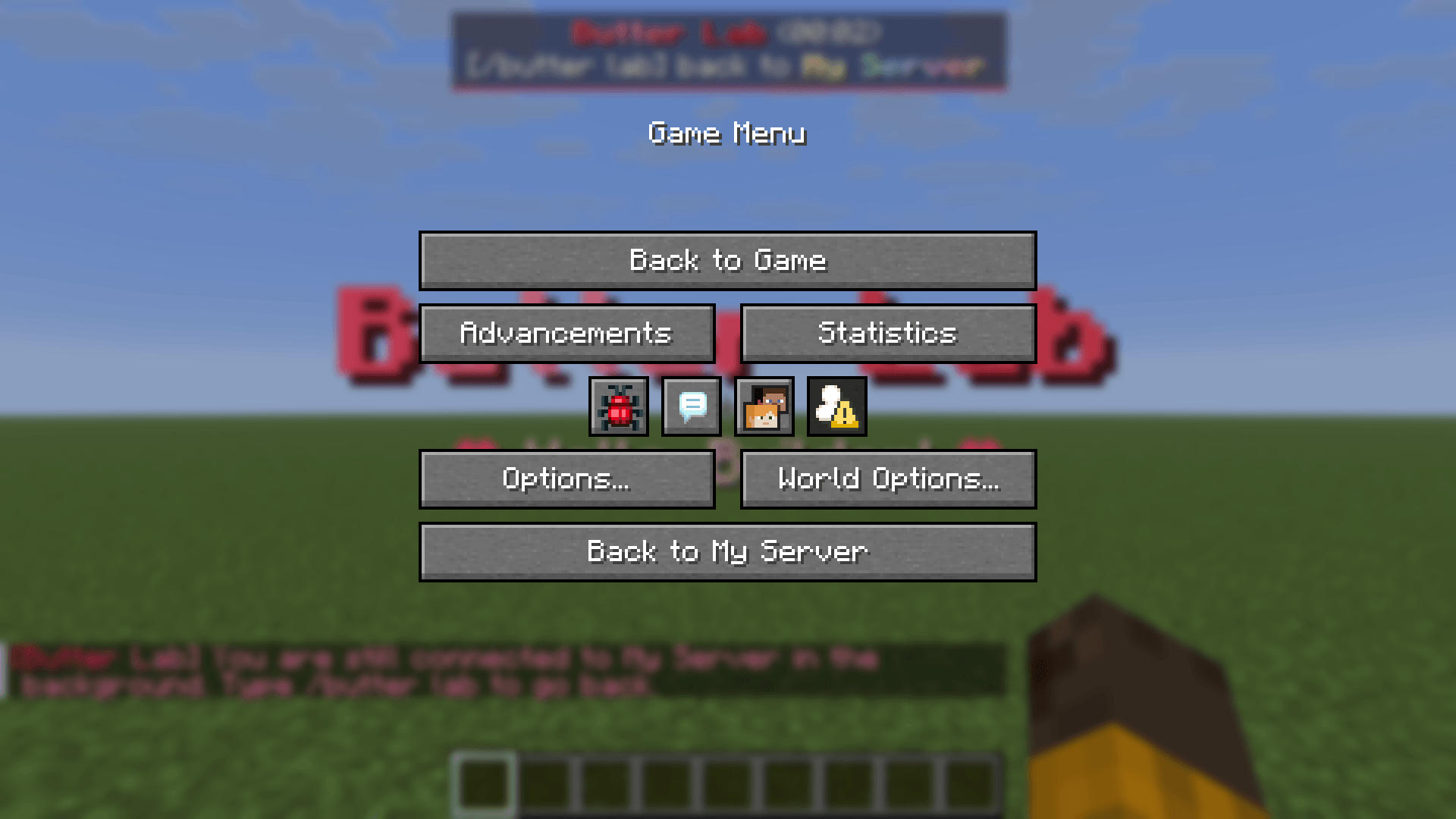
The pause menu takes you straight back to your server.
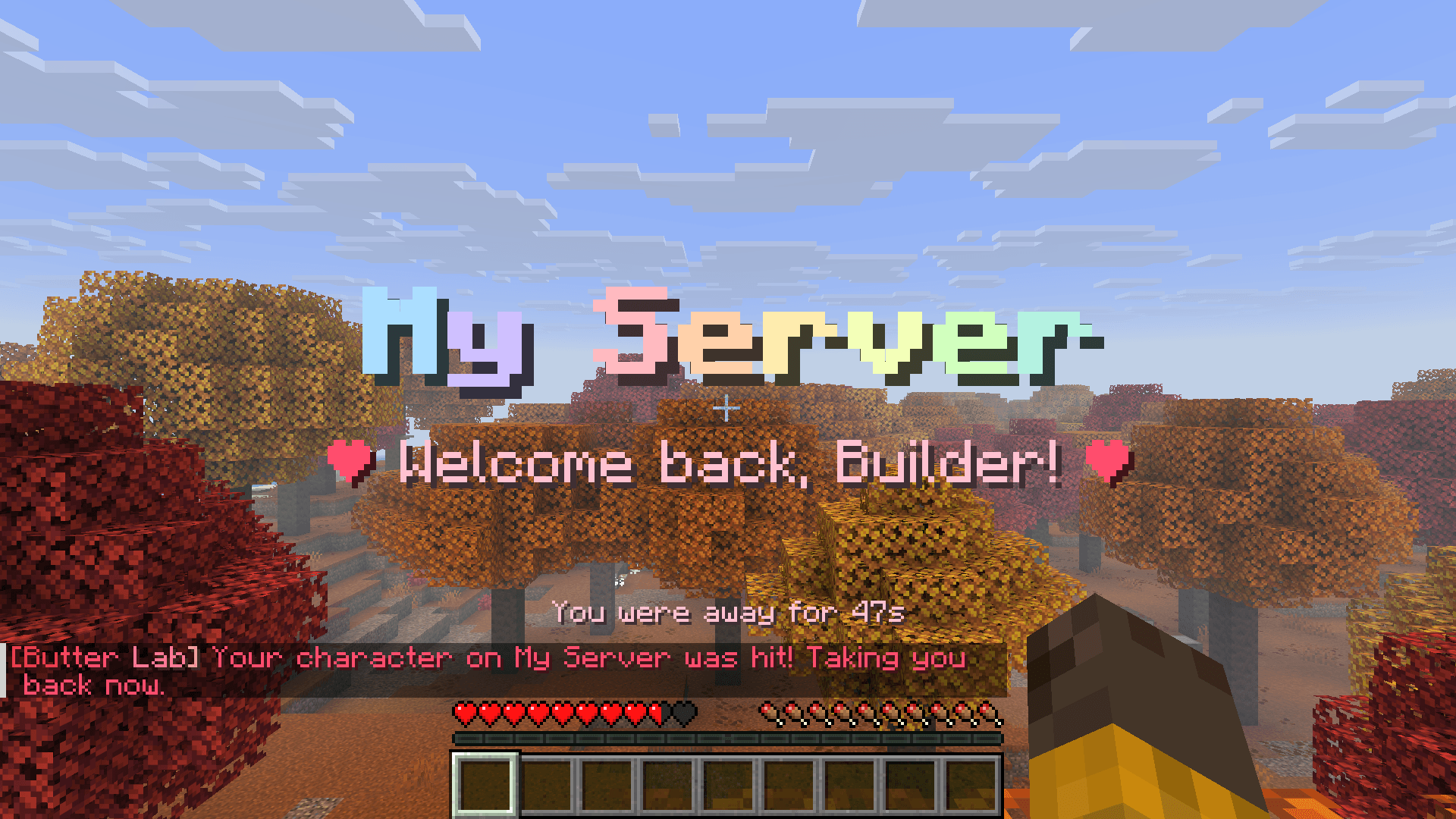
Same spot, same inventory. You are sent back right away if your character is hit.

- Minecraft 26.1 – 26.1.2 or 26.2 – 26.3.
- One of these mod loaders:
- Fabric (Loader 0.19.5 or newer), with Fabric API
- Quilt: use the Fabric file, with Fabric API
- NeoForge
- Forge
- Download the file for your loader and Minecraft version. The CurseForge app picks the right one for you.
- Client-side only: nothing needs to be installed on the server.

/butter labruns only in your own game. It is never sent to the server.- Your character stays on the server, standing where you left it, so it can still be attacked. That is why the mod sends you back as soon as it is hit.
- Follow your server's rules about being away from the keyboard (AFK).
- Works with Litematica: your schematic placements are saved when you go to the lab and are back when you return.
- All text is in English. If your game language is set to Thai, it is shown in Thai instead.
ButterLab Team