


Building Overhaul: Builder Tools, Free Placing, Smooth Terrain, Creative Mode Settings
- By
Description
⚠️ This is an early Alpha release. Features, mechanics and balancing are yet to go through long-term development. Bugs and compatibility issues may occur. Feedback and bug reports are greatly appreciated.
This is work-in-progress, all-in-one mod for expanding building capabilities in Minecraft 1.21.1 and 26.2 for all loaders. I created it for myself, but everyone else is free to use it.
It includes:
- Hytale-inspired WorldEdit-like Builder Tools with visuals;
- free off-grid block placement and rotation;
- advanced slab placement and ability to place slabs vertically;
- settings for enabling/disabling smooth terrain, inspired by NoCubes mod;
- as well as new handsy Creative Mode Settings, found at the right side of creative inventory;
- Full Entity Tool functionality is yet to come.
Type /tools in-game to get all mod-added tool items at once. They have hover tooltips for usage.
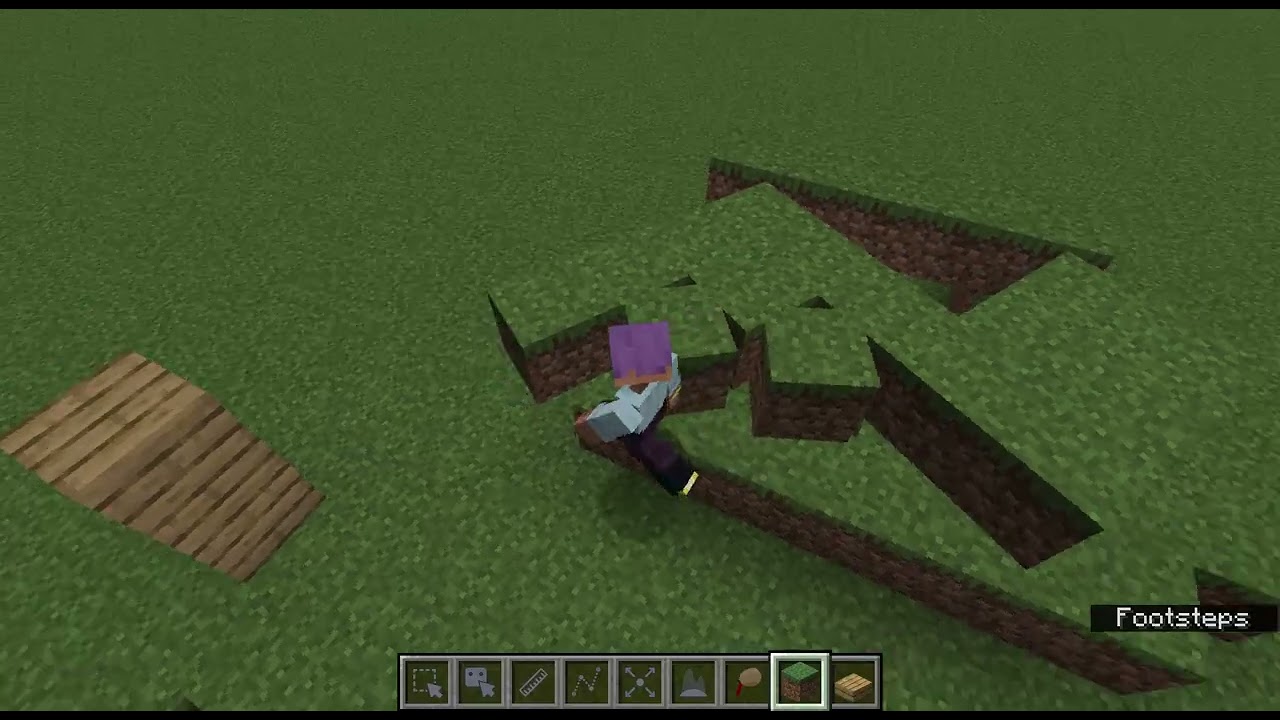
For rotating blocks, press R with block or slab and move your mouse to rotate its yaw, and right click to place it. Placed rotated blocks have accurate collisions, so player can easily slide along its diagonal walls.
Slabs got advanced placement overlay, with 5 "regions" on targeted block's face to determine slab's facing. If you aim at the center of targeted block's top or bottom, slab will cover its whole side, like in vanilla, but if you target center of a block's side, — regardless of whether the block is vanilla XYZ-grid-aligned or rotated, — the slab will also cover its side, staying vertical.
This mod covers much more features, so for now, this description is incomplete as well.
Building Overhaul: Builder Tools, Free Placing, Smooth Terrain, Creative Mode Settings Team
