Builder Assistant
- By
Builder Assistant is a lightweight building utility mod that lets players quickly clear, fill, and undo block areas using simple commands.
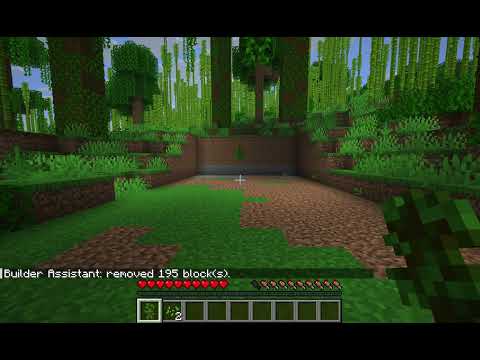
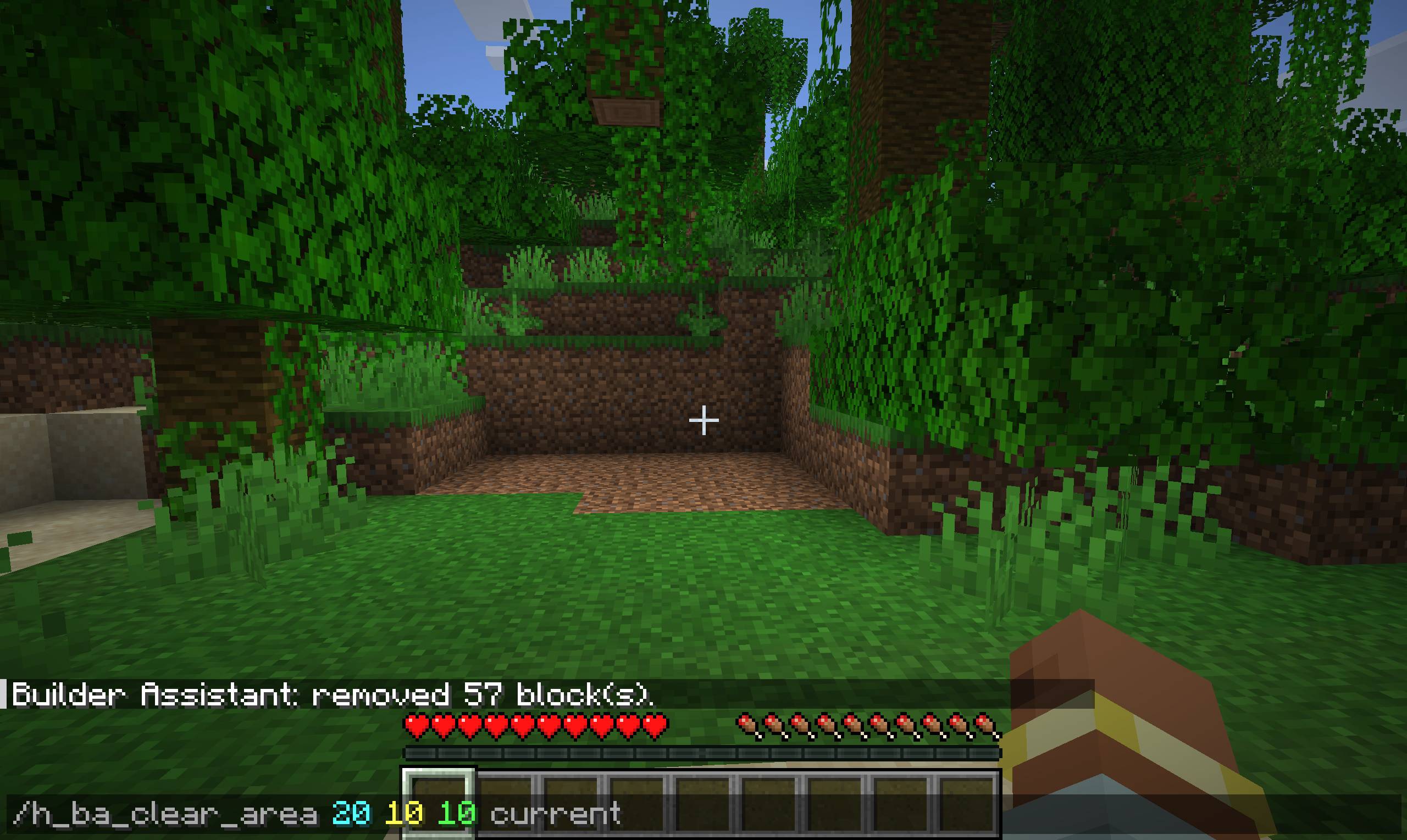
bandicam 2026-05-30 20-39-15-179.jpg
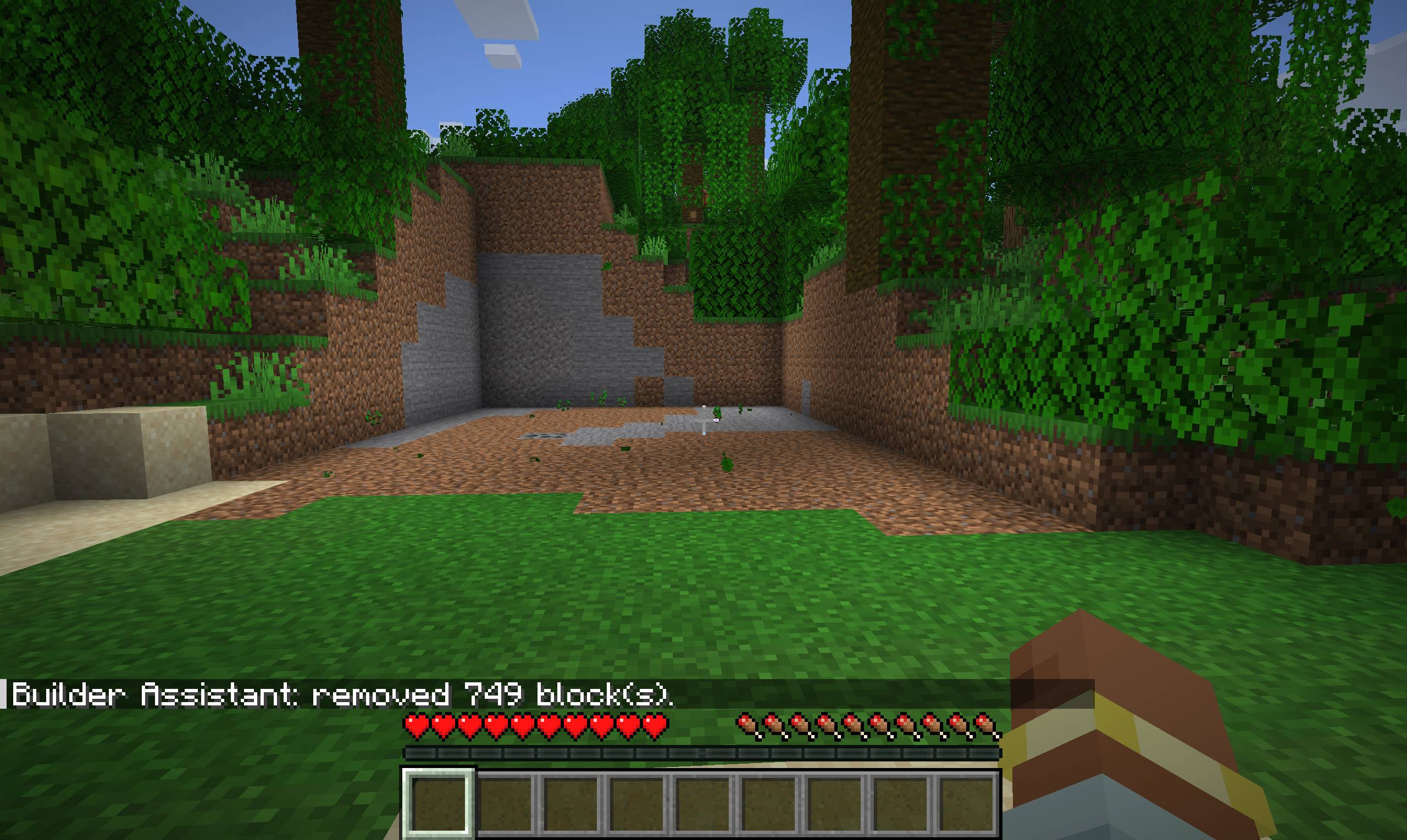
bandicam 2026-05-30 20-39-17-987.jpg
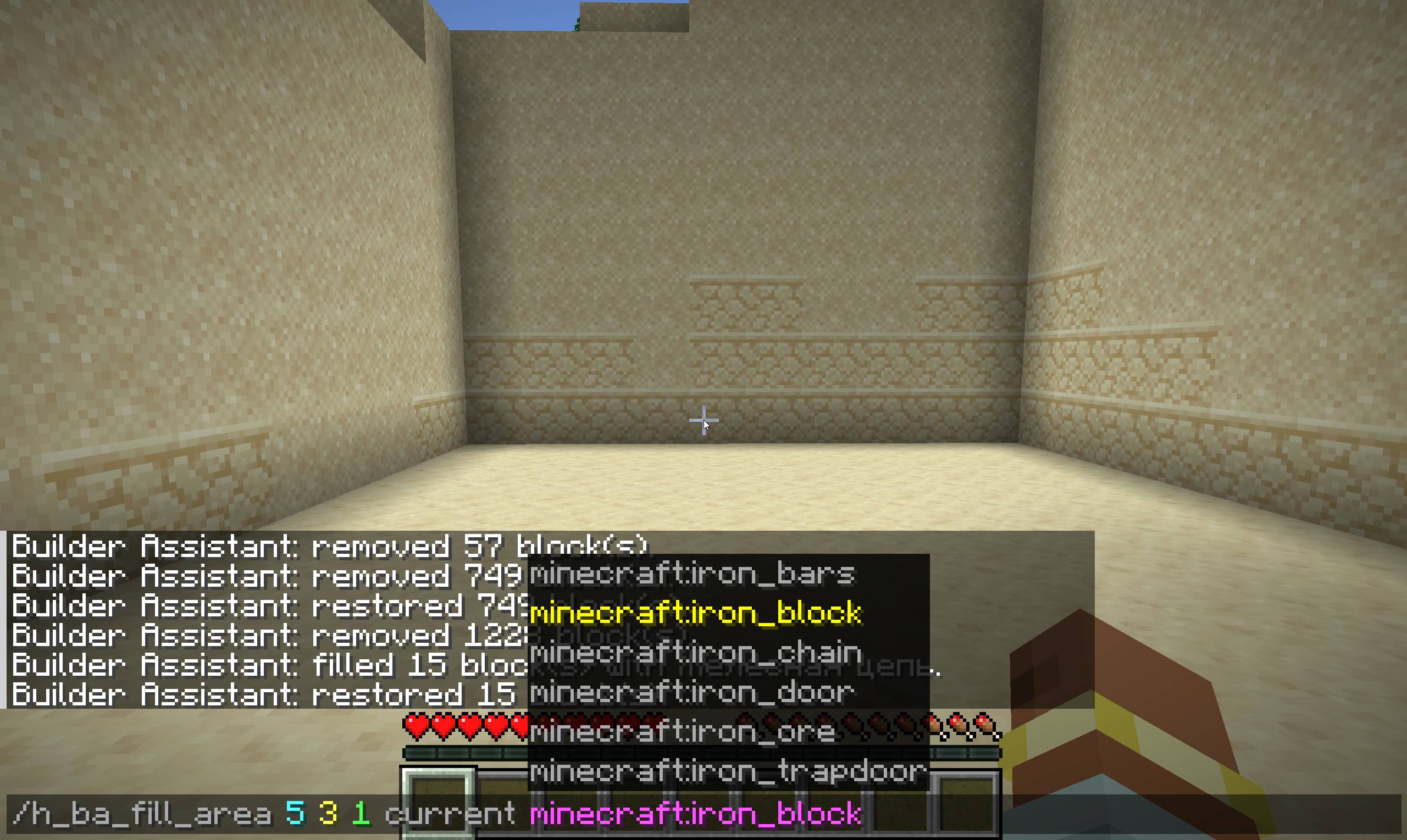
bandicam 2026-05-30 20-41-48-073.jpg
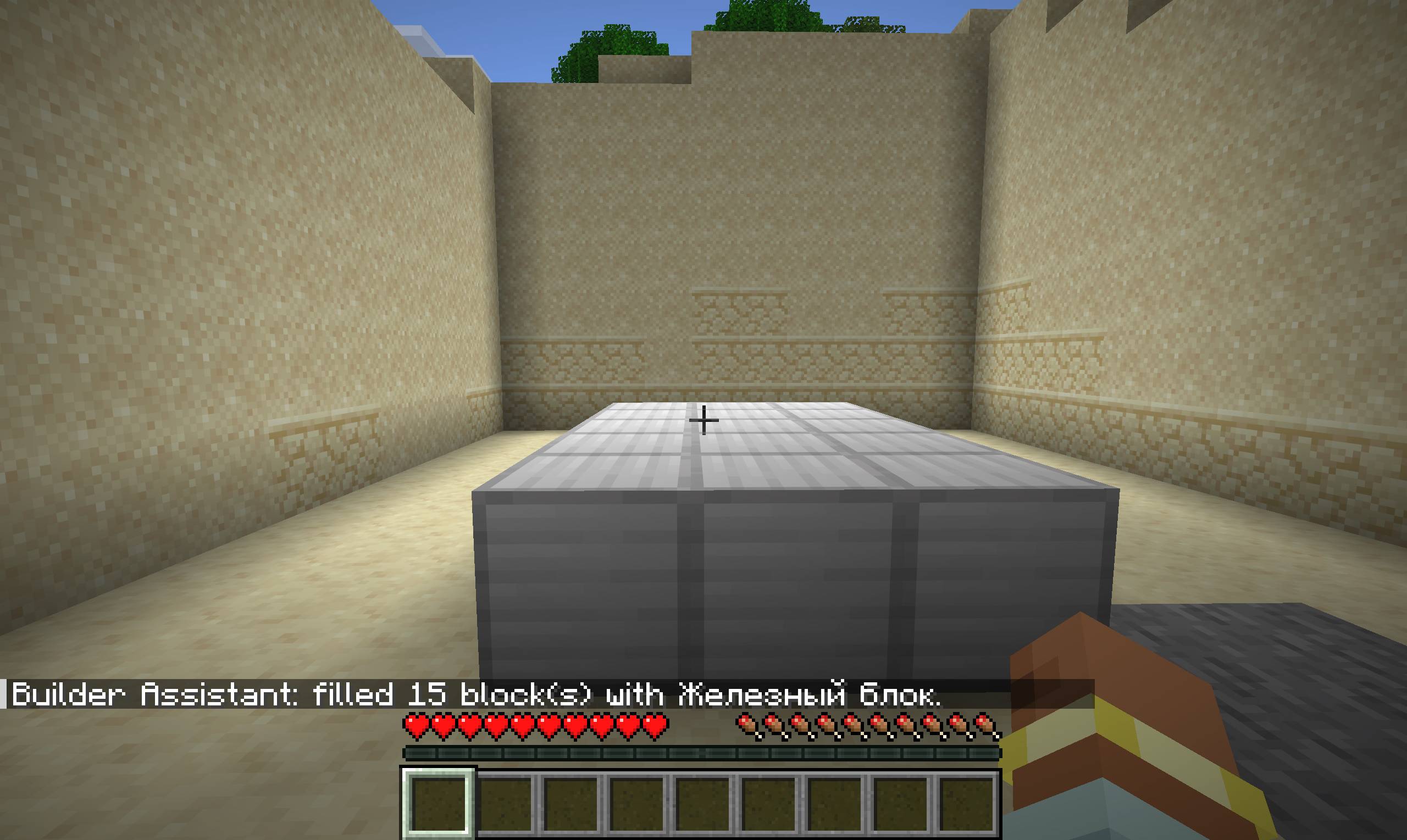
bandicam 2026-05-30 20-41-51-531.jpg
Description
Builder Assistant
Builder Assistant is a lightweight Minecraft Fabric utility mod for faster building, testing, and world editing through simple in-game commands.
It allows players to quickly clear, fill, and undo block areas around their current position. Areas can be selected either from the player's center position or forward in the direction the player is looking.
Features
- Clear blocks in a custom-sized area
- Fill areas with a selected block
- Use centered area selection around the player
- Use forward-facing area selection based on the player's view direction
- Undo the last clear or fill operation
- Simple command-based workflow
- Useful for builders, map makers, testers, and modpack development
Commands
Clear Area
/h_ba_clear_area <distance> <width> <height> center
Clears blocks around the player, using the player as the center of the selected area.
Example:
/h_ba_clear_area 10 10 10 center
This clears a 10 × 10 × 10 area around the player.
/h_ba_clear_area <distance> <width> <height> current
Clears blocks starting from the player's current position and extending forward in the direction the player is looking.
Example:
/h_ba_clear_area 10 2 2 current
This creates a forward-facing cut that is 10 blocks long, 2 blocks wide, and 2 blocks high.
Fill Area
/h_ba_fill_area <distance> <width> <height> center <block>
Fills a centered area around the player with the selected block.
Example:
/h_ba_fill_area 10 10 3 center minecraft:dirt
This fills a 10 × 10 × 3 area around the player with dirt.
/h_ba_fill_area <distance> <width> <height> current <block>
Fills an area in front of the player with the selected block.
Example:
/h_ba_fill_area 10 2 2 current minecraft:oak_planks
This creates a forward-facing 10 × 2 × 2 block area made of oak planks.
Undo
/h_ba_undo
Restores the previous clear or fill operation.
Example:
/h_ba_undo
Area Modes
Center Mode
The center mode uses the player's position as the center point of the operation.
This is useful for clearing or filling rooms, platforms, testing zones, construction spaces, or areas around the player.
Example:
/h_ba_clear_area 15 15 5 center
Current Mode
The current mode starts from the player's current position and applies the operation forward based on the direction the player is facing.
This is useful for creating tunnels, corridors, straight cuts, bridges, walls, and forward-facing block placements.
Example:
/h_ba_clear_area 20 3 3 current
More Examples
Clear a small room around the player:
/h_ba_clear_area 10 10 5 center
Clear a tunnel in front of the player:
/h_ba_clear_area 20 3 3 current
Create a dirt platform around the player:
/h_ba_fill_area 15 15 1 center minecraft:dirt
Create a stone wall in front of the player:
/h_ba_fill_area 10 1 5 current minecraft:stone
Create a wooden bridge in front of the player:
/h_ba_fill_area 20 3 1 current minecraft:oak_planks
Undo the last operation:
/h_ba_undo
Notes
Builder Assistant is intended to be a simple and practical building helper, not a full replacement for advanced world-editing tools.
The mod focuses on fast, readable commands for common building and testing actions.
The undo command currently restores the last clear or fill operation performed by the player.
Builder Assistant Team