BuildCompare
- By
Capture real before-and-after views of your builds, save precise viewpoints and reveal the changes with an interactive comparison slider.
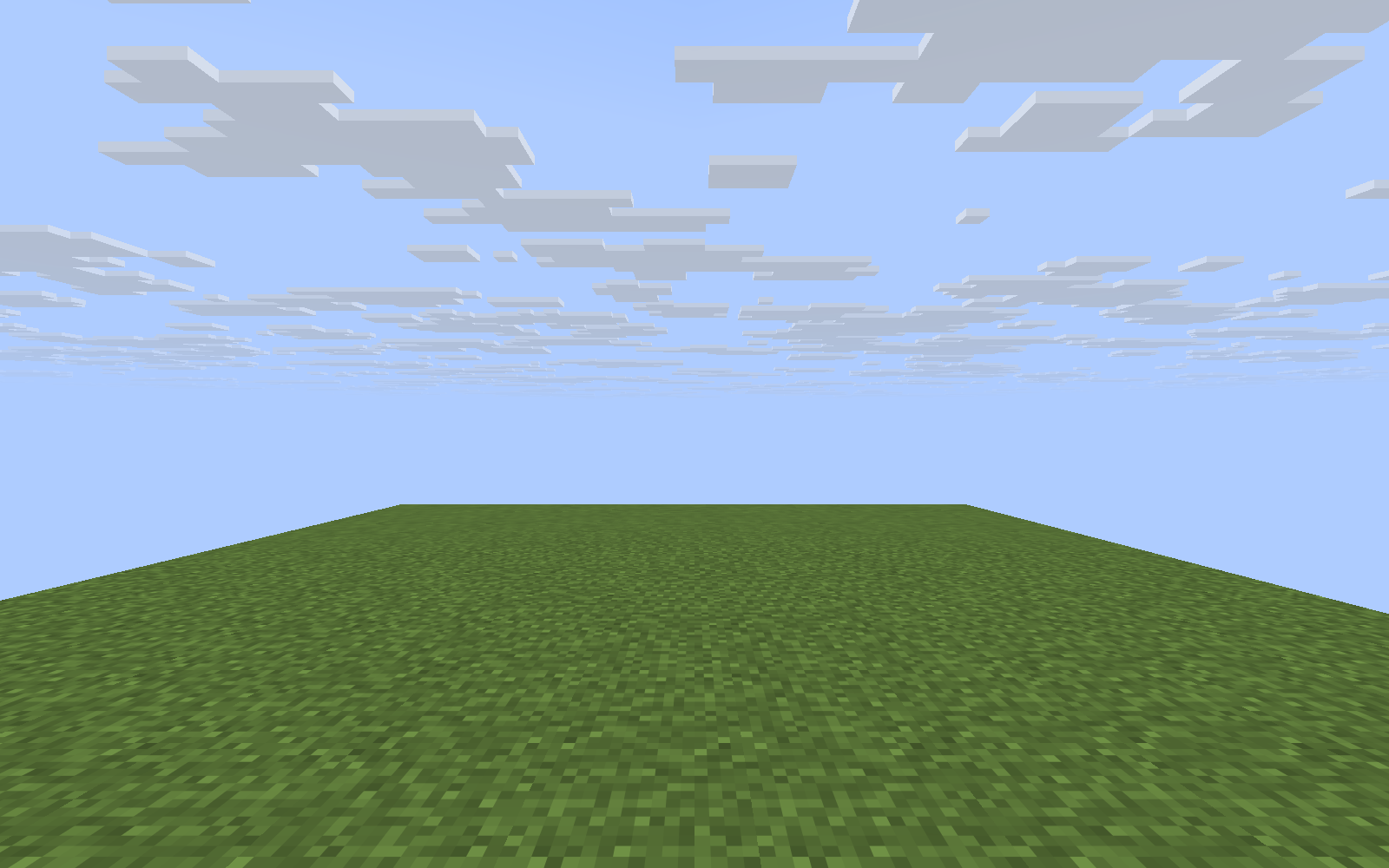
preview-1.png
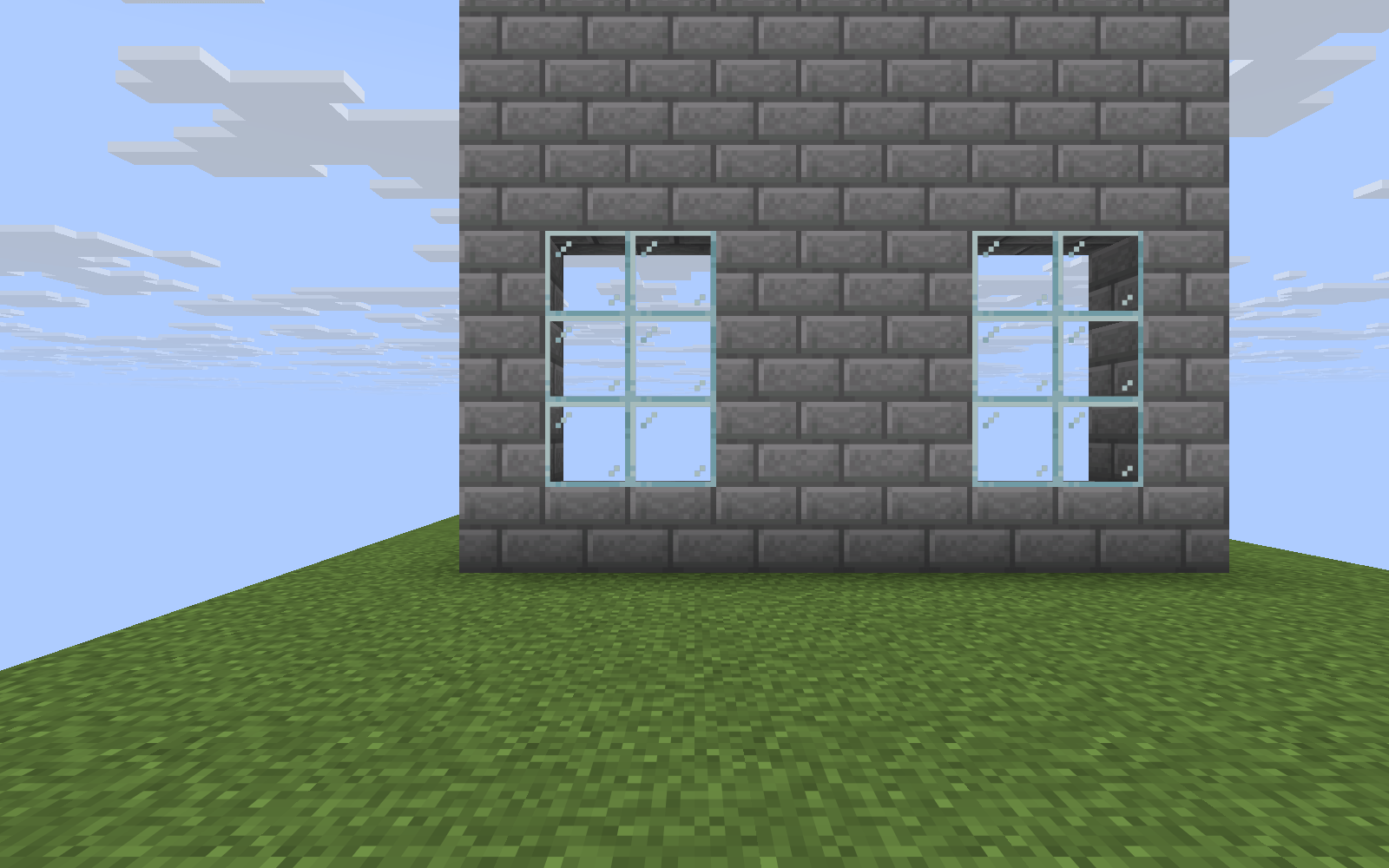
preview-2.png
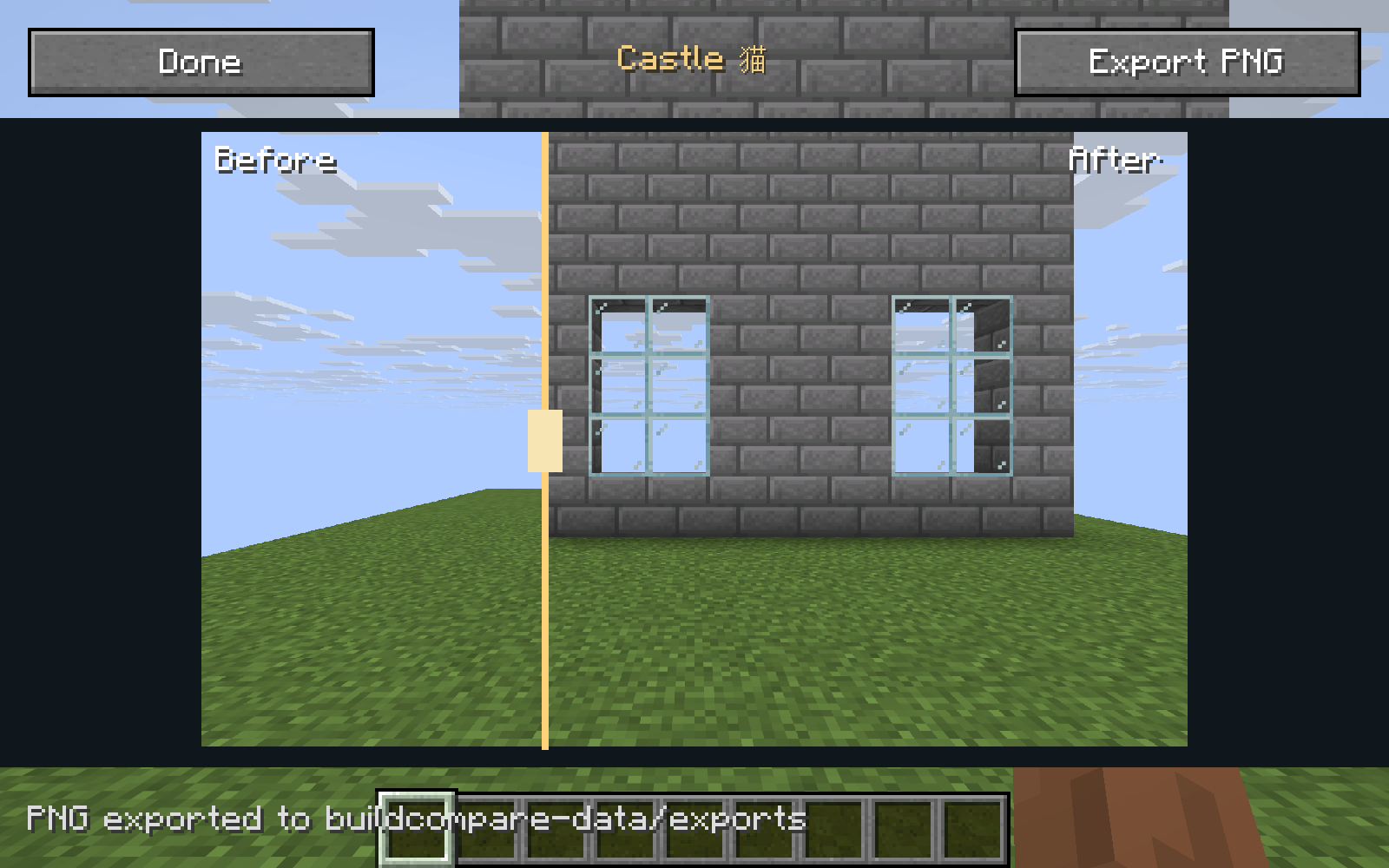
preview-3.png
Description
BuildCompare
See how far your builds have come.
BuildCompare captures real before-and-after views of your creations and lets you compare them with a draggable divider.
Save the view
Open BuildCompare from your inventory and choose Save View. The mod saves a clean screenshot and its precise camera position, direction, field of view and perspective.
Line up the after shot
Select a saved comparison and choose Guide for compact alignment information while you move. Return to the original view, then choose Capture After. If the views differ, you can align them further or explicitly continue.
Reveal the transformation
Open Compare and drag the gold divider to reveal either screenshot. Both images keep their proportions. Export a PNG using the current divider position to create a static before-and-after image.
Keep a local gallery
Rename comparisons, view their saved details and remove the ones you no longer need. Screenshots and viewpoint information stay on your computer; nothing is uploaded automatically.
Matching the camera helps comparisons, but changes in lighting, weather or visual effects can still make the two images look different.
BuildCompare Team