Bright Out
Grinding prison mining servers but the headaches and nausea are brutal? I had the same problem. Lights Out dims your screen in 3 modes—Light, Medium, Max—to rest your eyes mid-grind. Doesn't touch server GUIs. Client-side, and works on any server
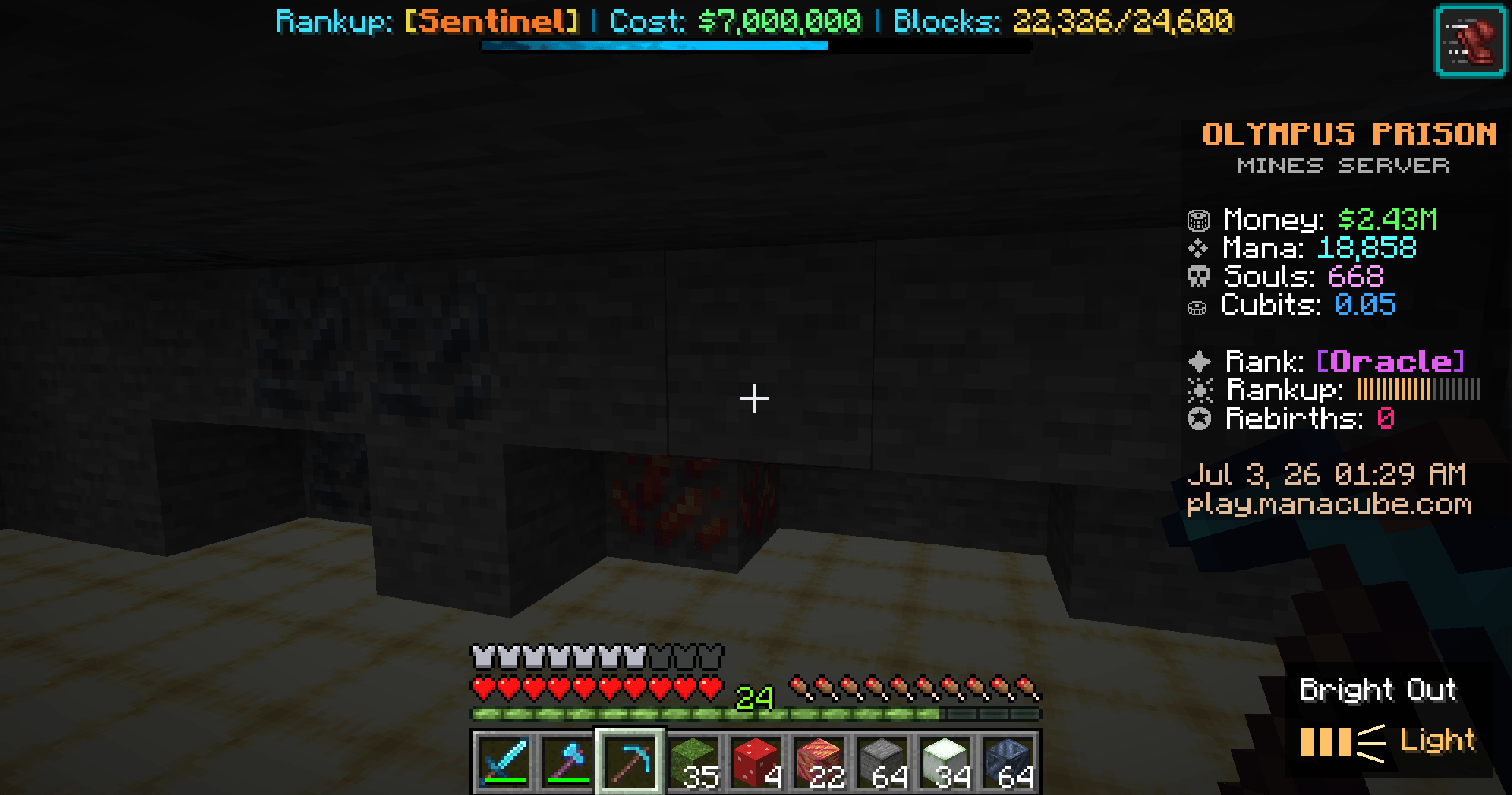
This is mining with Bright Out on its lightest setting called Light
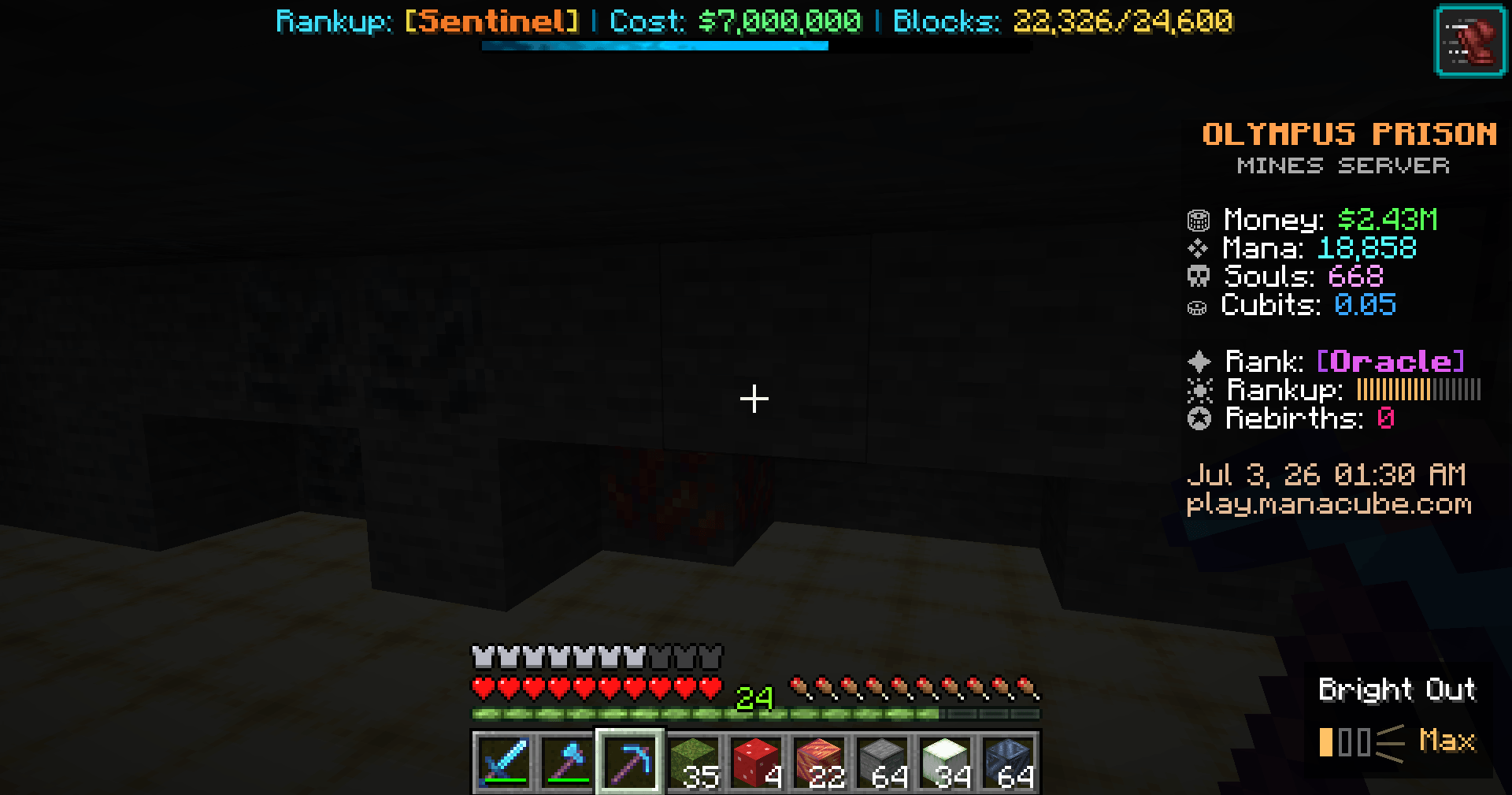
And finally this is Bright Out on its highest mode called Max mode
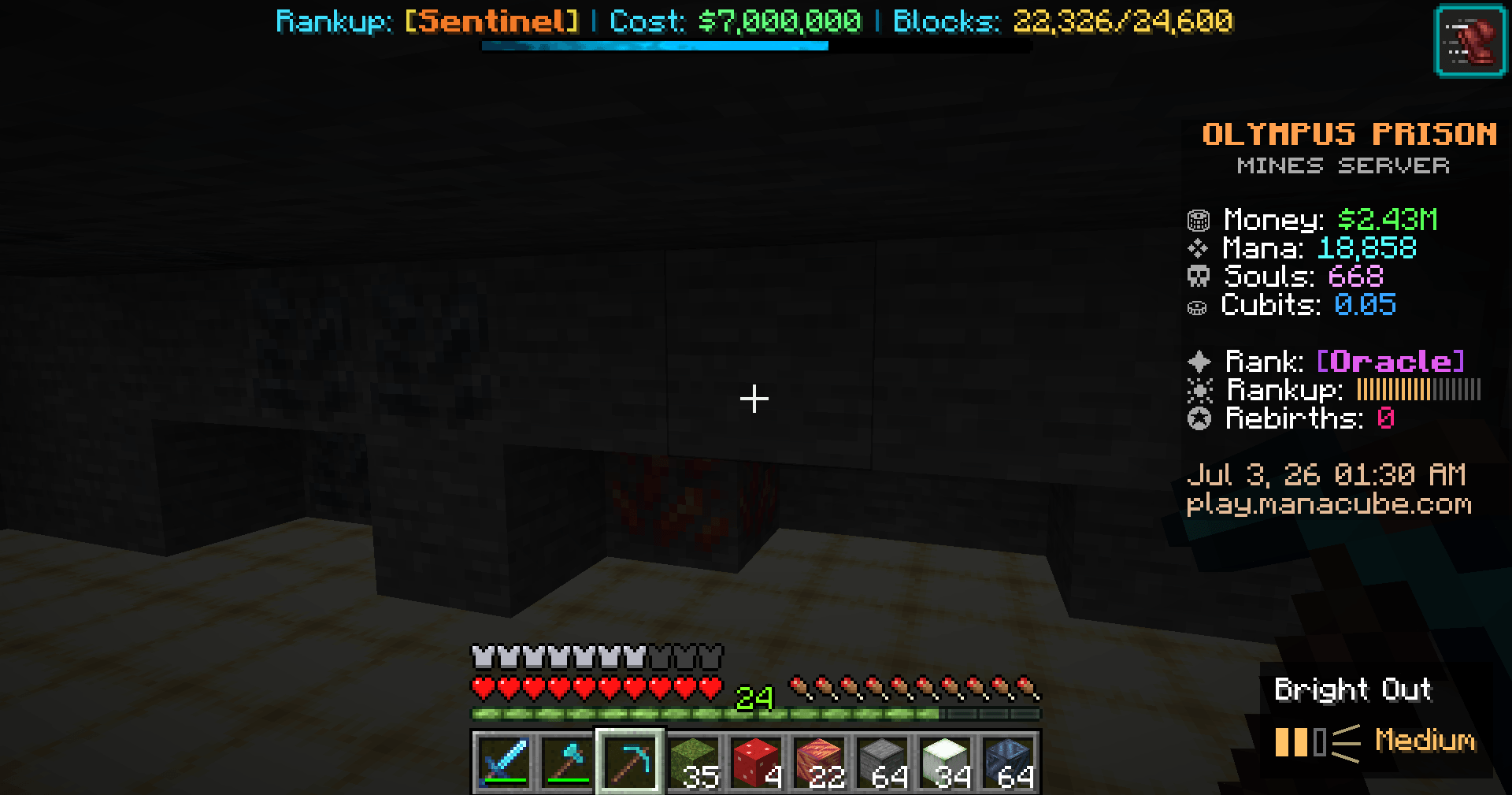
This is mining with Bright Out on Medium mode
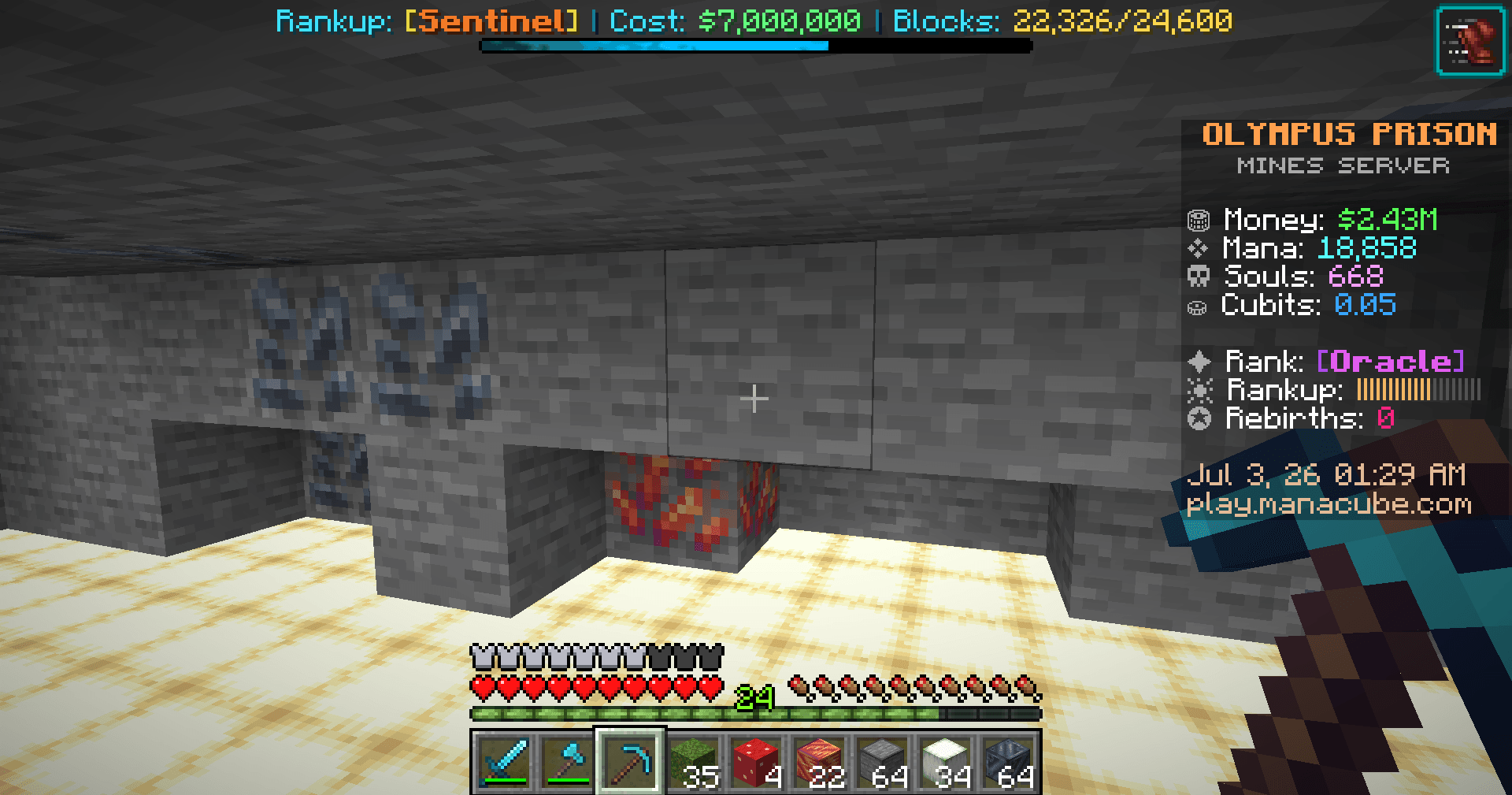
This is mining without Bright Out
Description
I grind prison mining servers too — so if you're reading this, you probably already know the part nobody warns you about. A couple hours into staring at bright blocks and whipping the camera around, my head starts pounding, and my eyes just ache. For the longest time I'd push through it, take a break, come back, and feel the exact same thing all over again. I got tired of choosing between my grind and my head.
So I made Bright Out for myself — and to be honest? It almost completely got rid of my headaches and the nausea. It really does work, and I'm putting it up hoping it does the same for you.
It lets me turn the glare down from the constant particles and light. One key drops a soft dark layer over the world so my eyes have somewhere to rest; tap again to step through three darkness levels, then off.
The part I cared about most: it doesn't hide the HUD. Hotbar, chat, scoreboard, server menus — all still readable through the dim, so I'm never flying blind while I grind.
Fair heads-up: it might feel a little odd for the first bit while your eyes adjust. Give it a session or two — once you're used to it, you genuinely forget it's even on, and you just notice you're not getting that headache anymore.
What it does
Three darkness modes — Light, Medium, Max — so you can put it to whatever feels best for you personally.
HUD stays visible. The dim sits behind the interface; nothing important gets covered.
On-screen mode indicator so you always know which level you're on.
Client-side only. Never touches the server — works anywhere, no server install, won't get you flagged.
Lightweight. It does one thing: gives your eyes and head a break on long sessions.
How to use
Press ' (apostrophe) for the lightest dim.
Press again for Medium, again for Max, again for off.
Rebind it anytime under Options → Controls.
Pro tip
For extra relief, stack Bright Out on top of your in-game settings: turn Brightness in Video Settings to minimal (or all the way down), and set Particles to Minimal. That kills a lot of the glare and flashing at the source, and Bright Out takes care of the rest. It's the combo that worked best for me.
Requirements
Minecraft 26.2 (Java Edition)
Fabric Loader + Fabric API
Works in any launcher — CurseForge, The Modrinth app, Prism, MultiMC, and others. Running it inside a Fabric modpack works fine too.
Bright Out Team