BotC Notes
- By
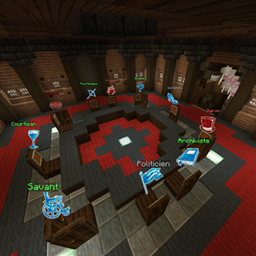
A simple on-screen notepad: press N to show or hide it, hold Alt to free your mouse and write, move or resize the note without leaving the game.
# BotC Notes
A simple **on-screen notepad** for Minecraft. Write down whatever you need – claims, votes, suspicions, coordinates, reminders – and keep it visible while
you play.
## ✨ Features
- **Always on screen** – Your note stays on your HUD while you play. It hides automatically with F1 and F3.
- **Write without pausing** – Hold **Alt** to free your mouse: the camera stops moving, but the game keeps running.
- **Move & resize** – Drag the title bar to move the note, drag the bottom-right corner to resize it.
- **Saved automatically** – Your text, position and size are kept between sessions.
- **Fully client-side** – Works on any server, no server installation needed.
## 🎮 How to use
| Key | Action |
|---|---|
| **N** | Show / hide the note |
| **Hold Alt** | Free the mouse to write, move or resize the note |
| **Escape** or click outside | Stop writing and go back to the game |
When you click inside the note to write, you stay in writing mode even after releasing Alt, so you can type comfortably.
Both keys can be changed in *Options → Controls → Key Binds → Notepad*. The help text shown in an empty note always displays your current keys.
## 📦 Requirements
- Minecraft **1.21.4**
- **Fabric Loader**
- **Fabric API**
## 🌍 Languages
English, French.
BotC Notes Team