
Blocklings: Nostalgia Edition
- By
Blockling menu.png
Task.png
Inventory.png
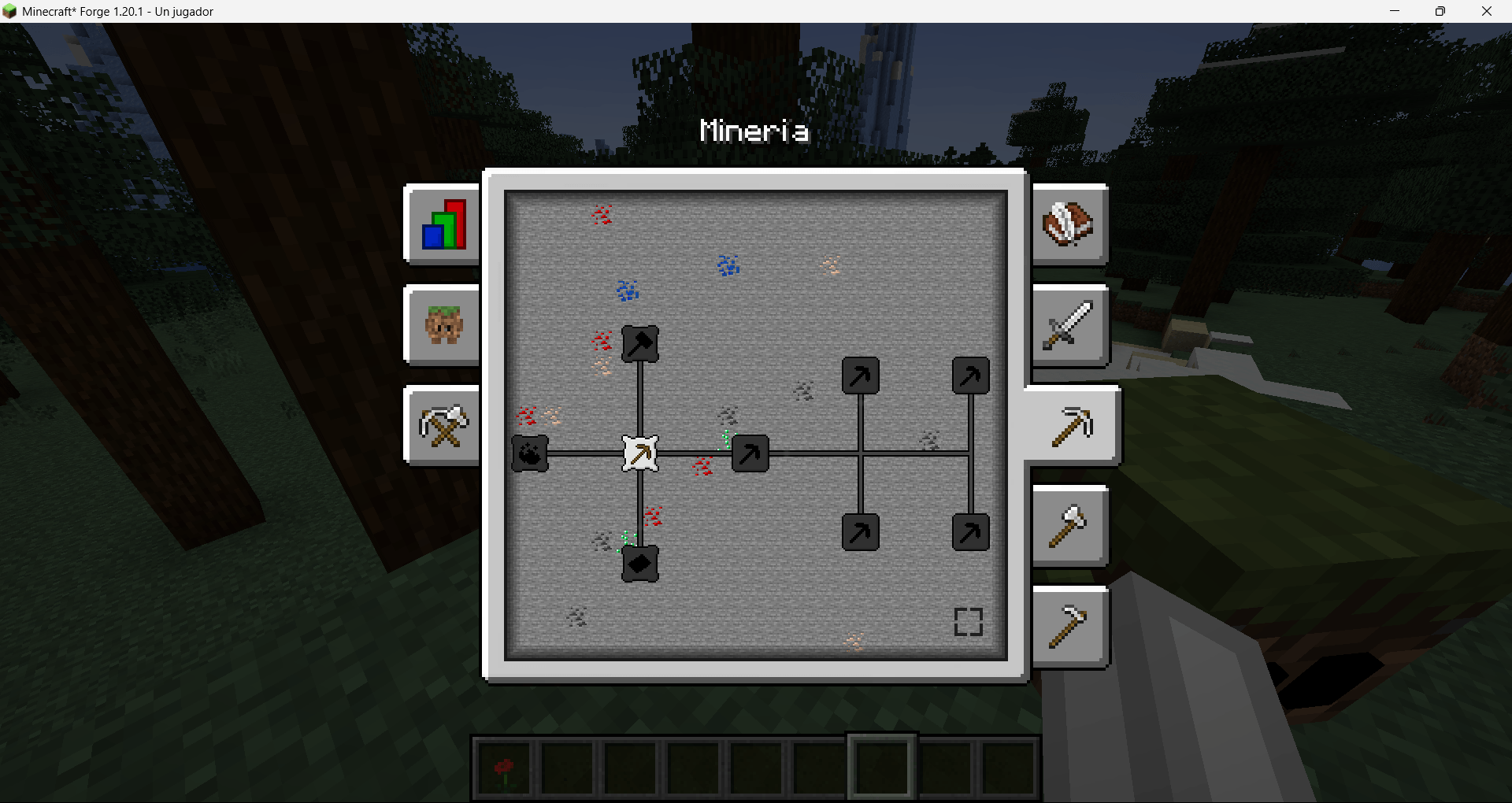
Minery.png
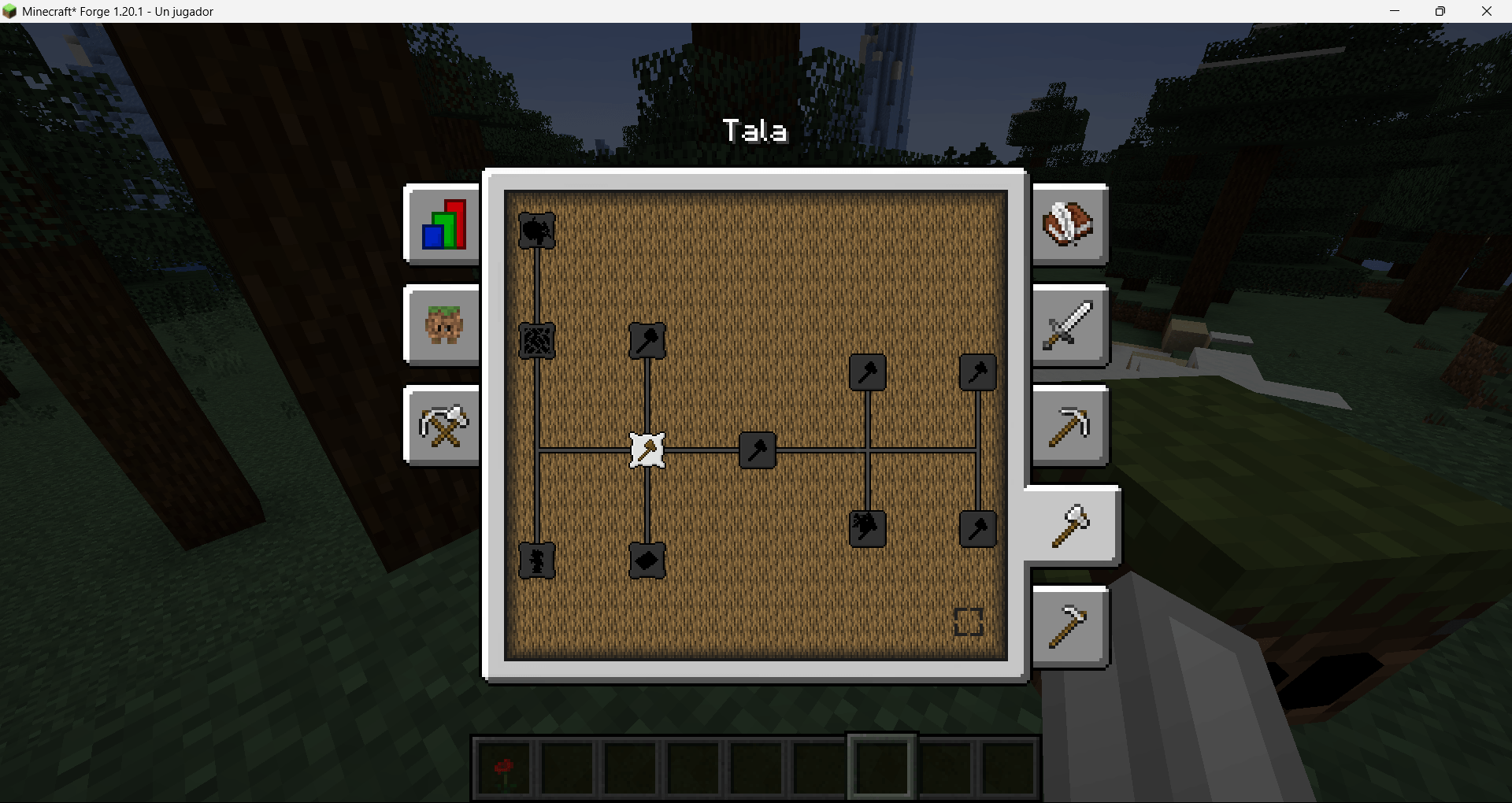
Logging.png
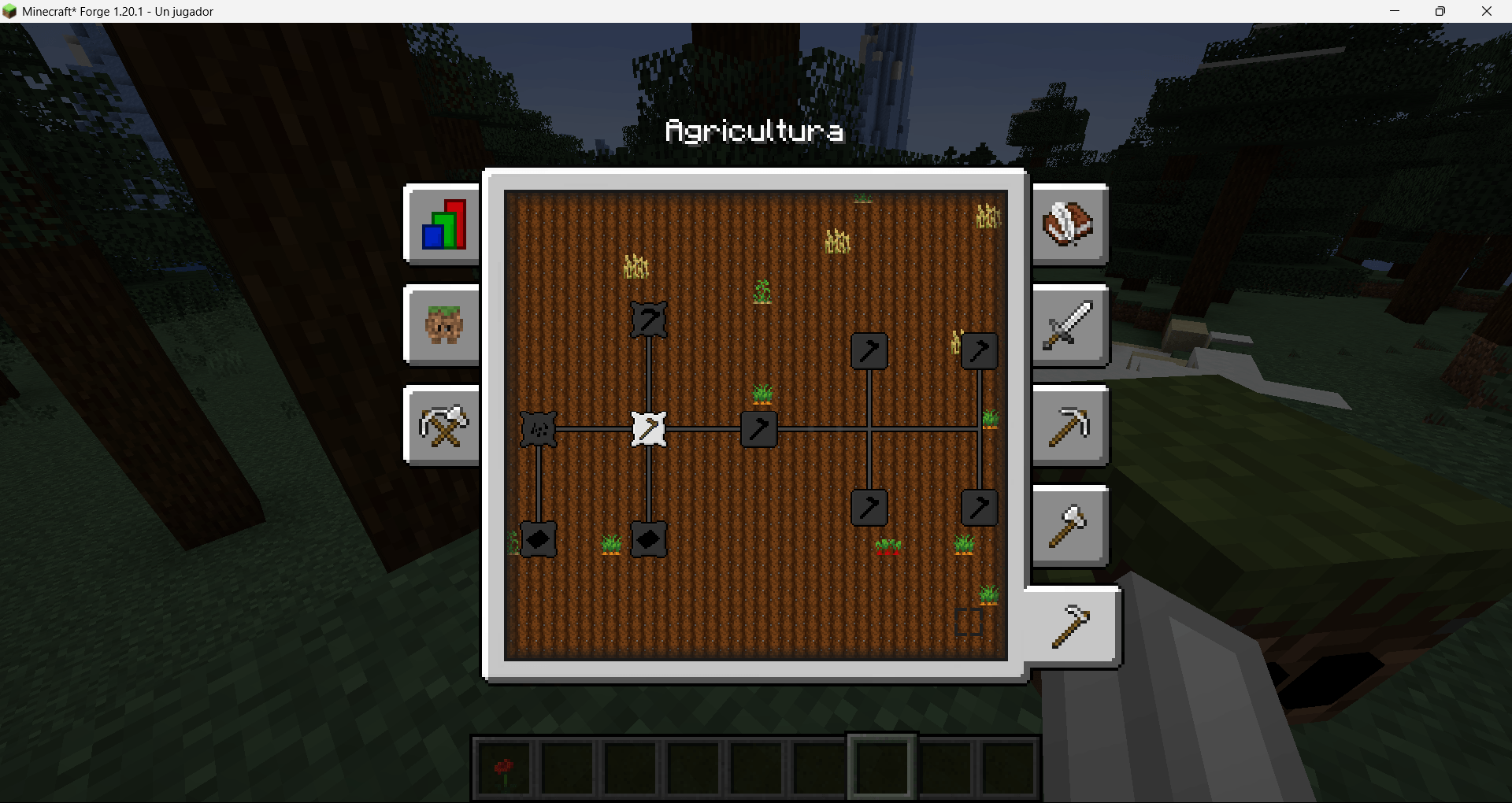
Agriculture.png
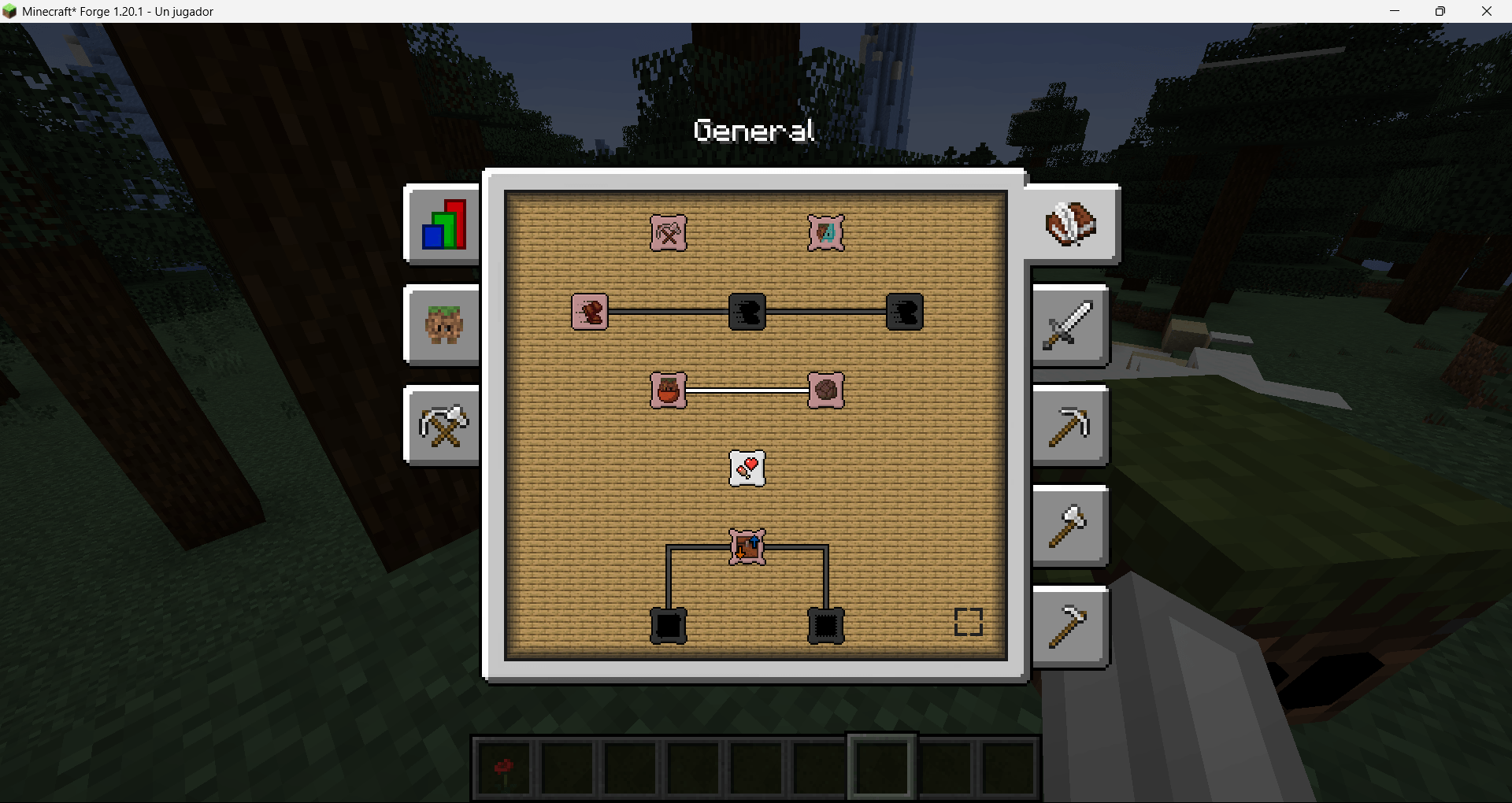
General.png
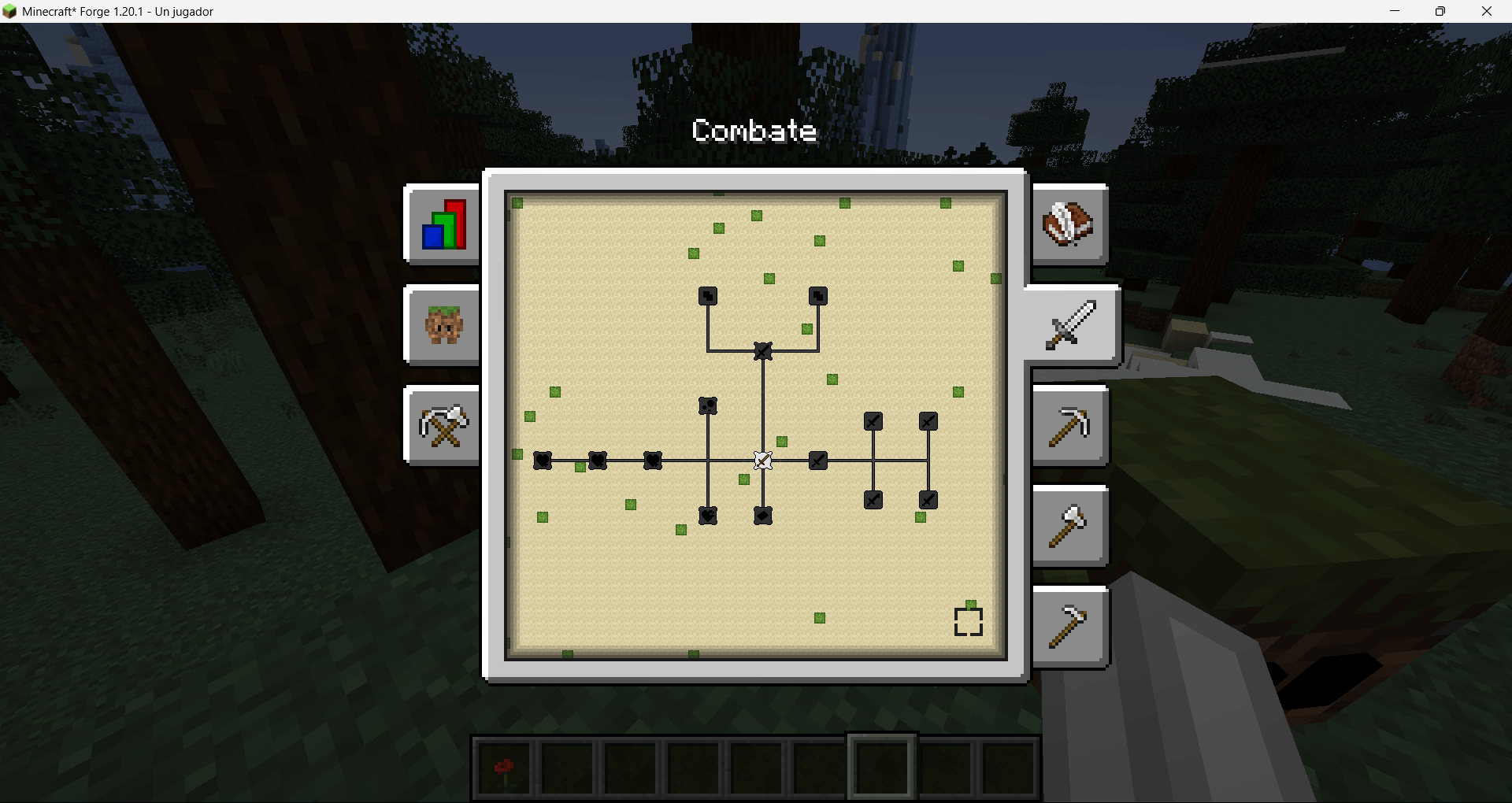
Combat.png
Description

🧱 Blocklings: Nostalgia Edition
Small cubic companions that grow, learn skills and work for you.
A faithful restoration of the classic Blocklings, rebuilt for modern Minecraft.





✨ What is Blocklings: Nostalgia Edition?
Blocklings: Nostalgia Edition brings back the essence of the original Blocklings mod: little cube creatures that level up, evolve, and follow you through your adventures. Everything has been carefully modernized to fit Minecraft Forge, with a cleaner interface, a task system and skill trees.
💚 Full credit to the original creator, WillR27. This edition exists thanks to his work.
🌟 Features at a glance
| 🌱 Create your own companion | Turn a simple block into a wild blockling with the Vital Core. |
| 🍎 Tame & bond | Win them over with the right food for their type. |
| 📋 Task system | Follow, guard, fight, mine, chop, farm and deliver items, all configurable. |
| 🌳 Skill trees | General, Combat, Mining, Woodcutting and Farming. |
| 📦 Container logistics | Blocklings take items from and deposit items into your chests. |
| 🎒 Personal inventory | Equipment slots, tool swapping and working storage. |
| 🔨 Many types | From Grass and Oak to Diamond, Netherite and Glowstone. |
🚀 Getting started


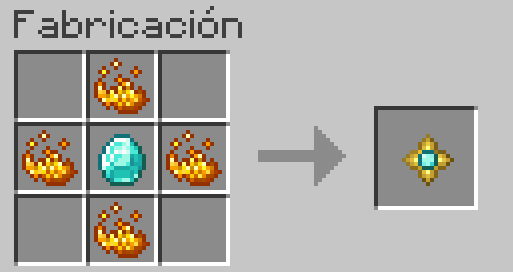
- Craft a Vital Core and a Blockling Whistle.
- Right-click a simple block (grass, dirt, a log…) with the Vital Core to create a wild blockling.
- Tame it with valid food. Flowers work too.
- Open the interface with a right-click and enable a task (follow + one work task).
- Equip it with the right tool.
- Level up
Generalskills first, then specialize.CombatandMiningusually shine early.
⚠️ Important: in this port, blocklings no longer spawn naturally. You create them with the Vital Core.
🎮 How it works
🐣 Obtaining a Blockling
The Vital Core converts a compatible block into a wild blockling of the matching type when you right-click it.
🤝 Taming
Give a wild blockling valid food for its type. Flowers are still valid food.
💬 Basic interaction
Once it belongs to you, right-click it to open its interface. Sit / follow / wander behavior is no longer the classic "wolf-style" right-click. It is now controlled through the task system.
With a Blockling Whistle bound to your blockling, you can locate and manage your companion more easily.
🧬 Types, food and type changing
Each blockling has:
- Natural Type: a passive ability, not editable.
- Primary Type: bonuses and a passive ability, editable.
To attempt changing the primary type, sneak and use a valid type/food item as the owner. Each attempt has a 25% success chance.
Available types
| Category | Types |
|---|---|
| 🌍 Natural | Earth / Grass |
| 🪵 Woods | Oak, Birch, Spruce, Jungle, Dark Oak, Acacia |
| 🪨 Minerals | Stone, Iron, Quartz, Lapis Lazuli, Gold, Emerald, Diamond |
| 🔥 Special | Netherite, Obsidian, Glowstone |
🖥️ The interface
The UI is organized into tabs:
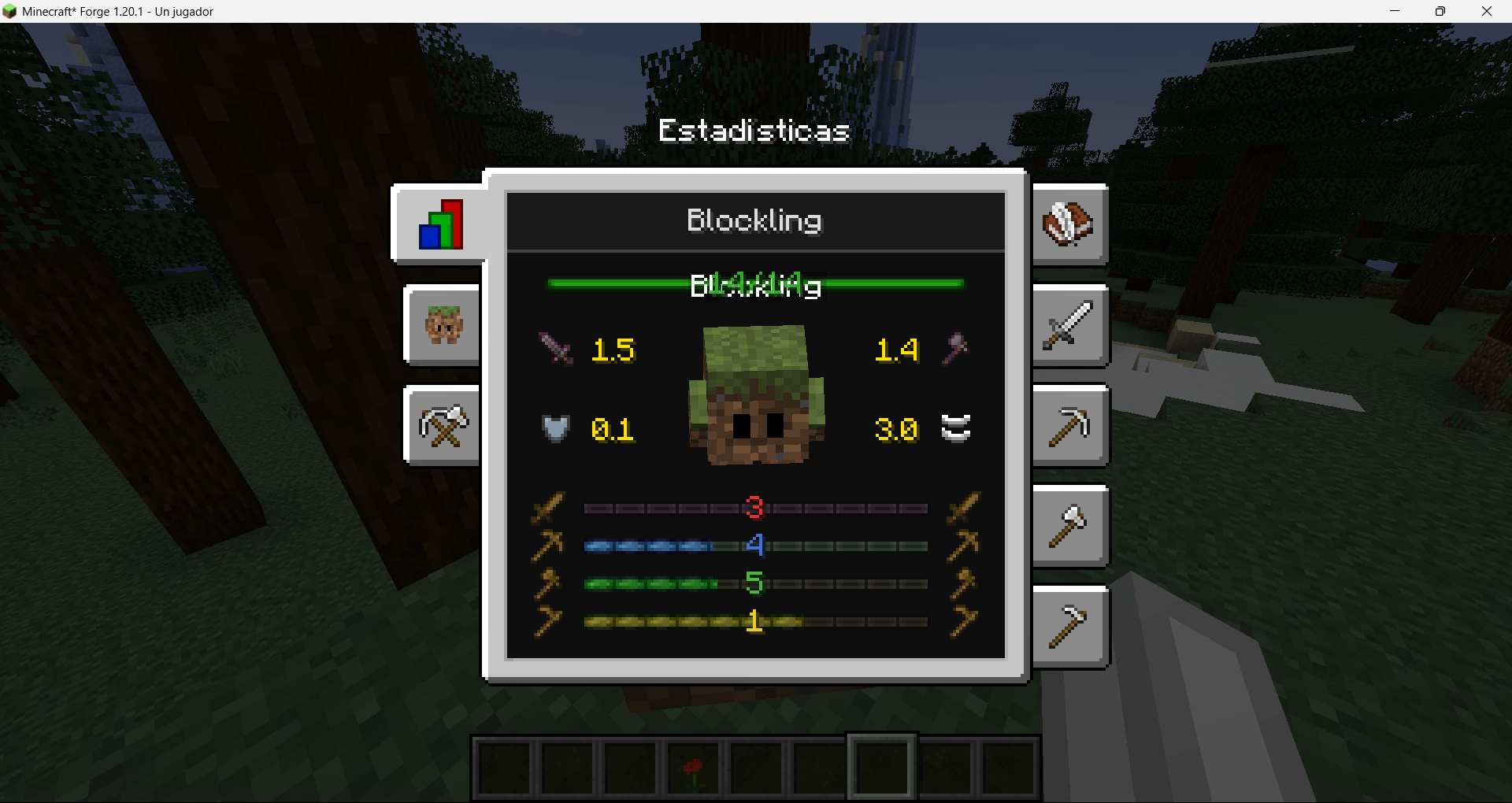
📊 Stats
- Health and attributes.
- Branch levels: Combat, Mining, Woodcutting, Farming.
- EXP progress per branch. Blocklings gain experience by performing real actions related to that branch.
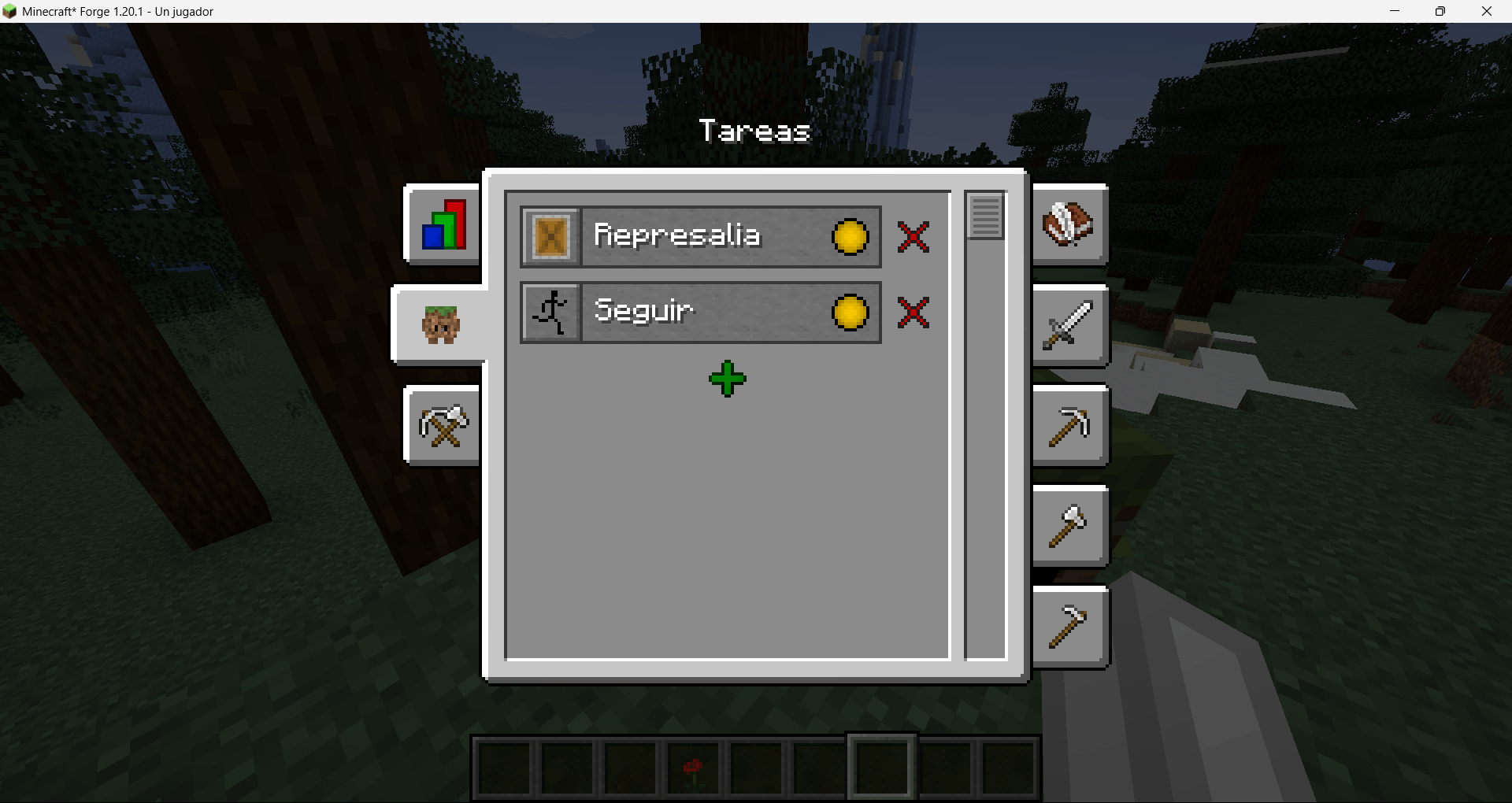
📋 Tasks (the heart of the mod)
- Enable or disable tasks.
- Configure distances, search radius, lists and more.
- Set priorities so your blockling knows what to do first.
Examples: follow the owner, stay/sit, combat (guard reactions and targets), gathering and automation depending on unlocked skills.

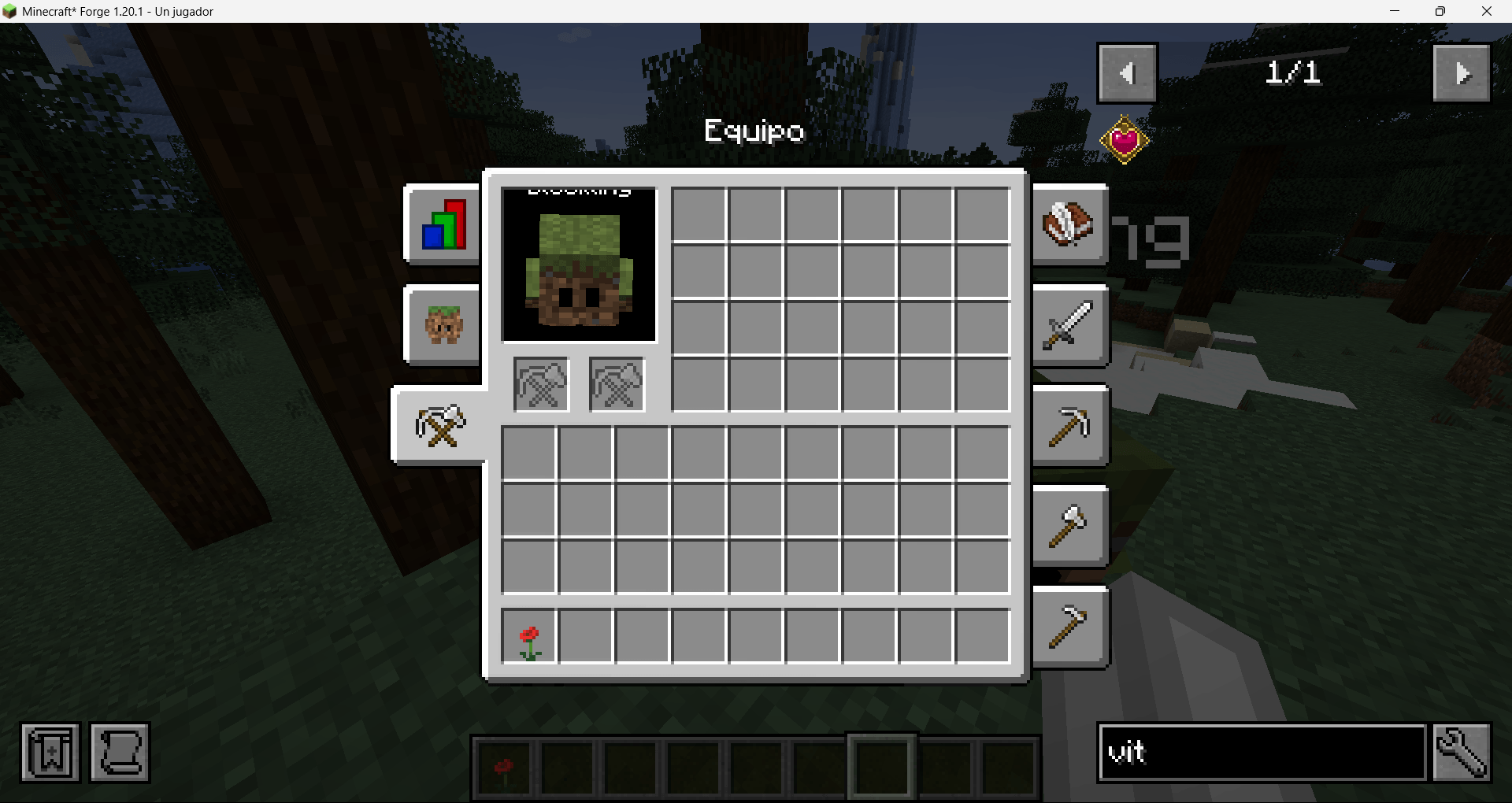
🎒 Equipment
- Tools and weapons for both hands.
- Automatic tool switching depending on the task, if enabled.
- The blockling's working inventory.
💡 Tip: if a task doesn't work, check the right tool, its durability and the required skill first.
🌳 Skills
Progression is based on skill trees: General, Combat, Mining, Woodcutting and Farming.
- Unlock new tasks, passive upgrades and utilities.
- Some skills require a minimum level or previous nodes.
- Includes important quality-of-life skills such as healing, management and branch utilities.


🛠️ Compatibility
| Minecraft |
1.21.1 1.20.1 |
| Loader | Forge |
| Status | Stable |
If you enjoy the mod, leave a ⭐ and share it with your friends!
Blocklings: Nostalgia Edition Team
