BlockEcho
- By


Description
 # BlockEcho
BlockEcho is a preview-first undo mod for Minecraft, available for Forge, NeoForge, and Fabric.
Buy me a coffee or SUPER COFFEE or ULTRAAA COFFEEEE on Patreon: https://patreon.com/c/ModsmithStudios0
BlockEcho — Undo & Creative Modeling
Accidentally broke part of your build? Lost your work to an explosion? Want to create decorations beyond the block grid?
BlockEcho combines preview-first undo with a Creative Model Editor, giving you more control over your builds.
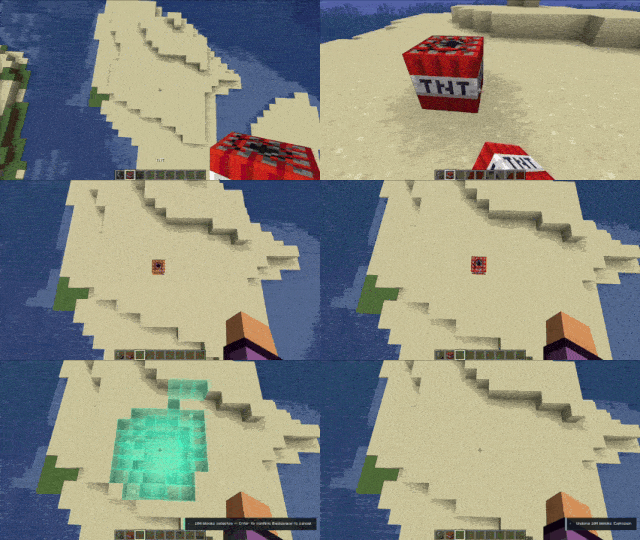
Preview before you rewind
- Undo recorded block placements, breaks and explosion damage.
- See a holographic preview before confirming changes.
- Browse saved actions, rename entries and pin important builds.
- Record building sessions to undo them together.
- Restore blocks using the required materials in Survival, with protection against overwriting later changes.
Press Ctrl+Z to preview, Enter to confirm, or H to open your history.
Creative Model Editor — Beta
Currently available on Forge 1.20.1.
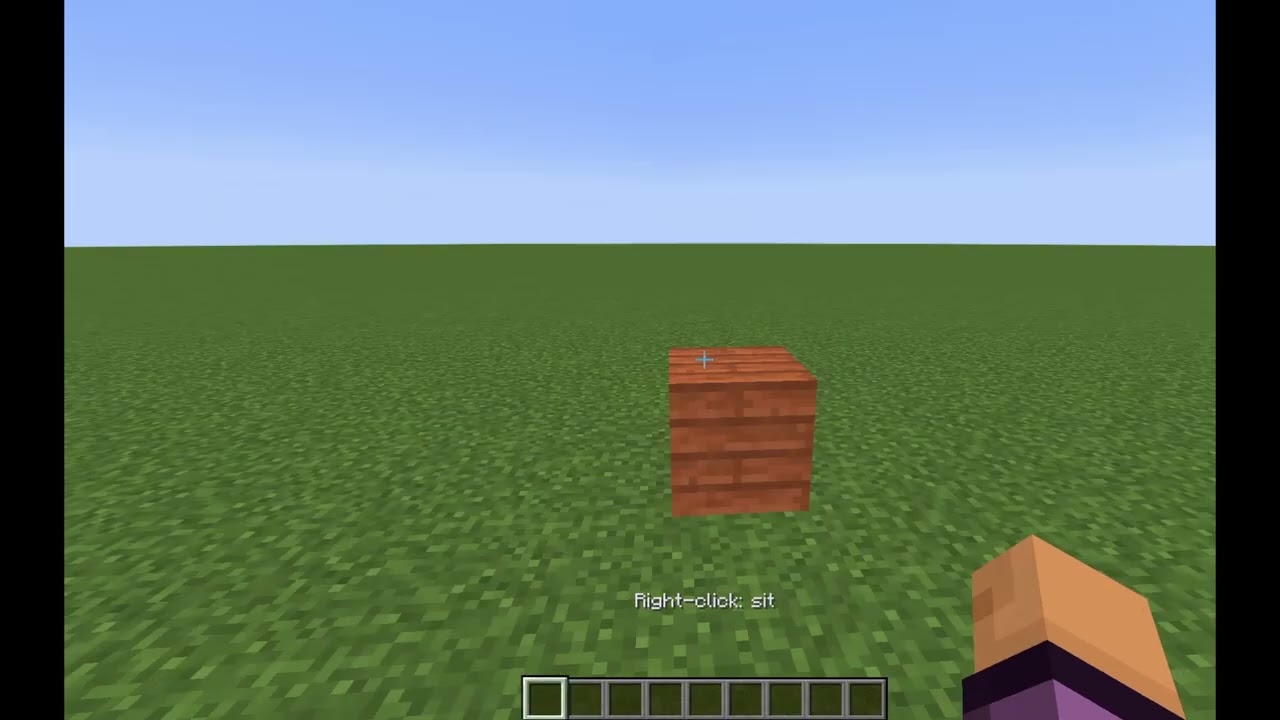
Press F8 in Creative mode to create decorative cuboid models without being restricted to whole-block positions or 90-degree rotations.
- Move, rotate and resize models using draggable XYZ controls.
- Adjust each axis independently, including sizes smaller than a block.
- Enter precise values in the transform panel.
- Choose from six Minecraft texture presets.
- Duplicate, delete and undo model edits.
- Navigate with a smooth Spectator camera and continuous mouse dragging.
- Save models with your world and keep them visible outside the editor.
Textures maintain their density when resizing instead of becoming stretched or squeezed.
Important notes
Models are decorative, not functioning Minecraft blocks. They have no collision, inventories, redstone or block physics. Mesh importing and converting existing buildings into models are not currently supported.
Model editing requires Creative access and the appropriate server permissions. Normal block undo remains separate.
Choose the download matching your Minecraft version and mod loader. Back up your worlds before trying beta features.
BlockEcho Team