Block Notes
- By
Pin notes to blocks and read them by looking at them. Private on any server, shareable when the server has the mod.
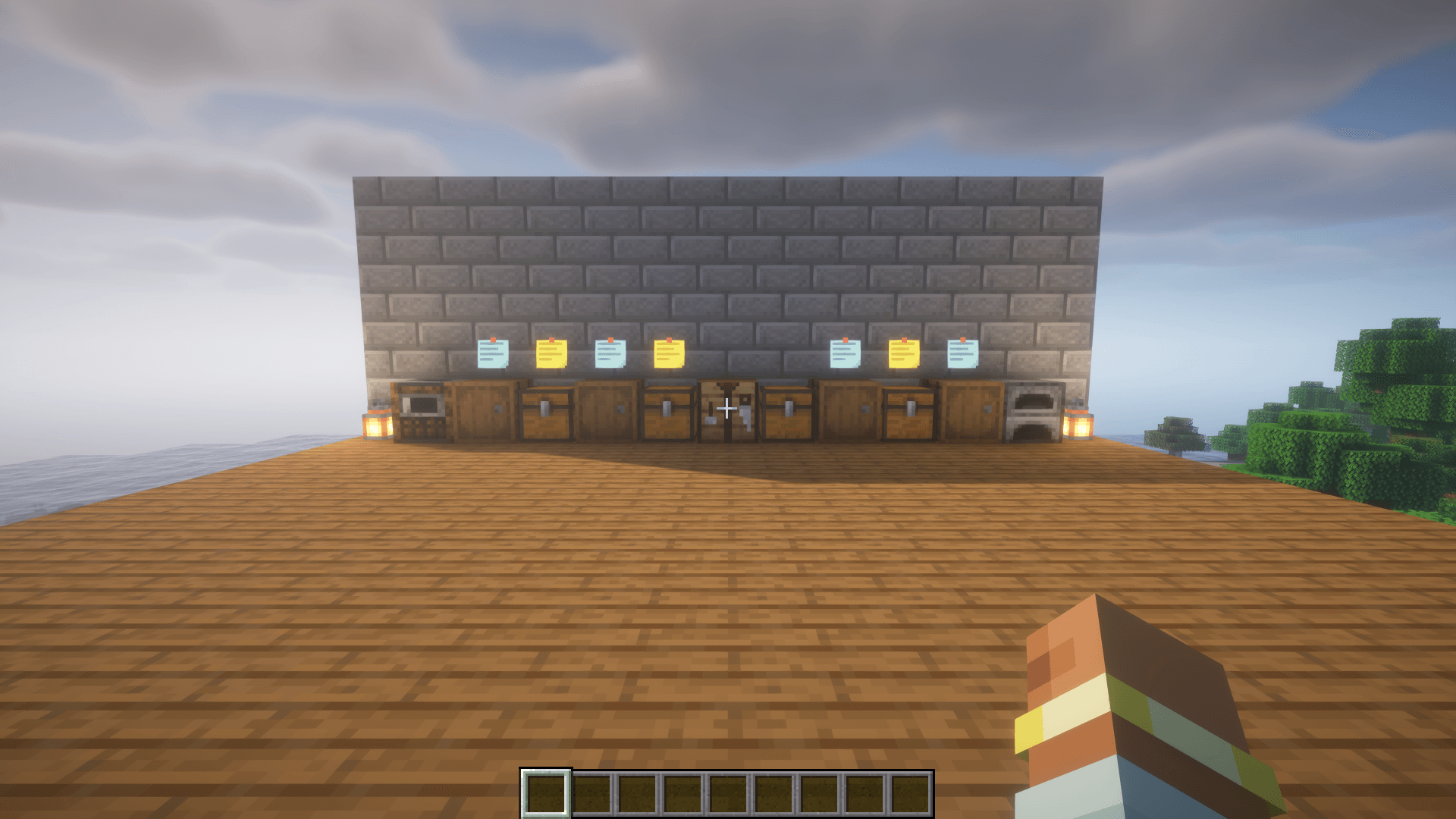
Yellow for your private notes, blue for shared ones.
Description
Pin notes to the blocks in your world and read them just by looking. Mark the chest with the spare diamonds, the half-built farm, the cave you haven't finished, or leave a message for everyone on your server.
Features
- Notes on blocks: look at a block, press N, write a note. It stays attached to that exact block.
- Read by looking: aim at a block with a note and it appears right under your crosshair. No signs, no item frames, nothing placed in the world.
- Markers in the world: a small sticky note floats over every noted block nearby, so you can see where your notes are from a distance. Yellow for your private notes, blue for shared ones.
- Note list: press Shift + N to see every note in the current world, nearest first, with search. Open a note to edit it or delete it from there.
- Shared notes: on a server with the mod, make a note visible to everyone. Others see who wrote it; only the author or an operator can change it.
- Works anywhere: private notes work in singleplayer and on any server, even ones without the mod. Each world and server keeps its own notes.
- Shader friendly: works with Sodium and Iris shader packs (tested with BSL).
How to use
- Look at a block and press N to add or edit its note. Ctrl + Enter saves.
- Click Visibility in the editor to switch between a private note and one shared with everyone.
- Save an empty note to delete it.
- Shift + N opens the list of all notes.
The key can be changed in Options → Controls.
Who needs to install it?
- Client: required.
- Server: optional. Without it, notes are private and stored on your computer in
config/blocknotes/. With it, players can also share notes; they are stored in the world folder (blocknotes_shared.json).
Requirements
- Minecraft 26.3
- Fabric Loader 0.20.1+
- Fabric API
Planned
- Settings: turn markers off, change their range.
- Colours and icons for notes.
Languages
English and Ukrainian.
MIT licensed.
Block Notes Team