


Block Collapse
- By
Adds physics-based collapses to unsupported blocks, bringing a new layer of danger to mining and building.
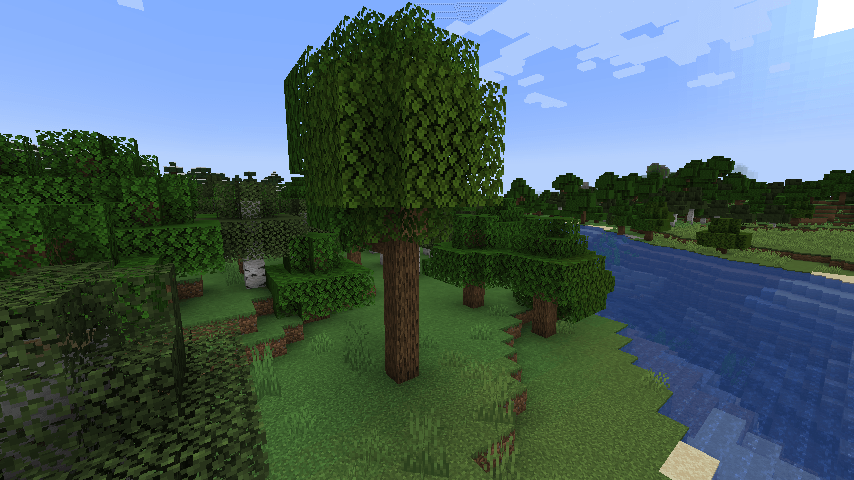
2026-10-22_19.33.05.png
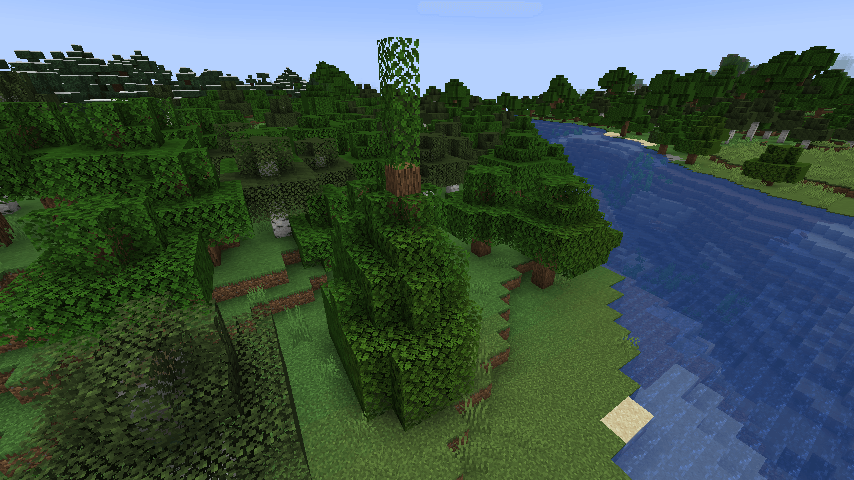
2026-10-22_19.33.18.png
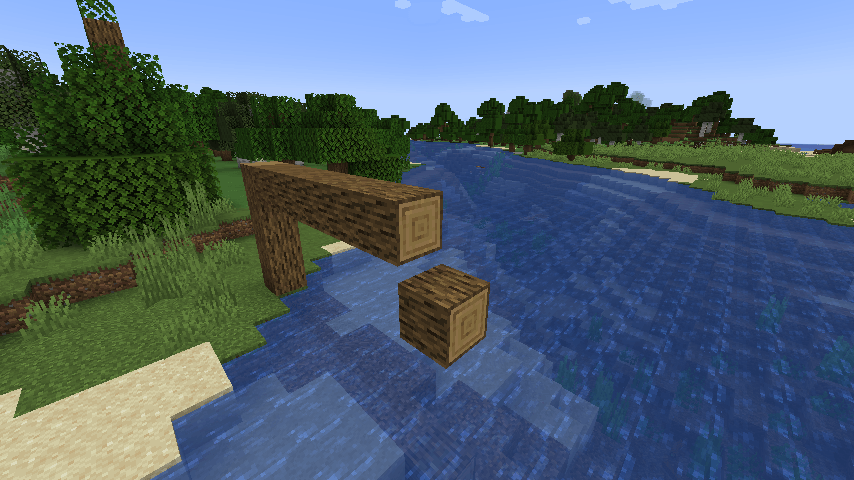
2026-10-22_19.34.14.png
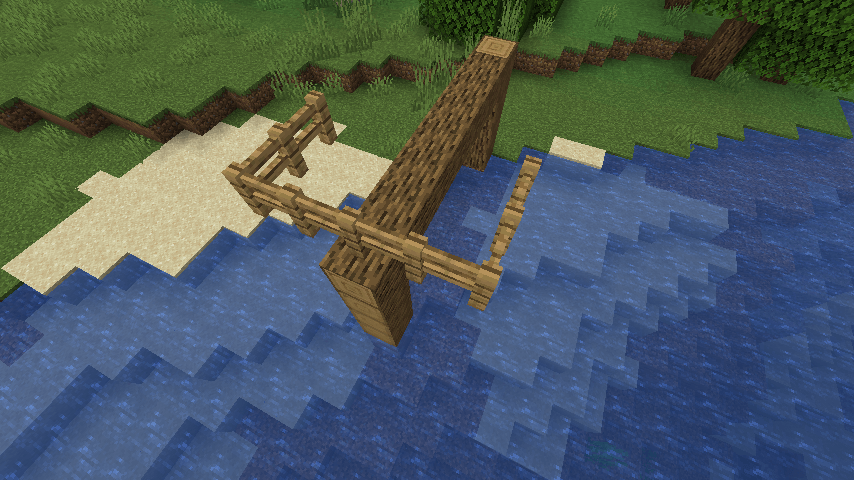
2026-10-22_19.34.52.png
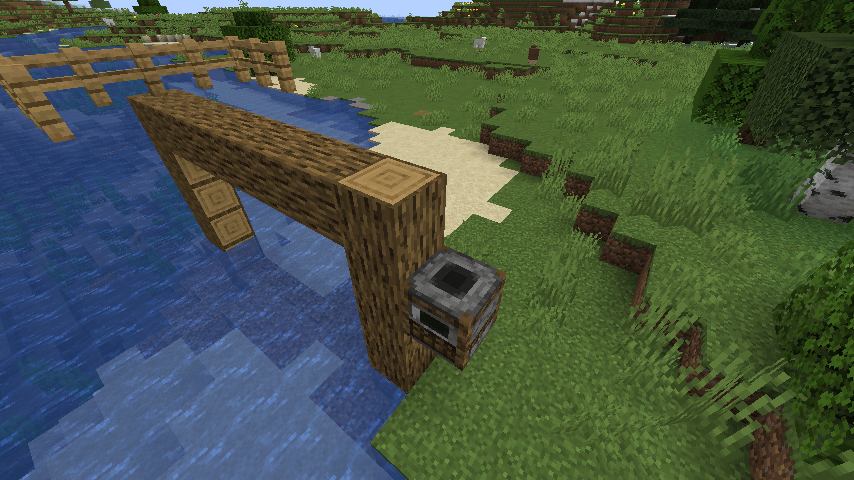
2026-10-22_19.35.02.png
Description
Block Collapse
Bring structural failure to your builds. Block Collapse checks nearby blocks when you place or break a block and turns blocks that have lost support into falling blocks.
Features
- Nearby blocks are checked after block placement and breaking.
- Ordinary blocks use a horizontal support search. By default, blocks can collapse when their nearest supported column is 7 or more blocks away.
- Blocks with custom support behavior, such as torches, are excluded from the structural search. They can still break normally if their supporting block falls.
- Block entities and vanilla falling blocks can fall when the block directly below has an empty collision shape, including water.
- Server settings limit the number of collapses per tick and the number of positions checked during a support search.
Requirements
- Minecraft 1.21.1
- NeoForge 21.1.235 or newer
Configuration
Server settings are stored in config/blockcollapse-server.toml.
maxCollapsePerTick(default: 100): maximum number of blocks moved into falling entities per tick.maxSearchNodes(default: 64): maximum number of positions checked during a support search.
The structural distance threshold defaults to 7 and can be set with the MAX_DISTANCE environment variable when the mod starts. It is not currently an in-game config option.
Compatibility
Block entities use Minecraft's vanilla falling-block behavior. Their inventories or other data may not be preserved in every situation.
Block Collapse Team
