


Biome Map
- By
Biome Map turns your world's seed into a zoomable map of every biome and structure, made by your own modpack's world generator.
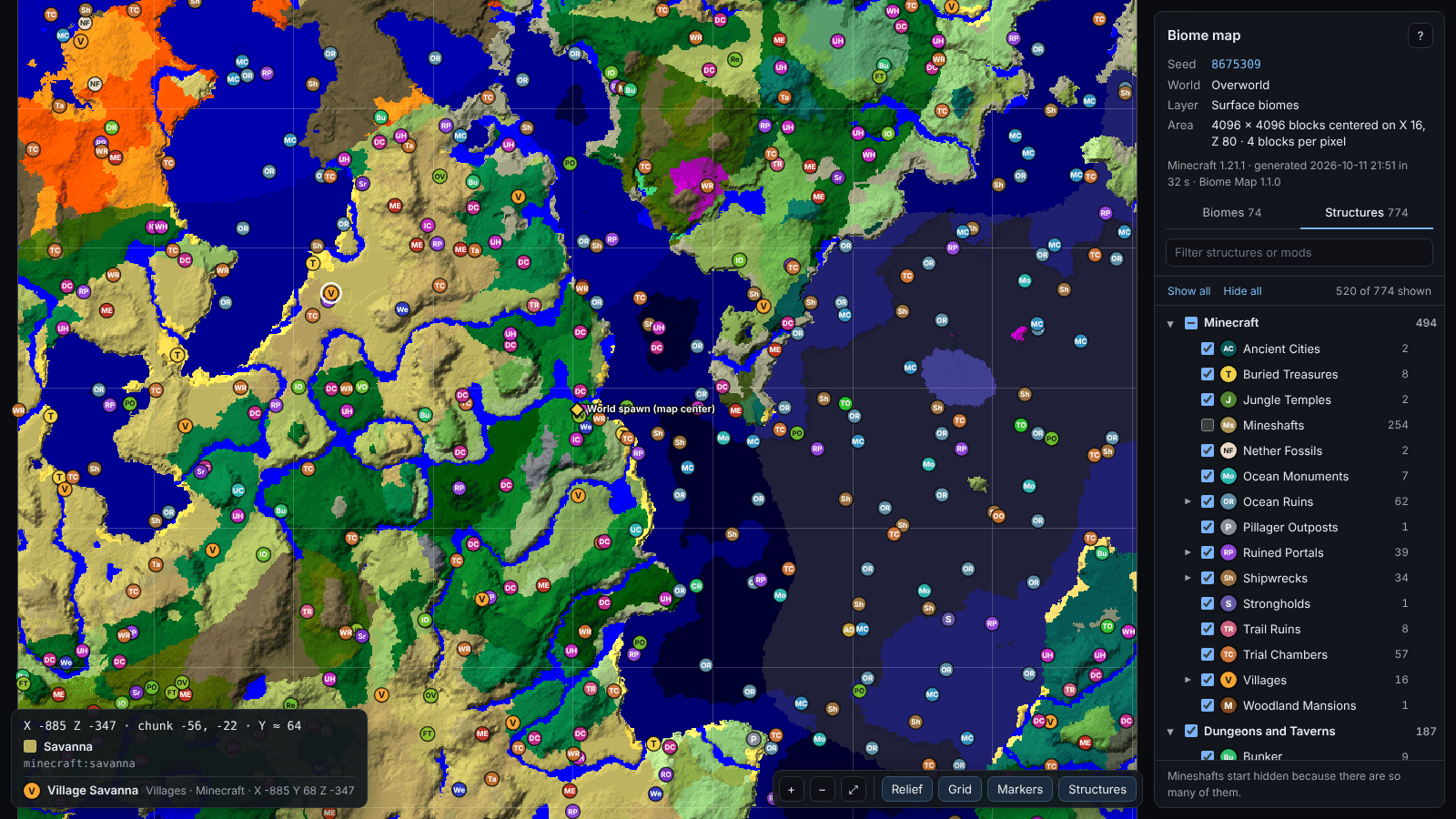
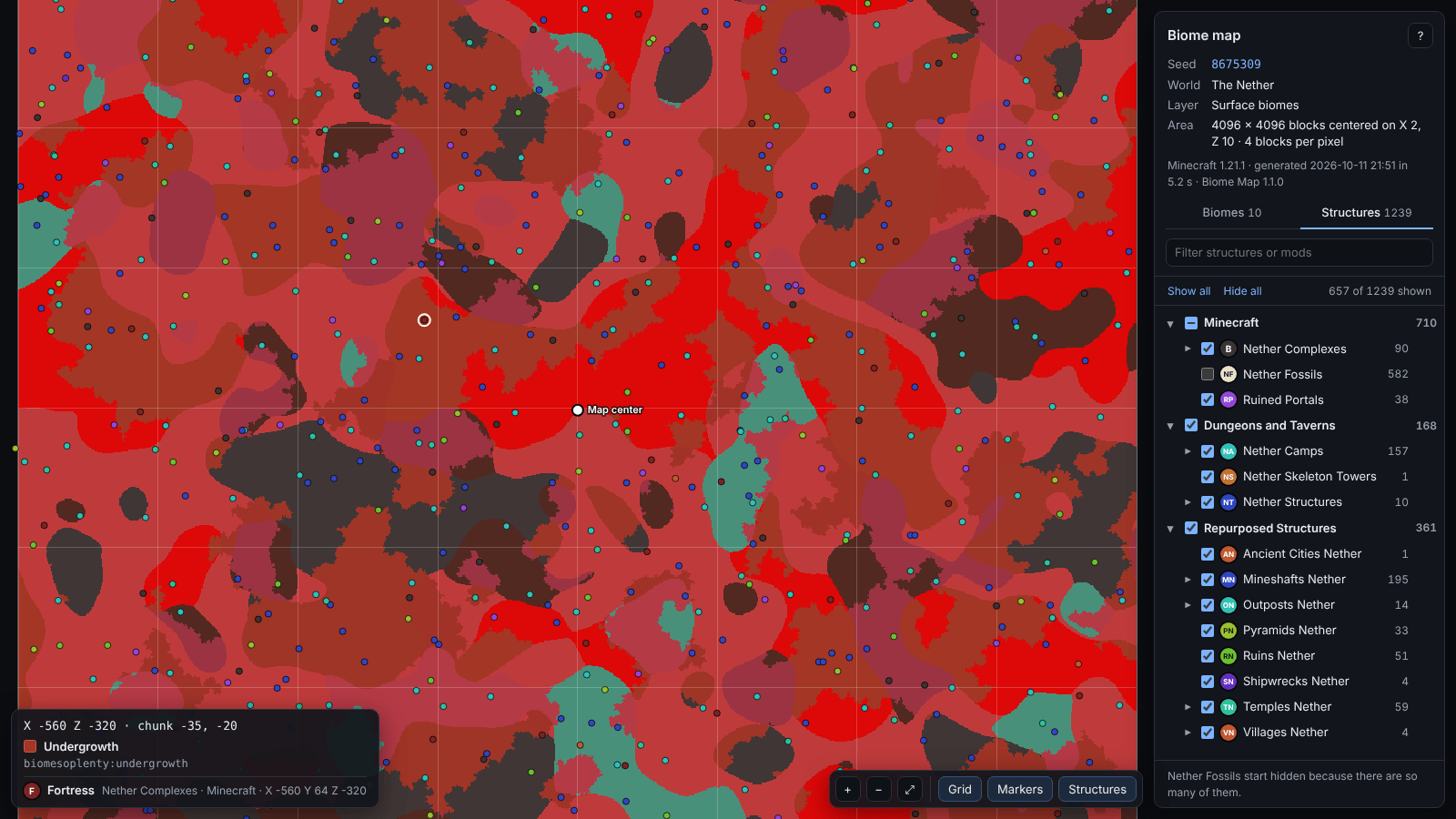
Type /biomemap and the mod asks the game which biome goes where and which structures will generate around you. It saves an interactive map that you open in your web browser, plus a PNG image. Online seed maps only know vanilla Minecraft. Biome Map runs inside your game, so modded biomes and modded structures appear exactly where they will generate.
Features
- Biomes at the surface or at any height:
y -40shows lush caves, dripstone caves and the deep dark. The Nether and the End work too. - Structures: villages, temples, ocean monuments, strongholds, ancient cities, trial chambers and everything your structure mods add, each marked where it starts.
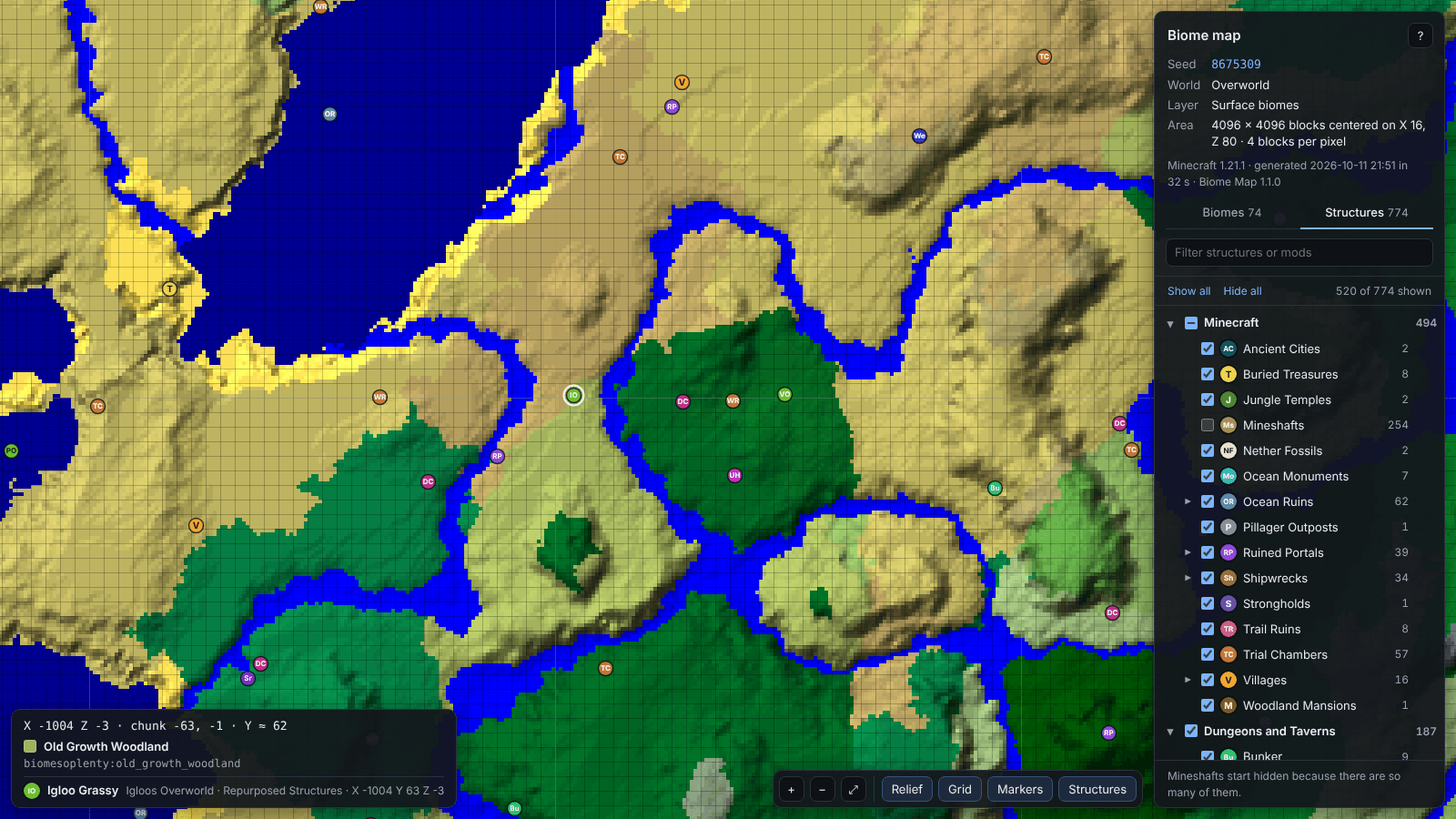
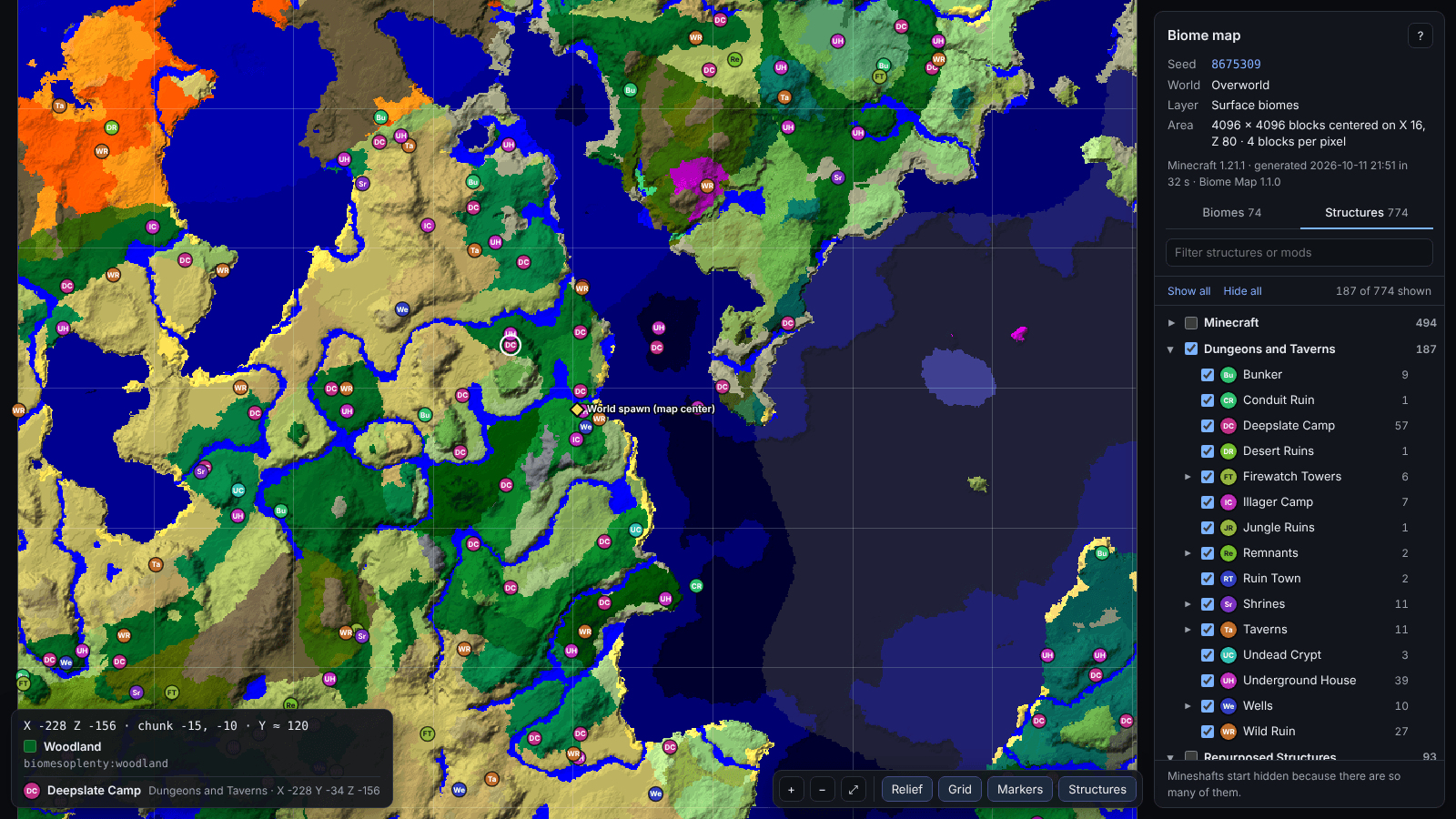
- Filters: show or hide structures by mod, by type, or by single variant (only desert villages, for example). Search by name and jump to the nearest one.
- A real map viewer: drag and zoom, and hover to see the biome, coordinates, chunk and height. Click to copy a
/tpcommand. Relief shading and a chunk grid can be switched on and off, and it works on phones. - Easy to share: each map is a single HTML file that works offline, so you can send it to friends.
- Leaves your world alone: it never loads or generates chunks, and mapping runs in the background while you keep playing.
How to use
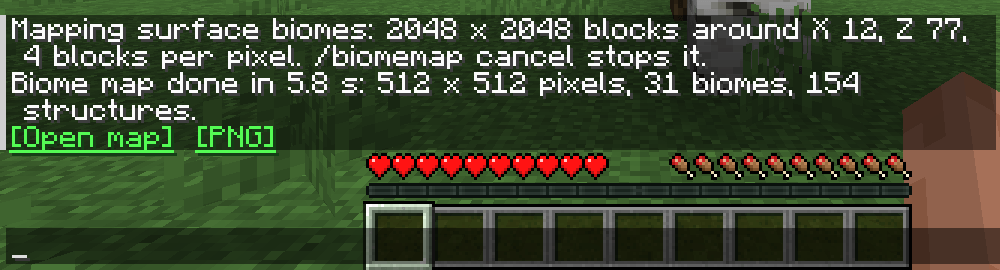
- Open a world with the seed you want to see. A throwaway singleplayer world is fine, and cheats can stay off.
- Type
/biomemap. Progress is shown above your hotbar. - When it's done, click [Open map] in chat.
Maps are saved in the biomemaps folder of your game directory. A 4096 × 4096 block map takes about 15 seconds in vanilla on a 4-core PC, and longer with large structure mods.
Commands
/biomemapmaps 4096 × 4096 blocks around you./biomemap <radius>sets the size:/biomemap 5000covers 10,000 × 10,000 blocks./biomemap <radius> <step>sets the blocks per pixel (a multiple of 4). Larger steps cover huge areas quickly./biomemap <radius> y <level>maps biomes at one height, for example/biomemap 2048 y -40for cave biomes./biomemap <radius> exactmaps surface biomes at the real terrain height. It is slower and rarely needed./biomemap at <x> <z> <radius>centers the map somewhere else./execute in minecraft:the_nether run biomemap 2048maps another dimension./biomemap cancelstops a map that is being made.
How accurate is it?
Biome Map uses the same code the game runs when it generates chunks. In tests against chunks the game actually generated, in the Overworld, the Nether and the End, it found every structure and listed none that didn't generate. That held in vanilla and with Biomes O' Plenty, Repurposed Structures and Dungeons and Taverns installed. Biomes matched 4,095 of 4,096 sample points; the one difference was exactly on a border where the game itself could pick either biome. NeoForge and Fabric make identical maps.
- The map shows the seed of the world you are in. To preview a server's world, create a singleplayer world with the same seed, mods, configs and datapacks.
- Very common structures start hidden, such as mineshafts. Tick them in the list to show them. On very large maps the most common types may be left out, and the map tells you which ones.
Installation
- Minecraft 1.21.1 with NeoForge 21.1.251 or newer, or with Fabric Loader 0.16 or newer and Fabric API.
- Install it where the world runs: in your own game for singleplayer, or on the server. Players who join a server don't need it.
- On a server, operators can use the command. In singleplayer, the world's owner always can.
Configuration
Biome colors can be changed in config/biomemap-colors.txt, which is created the first time you make a map.
Biome Map Team
