


Biome Golf
- By
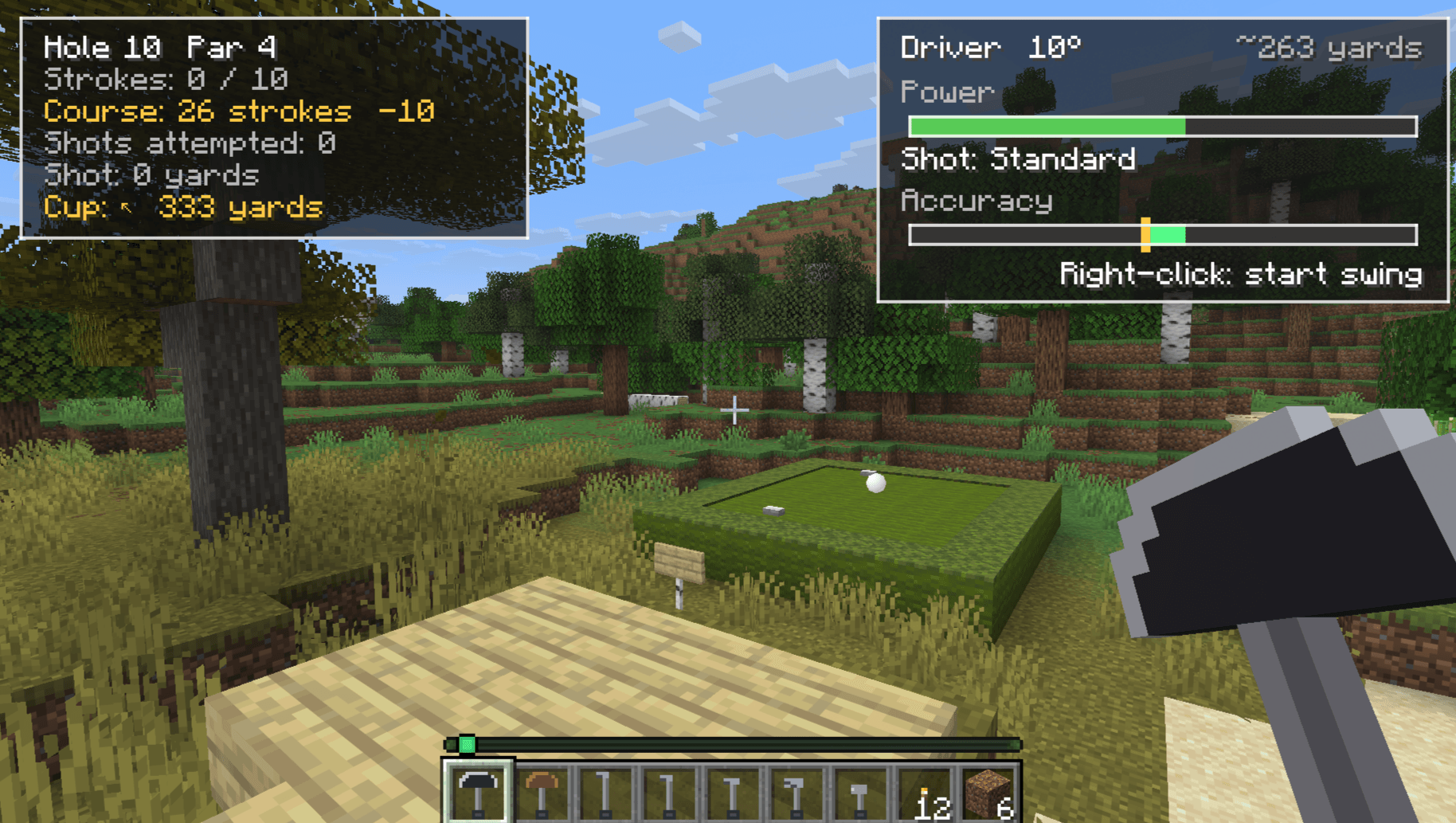
biome-golf-10th-tee.png
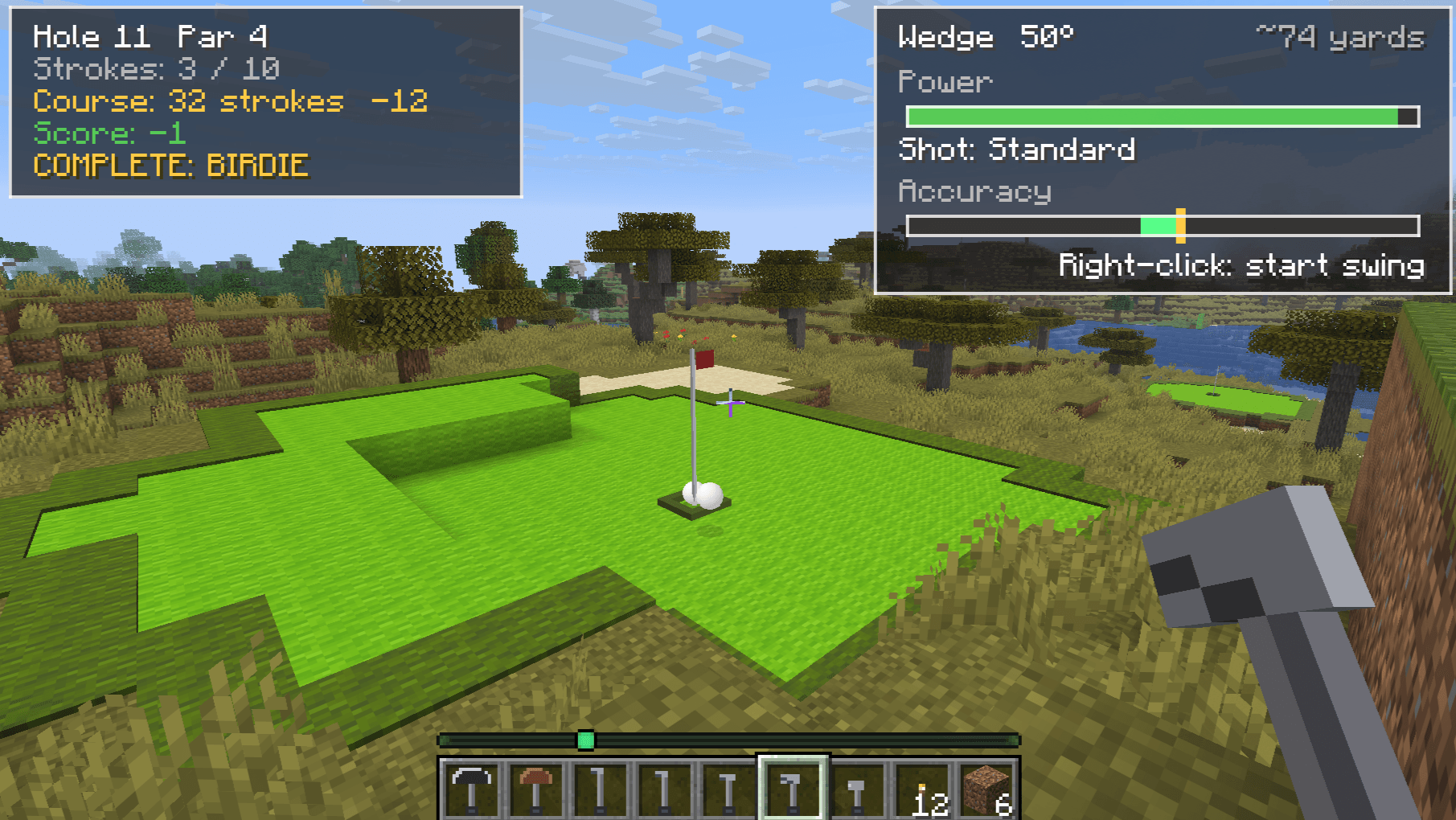
biome-golf-11th-green.png
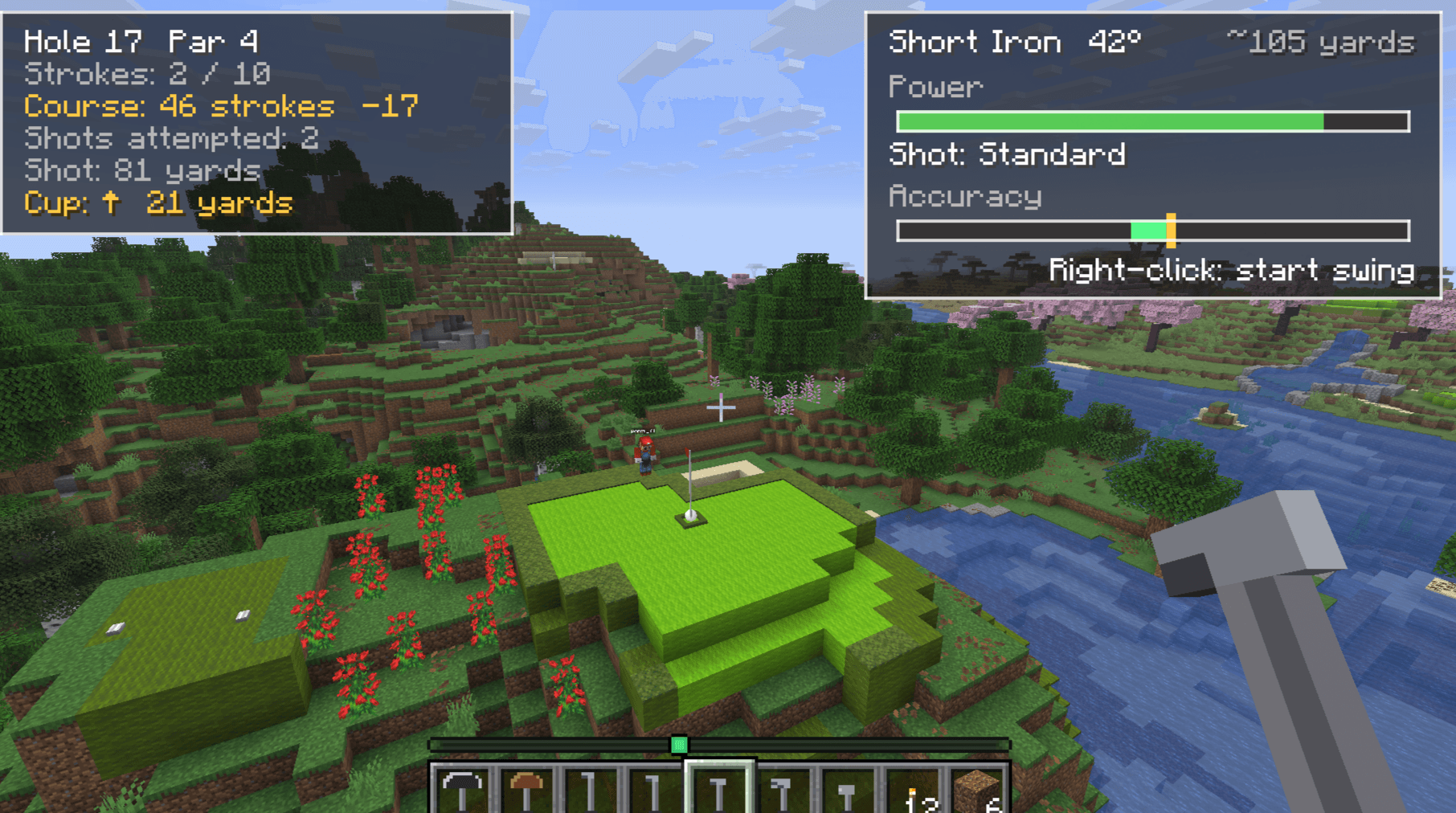
biome-golf-17th-green.png
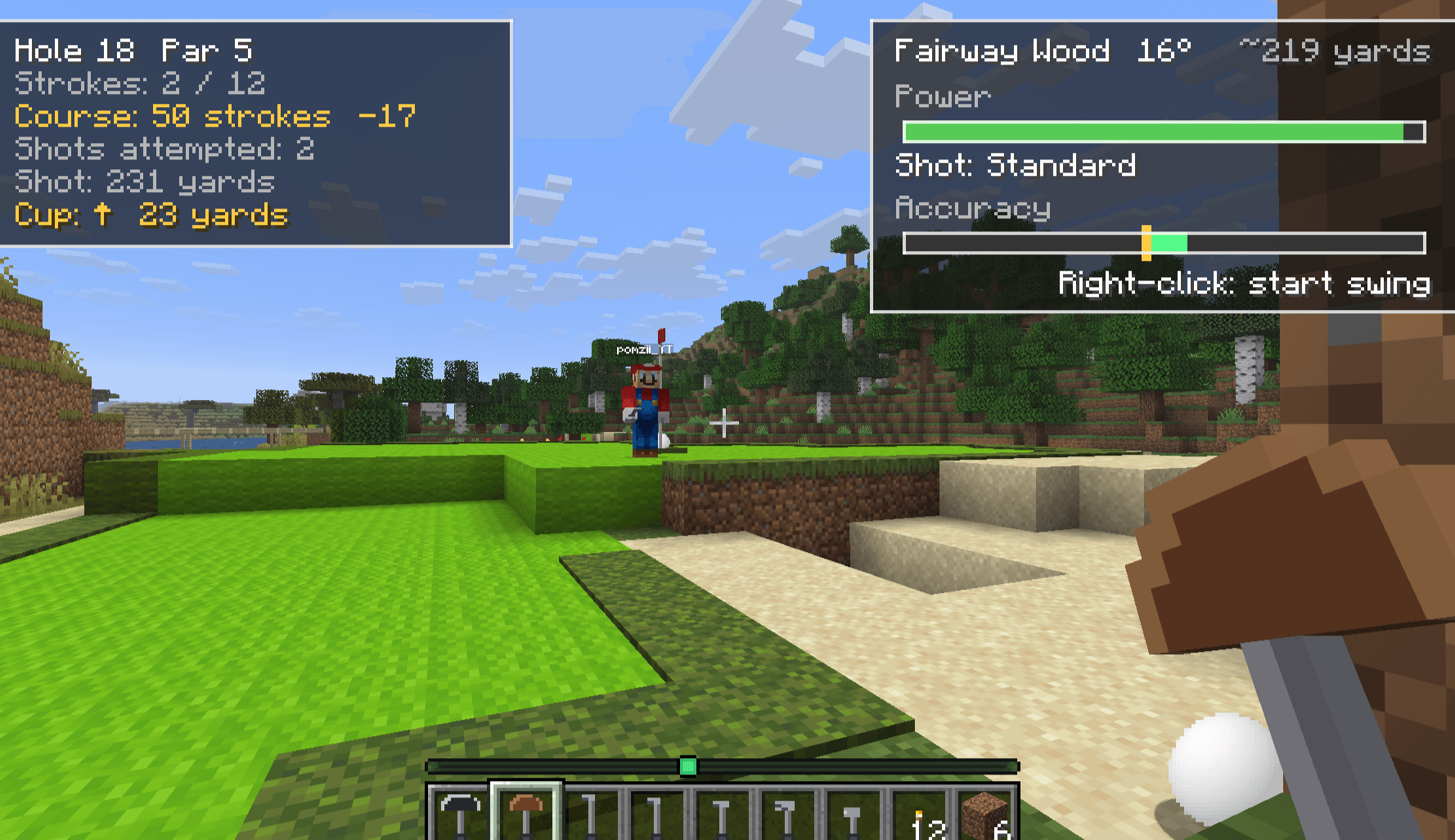
biome-golf-18th-green.png
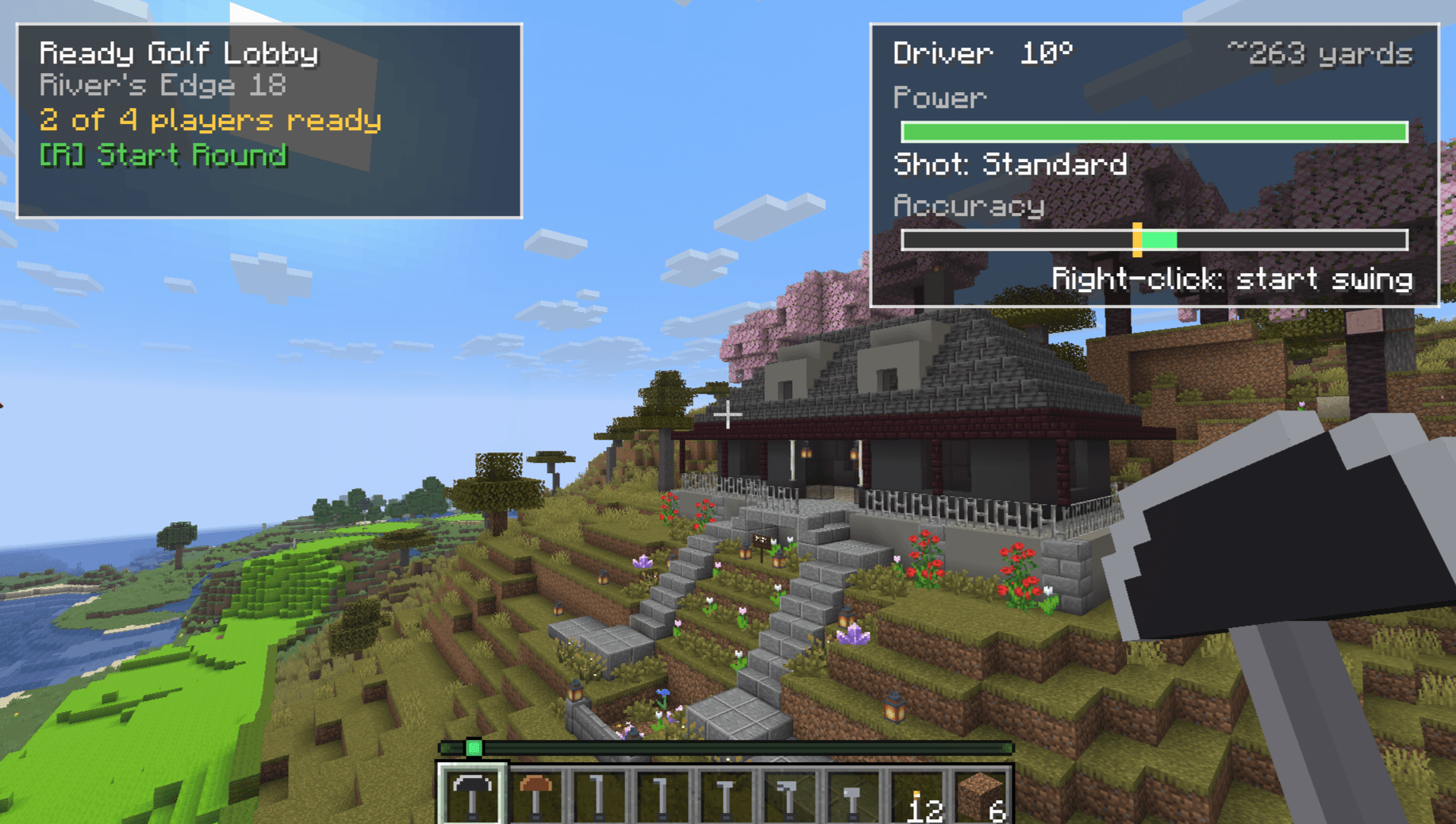
biome-golf-clubhouse-round-start.png
Description
Biome Golf
Multiplayer golf mod for Minecraft Java Edition (Fabric). Build golf courses in ordinary Minecraft terrain and play them together. Use /golf commands to define each hole's tees, cups/flags, bounds (optional), and course landscape boundaries to grief-prevent course playable areas (no breaking or building in designated areas). The rest of your world can be explored and played as usual (set gamemode on peaceful to avoid having hostile mobs interrupt your golfing).
**Demo course in screenshots can be played on-demand - Add server bbmc.apcode.dev in multi-player. Server not always running - request startup/play on our discord **
What it is
Biome Golf adds a skill-based golf experience to vanilla worlds. The Minecraft world is the course: terrain, elevation, water, and player-built structures all shape how the ball behaves.
Features
- Minecraft is the course — grass plays like fairway, sand like a bunker, water is a hazard, and cliffs, caves, and structures become part of a hole.
- Skill-based shots with club selection, power, accuracy, and shot types.
- Server-authoritative scoring with real golf terminology and scorecards.
- In-world course authoring — build, mark, and finalize your own holes and courses.
- Multiplayer rounds designed to move quickly, especially for 1–4 players.
- Ball physics that interact with terrain, blocks, and a small set of golf-specific blocks/items.
Commands
Everything lives under /golf; run /golf help in game for the current list.
Play/Practice (without an active round)
| Command | What it does |
|---|---|
/golf practice ball or [B] key |
Drop a practice ball anywhere in your world. Hit shots to determine good hole locations for your world |
/golf course play |
Play server's currenlty selected/default course (if set) |
/golf course play [<courseId>] [<hole>] |
Play test a specific course you're creating. Defaults to hole 1. |
/golf browse |
Open the in-game course browser (if any). |
Create/Play a multi-player round (or play solo round)
| Command | What it does |
|---|---|
/golf round create or [R] key |
Create a multiplayer lobby using the currently selected course (falling back to the world default); you become the coordinator. |
/golf round create [<courseId>] |
Create a multiplayer lobby for a specific course (allows multiple courses to exist in a minecraft world) |
/golf round list |
List open lobbies and finalized courses. |
/golf round join [<roundId>] |
Join an open lobby. |
/golf round start |
Start your lobby (coordinator only). |
/golf round status |
Show your lobby or round status. |
/golf round leave |
Leave a lobby or round. |
/golf round restart |
Replay a completed round from Hole 1. |
While Playing
| Command | What it does |
|---|---|
/golf clubs equip |
Restore your golf clubs (if you're missing any). |
/golf hole status |
Show your current-hole status. |
/golf hole restart |
Restart the current hole. |
/golf nexthole |
Advance to the next hole (occurs automatically during round play). |
/golf tapin |
Take a one-stroke tap-in when the ball is close enough (within 2 blocks of hole). |
/golf pickup |
Pick up your ball to finish hole at stroke limit (double-par + 2 - helps if fall into a cave). |
Practice
| Command | What it does |
|---|---|
/golf practice ball |
Drop a practice ball. |
/golf practice clear |
Remove your unassigned practice balls. |
/golf practice tee |
Teleport to the configured practice tee area (if set in world). |
/golf practice target list |
Show the saved practice tee and targets (if any). |
Set up a practice area (server operator):
| Command | What it does |
|---|---|
/golf practice tee set |
Save your current position as the practice tee. |
/golf practice target set <1-8> |
Place a numbered target here (cup + flag) and save it. |
/golf practice target clear <1-8> |
Remove that target's cup/flag and saved location. |
Build a course (server operator)
Stand where you want to record, then run the command. Youtube video on course authoring coming soon - ask questions in our discord!
| Command | What it does |
|---|---|
/golf course create <id> [<display name>] |
Create a course draft. |
/golf course edit <id> |
Select a draft to edit. |
/golf hole tee <hole> |
Record the hole's tee. |
/golf hole cup <hole> |
Place the cup. |
/golf hole par <hole> <par> |
Set the hole's par. |
/golf hole bounds <hole> |
Capture a rectangular hole boundary (run at two opposite corners). |
/golf course status <id> |
Review a draft and its hole metadata. |
/golf course finalize <id> |
Validate and publish a draft as a playable course. |
/golf course select <id> |
Select a finalized course for play. |
/golf course list |
List authored courses. |
/golf course clone <sourceId> <newId> [<display name>] |
Clone a course into a separate draft. |
/golf course delete <id> |
Delete an authored course. |
/golf course default set <id> |
Set the world's persistent default course. |
/golf course default status |
Show the default course. |
/golf course default clear |
Clear the default course. |
Protect a course (grief prevention)
The course landscape is a single whole-course perimeter. Once set, it protects the course terrain from other players — and, if locked, from operators too — covering block breaking, block placement, and TNT blasts. You do not need a boundary on every hole: one landscape perimeter covers the whole course, and holes may be left unbounded.
Run /golf course landscape bounds at one corner, then again at the opposite corner. The optional [id] targets a specific course; otherwise it applies to your current draft.
| Command | What it does |
|---|---|
/golf course landscape bounds |
Capture the whole-course perimeter (run at two opposite corners). |
/golf course landscape status [id] |
Show the perimeter bounds, dimension, and lock state. |
/golf course landscape lock [id] |
Lock the perimeter so even operators cannot modify protected terrain. |
/golf course landscape unlock [id] |
Unlock it; non-operators are still denied. |
/golf course landscape clear [id] |
Remove the perimeter and its lock. |
Visitors (Bedrock / unmodified Java)
| Command | What it does |
|---|---|
/golf spectator |
Switch to spectator mode to watch a round. |
/golf spectator leave |
Leave spectator mode and return to survival. |
Operators can configure visitor onboarding:
| Command | What it does |
|---|---|
/golf visitor status |
Show the visitor configuration (address, link, arrival point). |
/golf visitor address <address> |
Set the Java server address shown to visitors. |
/golf visitor link <url> |
Set the optional mod download link. |
/golf visitor spawn set |
Save your current position as the visitor arrival point. |
/golf visitor spawn clear |
Remove the visitor arrival point. |
The full command reference lives in the repository: docs/COMMANDS.md.
Requirements
- Minecraft 26.2
- Fabric Loader (
0.19.5or newer) - Fabric API
Requires the mod on both client and server for the full golf experience.
Notes
- Modded Java is the supported golf experience. Bedrock and unmodified-Java clients can join as visitors (watch/survive) but cannot play golf.
- Built for families and small friend groups on private servers, but not restricted to them.
License
MIT
Biome Golf Team
