
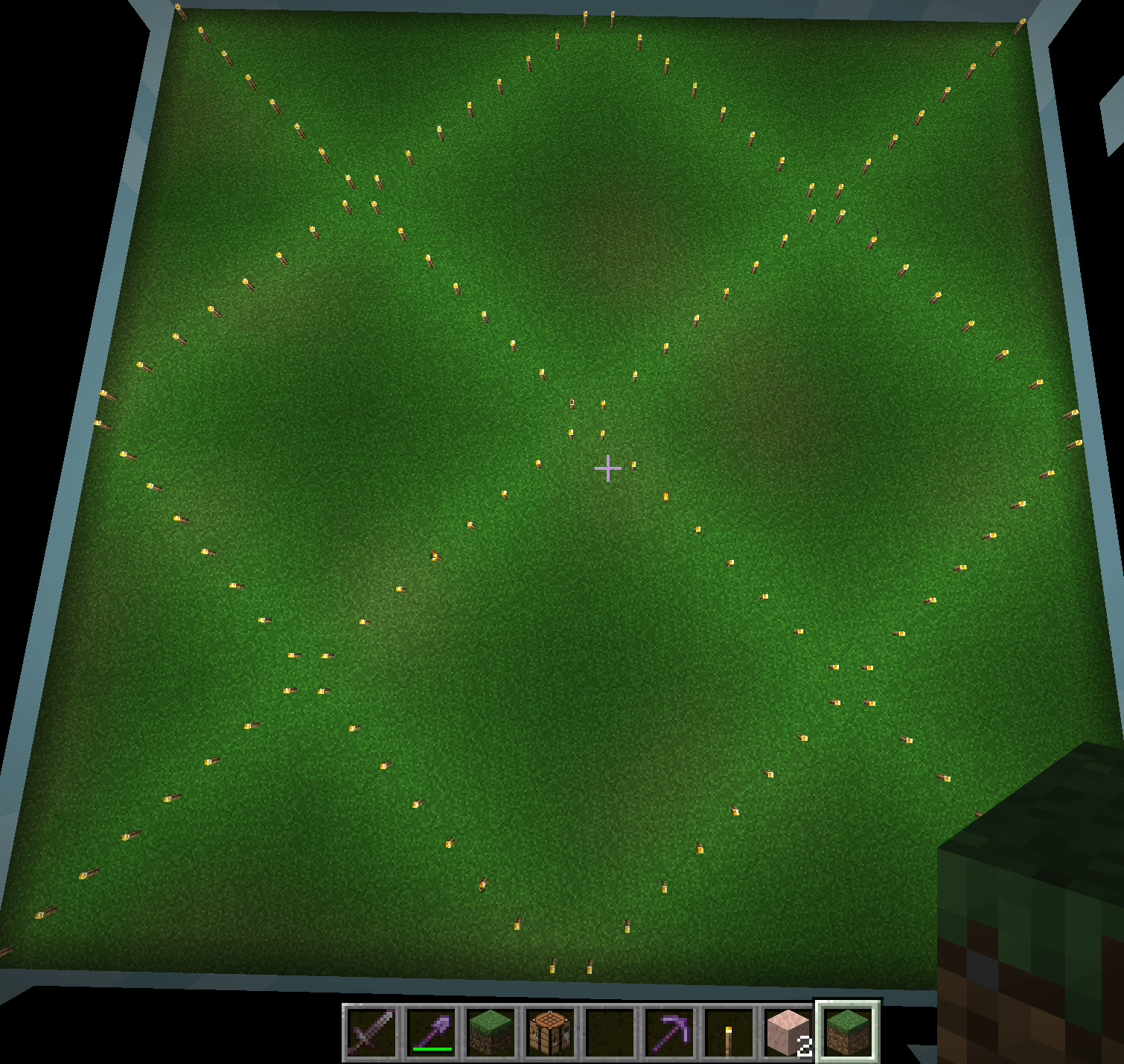
In the Planarium form Ars Nouveau, Jungle biome.
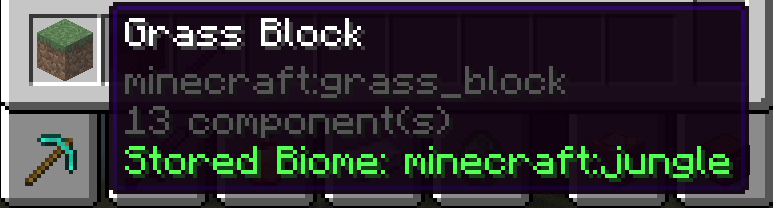
Showing the tooltip with stored biome data.
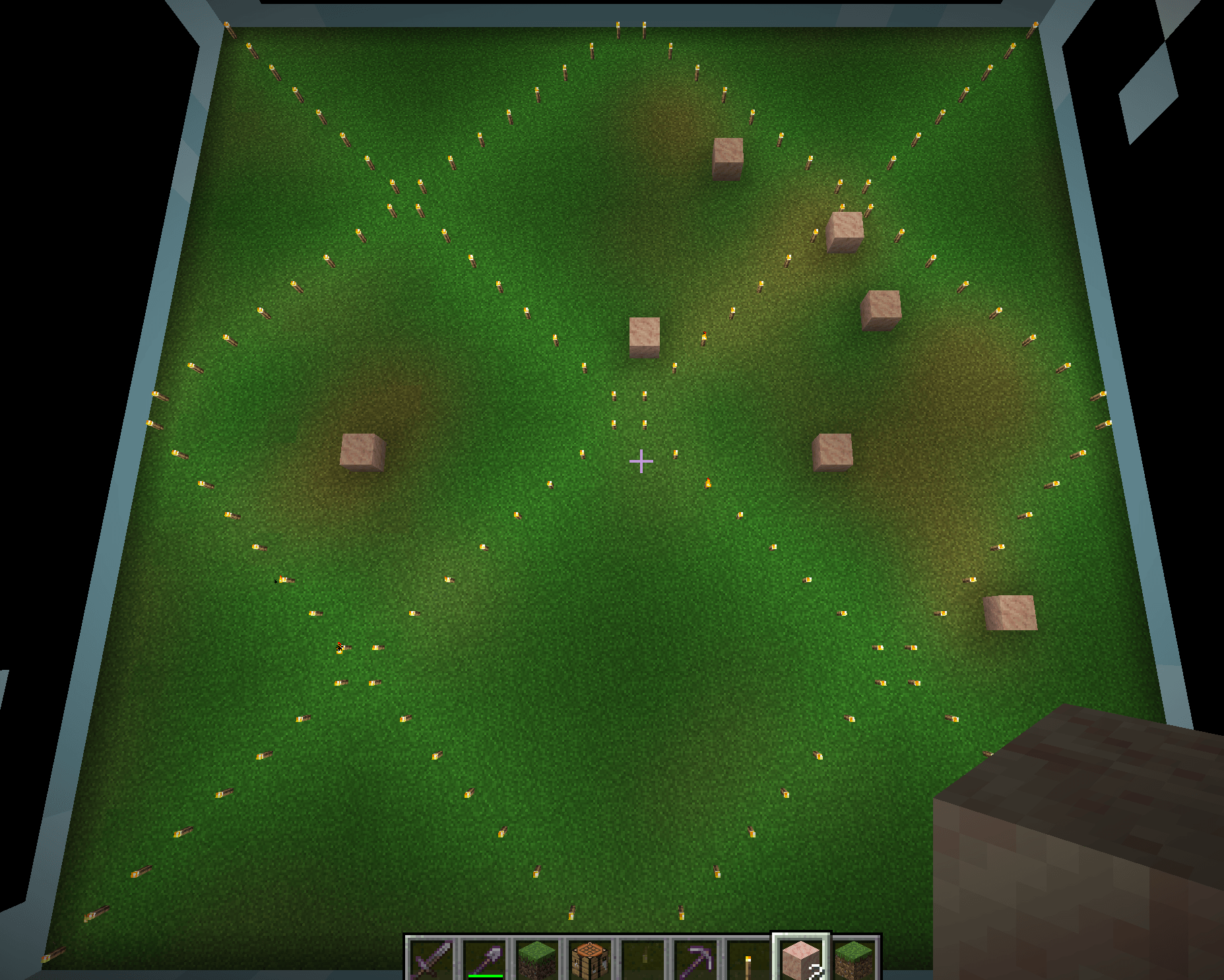
In the Planarium form Ars Nouveau, biomeswevegone:windswept_desert biome dotted around.
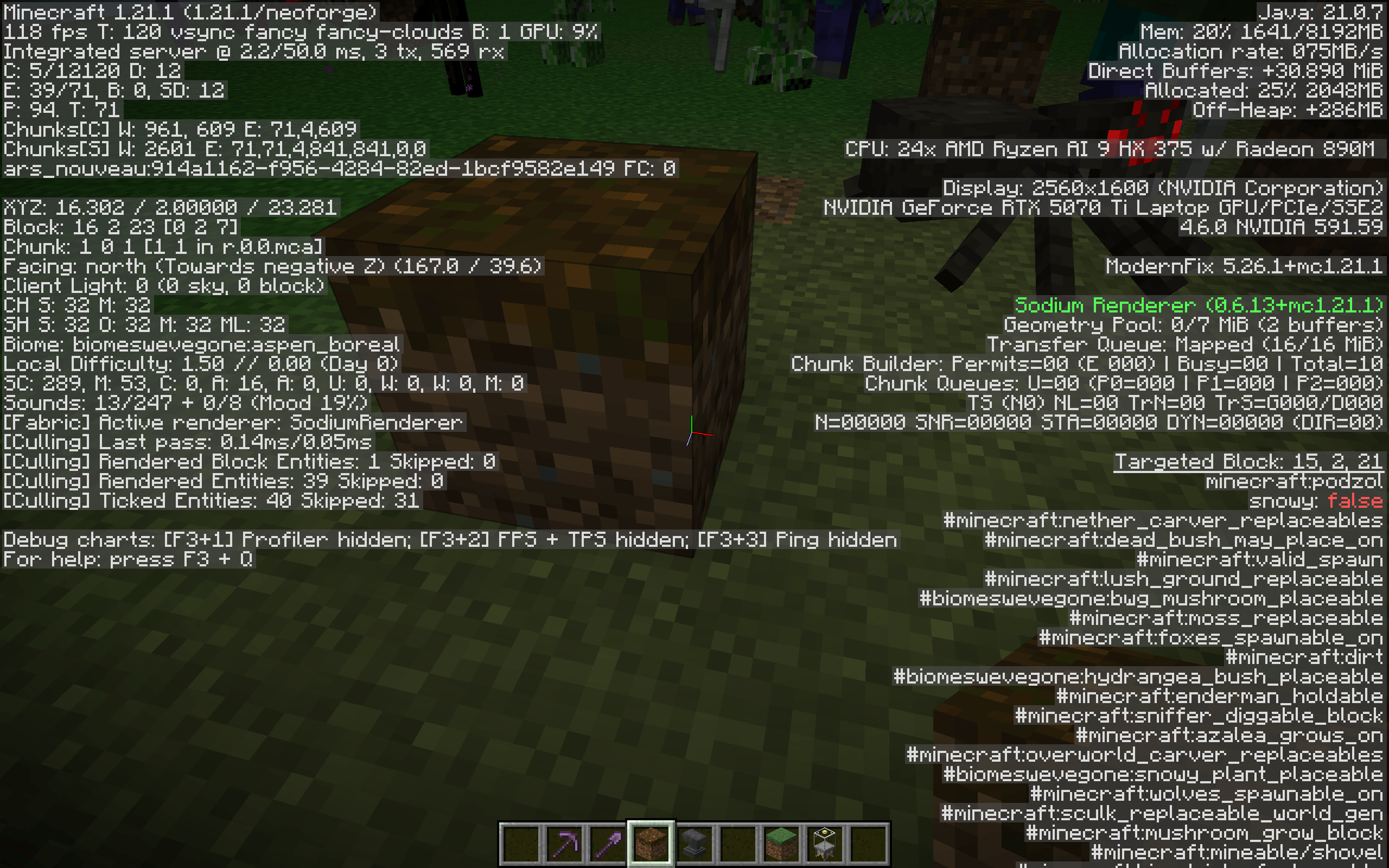
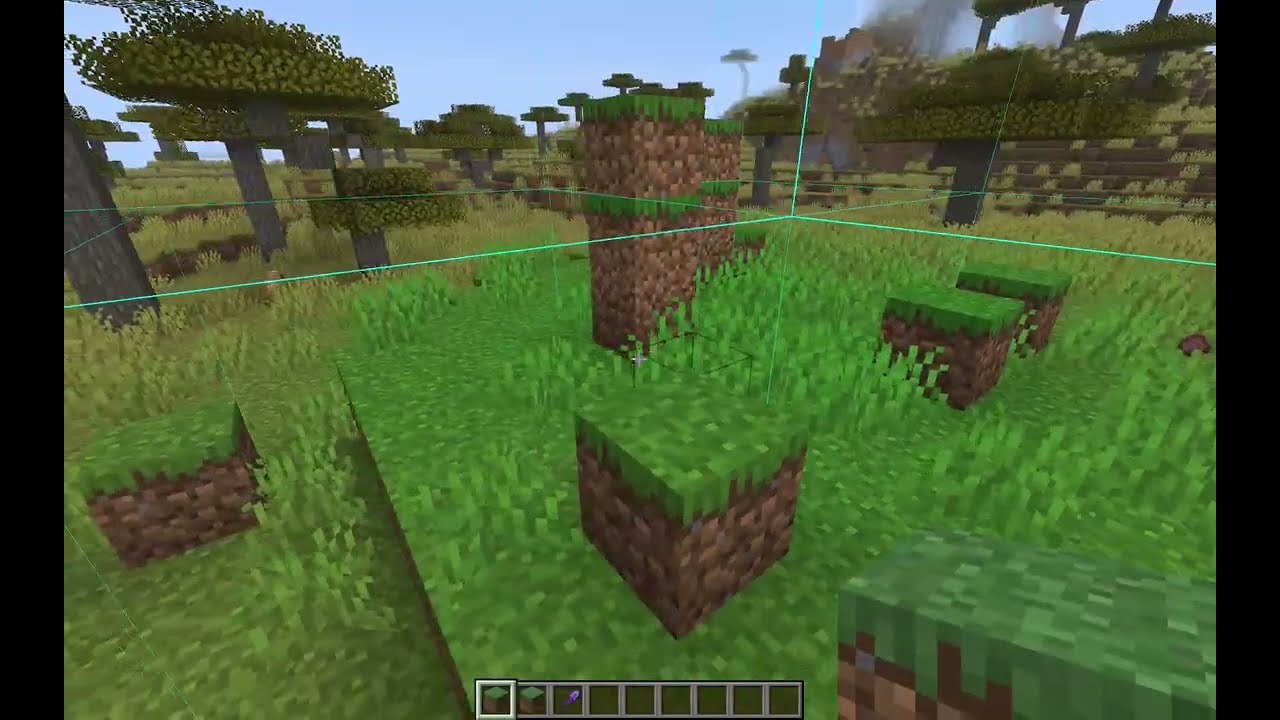
2026-05-13_14.43.48.png
Description
🌐 Biome Extractor
Biome Extractor is a multi-loader utility mod for Minecraft that allows players to seamlessly identify, extract, and visualize biome data in the world. Built natively for both Fabric and NeoForge, it provides powerful in-game UI tools and real-time 3D rendering to help you understand the exact boundaries of the biomes around you.
✨ Key Features
The Biome Extractor Enchantment: Enchant your tools to harvest biome data! Breaking a block with an enchanted tool will store the exact biome data of that location directly into the dropped item.
Smart Tooltips: Hover over any extracted block in your inventory to see a color-coded tooltip displaying its stored biome data (e.g., Stored Biome: minecraft:jungle).
Transplant Your World: Place an extracted block back down anywhere in the world to permanently overwrite that chunk's biome data with the stored biome.
The 3D Biome Matrix: Press B (configurable) to toggle a custom 3D holographic grid. This matrix highlights the exact biome cell you are standing in with a thick neon outline, and draws the surrounding cells with faded lines so you can accurately plan your terraforming.
Three transplant sizes: Press V (configurable) to cycle through the small(4x4x4), medium(12x12x12), and large(20x20x12) sizes. Allowing you to convert a larger area before making smaller adjustments around the edges.
⚠️ Technical Mechanics (How Biomes Actually Work)
Minecraft handles biome data in a very specific, mathematical way. When using this mod, you will notice two unique mechanics that are hardcoded into the base game:
The 4x4x4 Limitation
Minecraft does not store biome data block-by-block. Instead, the world is divided into a strict grid of 4x4x4 chunks. When you place a block with stored biome data, you are updating the entire 4x4x4 chunk that the block was placed inside. (Use the B keybind to see exactly where these chunk borders lie!)
Seeded Spatial Jitter
If you place a new biome and notice the visual border looks jagged and organic instead of perfectly matching the 4x4x4 grid, this is not a bug! To prevent biomes from looking like ugly checkerboards, Minecraft's rendering engine applies a "Spatial Jitter." It uses the world's random seed to scramble the coordinates by 1-2 blocks in every direction before applying the biome color. The 3D matrix shows the true data, but the game will always visually scramble the edges to make it look natural.
Biome Blend
Your in-game "Biome Blend" video setting determines how smoothly these jagged borders fade together.
Visualizing Biome Blends:
Biome Blend: OFF - Shows the raw, un-blurred Spatial Jitter. 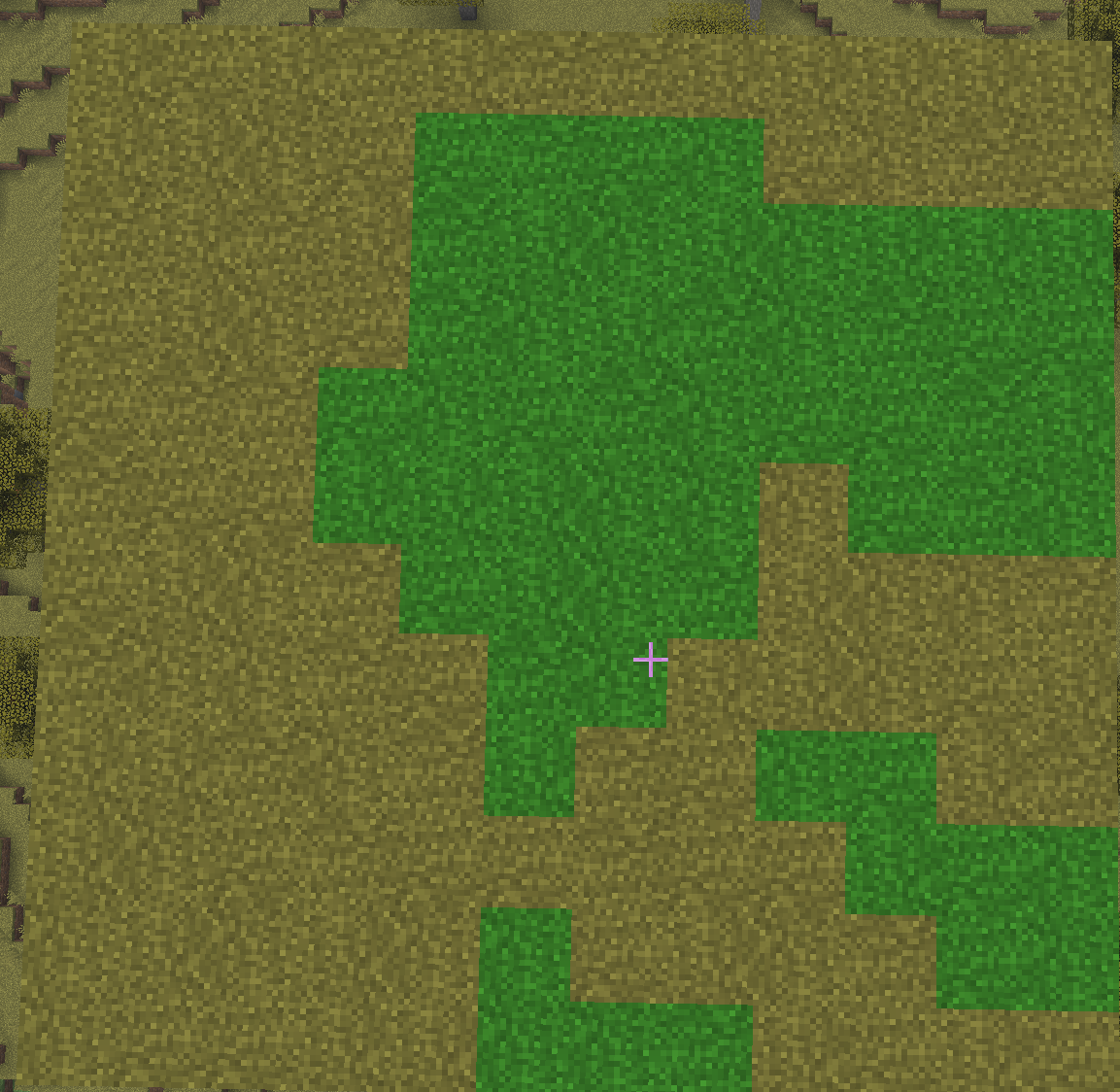
Biome Blend: 5x5 - A standard, smooth fade between the transplanted biome and the surrounding world. 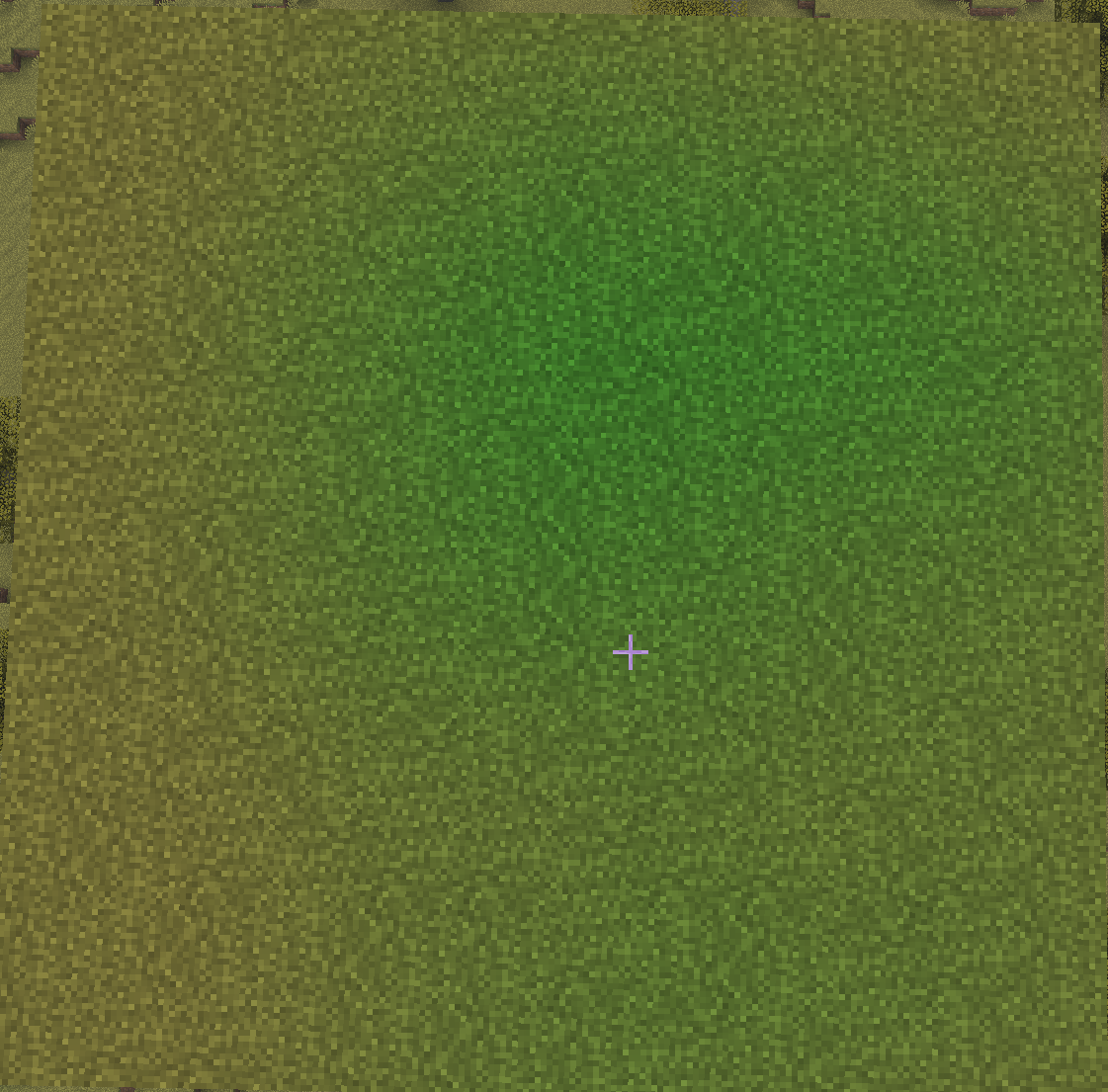
Biome Blend: 9x9 - A massive, gradual gradient between the biomes. 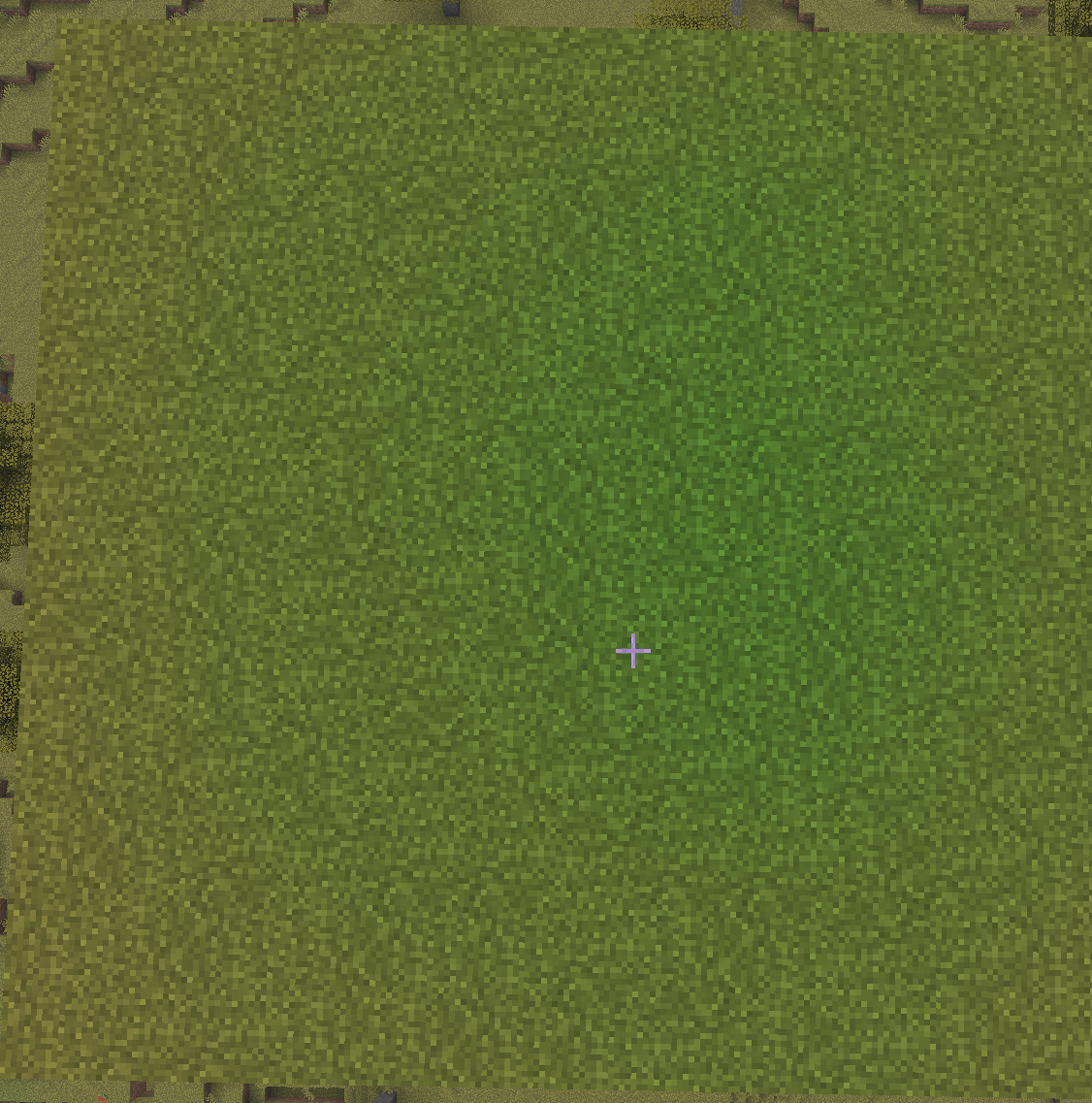
Biome Blend: 15x15 - A massive, gradual gradient between the biomes. 
⚙️ Installation & Compatibility
Requires Fabric API (if playing on Fabric).
Built natively for Minecraft 26.1.x (Supports 26.1.0, 26.1.1, and 26.1.2) and 1.21/1.21.1.
I will be working on backporting it to 1.21.x, starting with 1.21.1. Beyond that I will not be backporting to any version below 1.21.
Highly optimized and compatible with major rendering engines including Sodium, Lithium, C2ME, and More Culling.
📜 License
Biome Extractor is open-source and licensed under the MIT License. Feel free to use it in your modpacks!
Biome Extractor Team
