2026-09-08_21.28.16.webp
2026-09-08_21.25.54.webp
Description
BetterUI
A client-side Mixin-based Minecraft mod that improves the vanilla UI/UX.
Usage
Settings
Features
- Durability show — draws the remaining durability of a damaged item as a small number in the top-left corner of its slot icon (hotbar, inventory, anywhere an item is drawn), colored the same as vanilla's own durability bar. Implemented on every loader by injecting into the single vanilla method that already draws the stack-count/durability-bar overlay (
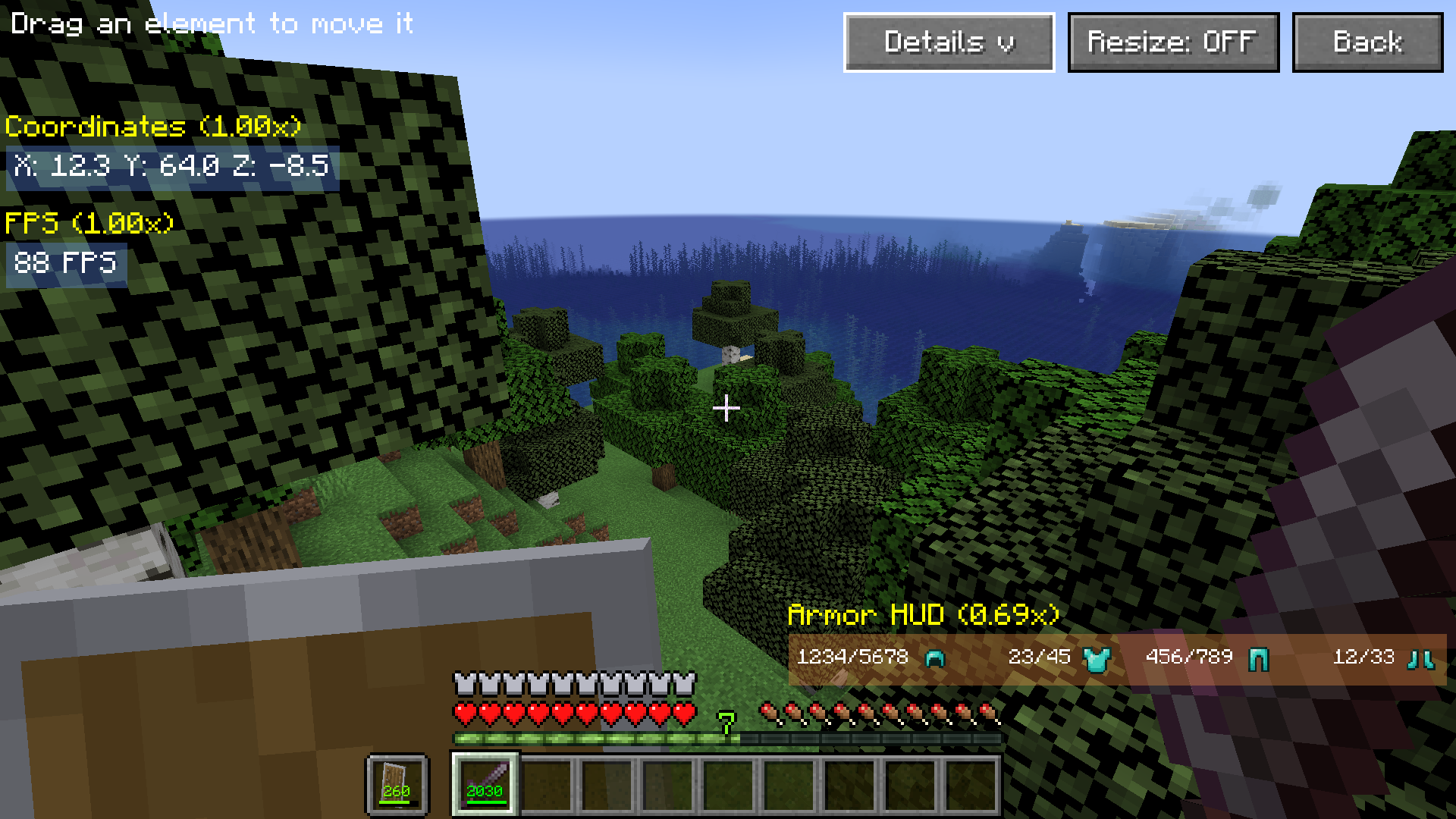
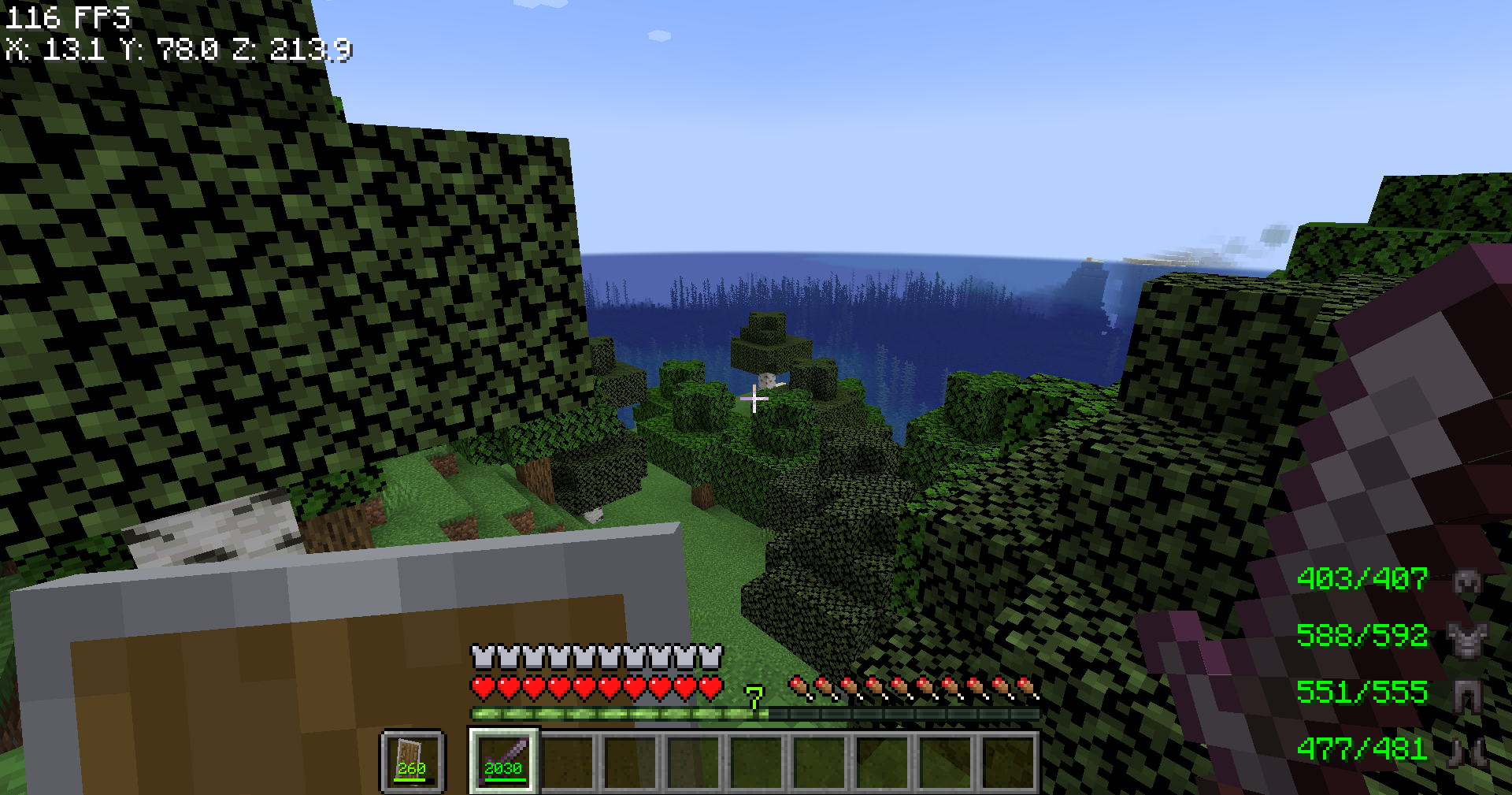
DrawContext#drawStackOverlay/#drawItemInSloton Fabric,GuiGraphics#renderItemDecorationson NeoForge/Forge), so it covers every screen automatically instead of having to hook each screen individually. - Armor durability HUD (curseforge.com/…/durability-show-style) — a small panel in the bottom-right corner of the screen listing each equipped armor piece's icon and remaining durability (
current/max), colored the same as vanilla's own durability bar. Hidden automatically while any screen (inventory, chat, pause menu, …) is open. Backed by thedurabilityHudEnabledconfig key — see Mod config file below. - FPS display — draws the current FPS as a small number in the top-left corner of the screen. Hidden automatically while any screen (inventory, chat, pause menu, …) is open. Backed by the
fpsDisplayEnabledconfig key — see Mod config file below. - Coordinates display — draws the player's X/Y/Z coordinates (rounded to one decimal place) on their own row directly below the FPS display. Hidden automatically while any screen is open. Backed by the
coordinatesDisplayEnabledconfig key — see Mod config file below. - BetterUI settings screen — a "BetterUI Settings" button on the pause menu opens a dedicated screen with one ON/OFF button per feature (currently Durability Item, Durability Armor, FPS Display, and Coordinates Display). Toggling a button flips its config value and immediately rewrites the config file, so the change survives a restart without leaving the game.
BetterUI Team