BetterScreenshots
- By
Adds [Upload] and [Copy] buttons to the F2 screenshot message: upload it and get the link instantly, or copy the image straight to your clipboard.
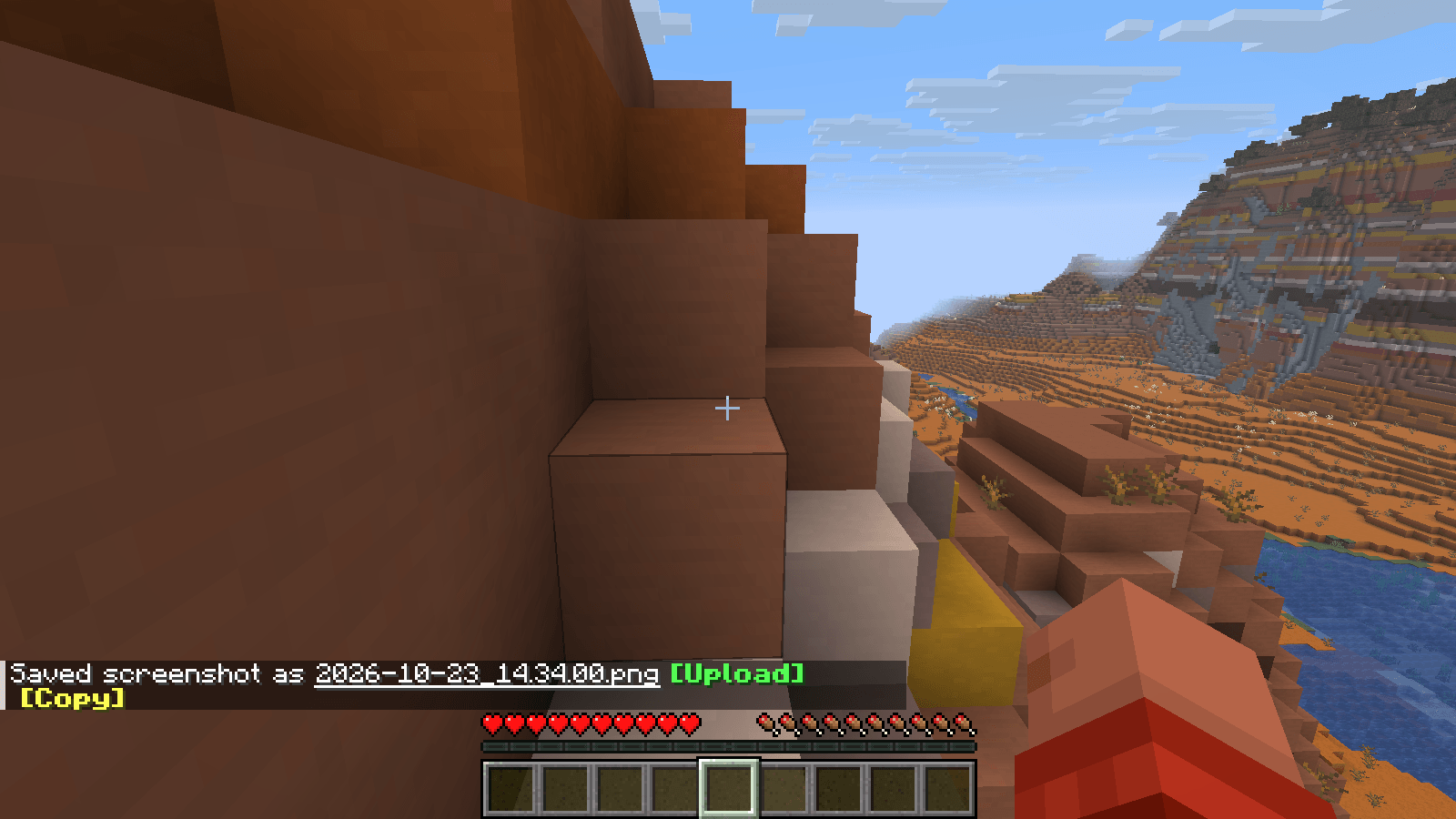
gallery-1-buttons.png
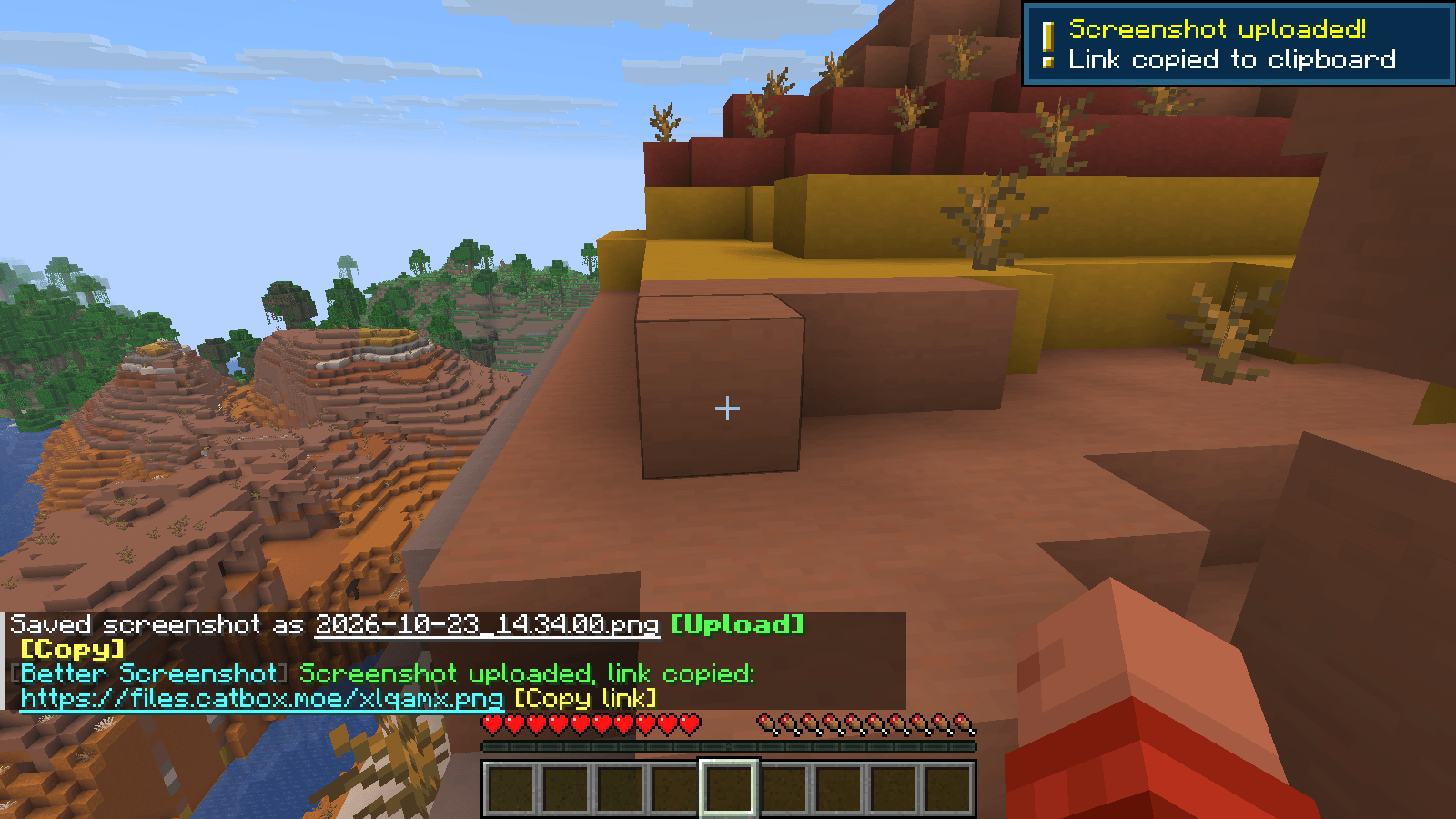
gallery-2-uploaded.png
Description

Press F2, then choose: [Upload] or [Copy].
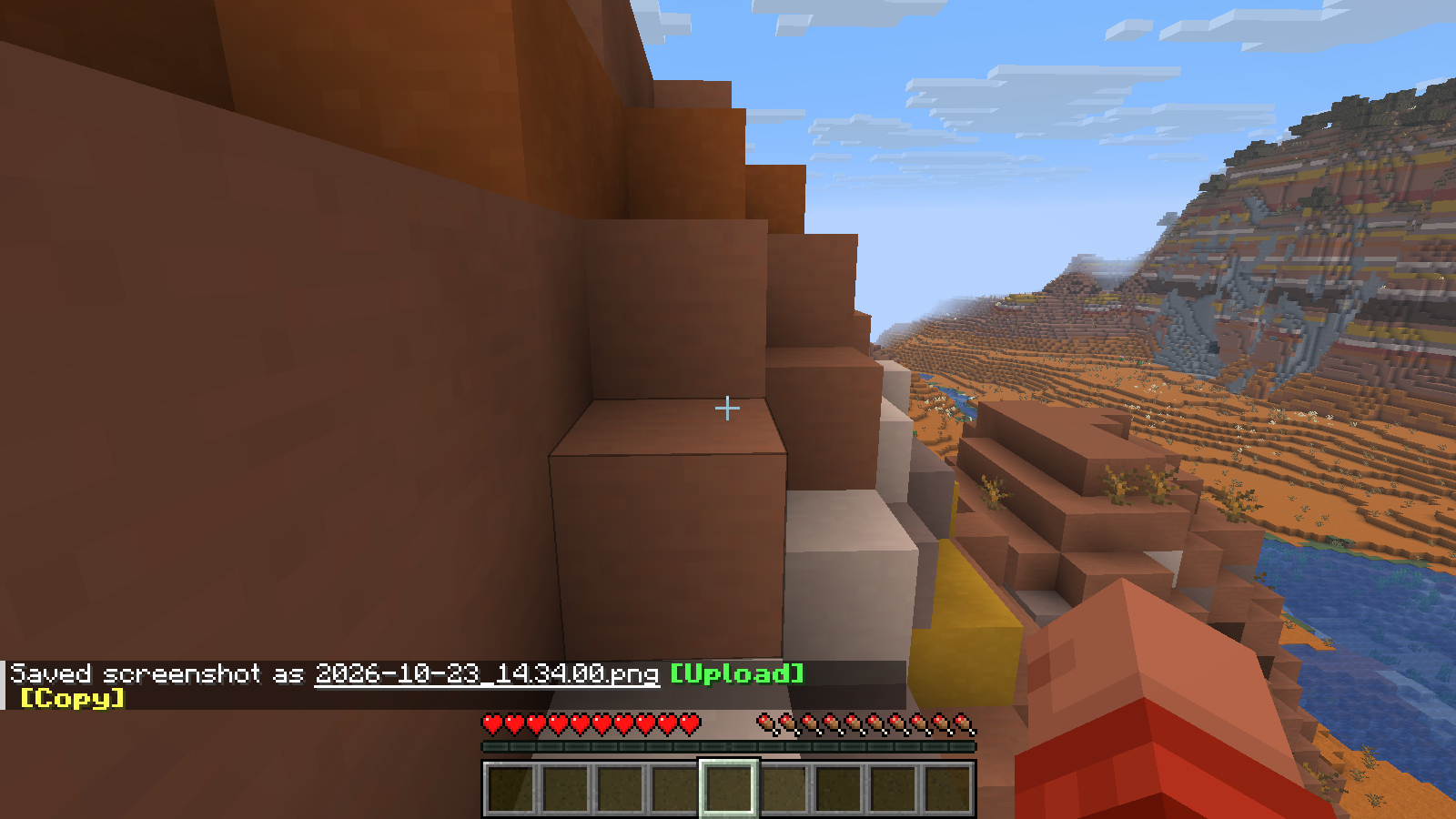
Better Screenshot upgrades the vanilla screenshot message. When you press F2 the screenshot is saved exactly like before, but the chat message gets two buttons:
Saved screenshot as 2026-10-23_14.03.37.png [Upload] [Copy]
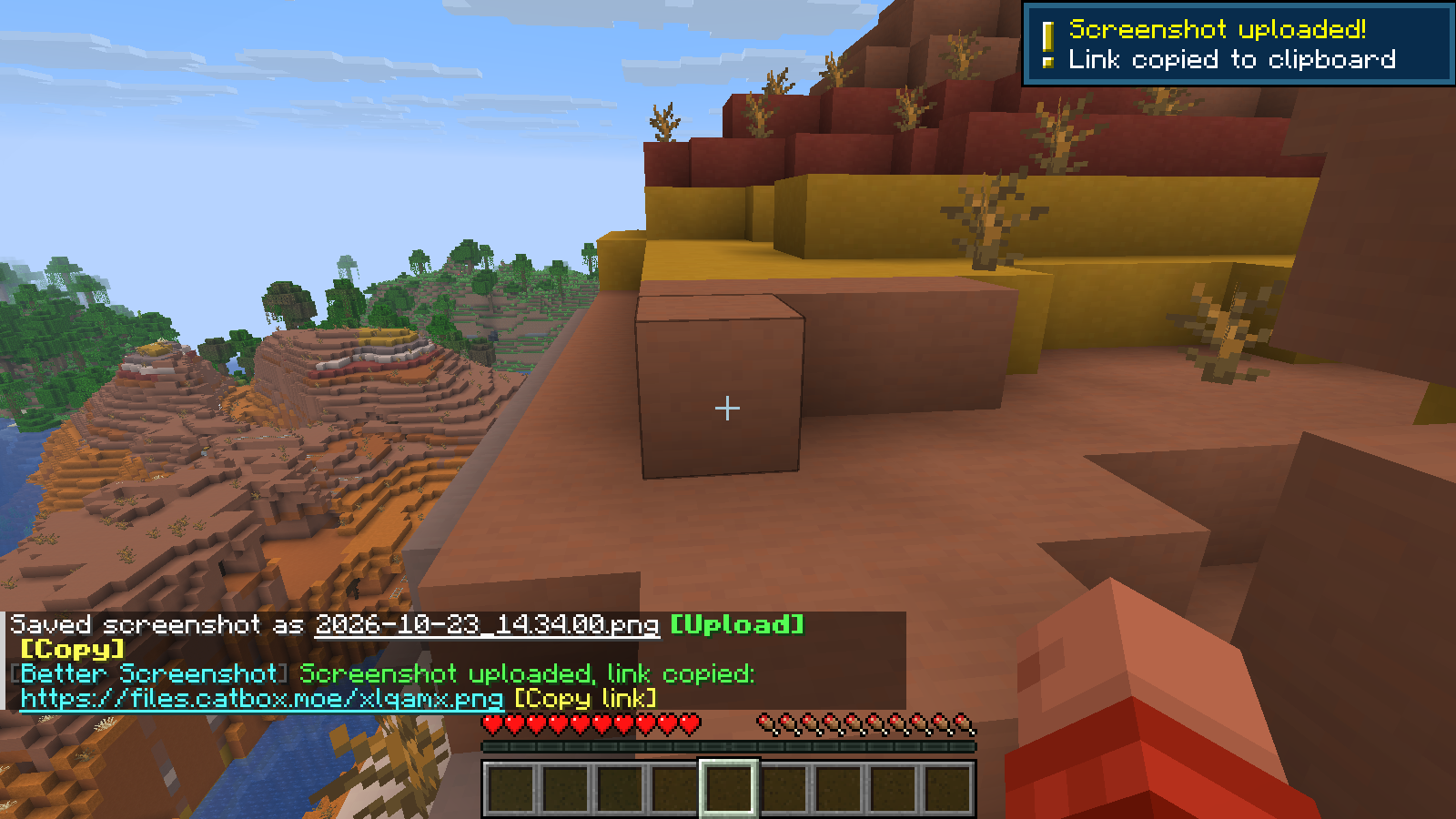
- [Upload]: uploads the screenshot online and copies the link to your clipboard
- [Copy]: copies the image itself to your clipboard, ready to paste into Discord, Telegram, Paint…
No more digging through the screenshots folder.
✨ Features
- 🖱️ One-click Upload or Copy right in the vanilla screenshot message
- 📋 Uploaded link copied to the clipboard automatically
- 💬 Clickable link in chat, plus
[Copy link]and[Retry]buttons - 🔔 Toast notifications for uploading / done / failed
- ⚡ Optional auto upload mode (upload right after F2)
- 🌐 Two hosts:
- catbox.moe (default): no account, no API key, direct image link
- Imgur: use your own free Client-ID
- 🧵 Everything runs in the background: no lag, no freezes
- 💾 Nothing is uploaded unless you click
[Upload](or enable auto upload) - 🇬🇧 English and 🇮🇹 Italian translations
- Client-side only: works on any server
⚙️ Configuration
The config file is config/betterscreenshot.json:
{
  "host": "catbox",
  "imgurClientId": "",
  "autoUpload": false,
  "copyToClipboard": true,
  "showToasts": true
}| Option | Description |
|---|---|
host |
catbox or imgur |
imgurClientId |
Your Imgur Client-ID (get one for free at api.imgur.com/oauth2/addclient, choose "Anonymous usage without user authorization") |
autoUpload |
true = upload immediately after F2 (the [Upload] button is hidden) |
copyToClipboard |
Copy the link automatically after an upload |
showToasts |
Show toast notifications |
After editing the file, run /betterscreenshot reload in game.
⌨️ Commands
/betterscreenshot upload <file name>: upload a screenshot from yourscreenshotsfolder/betterscreenshot copy <file name>: copy a screenshot image to the clipboard/betterscreenshot reload: reload the config
🔒 Privacy
This mod sends a screenshot to a third-party service (catbox.moe or Imgur, depending on your config) only when you click [Upload] (or on every F2 if you enable autoUpload). Uploaded images are public to anyone who has the link and are subject to the host's own terms. Nothing else is collected or sent.

Does it upload my screenshots automatically?
No. Nothing is uploaded unless you click [Upload], or you enable autoUpload in the config.
Where are screenshots uploaded? To catbox.moe by default (no account needed), or to Imgur with your own Client-ID. Uploaded images are public to anyone who has the link.
Does it work on servers? Yes. It's client-side only, so it works on any server, including vanilla ones.
[Copy] doesn't work on Linux.
Copying the image uses the system clipboard tools: built in on Windows and macOS. On Linux install wl-clipboard (Wayland) or xclip (X11).
Can I delete an uploaded image? catbox.moe anonymous uploads can't be deleted, so don't upload screenshots with personal information you don't want public.

- Minecraft 1.21.8 - 1.21.11
- Java 21
- Fabric Loader 0.17.2+
- Fabric API
BetterScreenshots Team