BetterController
- By
Play Minecraft with a controller like on console — smooth analog movement, full UI navigation, customizable bindings and native support for Xbox, PlayStation and Switch gamepads.
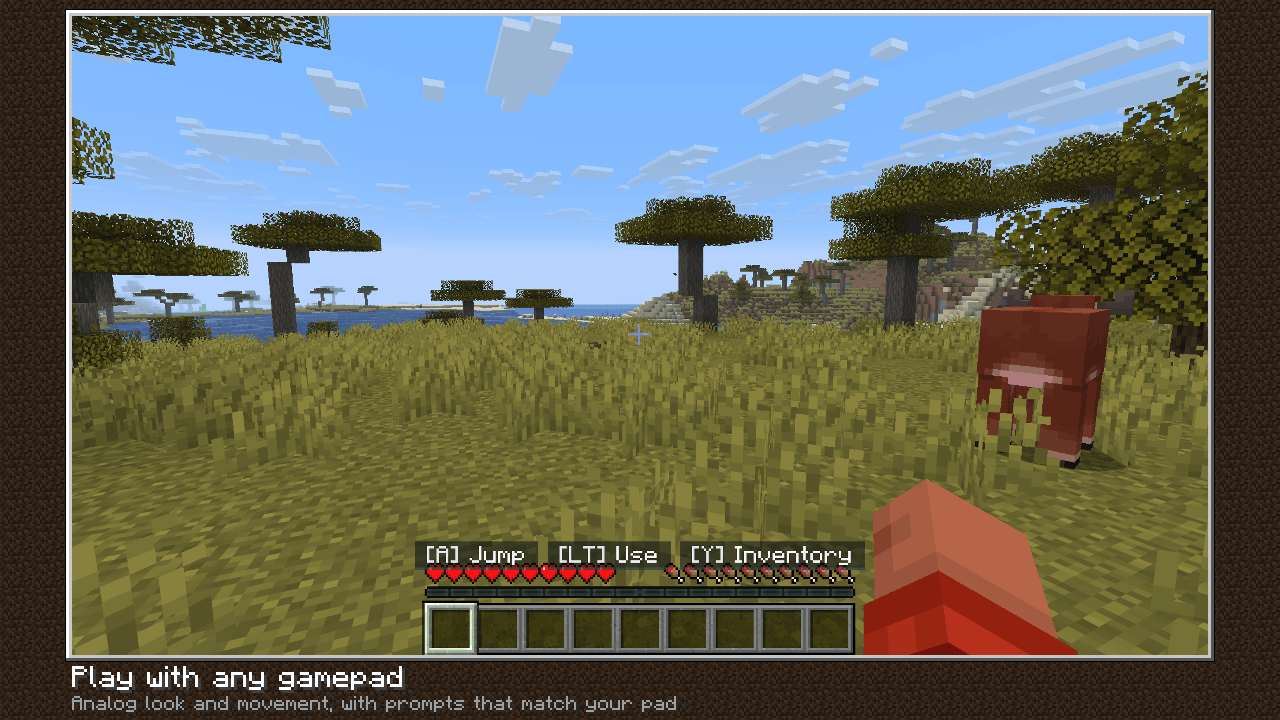
gallery-1-gameplay.png
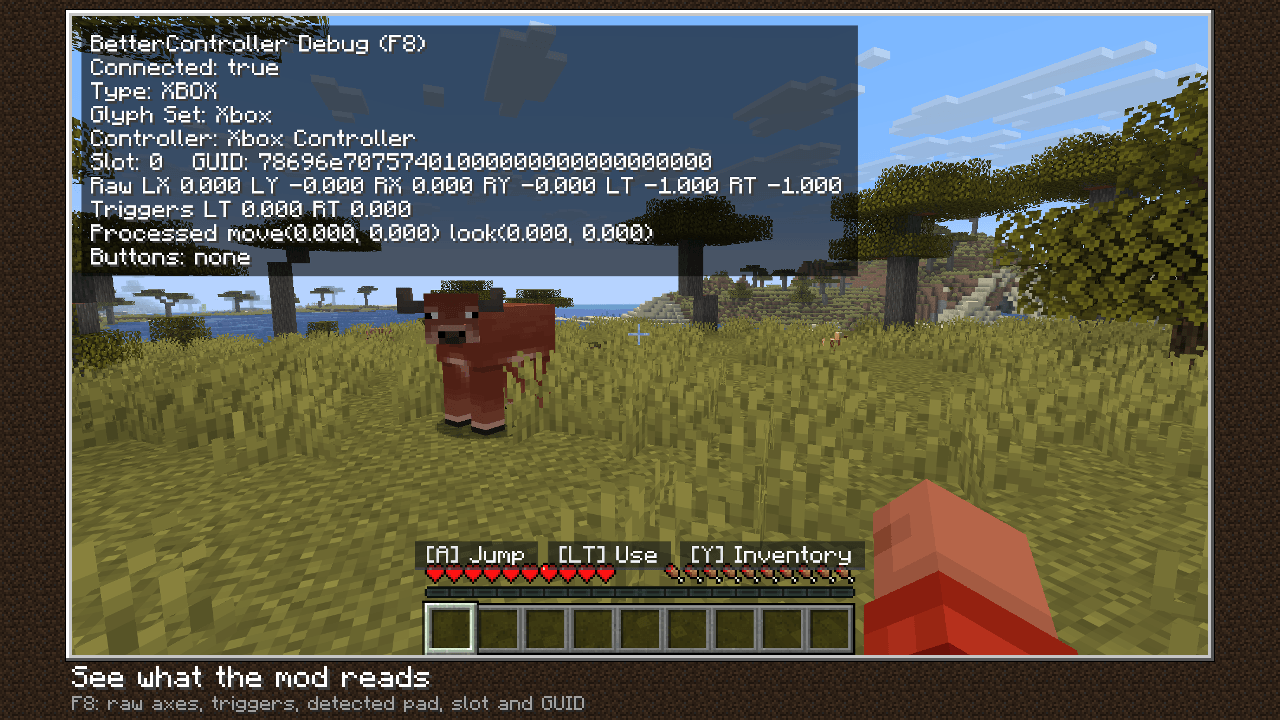
gallery-2-overlay.png
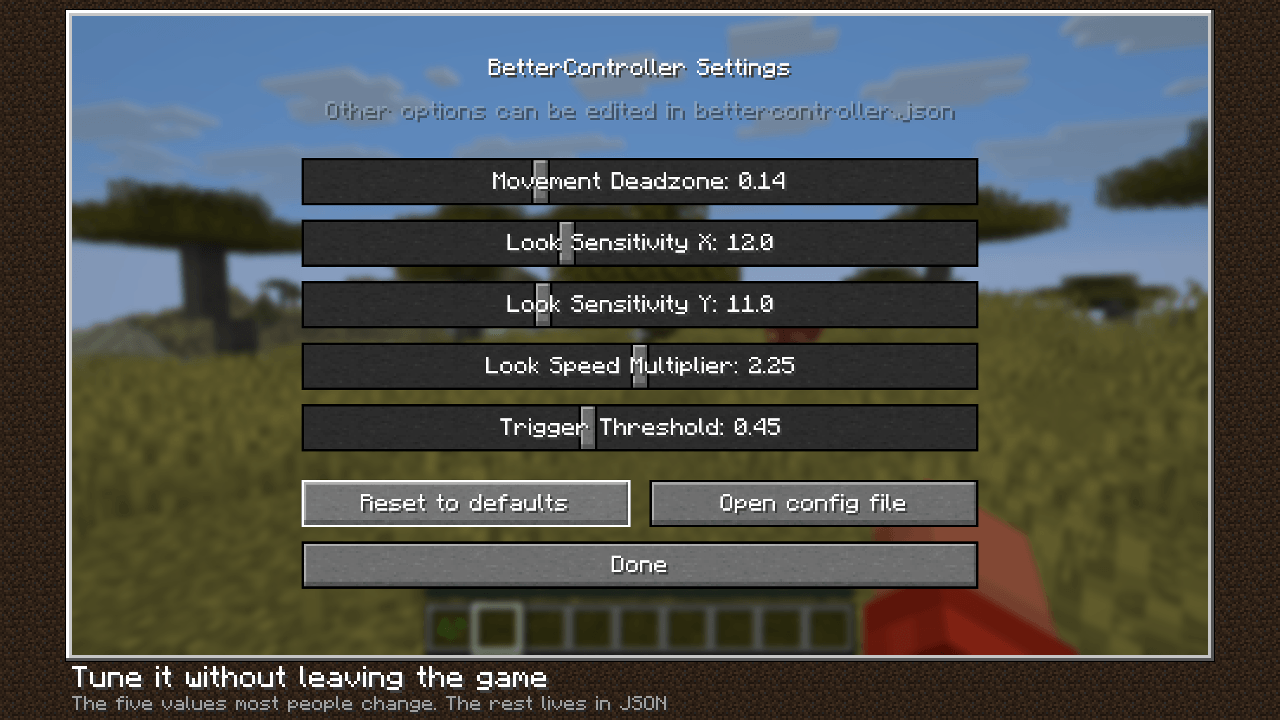
gallery-3-settings.png
Nekuzaky | BetterController
Create a server, get 25% off your first month

Description
BetterController
Play Minecraft Java with any gamepad. BetterController makes Minecraft feel like a console game — plug in your controller, launch the game, and play. No menus to fight, no setup, no server install.
Features
- Plug-and-play — auto-detects Xbox, PlayStation, Switch Pro and generic XInput controllers, swaps the on-screen button glyphs to match, and survives hot-disconnect.
- Analog everything — per-axis deadzone, anti-deadzone, response curve and adaptive smoothing on the look stick.
- Full GUI navigation — inventories, chests, creative search, options, world list, plus a virtual keyboard for chat. The right stick scrolls scrollable screens.
- Creative double-tap fly — the vanilla toggle just works.
- In-game settings screen — five sliders (movement deadzone, look X / Y sensitivity, look speed, trigger threshold); everything else lives in a JSON config that reloads live.
- Debug overlay (F8) — raw axes, triggers, processed vectors, pressed buttons.
- Lightweight and allocation-free in the tick loop — no rumble bloat, no radial menu.
Default bindings
Left stick moves, right stick looks. A / Cross jumps, RT mines, LT uses, Y / Triangle opens the inventory, B / Circle drops, X / Square swaps hands, RB / LB switch hotbar slots and creative tabs, D-pad up opens chat, Start pauses. Everything is rebindable in config/bettercontroller.json.
Requirements
- Fabric Loader + Fabric API
- Client-side only — safe on any server, not required server-side
See each version for its exact Minecraft and Java requirements.
The BetterController Team