


Description
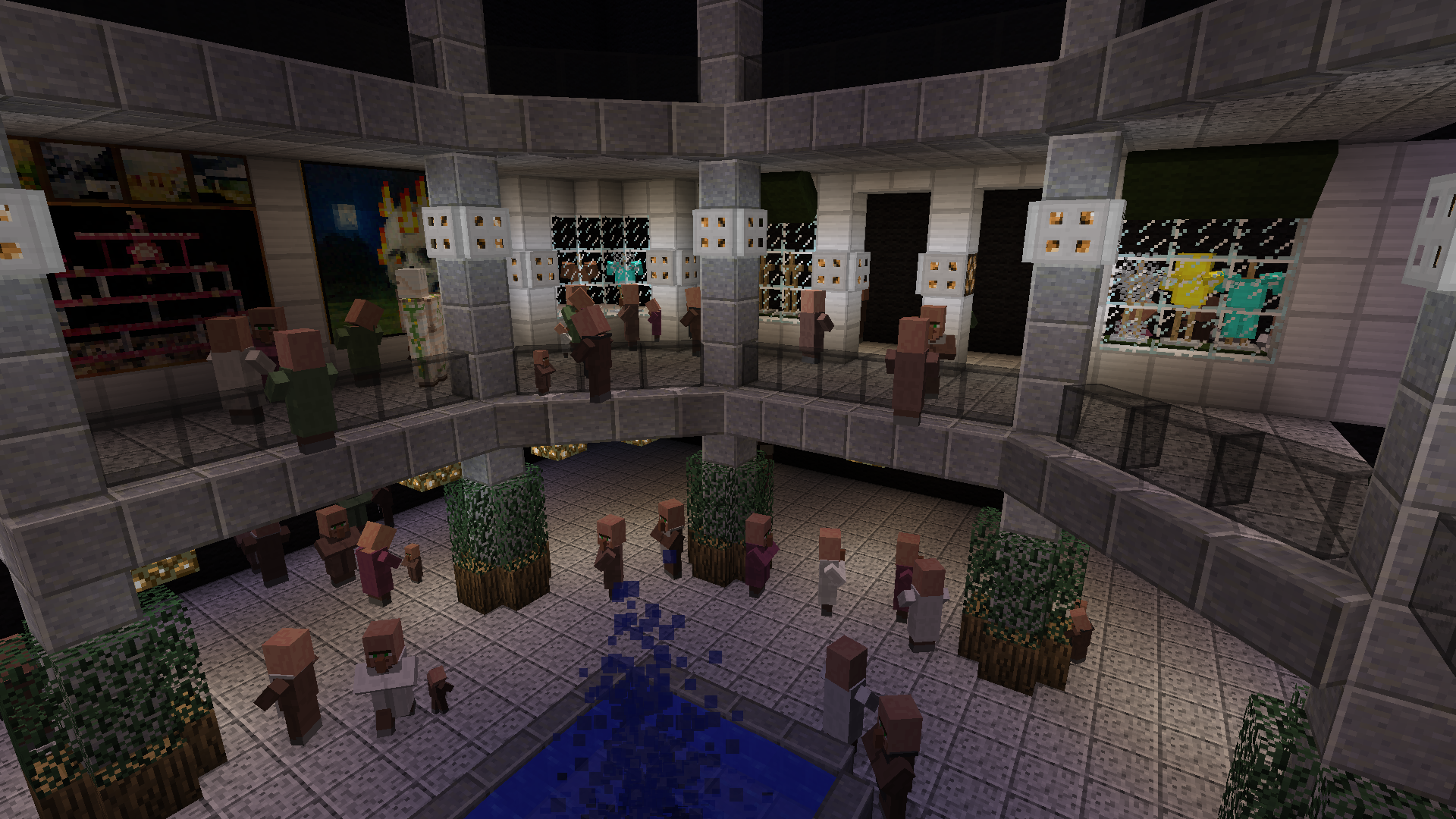
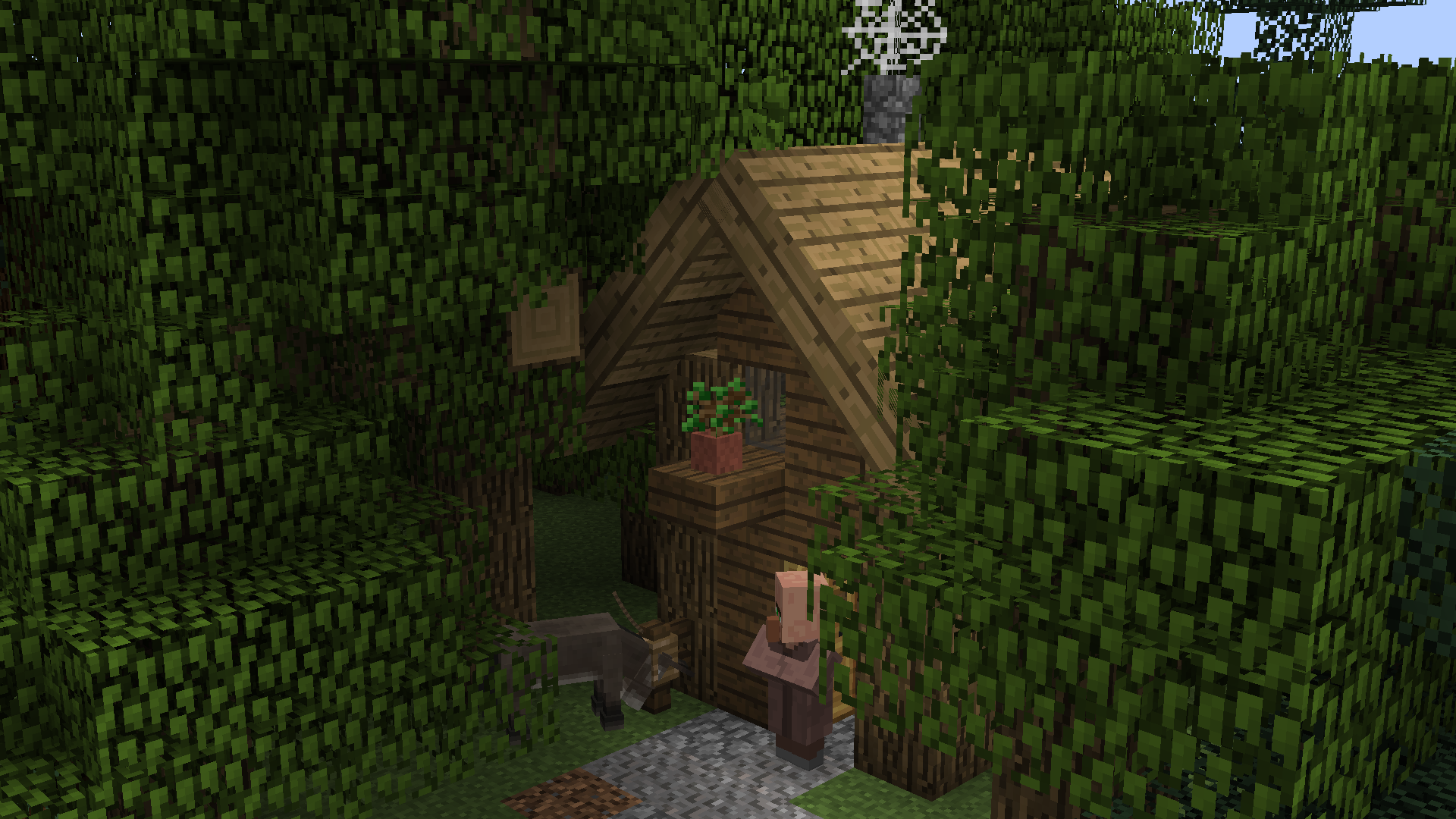
This mod adds slabs from all types of blocks in the game.
It also adds more functionality to them:
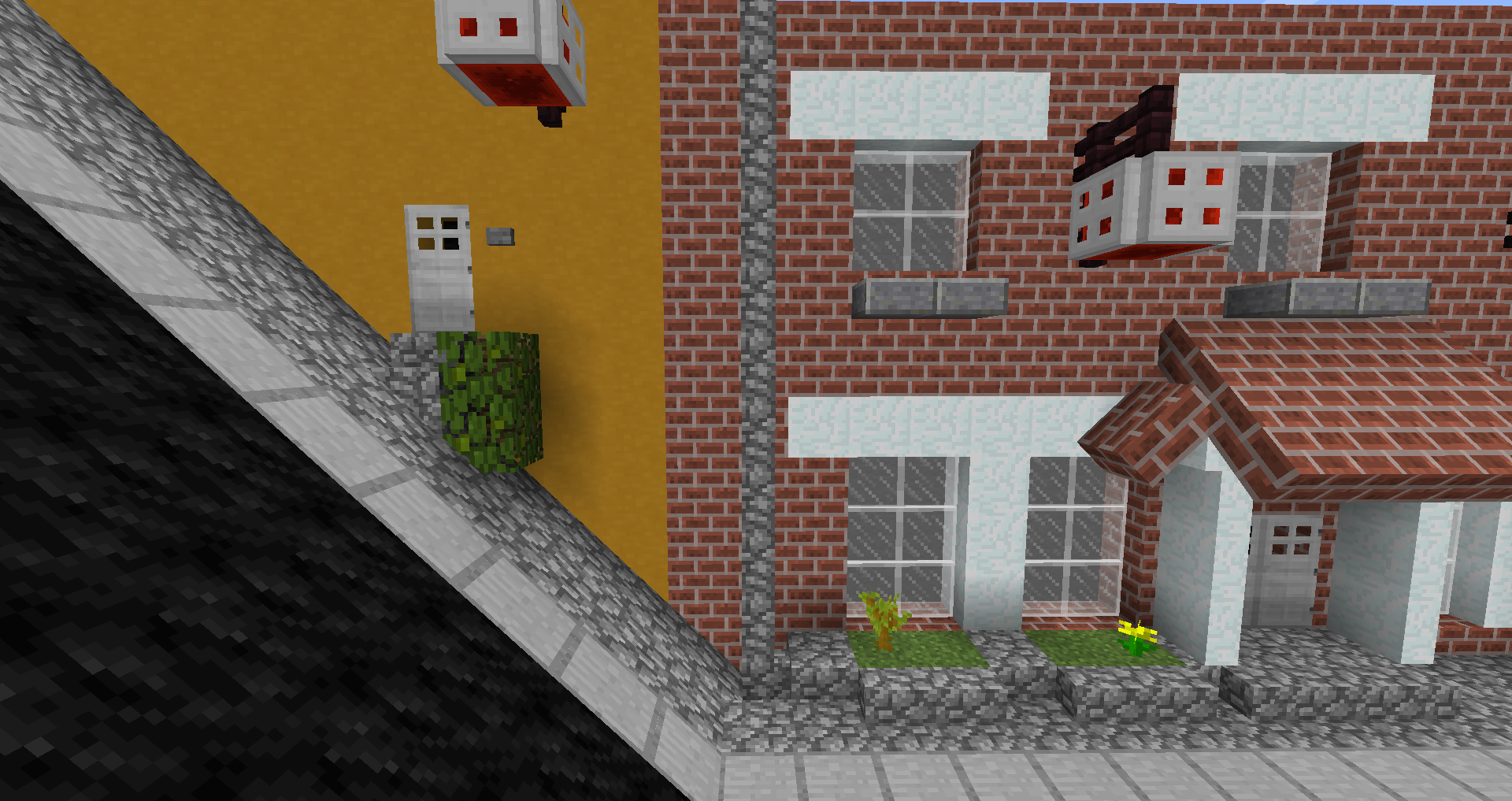
- slabs can be placed vertically, 'on axis' and on slopes
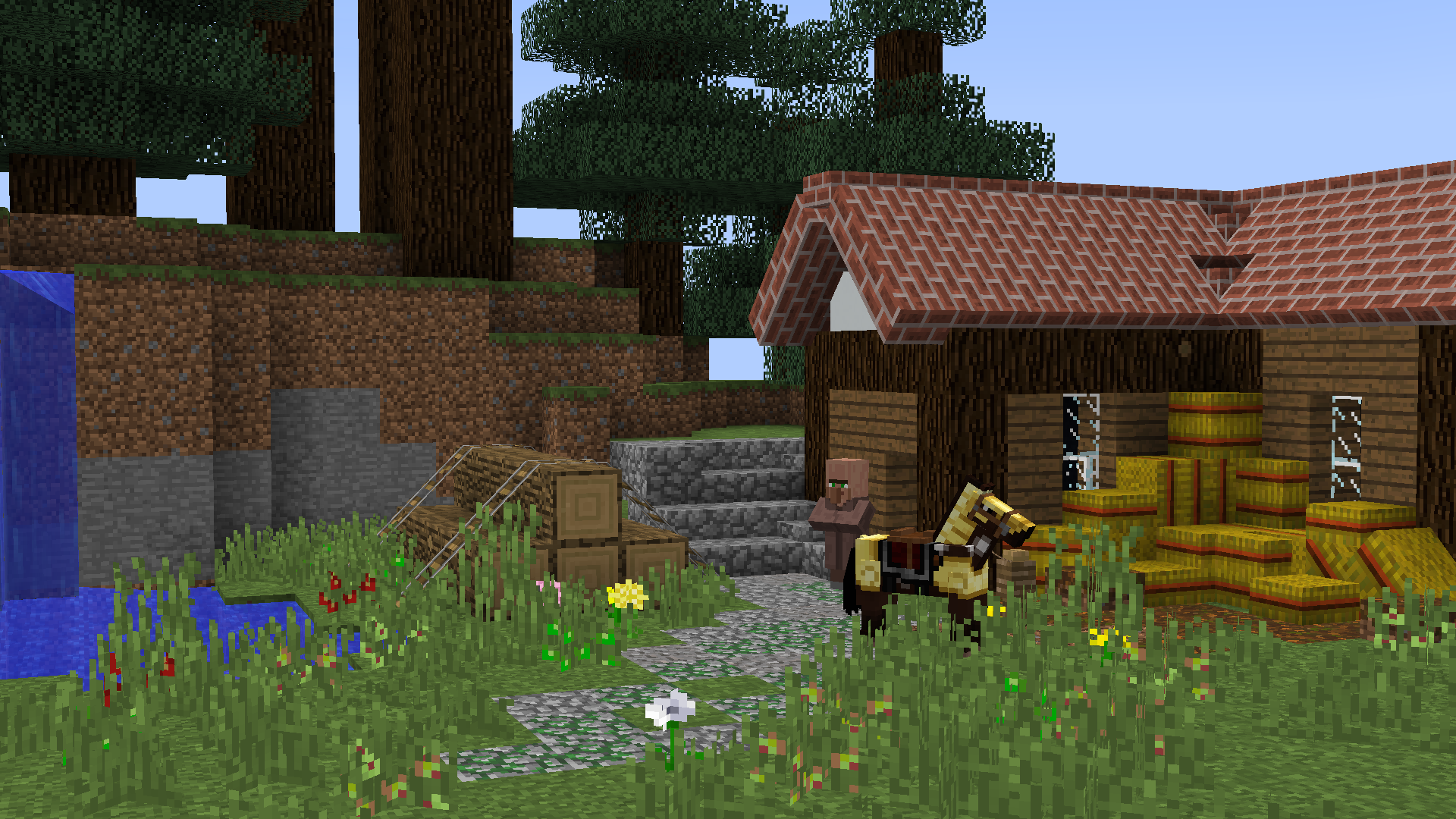
- slabs from directional blocks (logs, hay bales, etc.) can be placed accordingly
Blocks like furnaces do not have their slab variants
Special functions (like grass spreading) also apply to slabs.
INSTRUCTIONS:
Crafting
To make slabs from this mod you will have to craft them in the following shape:
OOO Imagine this as a crafting grid.
S S S -> 'S' represents a full block (ie. bricks)
OOO O represents empty space, meaning
you can place blocks in any row
You can also turn slabs into full blocks by placing them into 2 crafting grids.
You can convert vanilla slabs to mod slabs, and vice-versa, by simply placing them in the crafting table.
Snow slabs are crafting with 4 snow layers (shapeless recipe).
Placement mode & Axis mode
The mod implements 'placement modes'. They basically tell Minecraft how to place slabs (horizontally, vertically, 'on-axis' (aka in-the-middle) or sloped). The current placement mode is displayed in the top-left corner of the screen if a slab from this mod is in your hands. To cycle through them use F9 (to cycle backward) and F10 (to cycle forwards).
Types of placement modes:
Vanilla - slab placement is equal to original slabs
Vertical - slabs are placed vertically on the side of the block at which you are looking at
Faced - slabs stick to the face of the block you are looking at
Slope - slabs are placed on a 45-degree angle (useful for diagonal builds)
Rotational - slabs are placed vertically pointing according to your facing
Random - slabs are placed randomly (useful for disaster-type buildings)
Some blocks like logs, hay bales, pillar quartz and pillar purpur blocks are directional, meaning they face a certain axis. Axis modes do what placement modes do - they tell Minecraft what axis should the block you are about to place face. The current axis mode is displayed under the current placement mode only if you're holding a 'directional slab'. If you're holding a 'directional slab' in your hands, F9 cycles forward through placement modes, but F10 cycles through axis modes.
There are 3 axis modes: X-axis, Y-axis, Z-axis.
The Better Slabs Mod Team
