
Better Perspective
- By
screenshot-2.jpg
screenshot-1.png
Description
📷 Better Perspective
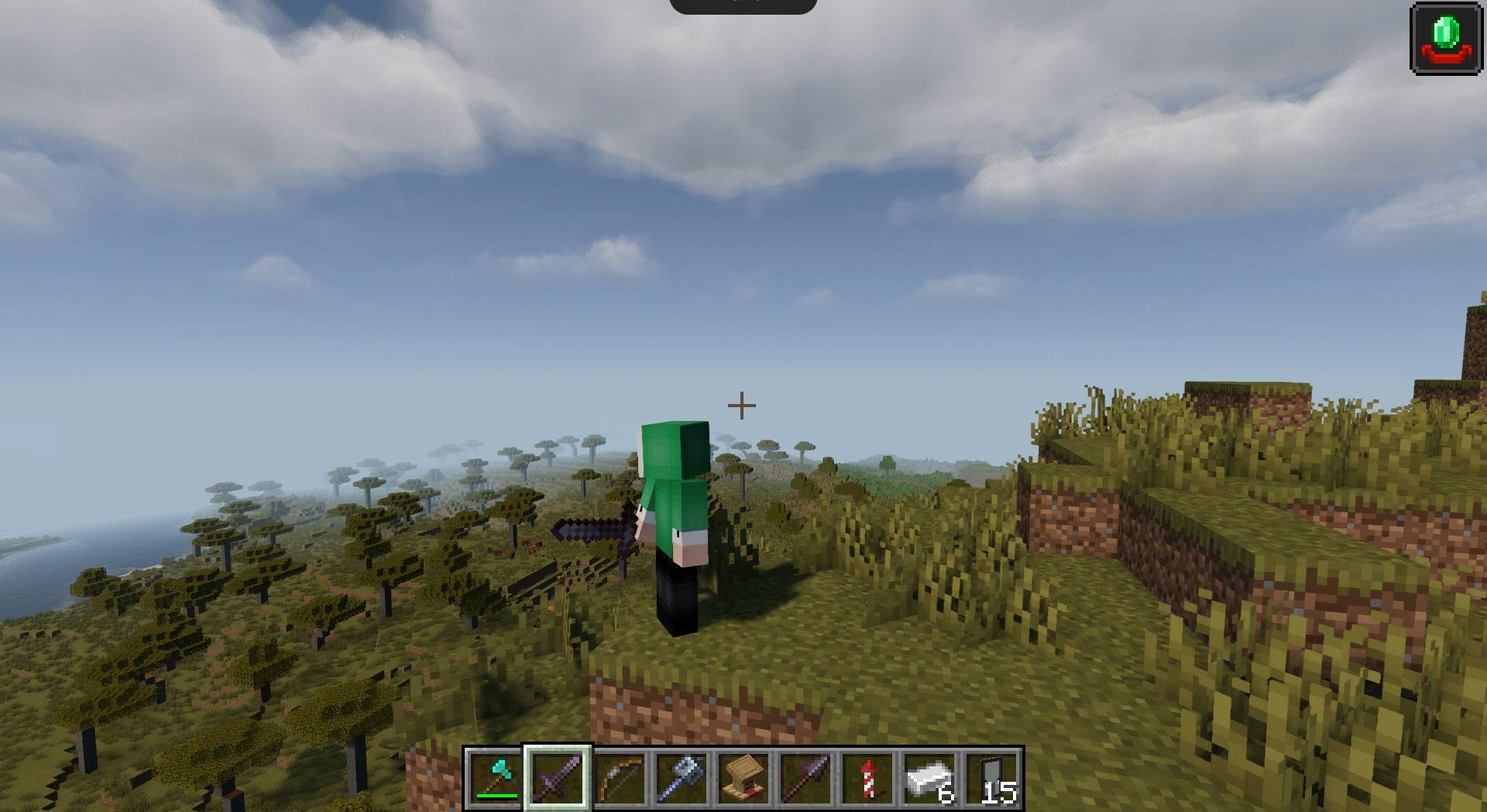
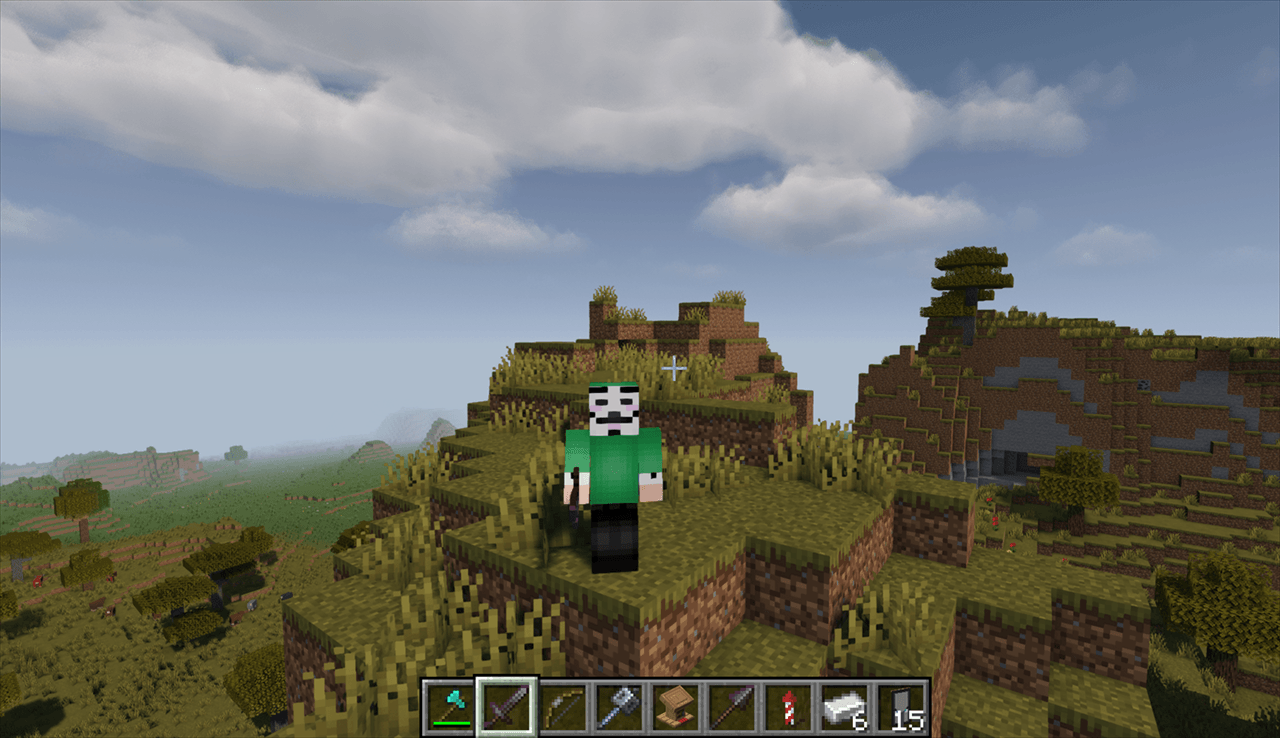
Better Perspective transforms Minecraft's rigid third-person view into a modern, cinematic, and responsive over-the-shoulder camera system inspired by modern action games and GTA V.
Enjoy fluid combat, precise archery, and immersive exploration without feeling disconnected from your character!
✨ Key Features
- 🎯 Over-The-Shoulder Perspective: Smooth, offset third-person camera that keeps your crosshair centered and targets in clear view.
- ↔️ Shoulder Swapping: Instantly switch between Right and Left shoulder view with a single keypress (Default:
H). - 🔍 Precision Aim Zoom: Automatically zooms in when drawing a bow, loading a crossbow, or holding the aim key (Default:
C), complete with an accurate third-person crosshair. - 🔄 360° Free-Look: Hold the free-look key (Default:
B) to look in any direction around your character without turning your body or interrupting your movement. - ☁️ GTA V-Style Sky Transition: Press the cinematic key (Default:
G) to trigger a smooth, sky-high transition effect. - 📏 Multiple Distance Modes: Cycle between Close and Medium camera modes with (Default:
Z). - ⚙️ Highly Configurable: Supports ModMenu! Easily customize camera distance, horizontal/vertical offsets, FOV modifiers, and smoothness sliders in-game.
- 🛡️ 100% Client-Side: Works on vanilla servers, Realms, and multiplayer networks without needing the mod installed on the server.
🎮 Default Keybindings
| Action | Default Key | Description |
|---|---|---|
| Aim Zoom | C |
Smoothly zooms in with over-the-shoulder focus |
| Free-Look (360°) | B |
Hold to look freely around your player |
| Swap Shoulder | H |
Toggle between Left and Right shoulder |
| Camera Distance | Z |
Cycle between Close and Medium shoulder modes |
| Sky Transition | G |
GTA V-style cinematic sky zoom |
(All keybindings can be fully rebound in Minecraft's standard Controls menu)
❓ Frequently Asked Questions (FAQ)
Q: Can I use this on multiplayer servers or Realms?
A: Yes! The mod is purely client-side. It does not send illegal packets and is safe for normal multiplayer survival and creative servers.
Q: Do I need any dependencies?
A: It only requires Fabric API. ModMenu is recommended if you want to tweak settings in-game.
Q: Can I include this in my modpack?
A: Absolutely! You are free to include Better Perspective in any public or private modpack.
📜 License
Released under the MIT License. Free to inspect, modify, and build upon.
Better Perspective Team
