Better Bigger Bundles
- By
Upgrade Minecraft bundles by combining them for more capacity, and add a magnet that pulls nearby items into the bag.
Bigger Bundles
Upgrade Minecraft bundles by combining them for more capacity, and add a magnet that pulls nearby items into the bag.
Requires: Minecraft 26.1.2 · NeoForge 26.1.2.76+
How to use
Expand capacity
Put two bundles in a crafting grid. The result has capacity:
slots₁ + slots₂ − 1
Vanilla bundles start at 64 slots. Contents are merged when they fit. Magnet upgrades carry over if either input had one.
Magnet upgrade
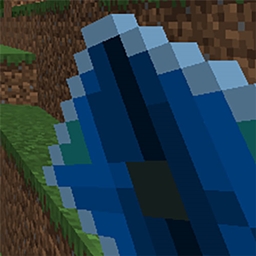
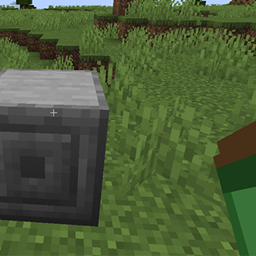
- Craft a Magnet Upgrade (iron, redstone, lodestone)
- Craft it with a bundle to install the magnet (starts off)
- Right-click air while holding the bundle to toggle the magnet
- Sneak + right-click still dumps contents like vanilla
When the magnet is on, nearby dropped items are pulled toward you and vacuumed into that bundle (from anywhere in your inventory).
What to expect
- Expanded bundles show their slot capacity in the tooltip
- Magnet state (ON / OFF) appears on upgraded bundles
- Combining works with dyed bundles; the first bundle’s color is kept
- The fullness bar still reflects how full the larger capacity is
Better Bigger Bundles Team