


Description
Introduction
Redstone Tools is a small mod that adds some convenient tools and commands for the creative mod or redstone builders.
This mod is available for Minecraft 1.17.1 Fabric. I have no plan to make Forge version or older Minecraft versions.
This mod currently supports English (en-us) and Traditional Chinese (zh-tw).
Commands
- /wool [color]
Gives you a wool with the specified color. For example, /wool red gives you a red wool.
[color] accepts abbreviations, so you don't need to type the full name of the color. If you want light_blue, you can just use libl
Somebody prefers other colored blocks, so I also made commands for them.
- /glass [color] Stained glass
- /conbl [color] Concrete block
- /conpow [color] Concrete powder
- /terra [color] Terracota
- /glaterra [color] Glazed terracotta
- /bar [int]
Gives you a barrel with specified signal strength.
For example, /bar 5 gives you a barrel containing 8 wooden axes so it can produce 5 signal strength.
- /shulker [int]
This one is like the last one, but it gives you a shulker box instead of a barrel.
- /lectern
Gives you a lectern which contains a book with 15 pages.
You can controll signal strength easily with a lectern.
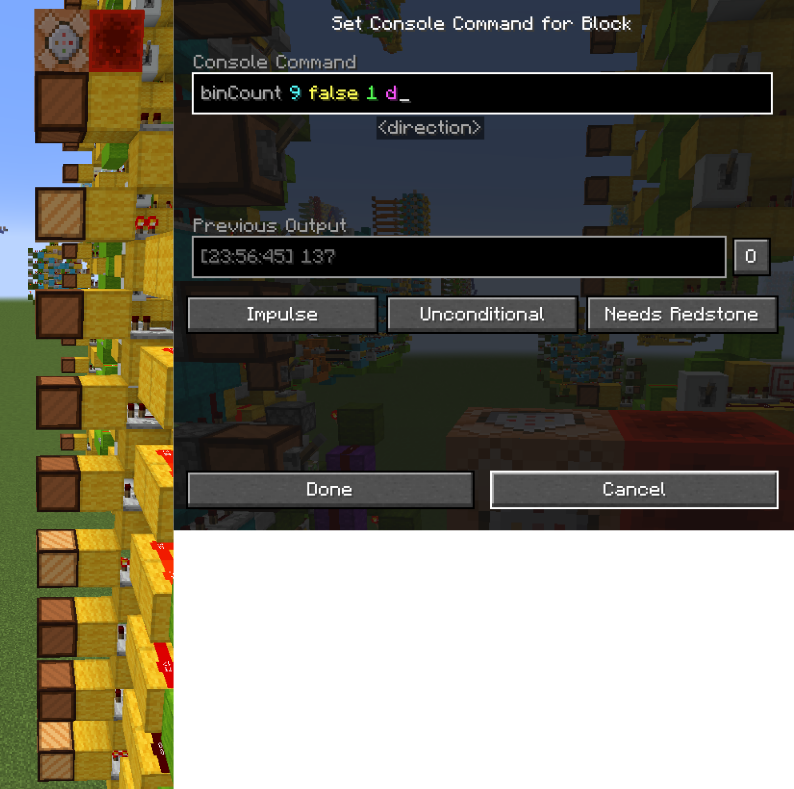
- /binCount [bits] [signed] [distance] [direction]
This command can calculate a binary number represented by redstone lamps.
It is useful when you are building logical redstone.
[bits] : Int. The bits of the binary number. It can be at most 63.
[signed] : Boolean. The number is signed or unsigned. Using 2's complement if it is signed.
[distance] : Int. The distance between two redstone lamps.
[direction] : The direction of redstone lamps. It can a name, such as down, north, east, d, n, e. It can also be an axis, such as -y, -z, +x.
Note : You have to execute this command above the MSB block.
- /hexCount [size] [signed] [distance] [direction]
This is similar to binCount, but it calculates a hexadecimal number instead.
The number is represented by the power level of redstone dusts.
[size] is the digits of the number. It can be at most 16.
Here's an example.
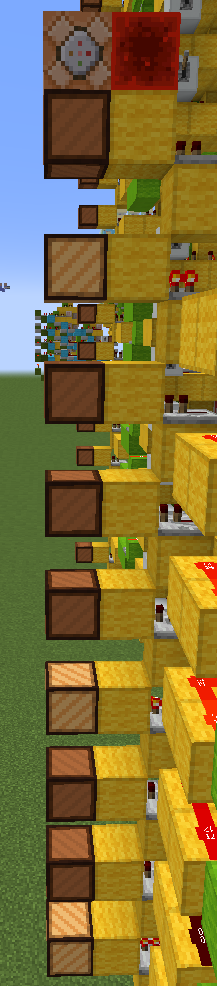
There are 9 redstone lamps which represent a 9 bit number. I want this number to be unsigned. The distance between redstone lamps is 1 block. The direction of blocks is down (Top is MSB, bottom is LSB)
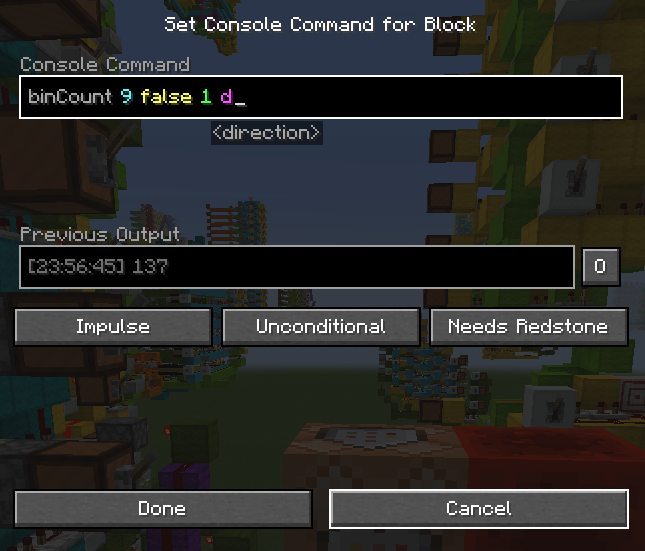
So the command becomes binCount 9 false 1 d
The result is 128+8+1=137.
- /killitem
This command can remove all item and xp orb entities.
- /slab
Just gives you a slab, because I am too lazy to grab it from my inventory lol.
Keys
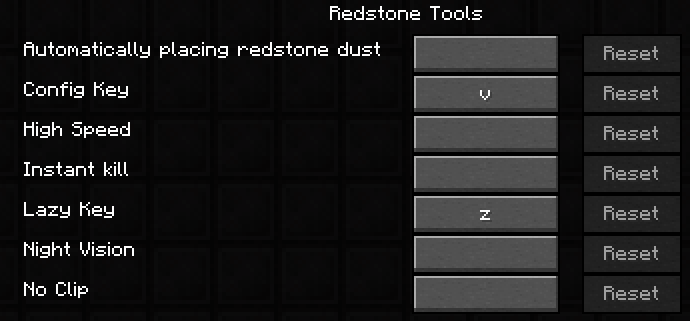
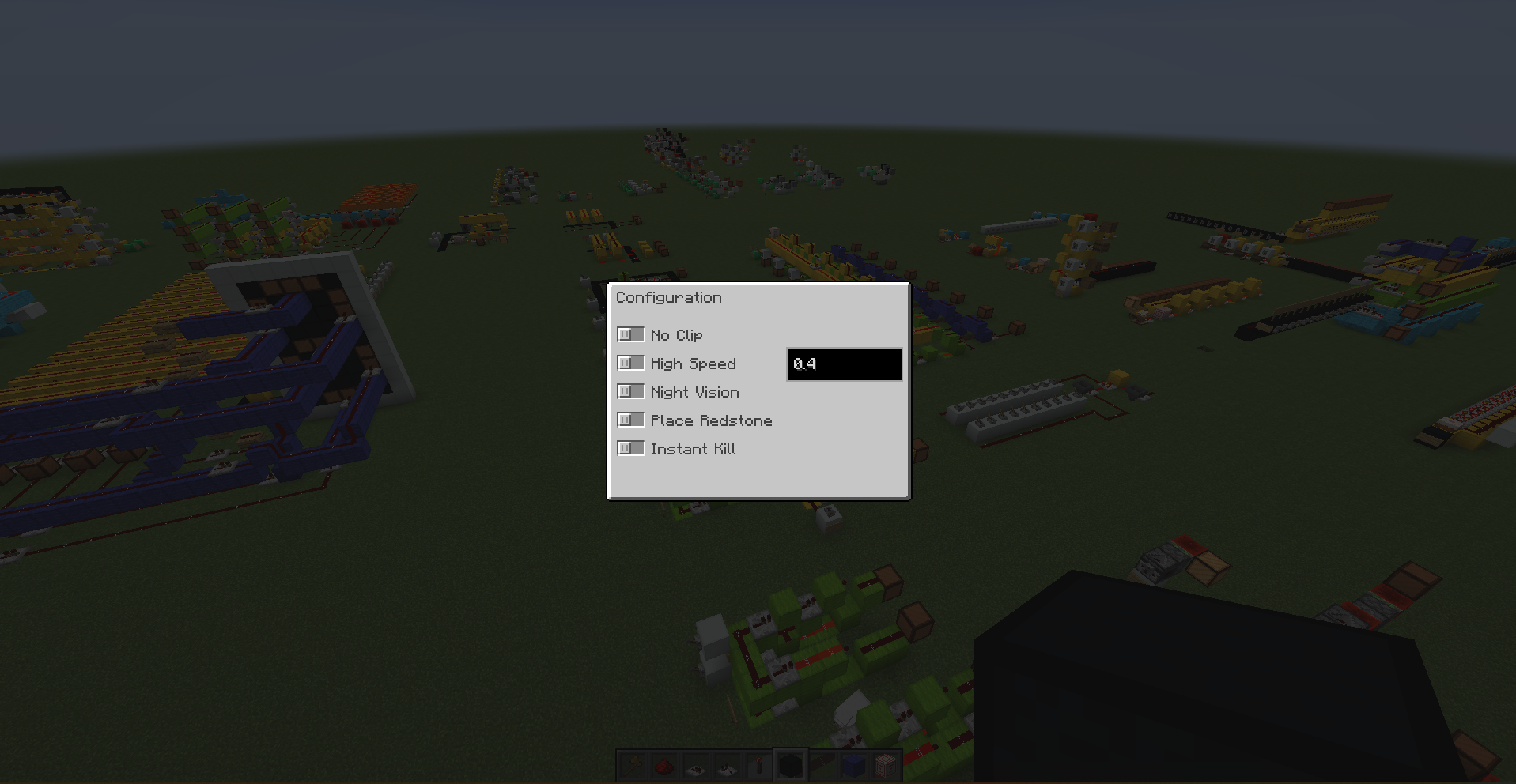
- Config key (V)
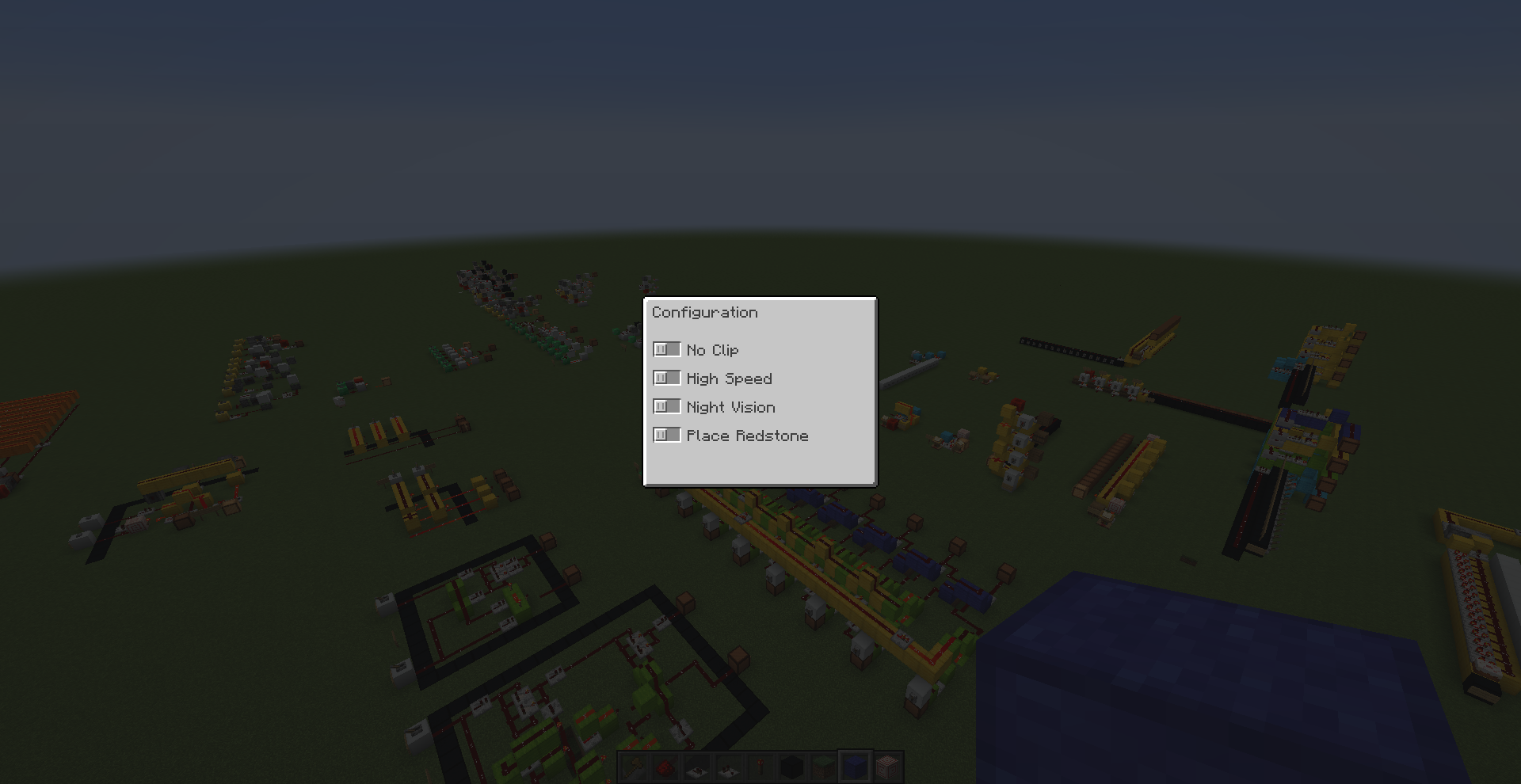
It will open a menu, and you can choose some abilities there.
Such as noclip, high speed, night vision, instant kill, instant break and auto redstone placing.
Maybe I will add more abilities in the future.
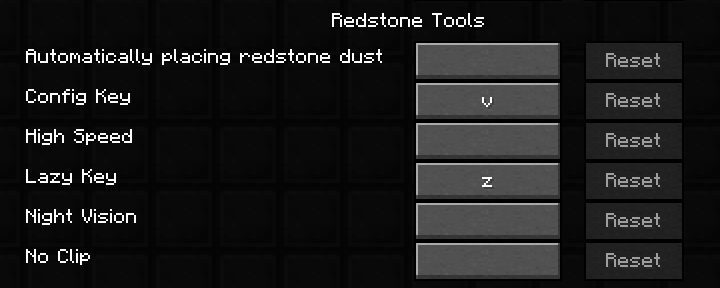
If you don't want to open the menu everytime, you can set keybindings for those abilities.
- Lazy key (Z)
With this key, you can get redstone components easily.
Press this key and it gives you a redstone dust and a repeater.
While holding a repeater, it gives you a comparator.
While holding a comparator, it gives you a redstone torch.
Ingame Hud
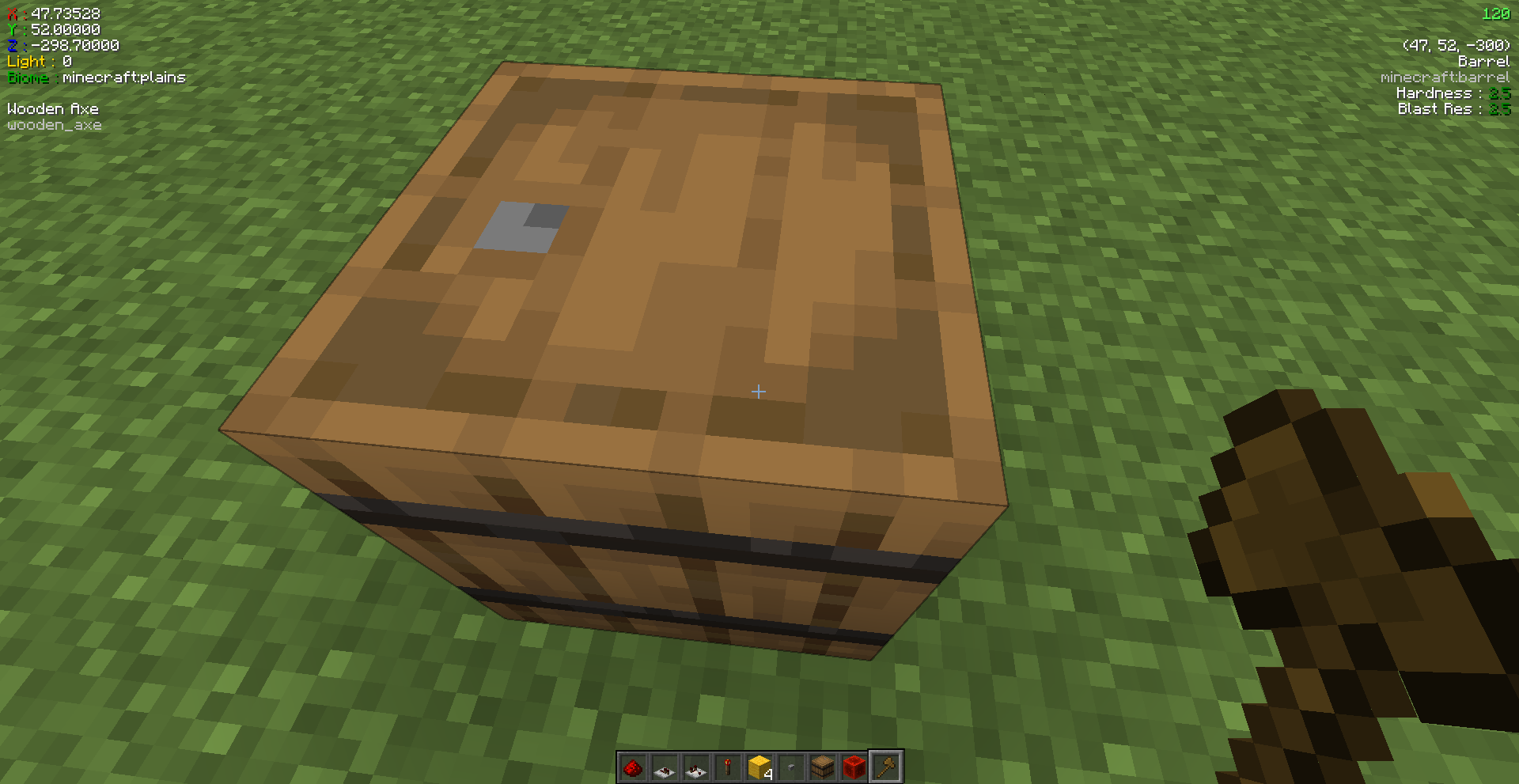
Display some information on the screen. You can use F8 to toggle the hud.
- Player's coordinates, biome and light level
- Hand held item, including enchantments, attribute modifiers and custom potion effects
- Targetted block
I might add more block information in the future.
Icon is from Flaticon.
Ben's Redstone Tools Team
