BellsMod
- By
2026-07-13_21.39.31.png
2026-07-13_21.39.36.png
2026-07-13_21.39.44.png
2026-09-19_15.38.57.png
Description
BellsMod
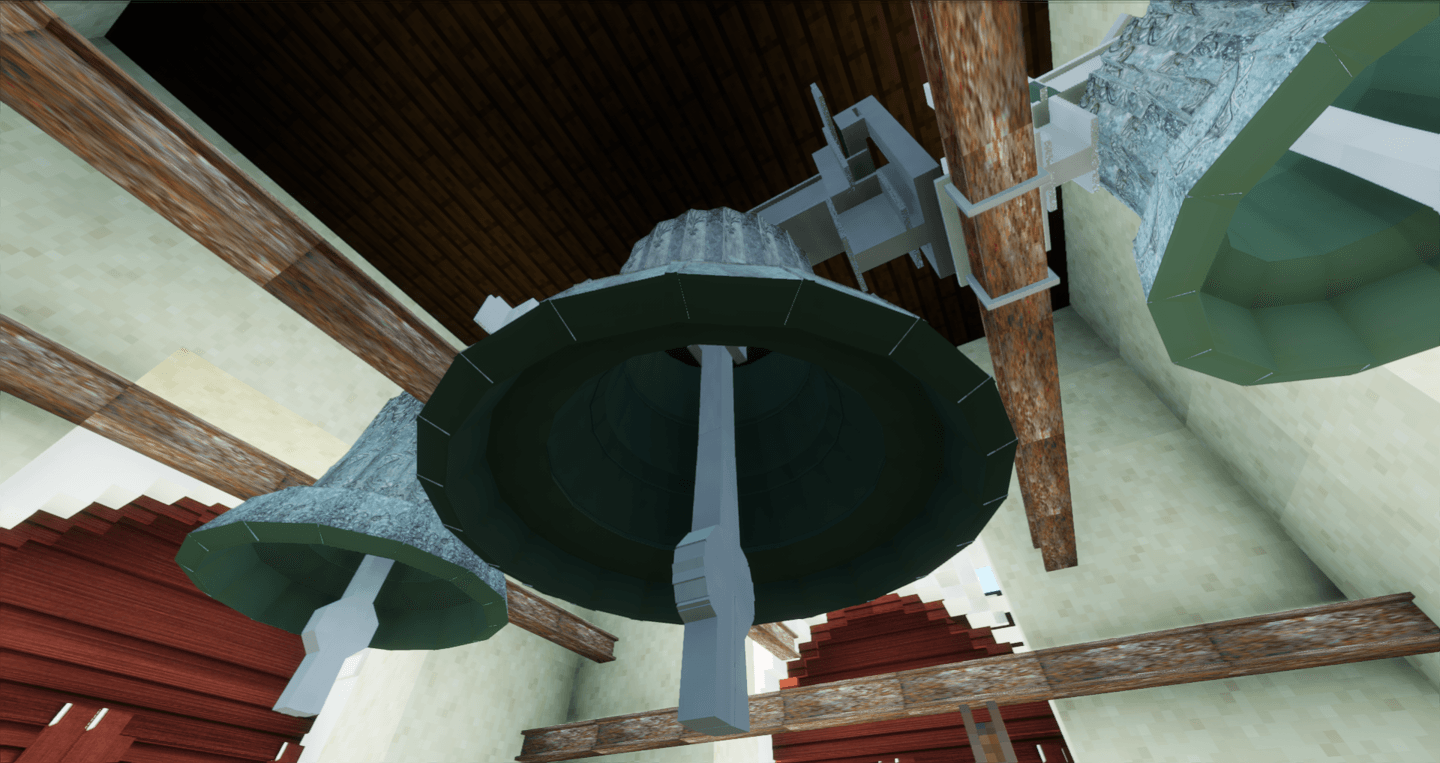
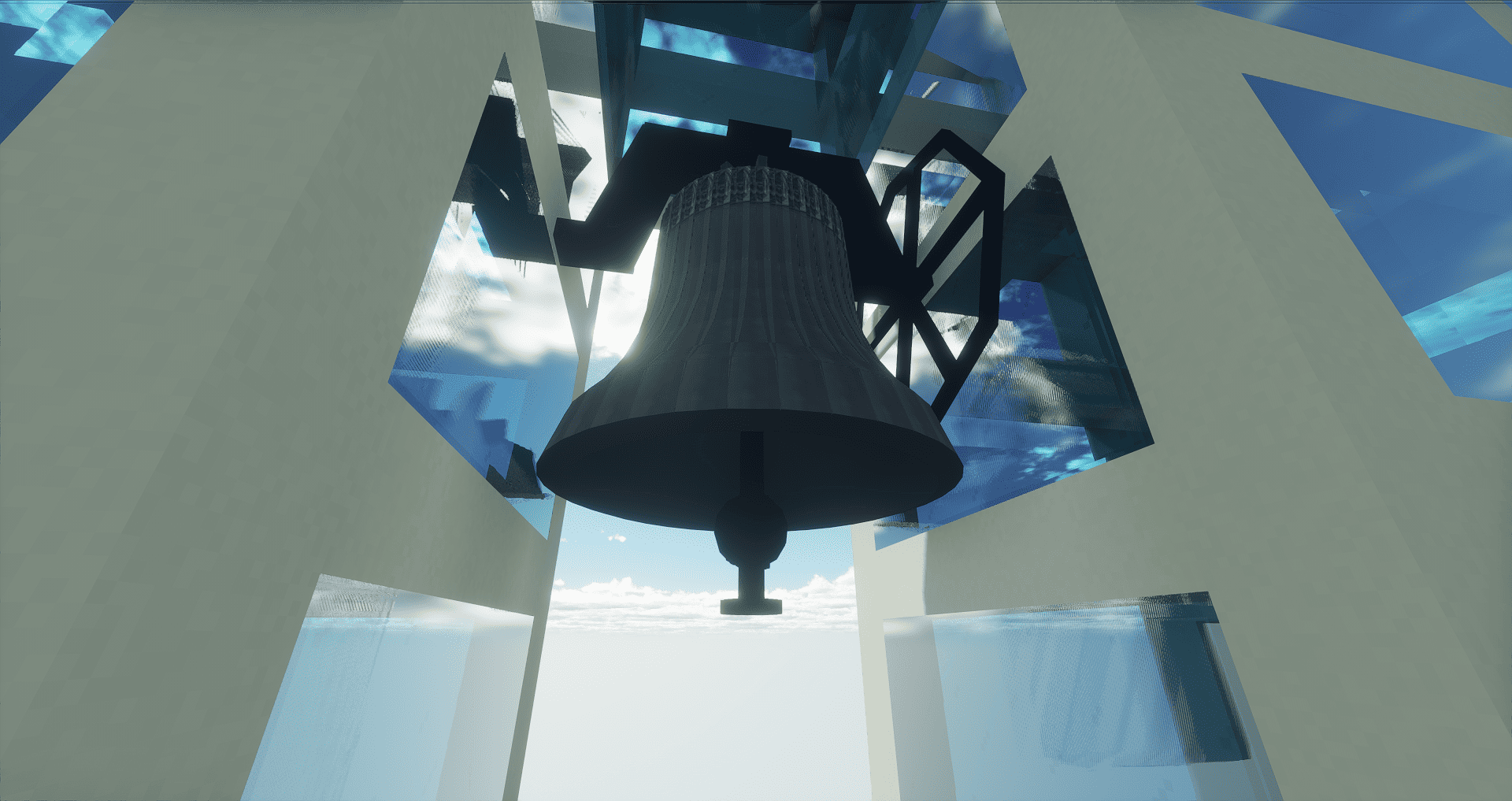
Realistic church bells, bell towers and church decorations for Minecraft 1.16.5 (Forge)
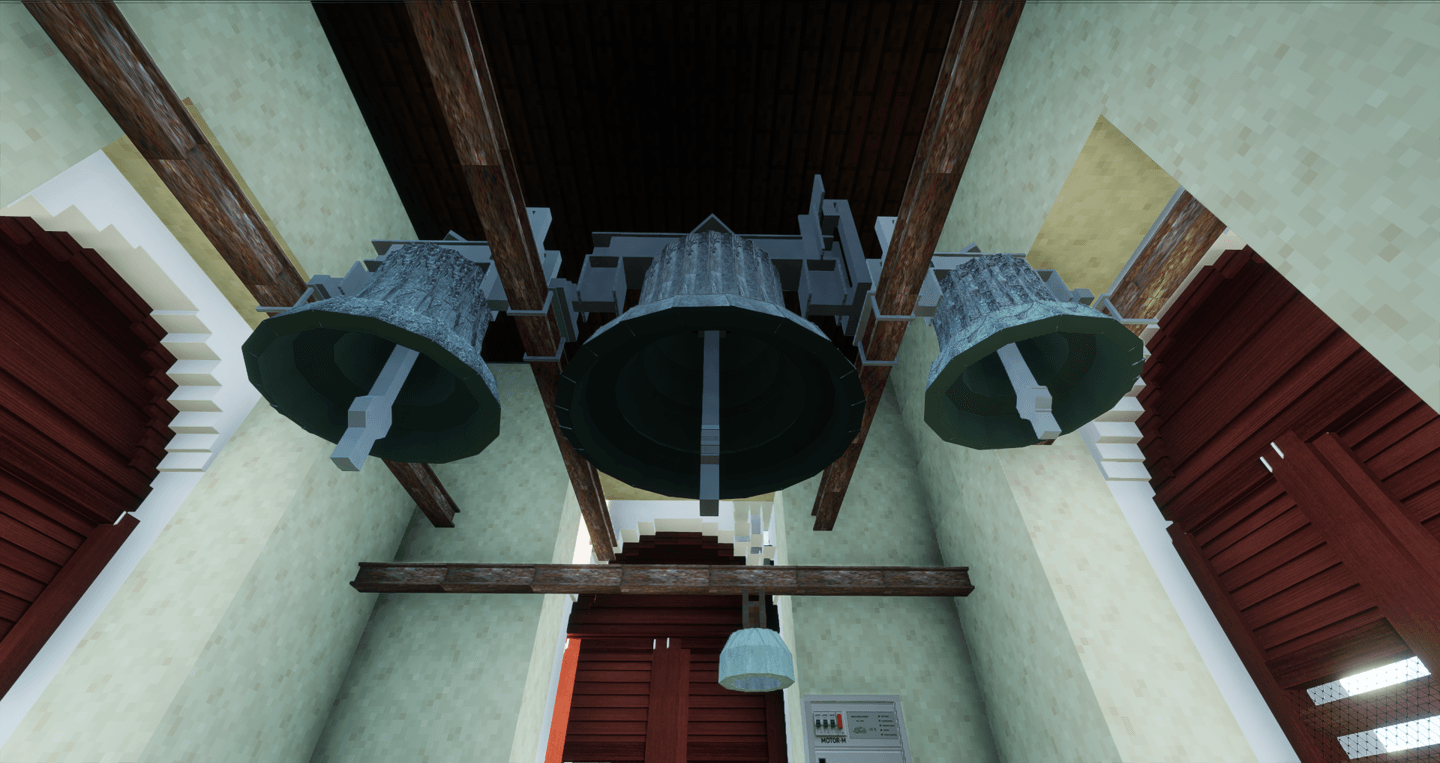
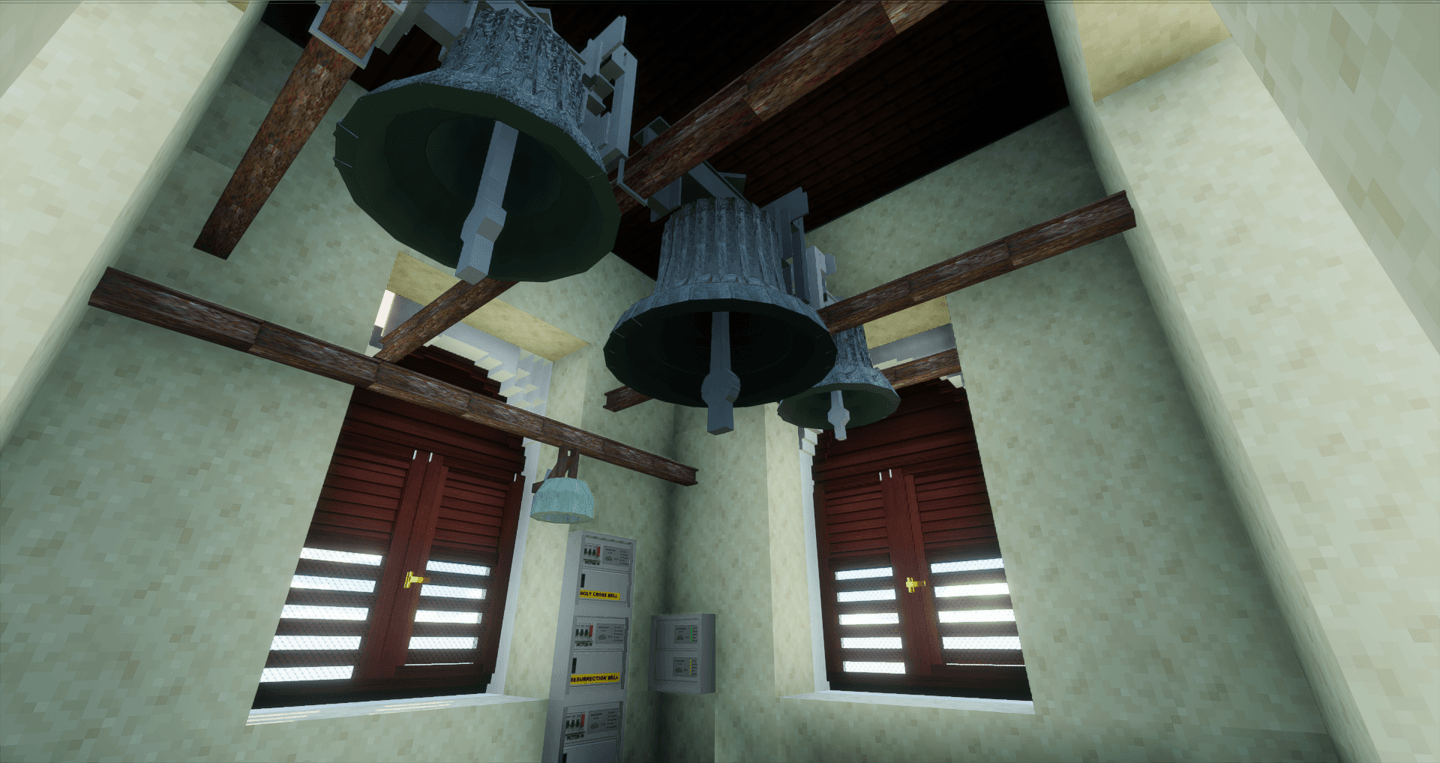
BellsMod brings realistic church bells, animated tower clocks, automatic bell ringing systems and decorative church blocks into Minecraft.
Every bell has its own model, sound and ringing behavior, with realistic swinging animations and different clapper mechanisms.
BellsMod is designed for building authentic churches, chapels, cathedrals and bell towers.
Features
27 Realistic Church Bells
BellsMod currently includes 27 realistic church bells, each featuring:
- Unique size and appearance
- Individual sound
- Realistic swinging animation
- Linear and rotary drive
- Falling or flying clapper mechanism
Every bell can be tested by:
- Right-clicking it with a Stick
- Shooting it with a Bow or Crossbow
For full ringing sequences, bells can be controlled using the Central Bell Controller.
Bell Support Structures
Most bells require a support structure before they can be placed.
Available supports:
- Steel Bell Support
- Wooden Bell Support
- Decorative Wooden Brace
The following large bells are exceptions and can be placed directly on any solid block:
- St. Urban Bell (2,628 kg)
- Holy Spirit Bell (8,000 kg)
- The Mother of God Bell (14,777 kg)
- Concordia 2000 Bell (18,000 kg)
- Maria Dolens Bell (22,639 kg)
- World Peace Bell (33,000 kg)
Central Bell Controller
The Central Bell Controller is used to control bells and create automatic ringing schedules.
Manual Ringing
The Manual Ringing section contains 27 buttons, one for each church bell.
Selecting a bell starts its complete ringing sequence.
Each ringing sequence lasts approximately 1 minute and 15 seconds.
After ringing, the bell continues swinging naturally until it completely stops.
Automatic Ringing
Create unlimited automatic ringing schedules with:
- Custom schedule names
- Exact in-game time
- Any combination of bells
- Day selection from Monday to Sunday
Schedules can be:
- Enabled
- Disabled
- Edited
- Deleted
Perfect for Angelus, hourly ringing or custom church traditions.
Exceptions
Automatic schedules can also have liturgical exceptions.
Select a feast day and you can:
- Disable an existing automatic schedule for that specific feast day
- Create a completely new automatic schedule that runs only on that feast day
This allows you to create different ringing traditions for specific days of the liturgical year.
Liturgical Calendar
BellsMod includes a 365-day Liturgical Calendar that keeps track of the current liturgical year.
The on-screen indicator displays:
- Date — shown in white
- Liturgical season — shown in green
- Feast day — shown in yellow
The Liturgical Calendar works together with the Automatic Ringing Exceptions, allowing bells to behave differently on specific feast days.
You can manually change the date using the /date set <day> <month> command. For example, /date set 24 12 sets the Liturgical Calendar to December 24.
This is especially useful if you want your Minecraft world to follow the same liturgical date as in real life — for example during Christmas, Easter or other feasts — so the corresponding holidays, ringing schedules and exceptions can take place in-game.
BellsMod Settings
Press K to open the BellsMod Settings.
The settings menu includes:
- Clock Overlay — show or hide the clock overlay
- Liturgical Calendar — show or hide the liturgical calendar indicator
- Time Format — choose between 24-hour and 12-hour format
- Bell List — view all bells and their assigned numbers
- Crafting Recipes — view all BellsMod crafting recipes
Hiding the Clock Overlay or Liturgical Calendar only hides their visual indicators. The actual time and liturgical calendar continue running normally in the background.
Bell Foundry
Bells are no longer crafted directly.
Instead, they are cast using the Bell Foundry.
To cast a bell, you need:
- Bell Foundry
- Bell Mold
- Bell Bronze
Place the Bell Mold and Bell Bronze into the Bell Foundry, enter the number corresponding to the bell you want to cast, and press OK.
The number of each bell can be found in the Bell List in BellsMod Settings.
Bell Mob Repeller
When a bell is ringing, it also acts as a mob repeller.
Hostile mobs within its effect will begin moving away from the ringing bell.
Clock Chime
The Clock Chime is an automatic bronze chime that strikes every Minecraft hour.
It automatically rings according to the current in-game time.
For example:
- 03:00 → 3 strikes
- 08:00 → 8 strikes
- 12:00 → 12 strikes
No setup is required.
The Clock Chime has a distinctive upside-down bowl shape.
Clock Bells
BellsMod also includes 3 Clock Bells.
They work using the same principle as the Clock Chime and automatically strike according to the current in-game time.
Unlike the Clock Chime, they have the traditional shape of a church bell.
Westminster Chime
The Westminster Chime is a set of bells inspired by the famous Westminster clock chime and Big Ben.
Because a Minecraft hour is much shorter than a real-world hour, the original quarter-hour sequence has been adapted for Minecraft.
The adapted sequence is:
- 03:00 → 1/4 of the melody + 3 hour strikes
- 06:00 → 1/2 of the melody + 6 hour strikes
- 09:00 → 3/4 of the melody + 9 hour strikes
- 12:00 → Full melody + 12 hour strikes
At all other hours, the clock simply strikes the current hour.
Animated Tower Clocks
BellsMod includes 3 animated Tower Clock designs:
- Classic
- Illuminated
- Golden
The clock hands automatically move according to Minecraft time.
Perfect for:
- Churches
- Cathedrals
- Town halls
- Clock towers
- Historical buildings
Simply place a Tower Clock and it starts working automatically.
Church Decoration Blocks
BellsMod also includes decorative blocks designed to make churches and religious buildings look more authentic.
Available decorations:
- Statue of Jesus
- Statue of Virgin Mary
- Wooden Cross
- Altar Table
- Ambo
- Nativity Scene
- Holy Grave
- Advent Wreath
- Holy Water Font
- Jesus Stained Glass
- Shutters
- Bench
- Chair
- Seat
- Reflector
- Resurrection Painting
- Stations of the Cross Painting
Most of these blocks are purely decorative.
The Advent Wreath has an additional feature: using Flint and Steel on it allows you to light the candles one by one.
Requirements
- Minecraft Java Edition 1.16.5
- Forge 1.16.5
- GeckoLib 1.16.5 — geckolib-forge-1.16.5-3.0.19
Important: BellsMod requires exactly GeckoLib 3.0.19 for Minecraft 1.16.5.
Official download:
Forge: https://files.minecraftforge.net/net/minecraftforge/forge/index_1.16.5.html
Geckolib: https://www.curseforge.com/minecraft/mc-mods/geckolib
Installation
To use BellsMod, you must also install the correct version of GeckoLib.
- Install Minecraft Forge 1.16.5.
- Download BellsMod.
- Download geckolib-forge-1.16.5-3.0.19.
- Place both BellsMod and GeckoLib into your mods folder.
- Launch Minecraft using the Forge profile.
BellsMod will not work without GeckoLib.
Included Content
- 27 realistic church bells
- Bell support structures
- Central Bell Controller
- Manual bell ringing
- Automatic bell ringing
- Liturgical Calendar
- Automatic ringing exceptions
- BellsMod Settings
- Bell List
- Crafting Recipes
- Bell Foundry
- Bell Bronze
- Bell Mold
- Bell Mob Repeller
- Clock Chime
- 3 Clock Bells
- Westminster Chime
- 3 animated Tower Clocks
- Church decoration blocks
©LarryCraft 2026
The BellsMod Team