Bedrock Skins

Allows Bedrock Edition and Legacy Console Edition skin packs to be used natively on Java Edition!
697e53a27f5cd315e1891fa7ef7790bb7e229dc2.png

697e53a27f5cd315e1891fa7ef7790bb7e229dc2.png

774f0eb51404cd01a9714f11b038dd917e3a896e.jpg

774f0eb51404cd01a9714f11b038dd917e3a896e.jpg

bbf92a2e549ca43b659595169123884fbd2edfed.png

bbf92a2e549ca43b659595169123884fbd2edfed.png

19cbdca6ae41d79cdf5bce78e489658781b63202.png

19cbdca6ae41d79cdf5bce78e489658781b63202.png

ff249526860883b966826a07d44958161263e4b0.png

ff249526860883b966826a07d44958161263e4b0.png

19cbdca6ae41d79cdf5bce78e489658781b63202.png

19cbdca6ae41d79cdf5bce78e489658781b63202.png

BrandonItaly | Bedrock Skins
Create a server, get 25% off your first monthaffiliate logo
Create Server
affiliate banner image

Description

Bedrock Skins

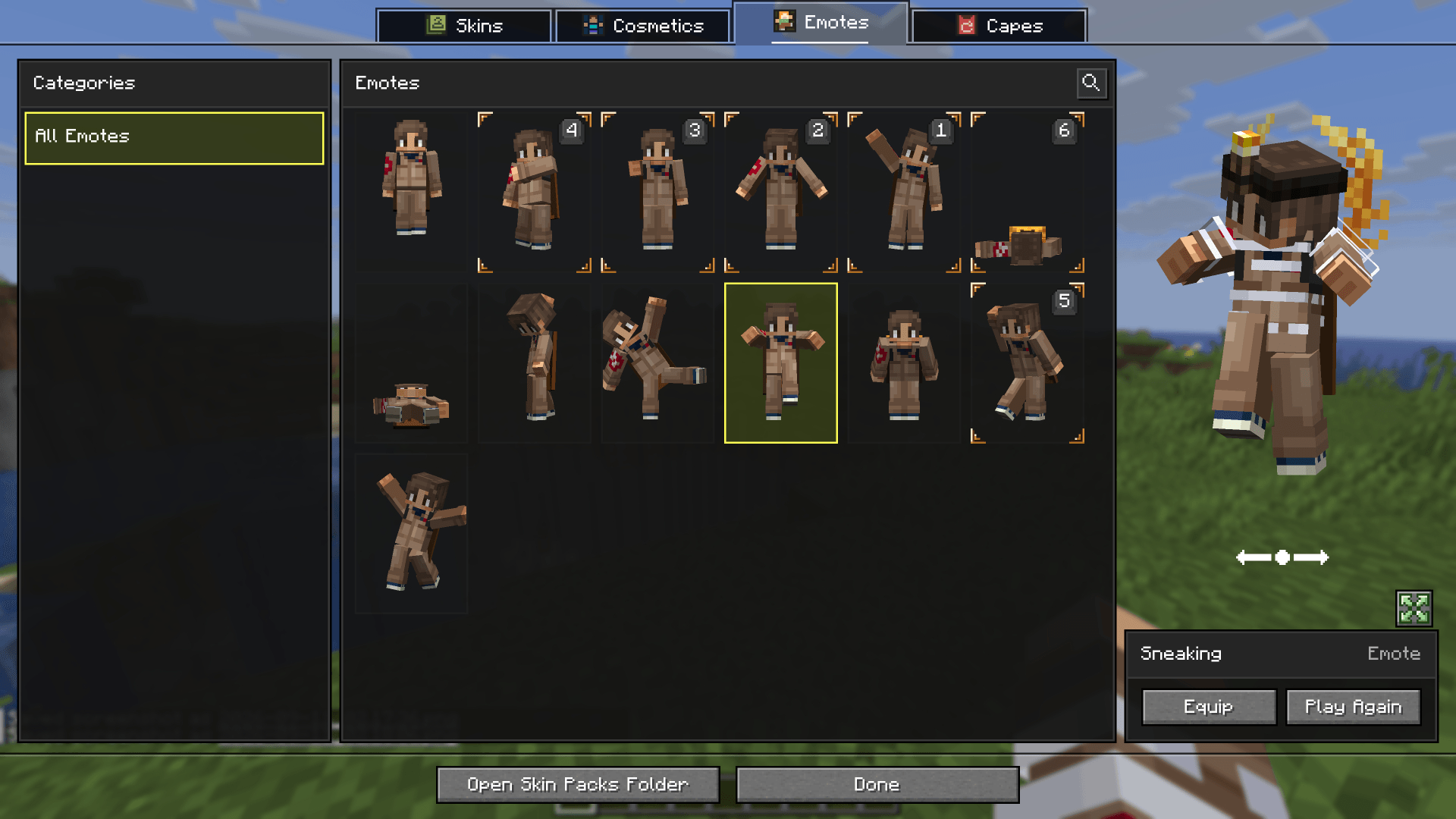
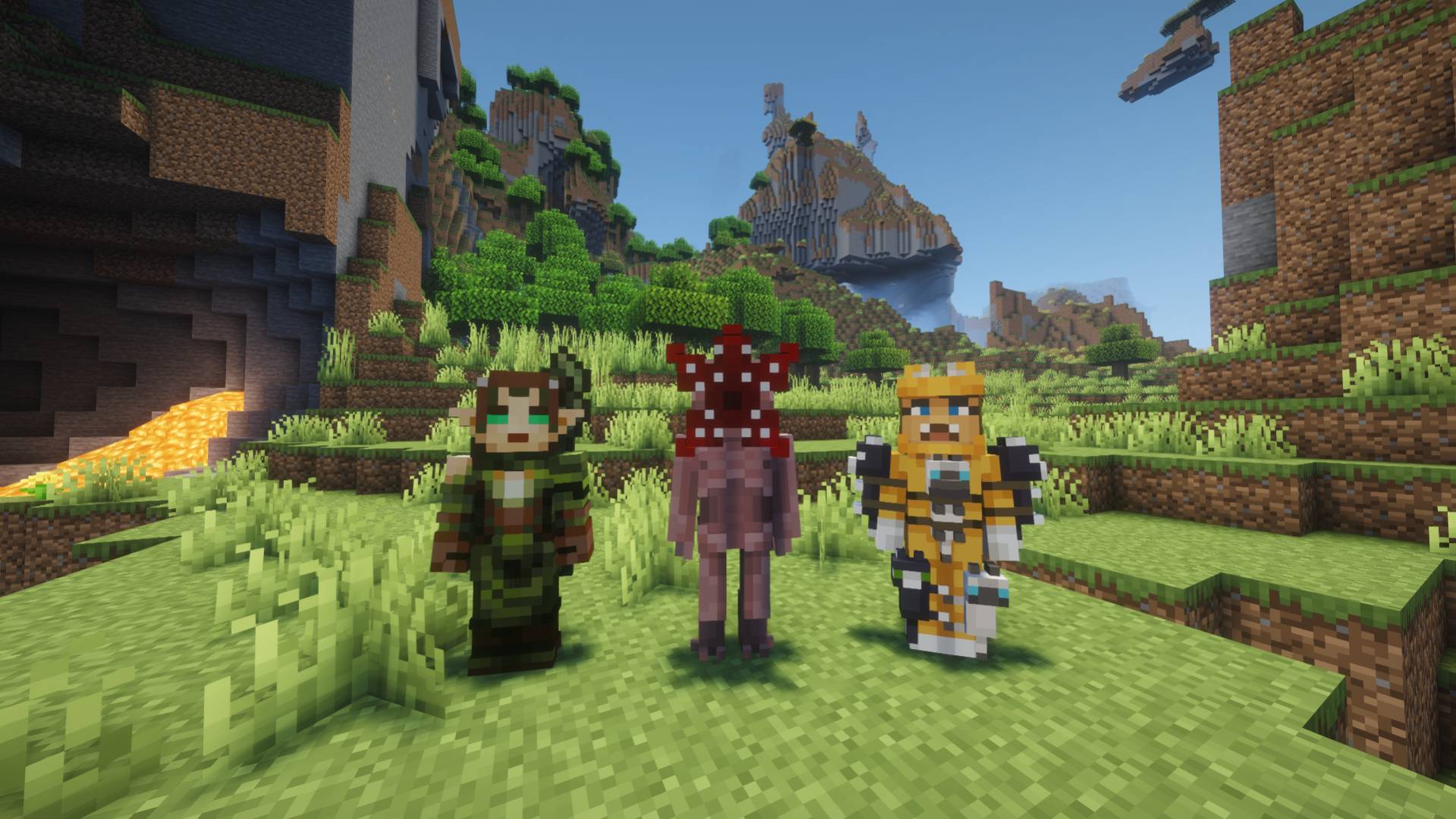
This mod allows you to load and render skins from Bedrock Edition and Legacy Console Edition Skin Packs natively. It enables fully custom 3D geometry, unique skin animations, as well as high-resolution textures.

Features

  • Native Bedrock Geometry: Natively supports standard Bedrock JSON geometry files, allowing for complex, custom 3D models.
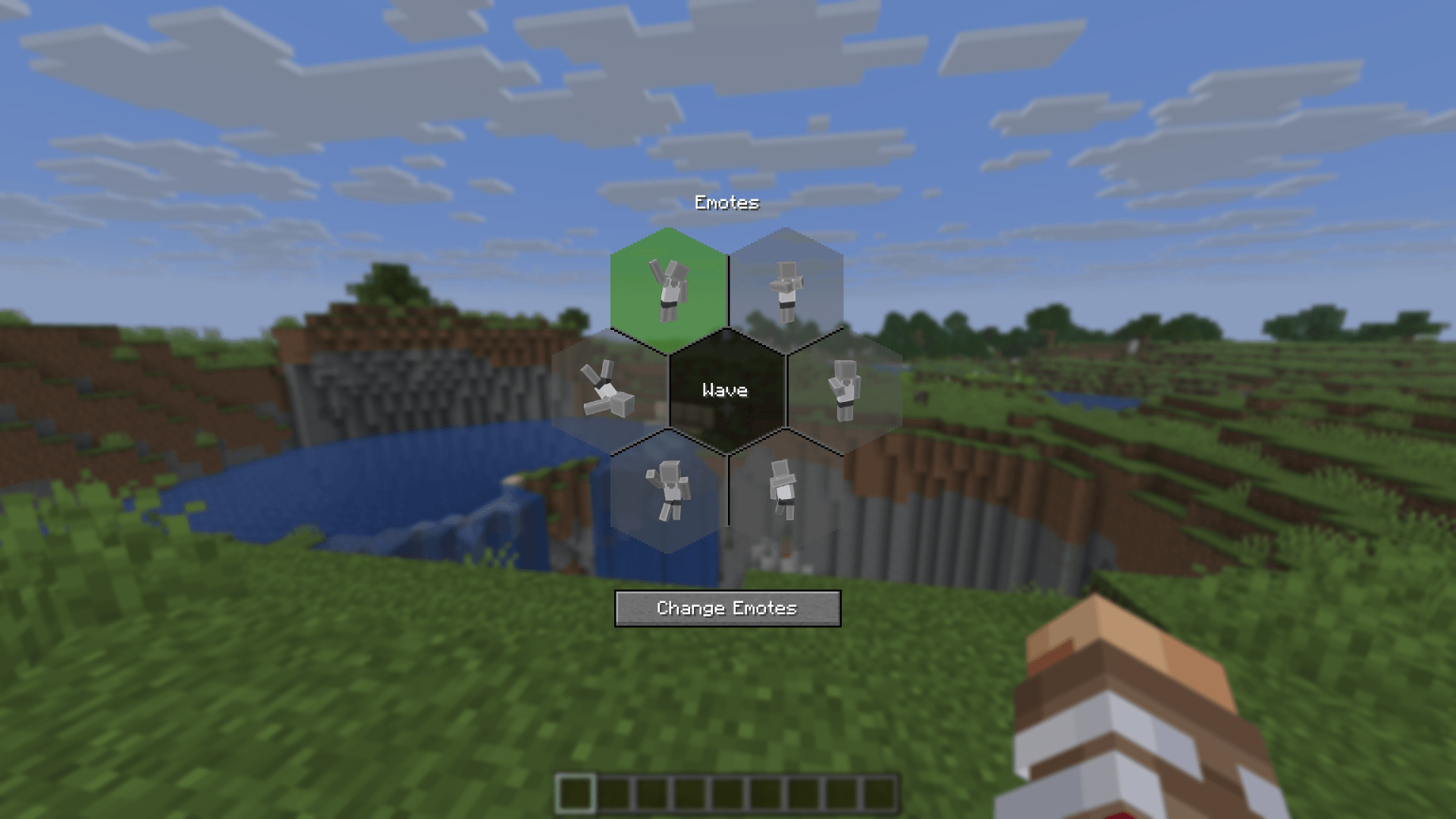
  • Custom Animations & HD Textures: Fully supports unique skin animations and high-resolution textures included in skin packs.
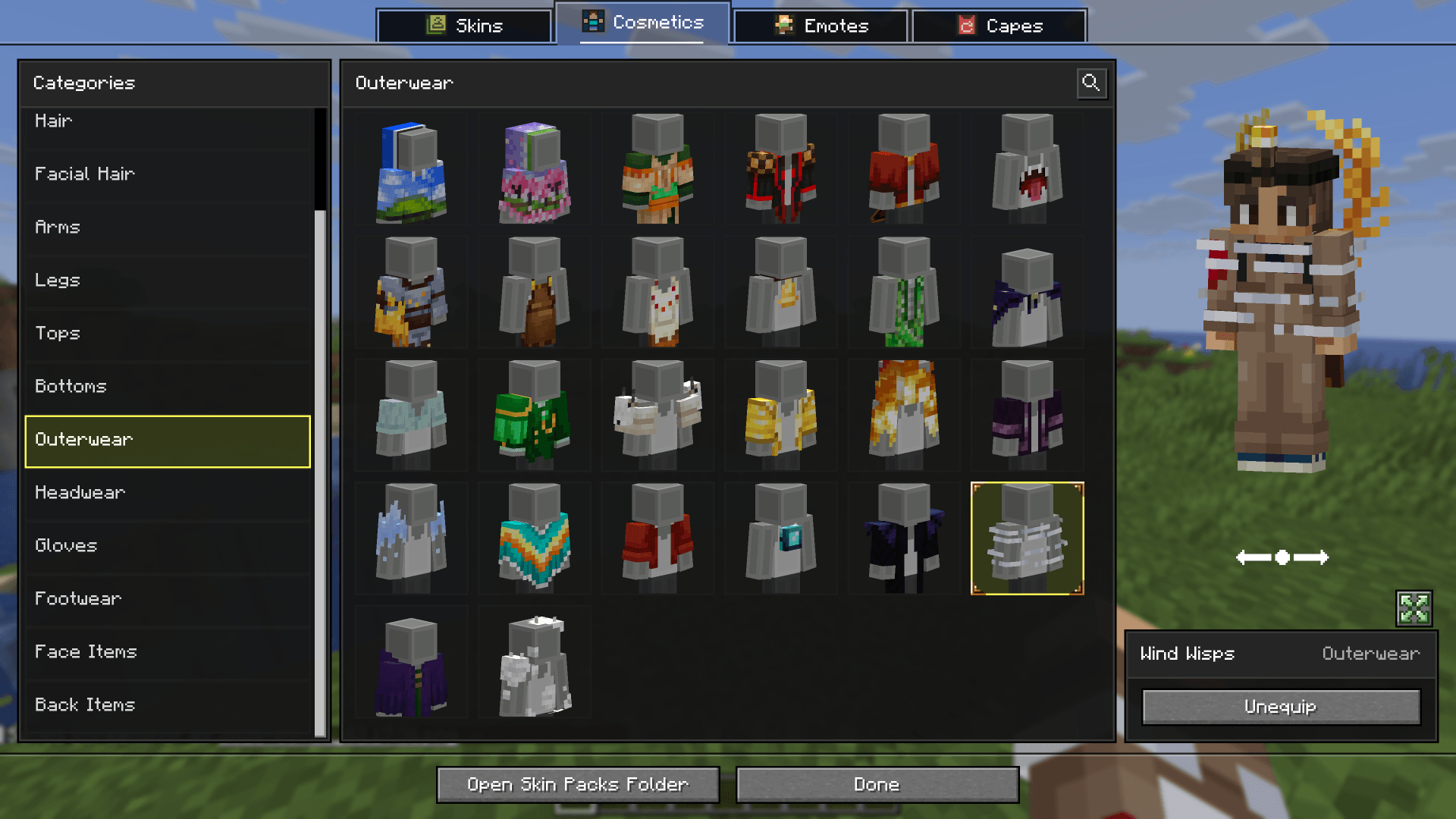
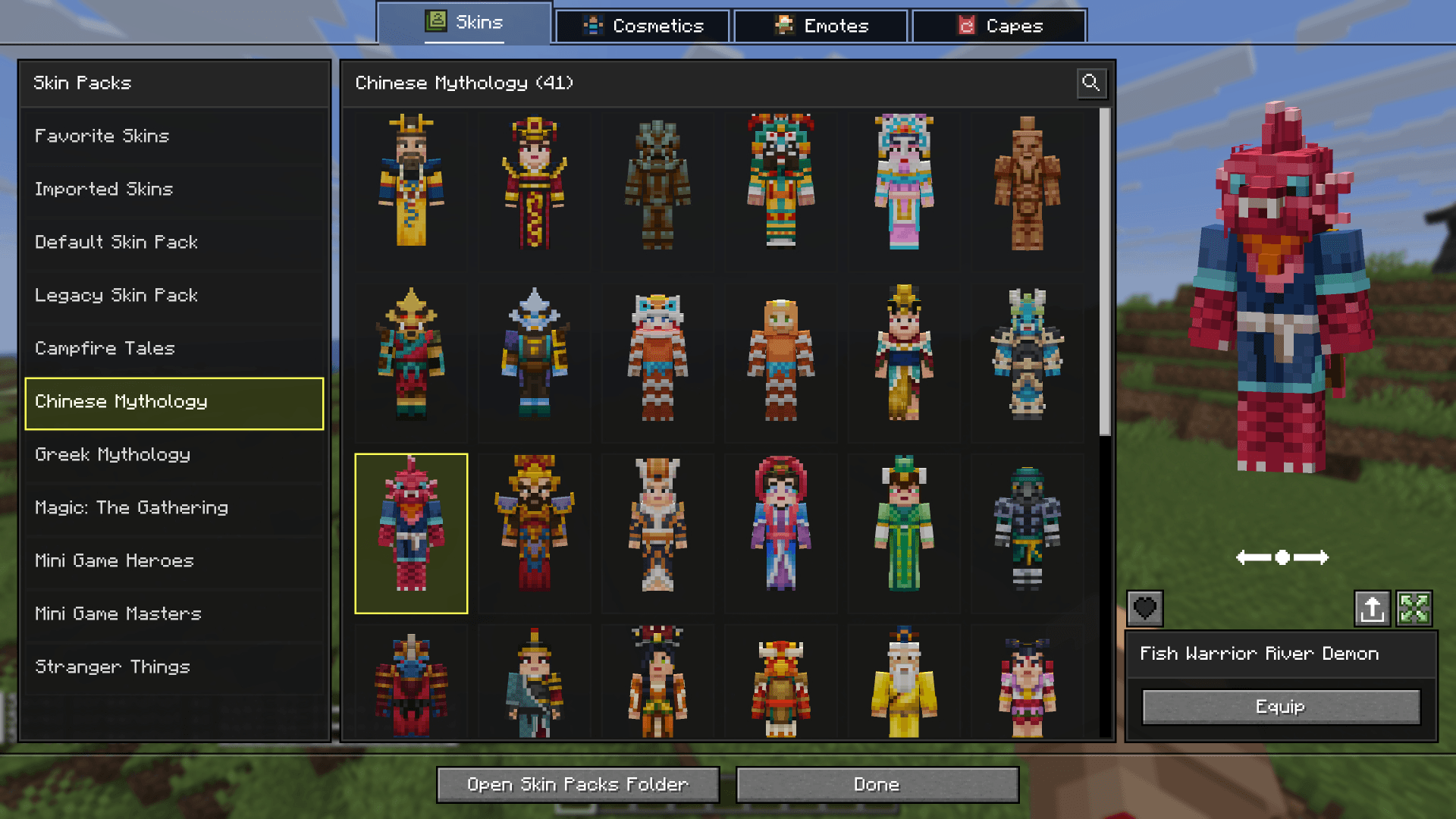
  • Change Skin Screen: Access the change skin screen by pressing K, or via the buttons added directly to both the Main Menu and the Pause Screen. Browse your installed packs, preview skins, and manage your favorites.
  • Paper Doll Render: Features a paper doll render of your currently selected skin in the Main Menu and the Pause Screen, right above the change skin button.
  • Legacy4J Compatibility: Enjoy native support for the Legacy4J mod.

Downloading Skin Packs

Additional skin packs can be downloaded with the following resource pack.

Adding Custom Skin Packs

  • Run the game once to generate the skin_packs folder in your main game directory (e.g., .minecraft/skin_packs).
  • Place your Bedrock Edition skin pack folders directly into this directory.
  • Ensure your pack folder contains a skins.json file. If your skins utilize custom models, a geometry.json file is also required.

Example: .minecraft/skin_packs/MyCustomPack/skins.json


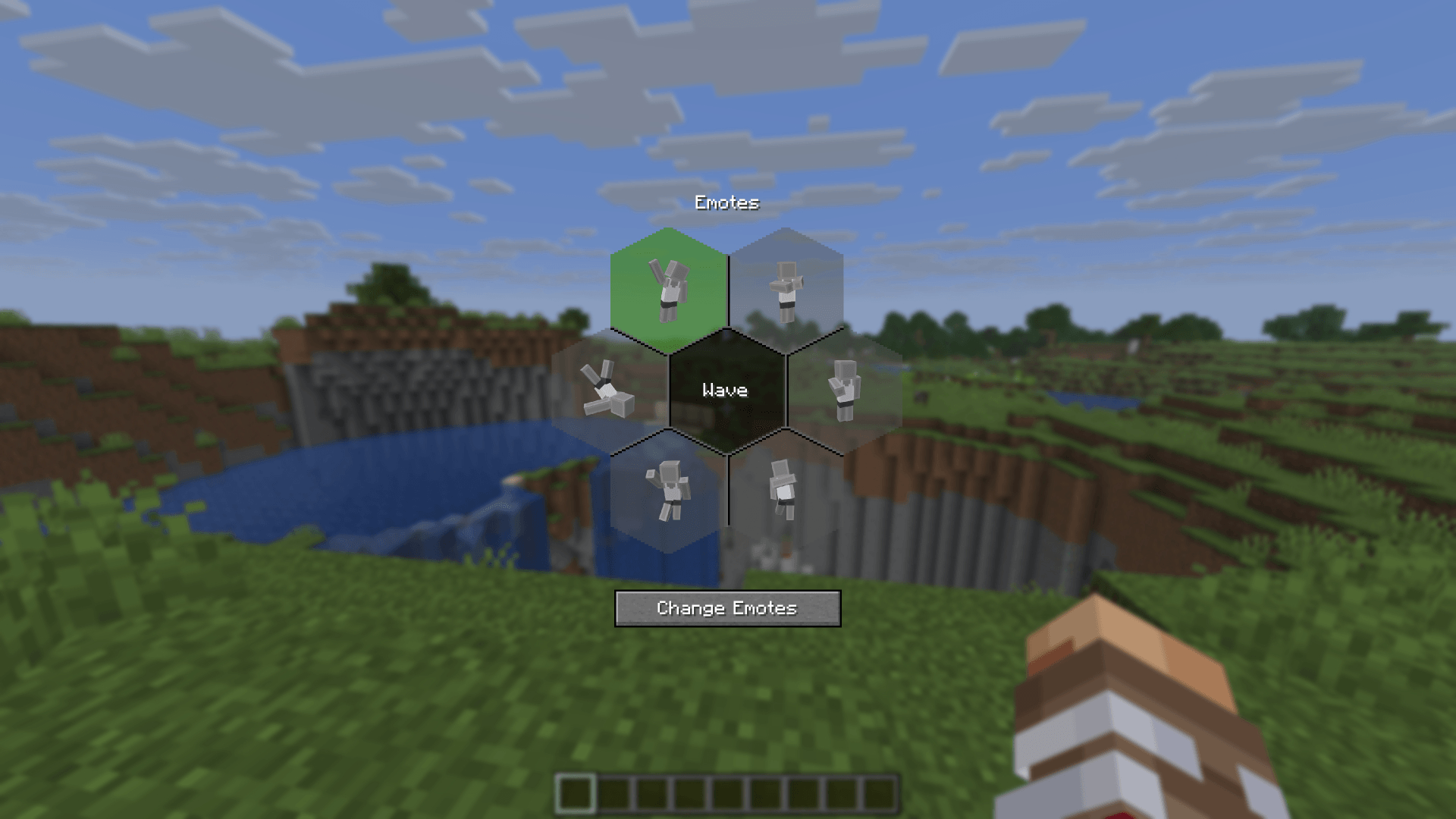
Skin Selector Preview

Legacy4J Support

Bedrock Skins Team

profile avatar
  • 59
    Followers
  • 19
    Projects
  • 498.4K
    Downloads
Donate

More from BrandonItalyView all