


Beacon More Space
- By
Dynamically scales beacon effect range based on the payment material used (Iron, Gold, Emerald, Diamond, Netherite) up to 100 blocks.
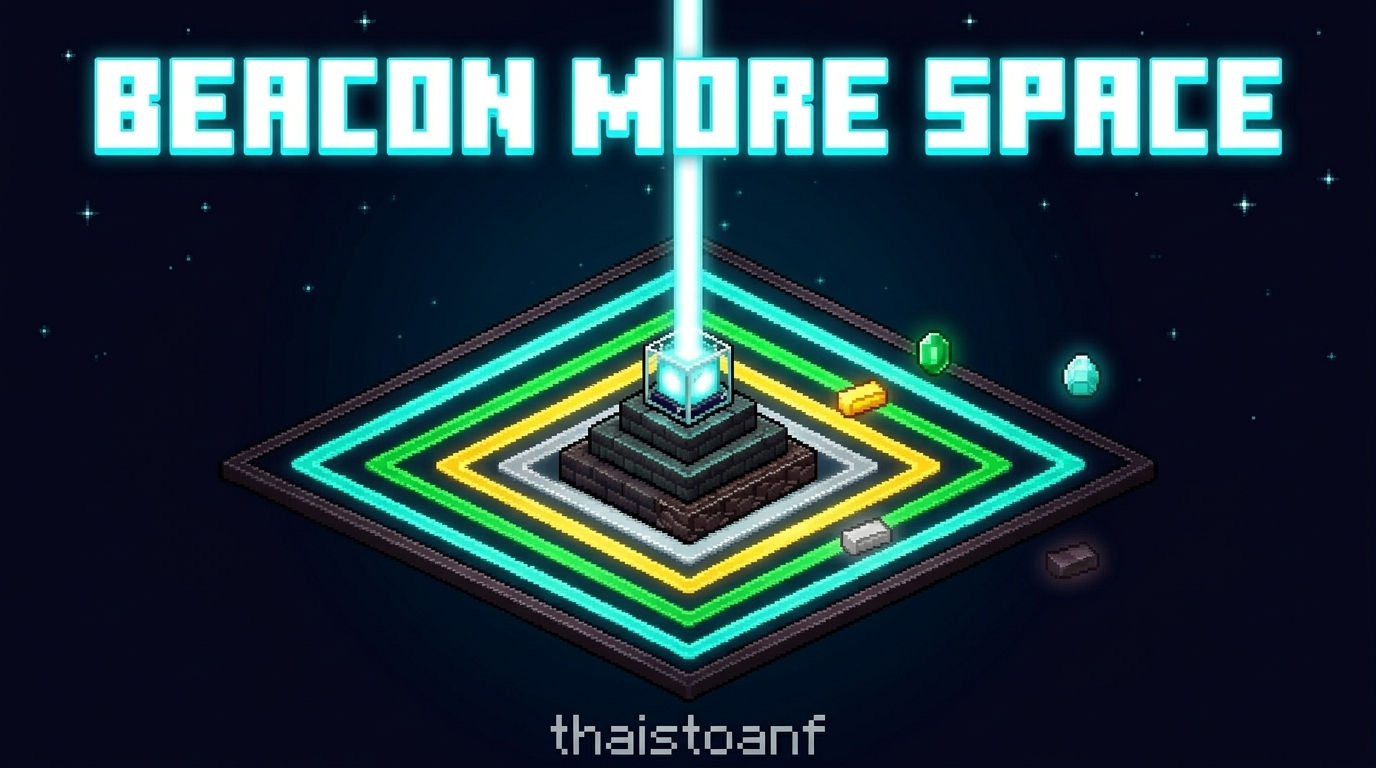
Beacon More Space
Beacon range that scales with the payment item you use.

1. Introduction
In vanilla Minecraft, the Beacon effect range depends only on the pyramid level. The item you pay to activate the Beacon makes no difference: an Iron Ingot and a Netherite Ingot give exactly the same range, so there is no reason to spend rarer materials.
Beacon More Space makes the payment item matter. The material you place in the Beacon payment slot when you confirm effects sets a permanent range bonus for that Beacon. Rarer materials cover more space, which helps on large bases, farms, and builds.
2. Description and Range Table
Formula
Base Range  (vanilla) = beaconLevel * 10 + 10
Bonus Range (payment) = Iron +0 | Gold +10 | Emerald +20 | Diamond +30 | Netherite +50
Total Radius R        = Base Range + Bonus Range
Range table (radius in blocks)
| Payment Item | Bonus | Level 1 | Level 2 | Level 3 | Level 4 |
|---|---|---|---|---|---|
| Iron Ingot | +0 | 20 | 30 | 40 | 50 |
| Gold Ingot | +10 | 30 | 40 | 50 | 60 |
| Emerald | +20 | 40 | 50 | 60 | 70 |
| Diamond | +30 | 50 | 60 | 70 | 80 |
| Netherite Ingot | +50 | 70 | 80 | 90 | 100 |
Bounding box behavior
The vanilla effect area shape is kept. Only the radius changes:
- Horizontal (X and Z): the area extends
Rblocks in every horizontal direction from the Beacon. - Downward (-Y): the area extends
Rblocks below the Beacon. - Upward (+Y): the area stretches upward by the full world height (at least
+256blocks), the same as vanilla.
Independent multi-beacon operation
Each Beacon stores its own payment tier. On a shared pyramid (for example six Beacons on a 10x11 pyramid), every Beacon applies its effects with its own radius, based on the last item used to confirm effects in that Beacon. Changing one Beacon never affects the others.
The tier is saved with the Beacon block data, so it persists through world reloads and server restarts. It only changes when a player confirms effects in the Beacon GUI with a new payment item.
3. How to Use and the GUI Indicator
Step by step
- Build a Beacon pyramid (Level 1 to 4) as usual and place the Beacon on top.
- Open the Beacon GUI.
- Choose a primary effect (and a secondary effect at Level 4).
- Place one payment item in the payment slot: Iron Ingot, Gold Ingot, Emerald, Diamond, or Netherite Ingot.
- Check the Preview Range line to see the range this item will give.
- Click Confirm. The item is consumed, and the Beacon now uses the new tier and range.
Visual GUI indicator
The empty lower part of the Secondary Power panel shows:
- Tier: the active material tier of this Beacon (for example
Tier: Diamond). - Range: the current effect radius and bonus (for example
Range: 80 blocks (+30)). - Preview Range: shown when an item is in the payment slot, before you confirm (for example
Preview Range: 100 blocks (+50)).
The payment item icons at the bottom of the GUI are outlined. A green outline marks the active tier and a yellow outline marks the previewed tier. Hover over the indicator to see a tooltip with the pyramid level and the full range list for every material at the current level.
If you join a server that does not have the mod, no indicator is shown, because the server has no tier data to send.
4. Installation and Requirements
Requirements
| Component |
|---|
| Minecraft Java Edition |
| Java Version |
| Fabric Loader |
| Fabric API |
Installation
- Install Java Version.
- Install Fabric Loader for Minecraft from the official Fabric website.
- Download Fabric API.
- Copy
beaconmorespace-1.0.0.jarand the Fabric API jar into your.minecraft/modsfolder.- Windows:
%appdata%\.minecraft\mods - macOS:
~/Library/Application Support/minecraft/mods - Linux:
~/.minecraft/mods
- Windows:
- Start Minecraft with the Fabric profile.
For multiplayer, install the mod on the server, where the range logic runs. Install it on clients too so players can see the GUI indicator. Vanilla clients can still join a modded server without problems; they just do not see the indicator.
5. Support the Author
Beacon More Space is free. If you enjoy it and want to support future updates, you can make a voluntary donation on Ko-fi. It is never required.
Ko-fi: https://ko-fi.com/thaistoanf
Beacon More Space Team

