AutoLoot Selector
- By
icon.png

First release..png
Description
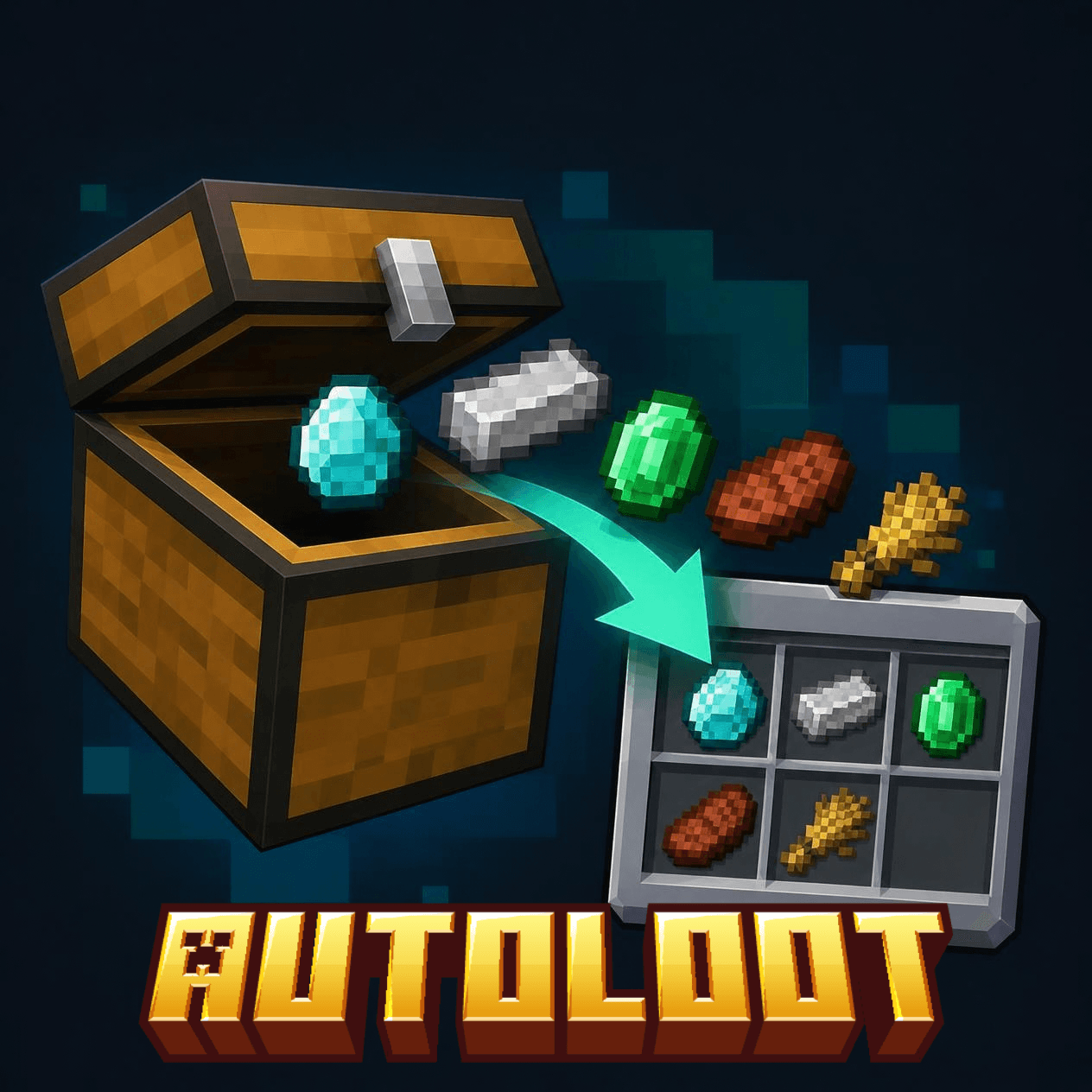
AutoLoot Selector is a client-side Fabric mod that moves the items you choose from chests straight into your inventory.
HOW IT WORKS
1. Press K to open the menu.
2. Type in the search box to find an item, then click it to select it. Selected items get a green border. Click again to unselect.
3. Turn the mod on with the "Mod" button in the menu.
4. Open a chest, barrel, shulker box or ender chest. The selected items move to your inventory automatically.
KEYS (can be changed in Options > Controls)
K - open the menu, toggle ON/OFF the mod
THE MENU
- Searchable item list, with item names in the language you choose
- "View: Selected" shows only the items you picked
- "Clear selection" removes all your picks
- Creative-only items (bedrock, barriers, command blocks, spawn eggs...) are hidden
- Your choices are saved between sessions
SAFETY AND DETAILS
- It only acts when the container opens. Items you put in afterwards stay in the chest.
- It pauses while you are holding an item with the mouse.
- It only works on real containers, not on server plugin menus (shops, GUIs).
- An on-screen message shows how many stacks were picked up.
LANGUAGES
English (US, UK, Australia) and Portuguese (Portugal, Brazil).
REQUIREMENTS
- Minecraft 1.21.11
- Fabric Loader and Fabric API
- Java 21
- Client-side only: do not install it on the server.
NOTE
Some servers do not allow mods that automate actions. Check the server rules before using it. The author is not responsible for bans.
AutoLoot Selector Team