AutoEater
- By
Automatically eats food when your hunger drops below a configurable threshold — fully hands-free hunger management for Fabric 1.21.
Screenshot (1275).png
Screenshot (1274).png
Screenshot (1270).png
Screenshot (1269).png
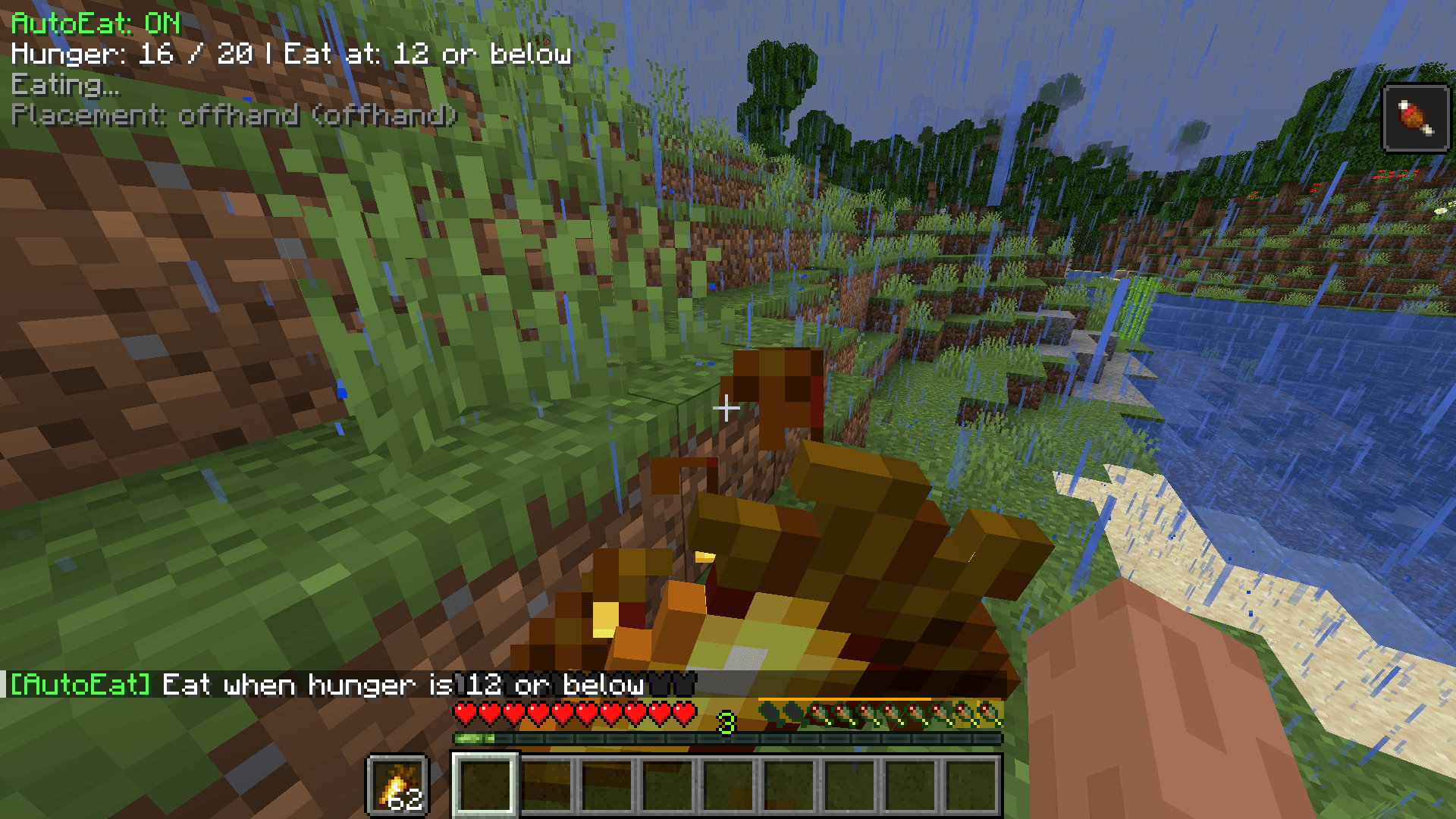
Screenshot (1276).png
spce_man | AutoEater
Create a server, get 25% off your first month

Description
AutoEater
AutoEater is a lightweight client-side Fabric mod that automatically manages eating for you, so you can focus on mining, building, PvP, or exploring without constantly watching your hunger bar.
No more dying to starvation while AFK mining or forgetting to eat during long sessions.
Features
Core Features
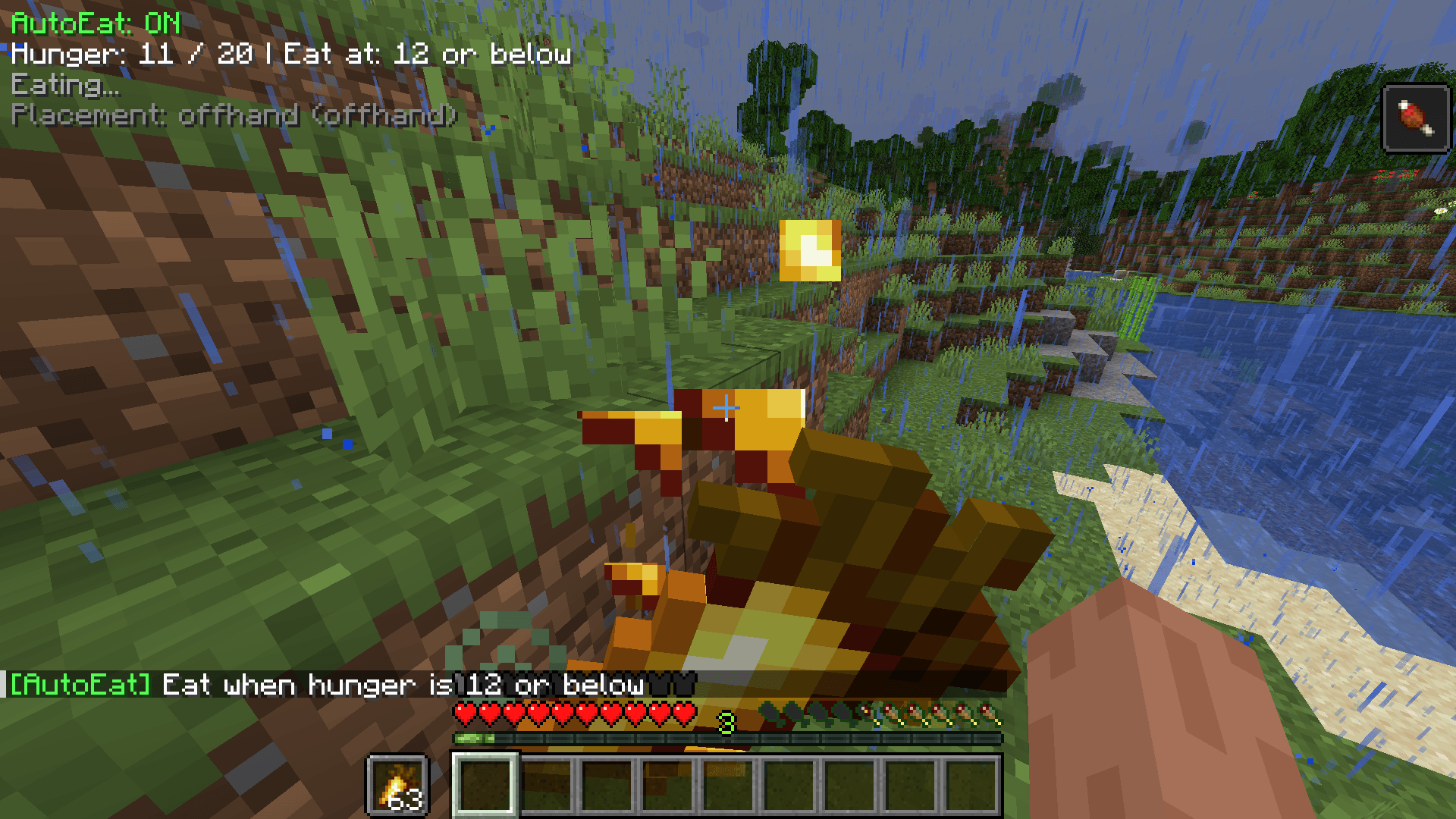
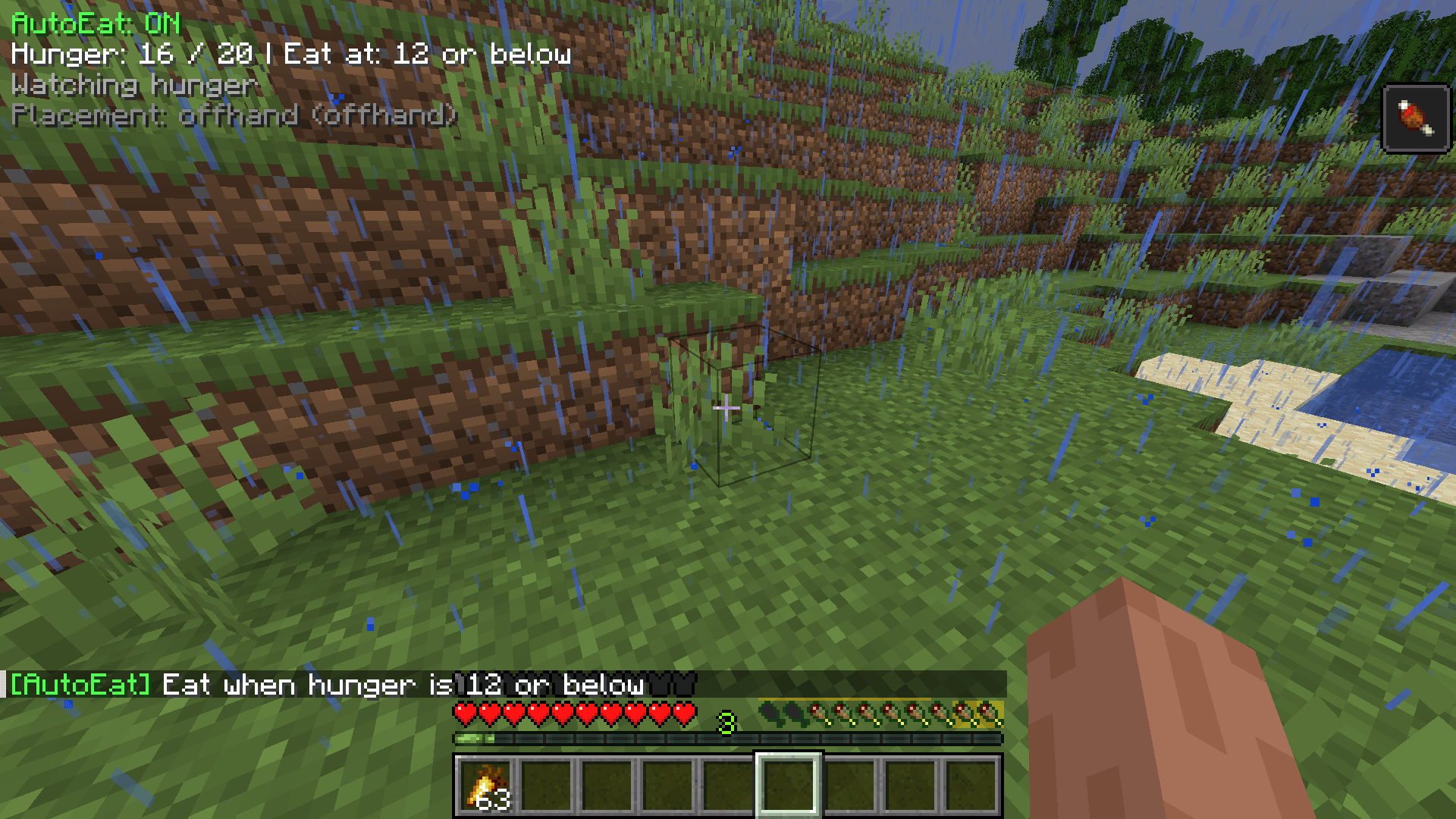
- Automatically eats when hunger drops below a configurable threshold
- Configurable target hunger level
- Saturation-based trigger support (eat before hunger visually drops)
- Adjustable cooldown between eating actions
- Limit maximum food items consumed per activation
- Hotbar-only mode or full inventory support
Smart Food Handling
- Best food first mode
- Worst food first mode (save valuable food, consume weaker food first)
- Custom food priority lists
- Optional harmful food filtering
- Rotten Flesh
- Spider Eye
- Poisonous Potato
- Pufferfish
Combat & Safety Features
- Combat safety mode
- Aborts eating when taking damage
- Aborts eating when attacking
- Automatically pauses for 3 seconds after combat activity
- Emergency Golden Apple mode
- Automatically eats Golden Apples below a configurable health threshold
Inventory Handling
Choose how food is placed before eating:
- Empty hotbar slot
- Replace currently held item
- Offhand
Quality of Life
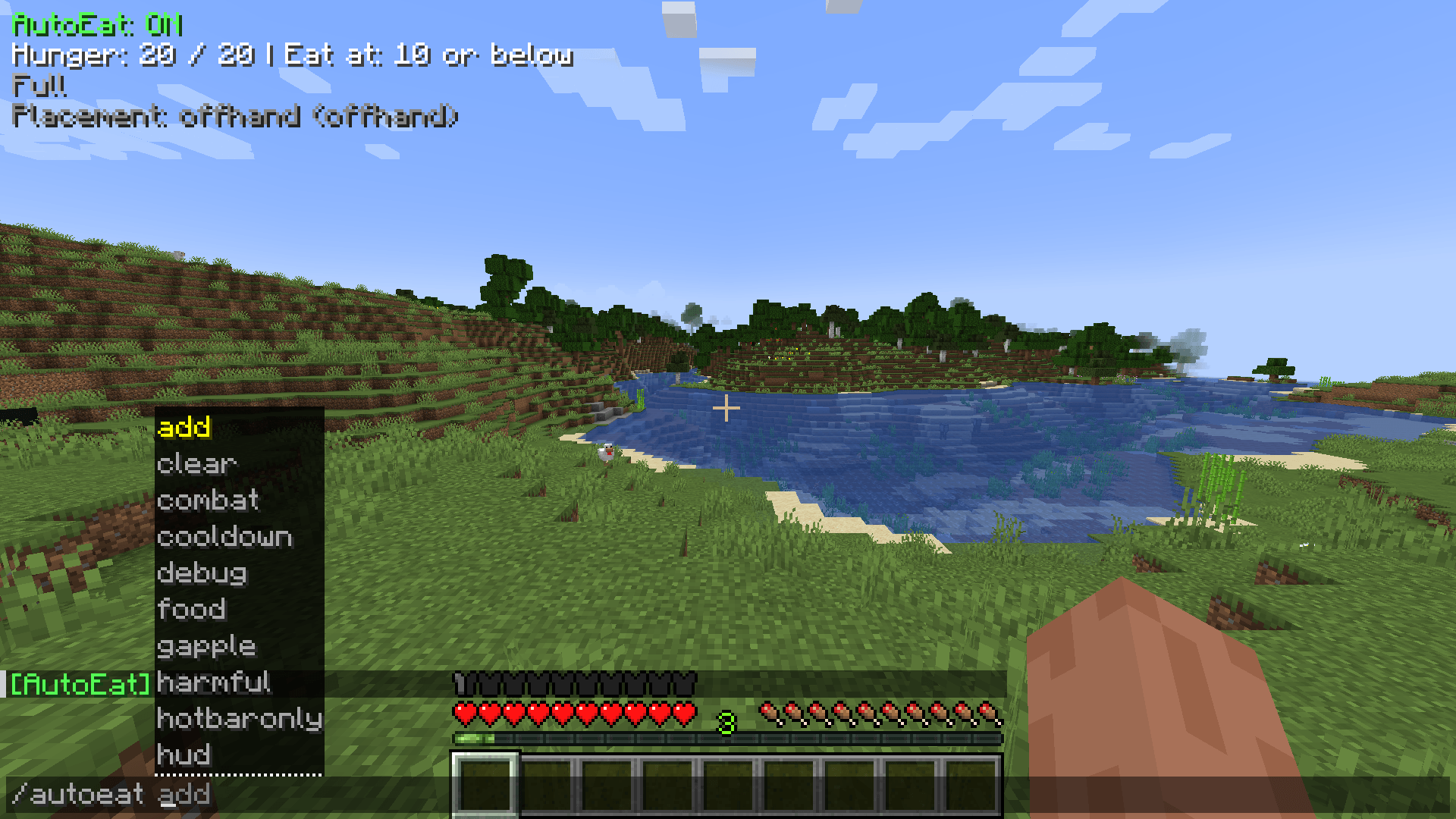
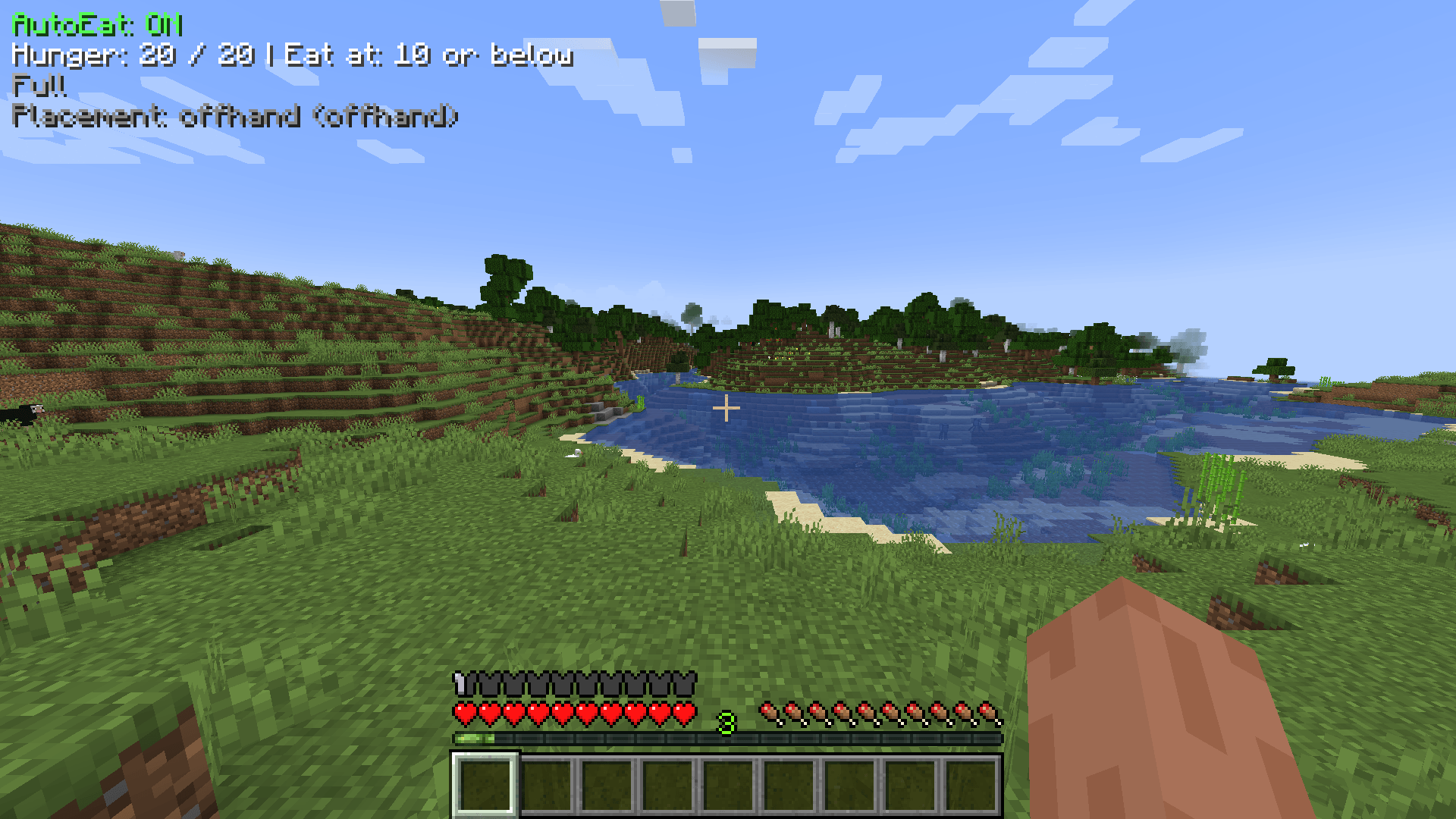
- Optional HUD overlay
- Fully configurable in-game
- JSON config support (
autoeat.json) - Lightweight and fully client-side
- Works on any server
Commands
All commands support tab auto-completion and also work with the .autoeat prefix on servers.
| Command | Description |
|---|---|
/autoeat |
Show current status and settings |
/autoeat threshold <1-20> |
Hunger level that triggers eating |
/autoeat target <1-20> |
Hunger level to eat up to |
/autoeat saturation <float> |
Eat when saturation drops below this (0.0 disables) |
/autoeat cooldown <ticks> |
Delay between eating items |
/autoeat maxeats <1-100> |
Maximum food items eaten per activation |
/autoeat food [best|worst|custom] |
Food selection priority |
/autoeat place [empty|held|offhand] |
Food placement behavior |
/autoeat add <item_id> |
Add item to custom priority list |
/autoeat clear |
Clear custom priority list |
/autoeat gapple <float> |
Health threshold for emergency Golden Apple use |
/autoeat combat <true|false> |
Toggle combat safety mode |
/autoeat harmful <true|false> |
Allow or block harmful foods |
/autoeat hotbaronly <true|false> |
Restrict usage to hotbar only |
/autoeat hud <true|false> |
Toggle HUD overlay |
/autoeat debug <true|false> |
Enable console debug logging |
Requirements
- Minecraft 1.21+
- Fabric Loader 0.15.0+
- Fabric API
- Java 21+
Installation
- Install Fabric Loader
- Install Fabric API
- Place AutoEater into your
modsfolder - Launch Minecraft
Notes
- Client-side only
- Safe to use on vanilla and modded servers
- No server installation required
AutoEater Team