AutoCrafter Bot
- By
Client-side crafting bot: gathers materials from chests, shulkers, spawners and /shop, crafts End Crystals, TNT minecarts and more, and packs them into shulkers.
screenshot-1-menu.png
screenshot-2-crafting.png
screenshot-3-finished.png
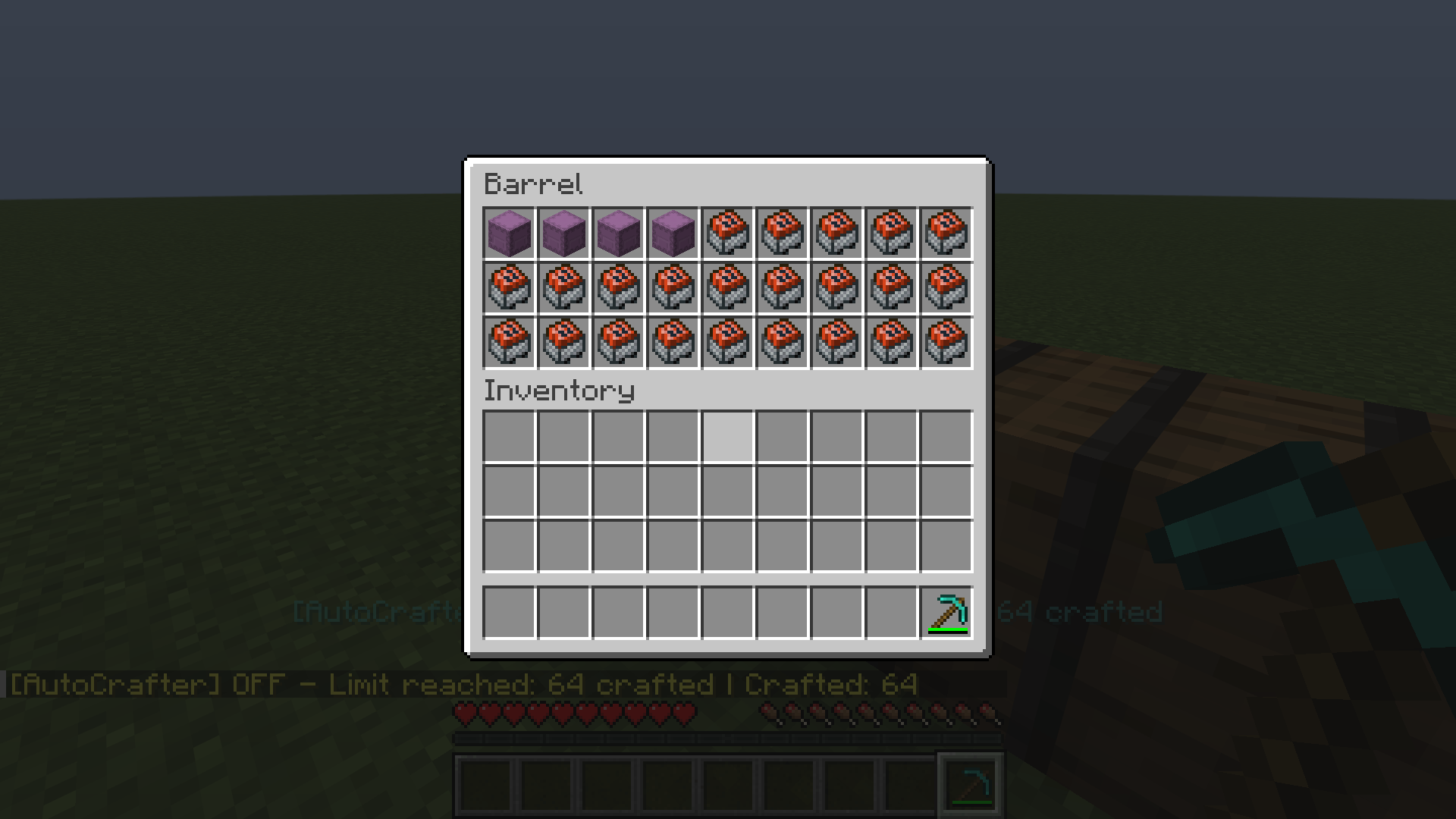
screenshot-4-output-chest.png
Description
AutoCrafter Bot
A client-side crafting bot for Fabric. Pick what you want to craft, press J, and the bot gathers the materials, crafts everything (including intermediate items) and packs the result into shulker boxes.
What it does
- Collects materials from chests, barrels and shulker boxes around you. Shulker boxes stored inside chests are taken out, placed, emptied and picked up again.
- Spawner loot: opens spawner loot storages of spawner plugins (right-click → storage icon) and takes what it needs. Menu buttons (sell, pages, close) are never clicked.
- Server shop: if something is missing everywhere, it can buy the base materials through the server's
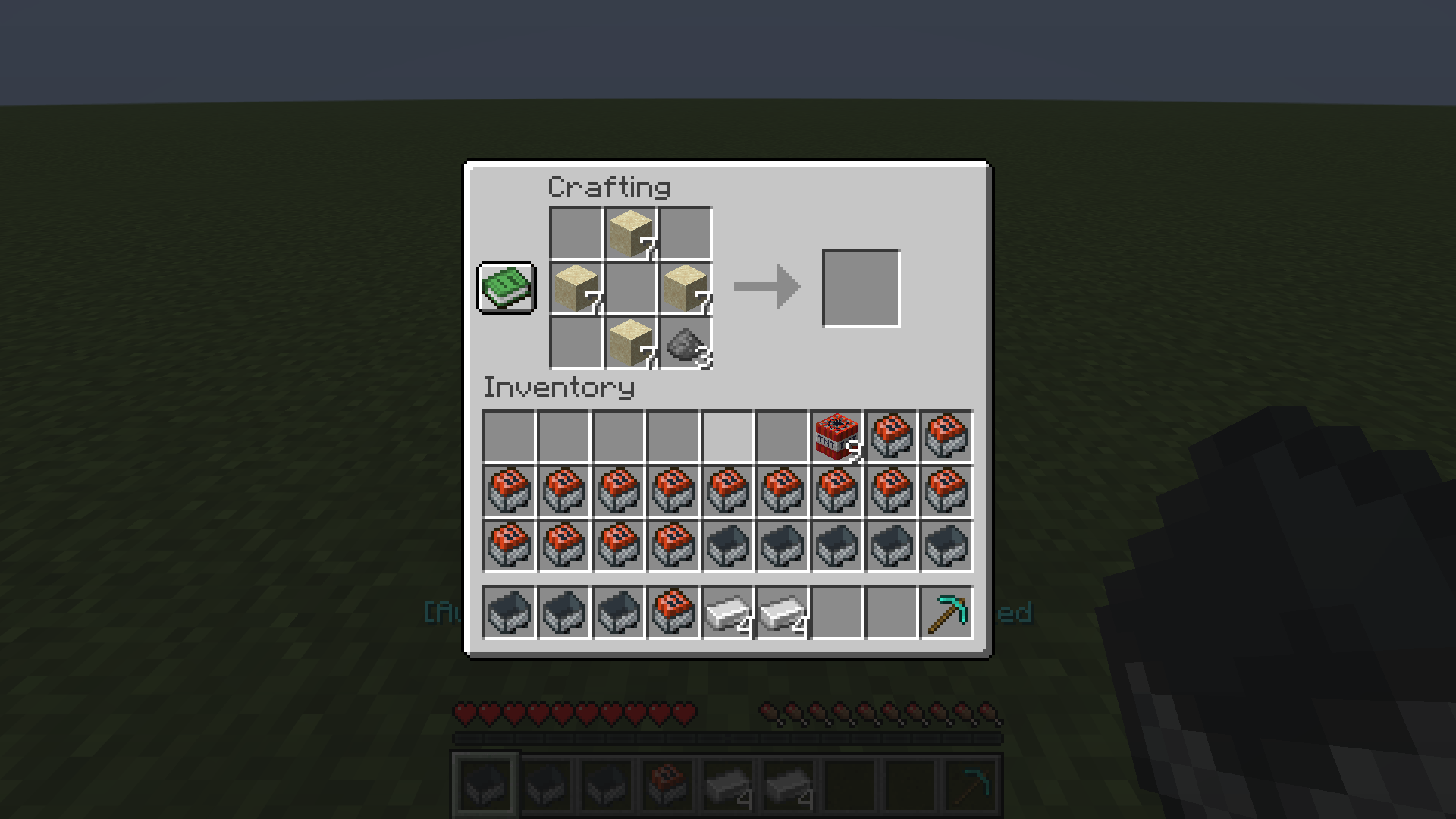
/shopchest menu (category → item → buy). Shops that use "Buying …" and "Buy stacks of …" screens are supported directly; other layouts are handled by button names. Can be turned off in the menu. - Crafts the whole chain at a crafting table, e.g. Iron → Minecart, Gunpowder + Sand → TNT, TNT + Minecart → Minecart with TNT. Waits for the server before taking results, so it also works with lag.
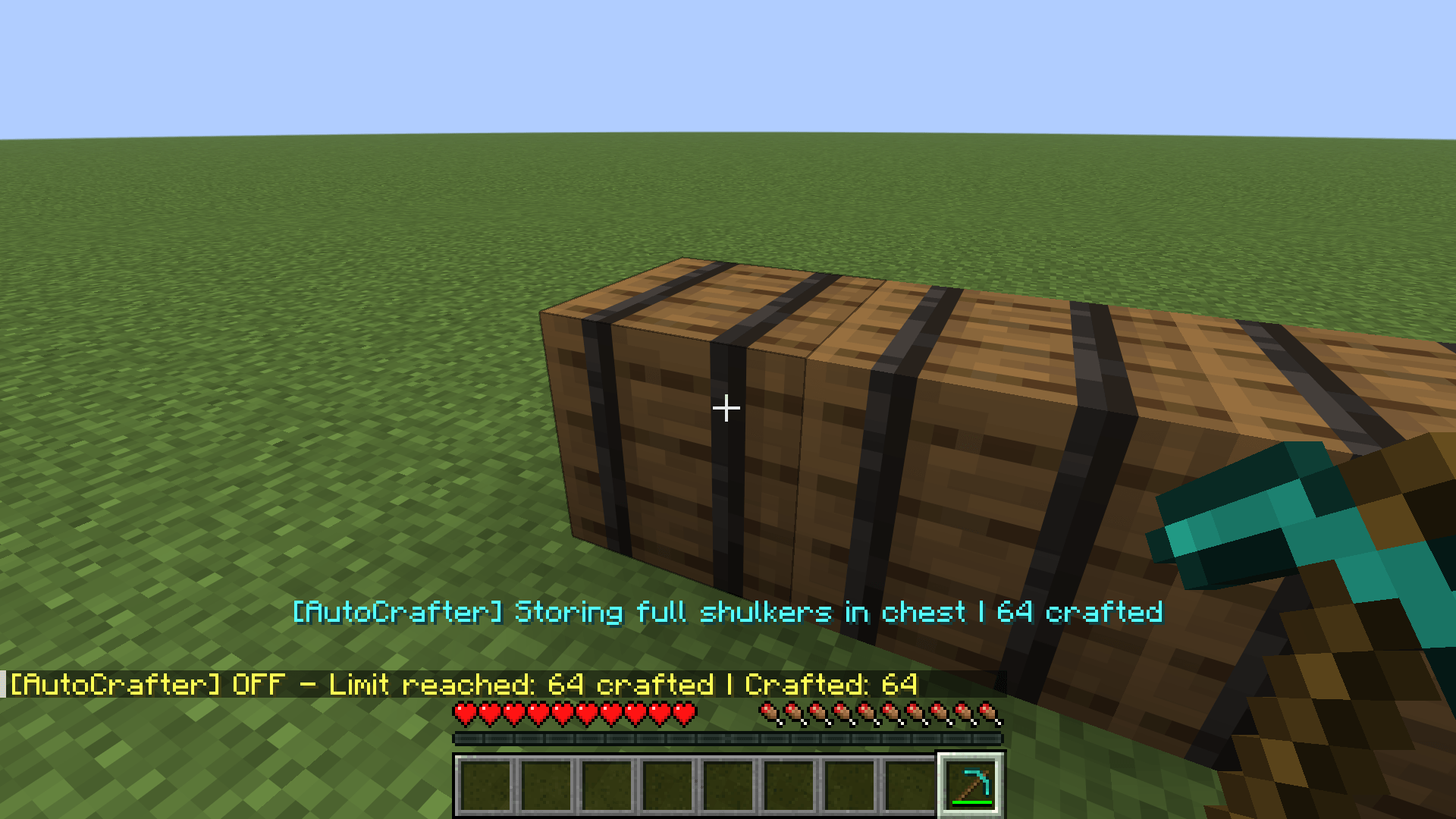
- Packs the output into empty shulker boxes and stores full shulkers in an output chest.
- Keeps the inventory usable: junk is moved into a chest, or dropped away from your work area when no chest has room. Tools, armor, totems, food, potions, enchanted/named items, shulkers and valuables are never touched.
- Tells you why it stopped: e.g.
Minecart with TNT - missing: Gunpowder, Sandplus how many chests and spawners it found.
Craftable items
End Crystal · Eye of Ender · Blaze Powder · Respawn Anchor · Glowstone · Ender Chest · TNT · Golden Apple · Minecart with TNT · Minecart
Controls
| Key | Action |
|---|---|
| J | Start / stop the bot |
| K | Open the menu |
Both keys can be changed in Options → Controls → Key Binds → AutoCrafter Bot.
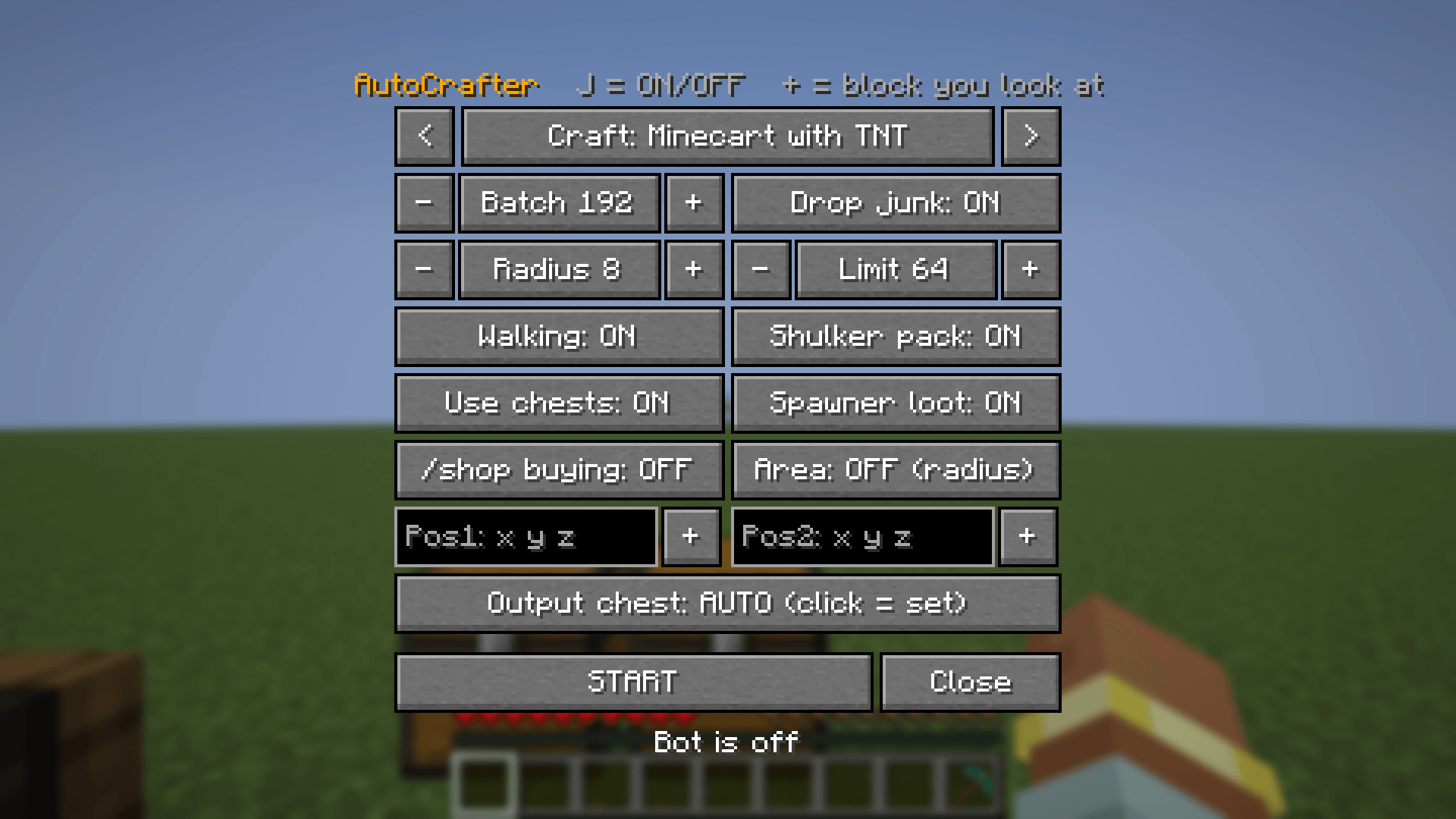
Menu options
- Craft - what to make
- Batch - how many items per round
- Radius or Area (Pos1 / Pos2 corners) - where to look for chests, shulkers and spawners
- Limit - stop after this many items
- Use chests / Spawner loot / /shop buying - which sources may be used
- Shulker pack - put the output into shulker boxes
- Drop junk - allow dropping junk when no chest has room
- Walking - walk to containers that are out of reach (straight line, no pathfinding)
- Output chest - look at a chest and click to use it for the output
Setup tips
- Put a crafting table, your material chests and an empty output chest close together.
- Leave some free floor next to the crafting table (shulker boxes are placed there).
- Keep a pickaxe in your inventory so shulker boxes break quickly.
Requirements
- Minecraft 1.21.11
- Fabric Loader 0.16+
- Fabric API
Client-side only - not needed on the server.
Please note
This mod automates clicking and crafting. Many multiplayer servers do not allow bots, macros or automation. Check the rules of the server before you use it; you are responsible for how you use it.
AutoCrafter Bot Team