Auto Trader
- By
Auto Trader automates villager trading. Capture a villager in a bucket, select a trade, and use redstone and hoppers to trade with real offers, stock limits, and restocking. Compatible with No Trade Cooldown by adamjaroui23.
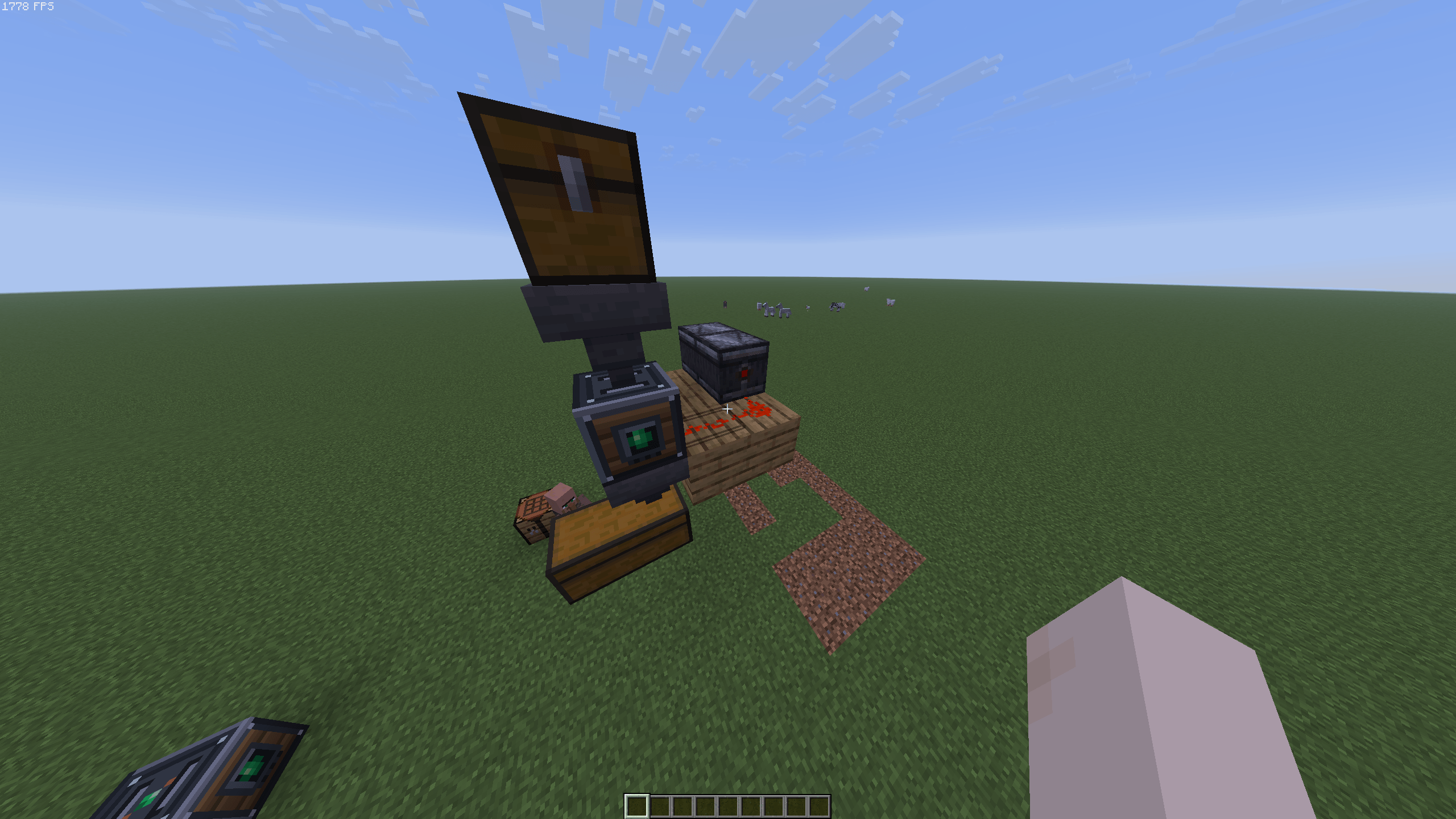
image_2026-11-01_131959031.png
2026-11-01_12.46.51.png
2026-11-01_12.45.18.png
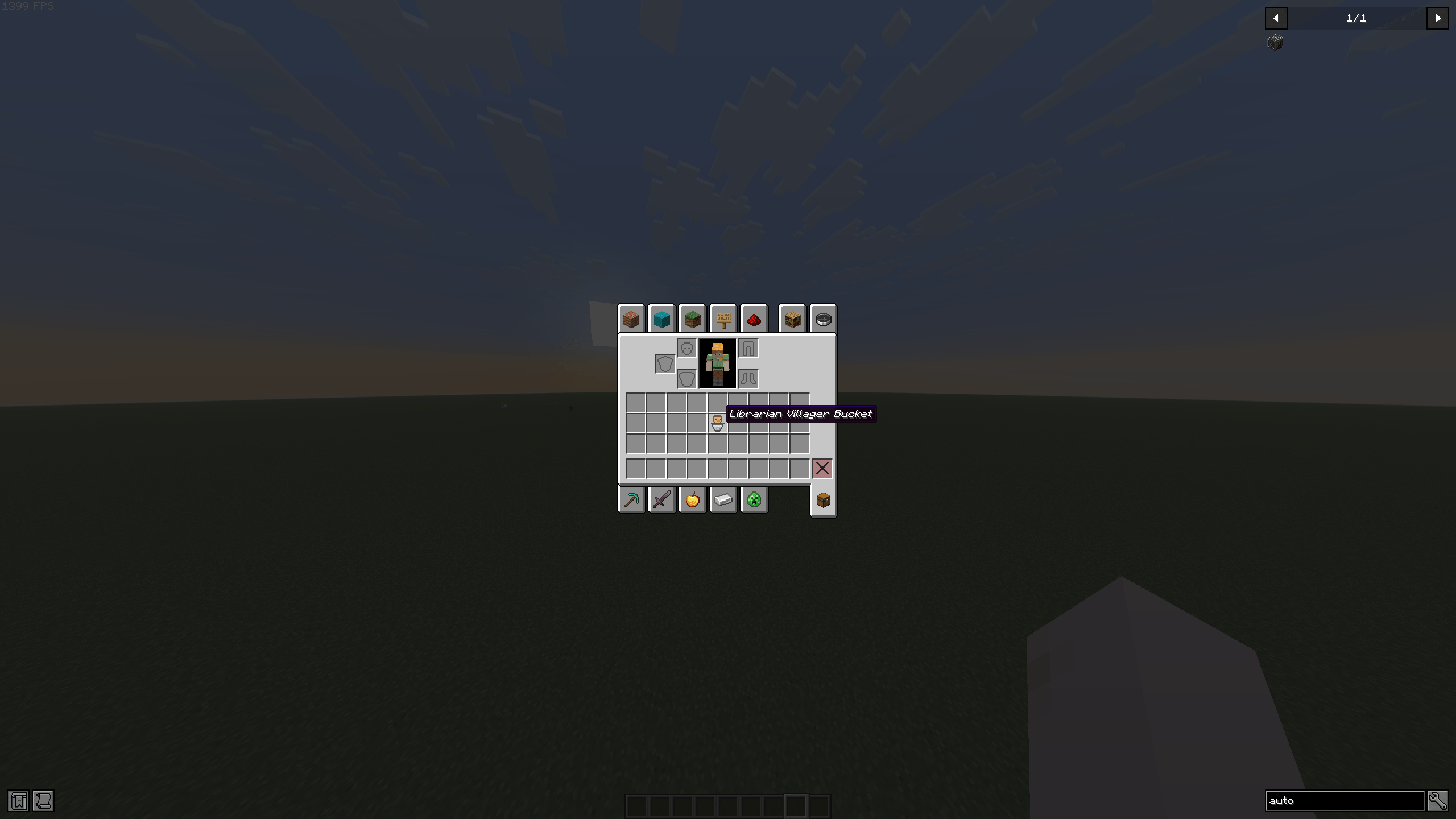
image_2026-11-01_132419303.png
2026-11-01_12.43.21.png
Description
Auto Trader
Auto Trader adds a redstone-powered workstation for automating villager trades. Store a villager in the machine, choose one of their offers, and let your builds handle the trading.
Getting started
- Use an empty vanilla bucket on a villager to capture them. Their profession and trade data are preserved, and the bucket shows which profession it contains.
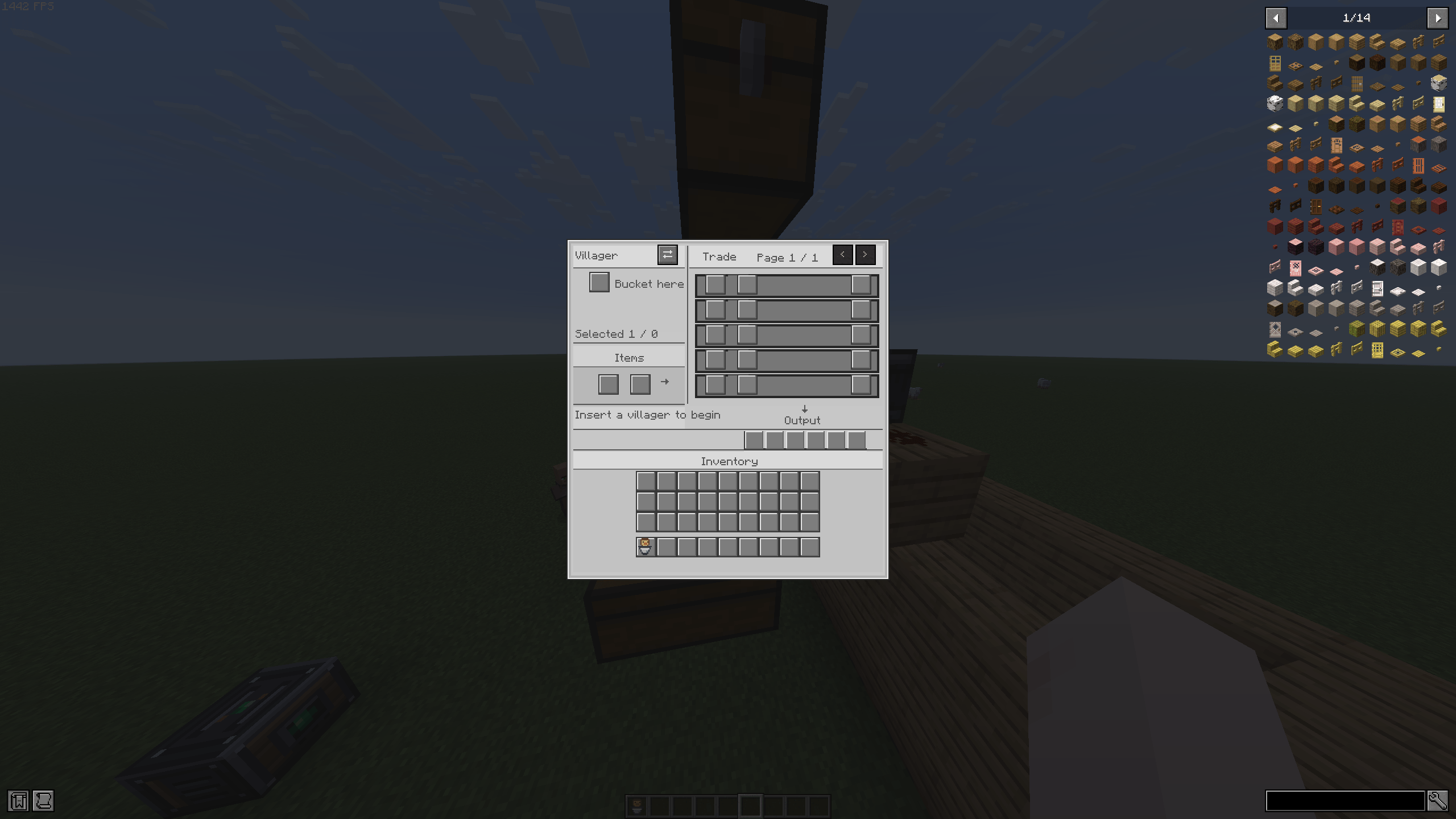
- Place an Auto Trader and insert the villager bucket into its villager slot.
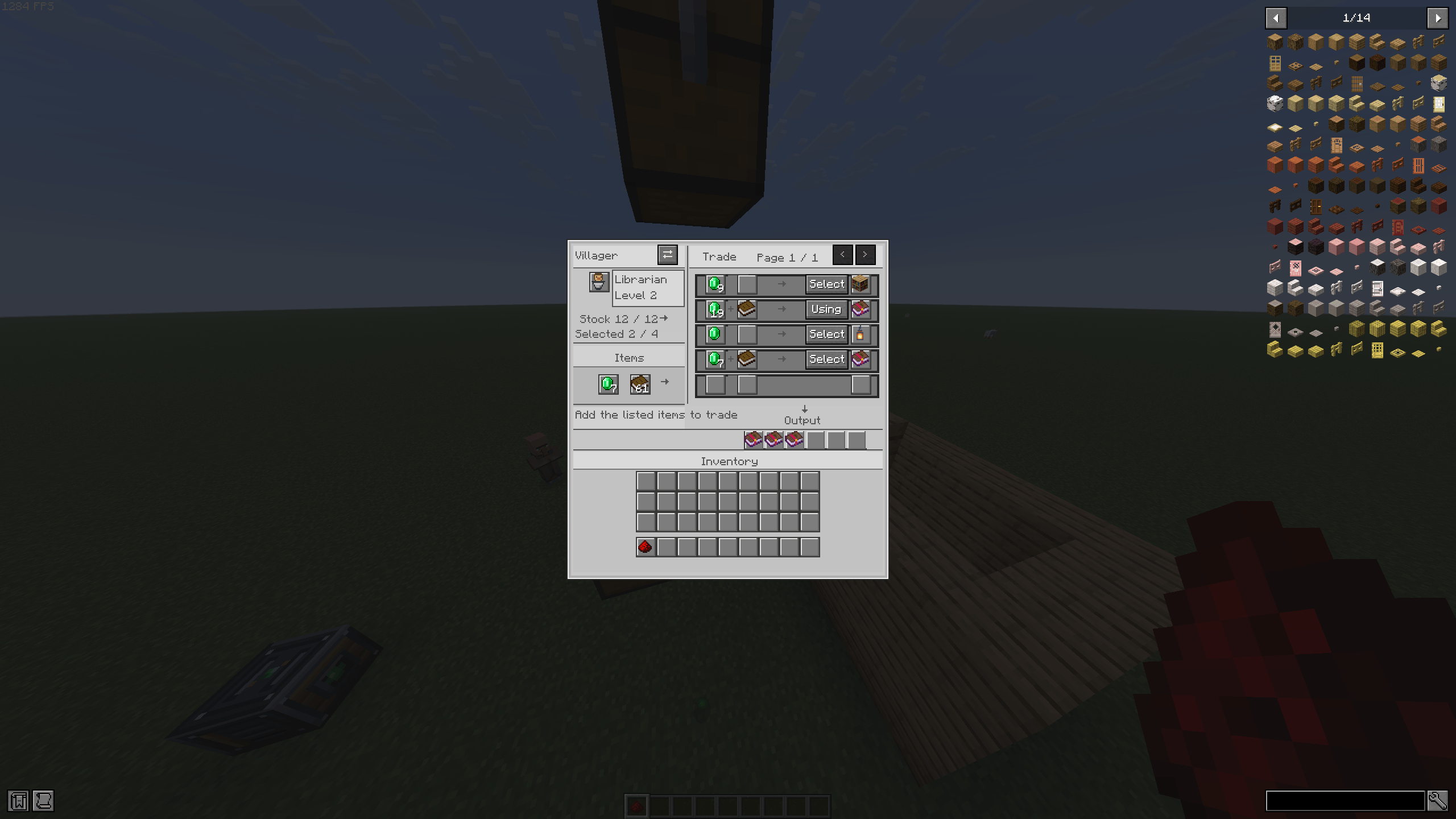
- Select an offer from the trade list.
- Add the required items to the input slots.
- Send a redstone pulse to perform a trade.
The machine uses the villager’s actual offers and outputs the real trade result. It respects trade costs, stock limits, and vanilla restocking. Each new redstone activation performs at most one trade, so send another pulse to trade again.
Automation
Hoppers can feed items into the input inventory and extract purchased items from the output inventory. The machine uses sided inventory access to keep inputs and outputs in their intended slots.
Recipe
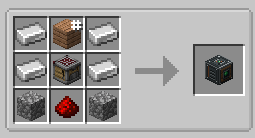
Iron Ingot Any Plank Iron Ingot
Iron Ingot Crafter Iron Ingot
Cobblestone Redstone Cobblestone
Image of recipe in Gallery
The plank slot accepts any plank type.
Requirements: Fabric, Minecraft 26.3
Compatibility: Can be used alongside No Trade Cooldown by adamjaroui23.
Auto Trader Team